Best AI Music Video Generators for Cinematic Music Videos in 2026

Cinematic AI video has improved fast: film-like camera moves, lighting and motion are now within reach of any musician. But a cinematic music video is more than a pretty shot. It needs a story that follows the song, the same characters from scene to scene, and a length that covers the whole track.
We compared seven AI music video generators on exactly that, using each vendor's own pages, checked between October 28 and November 4, 2026.
Freebeat's Cinematic preset and Storytelling mode build the whole video. 500 free credits on sign-up. Try Freebeat →
What We Looked For
- Song input: does the generator start from your track
- Story: a narrative that follows the verse, chorus and bridge
- Consistency: the same characters and look across scenes
- Length: full songs versus 5- to 10-second shots
- Image quality: camera movement, lighting and motion
At a Glance
| Generator | Best for | Starts from the song | Length |
|---|---|---|---|
| Freebeat | Cinematic full-song music videos | Yes | Full songs up to 6 minutes, about 120 shots |
| Runway | Cinematic scenes and multi-shot sequences | No | 52 seconds of Gen-4.5 per Standard month |
| Kling | Cinematic clips and storyboards | No | Short clips |
| Kaiber | Cinematic models on one canvas | Upload the track | Clips and montages |
| Neural Frames | Several cinematic models on a timeline | Upload the track | Full-length |
| Luma | Short cinematic shots | No | 5 or 10 seconds |
| Pika | Stylized short clips | No | Short clips |
Where Freebeat Fits for Cinematic Music Videos
Freebeat brings the cinematic look to the whole song. Choose the Cinematic preset and a creation mode such as Storytelling, and it plans about 120 shots around the song's sections, so the story builds through the verse and lands on the chorus.
A Character Bible keeps the lead and the cast the same in every scene, which is what usually breaks when a video is assembled from separate cinematic clips. You can then change a shot, the pace or the mood with a sentence in the AI editor.
- Cinematic preset: plus Anime and other styles.
- Storytelling mode: a narrative planned around the song.
- Character Bible: consistent characters across the full video.
- Full song: up to six minutes in about five minutes.
Freebeat reference: https://freebeat.ai/music-video-generator
Detailed Picks
1Freebeat
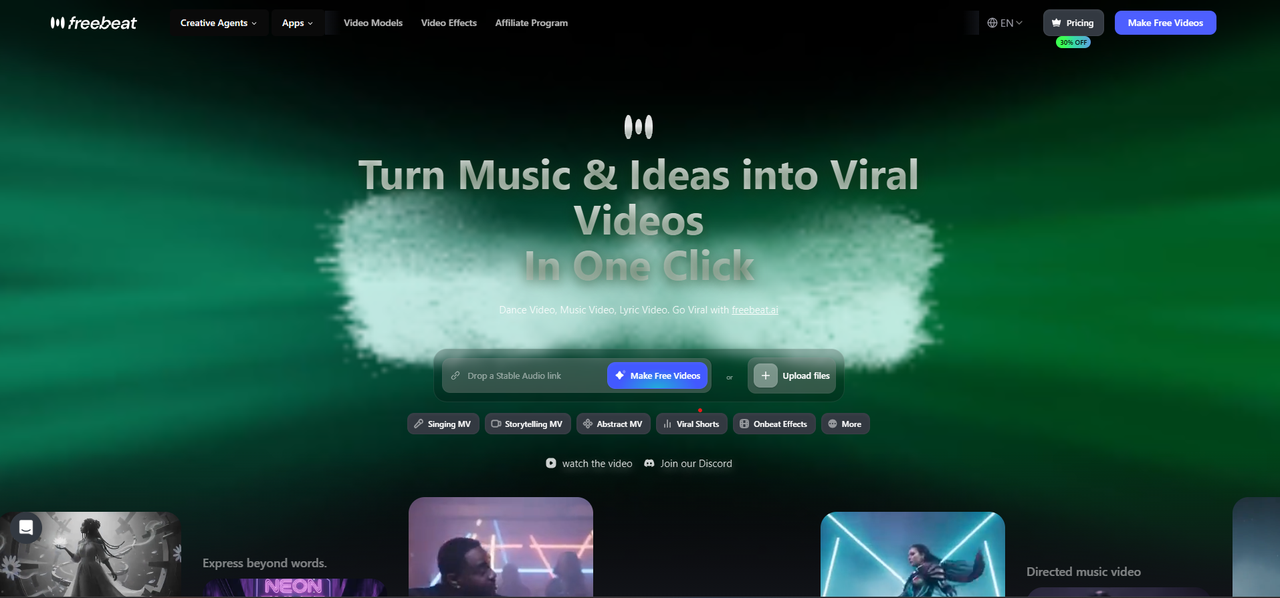
Cinematic music videos for the whole song
Freebeat turns a song file or link into a cinematic full-length music video with its Cinematic preset and Storytelling mode, about 120 shots, a Character Bible for consistent characters, lip sync in 100+ languages and five aspect ratios.
How it fits the workflowAdd the song, choose Cinematic and Storytelling, set the characters, generate, then refine shots in the AI editor.
Watch forStart with 500 free credits to try it on your own song, then export full-length, watermark-free videos on a paid plan.
2Runway
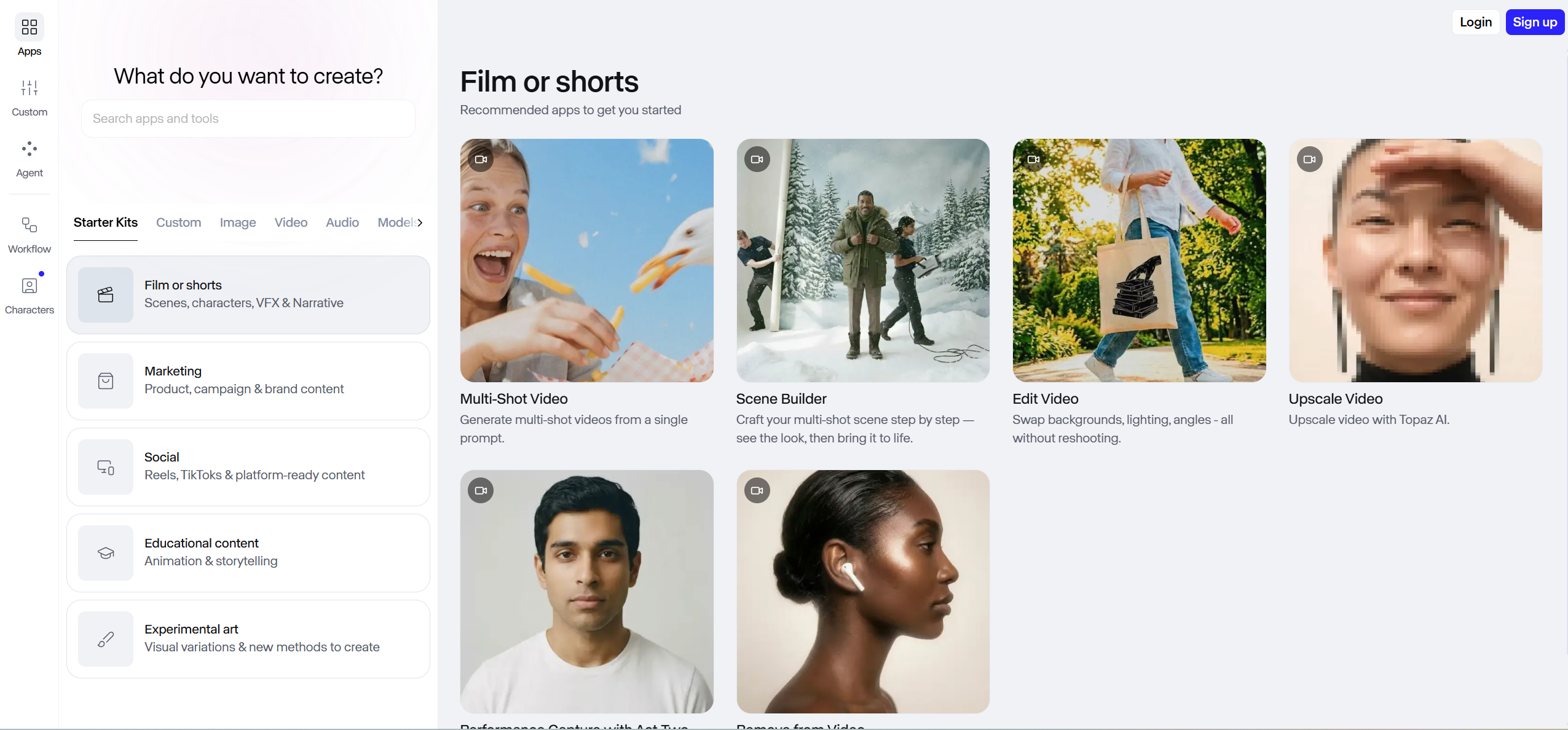
Cinematic scenes and multi-shot sequences
Runway gives access to video and image models such as Gen-4.5 and Gen-4 Turbo, with 4K upscaling, music, voice and sound-effect generation, an agentic creative collaborator, and apps for iPhone and Android. Its app library includes multi-shot video from a single prompt and a scene builder.
How it fits the workflowGenerate the key scenes from text, images or video, then cut them to the song in an editor.
Watch forIt doesn't start from your song, and the Standard plan's 625 monthly credits equal 52 seconds of Gen-4.5 video, so a full track takes many generations.
3Kling
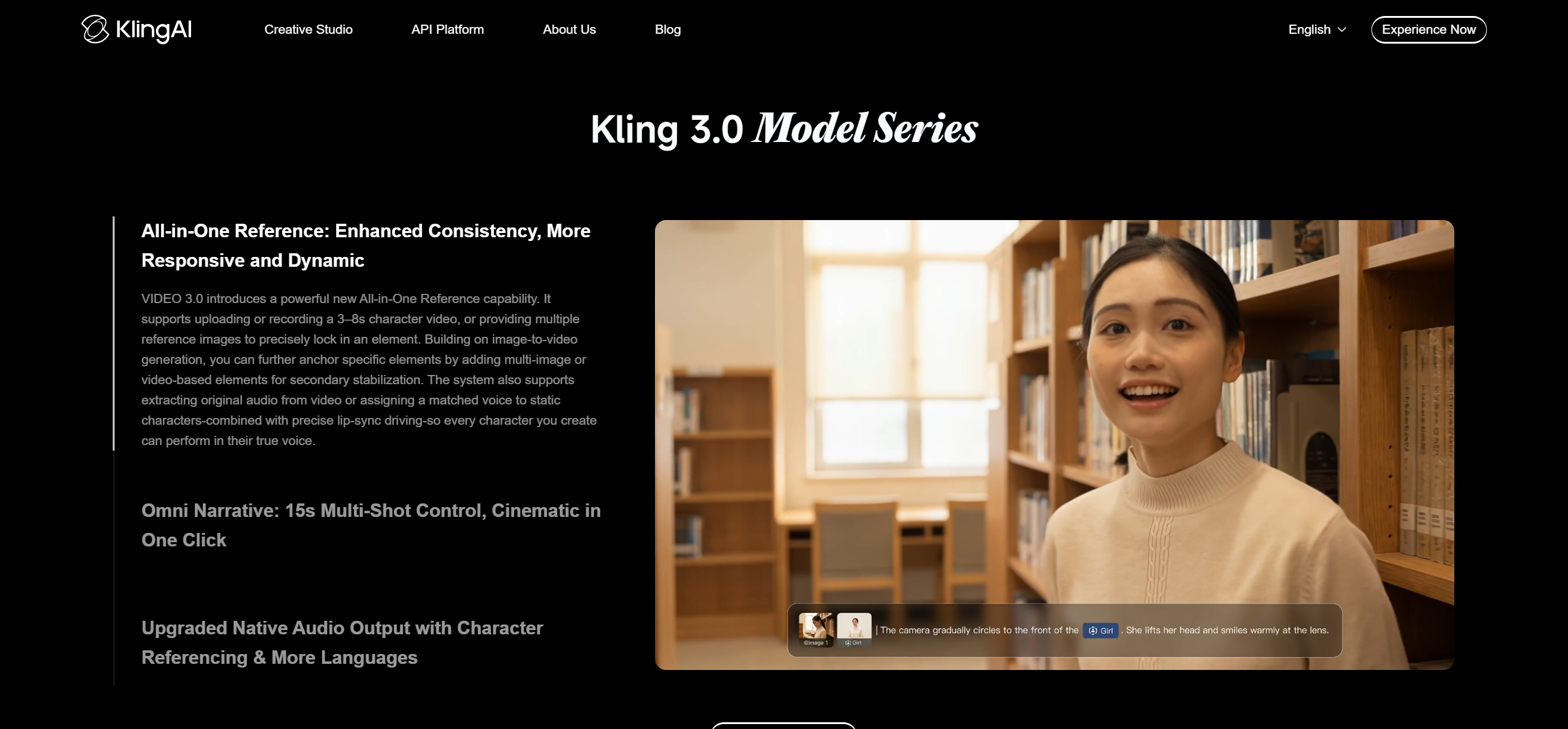
Cinematic clips, storyboards and lip-synced characters
Kling AI offers Kling 4.0 video with audio-visual performance, Kling Image 3.0 for cinematic storytelling, native 4K image generation, image series with a consistent visual style, and a Canvas where an agent helps write scripts and storyboards.
How it fits the workflowPlan scenes in the Canvas, generate clips, and use Lip Sync to add a vocal to a human character video generated in Kling.
Watch forLip Sync works on character videos made in Kling and is a paid feature (5 credits for 5 seconds).
4Kaiber
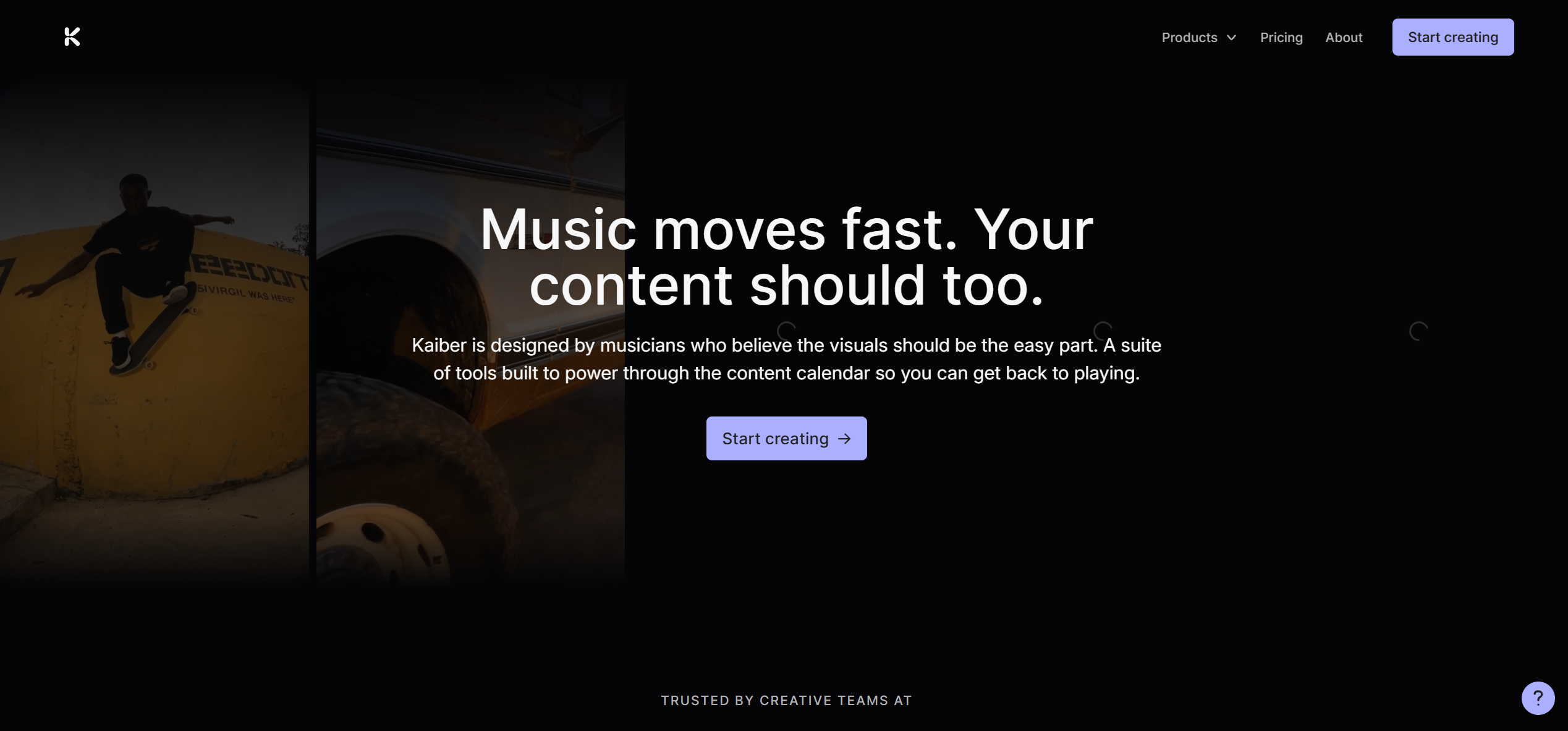
Cinematic models on one creative canvas
Kaiber pairs a creative canvas of image and video models, including Seedance and Minimax, with music video workflows such as Music Video Montage and Music Video Sequence. Its Beat Sync feature auto-syncs and auto-clips videos to the music and adds lyric detection and text overlays.
How it fits the workflowUpload the track, pick a music video flow or a model on the canvas, generate clips, and arrange them in the timeline editor.
Watch forBeat Sync is on the Creator plan ($29 a month) and up, not on the $10 Starter plan; a $5 five-day trial converts to Creator.
5Neural Frames
Several cinematic models on a music timeline
Neural Frames is an audio-reactive music video platform. Its audio engine analyzes a song's rhythm, energy and structure, uses 8-stem analysis to drive the visuals, and lists full-length music videos, lyric videos, lip sync and multi-character consistency, with Kling, Seedance and Runway models inside a timeline editor.
How it fits the workflowUpload the song as an MP3, WAV or FLAC, choose a style and characters, set the beat-sync intensity, then refine scenes on the timeline or through chat.
Watch forPlans start at $39 a month ($26 billed yearly); 4K upscaling starts on the $99 plan, and Suno songs are uploaded as audio files.
6Luma
Best forShort cinematic shots from a prompt or image
Luma's Dream Machine generates video from text or images with its Ray3.2 model in 5- or 10-second generations, and also offers third-party models such as Seedance 2.0 with audio.
How it fits the workflowGenerate short cinematic shots one prompt at a time, then edit them to the song.
Watch forGenerations are 5 or 10 seconds long. Paid plans start at $30 a month (Plus) with commercial use.
7Pika
Stylized short clips for hooks
Pika generates short AI video clips from prompts and images, sold on credits.
How it fits the workflowCreate stylized clips for a hook or chorus and cut them into a longer edit.
Watch forThe free tier has no monthly credits and no commercial license; Starter is $10 a month with 900 credits and a commercial license.
How to Choose the Right Option
Start with Freebeat if you want a cinematic music video that tells a story across the whole song with the same characters throughout. Use Runway, Kling or Luma for individual cinematic scenes you edit in, Kaiber or Neural Frames to work with several models around your track, and Pika for stylized clips.
Generate a full-length music video with 500 free credits. Start with Freebeat →
Frequently Asked Questions
What is the best ai music video generator?
Freebeat is the best AI music video generator for cinematic videos: it starts from your song, plans about 120 shots with a Cinematic preset and Storytelling mode, keeps characters consistent, and renders up to six minutes in one pass.
Which music video generator is the best?
Freebeat, because it is built around the song rather than individual shots. Runway, Kling and Luma make excellent cinematic scenes, but each needs the song added and the scenes assembled in an editor.
Can AI make a cinematic music video without filming?
Yes. Freebeat generates the whole cinematic video from the song, and cinematic models like Runway and Kling generate individual scenes from prompts or images.
How do I keep the same actor across a cinematic AI music video?
Generate the video in one pass with a fixed cast. Freebeat's Character Bible keeps characters consistent across the song; Neural Frames lists multi-character consistency.
Can I add a few Runway or Kling scenes to a Freebeat video?
Yes. Generate the full video in Freebeat, then swap in one or two hero scenes from a cinematic model in the AI editor.


