Comparison of the Best AI Music Video Generators for Musicians in 2026
Contact partnership@freebeat.ai for guest post/link insertion opportunities.
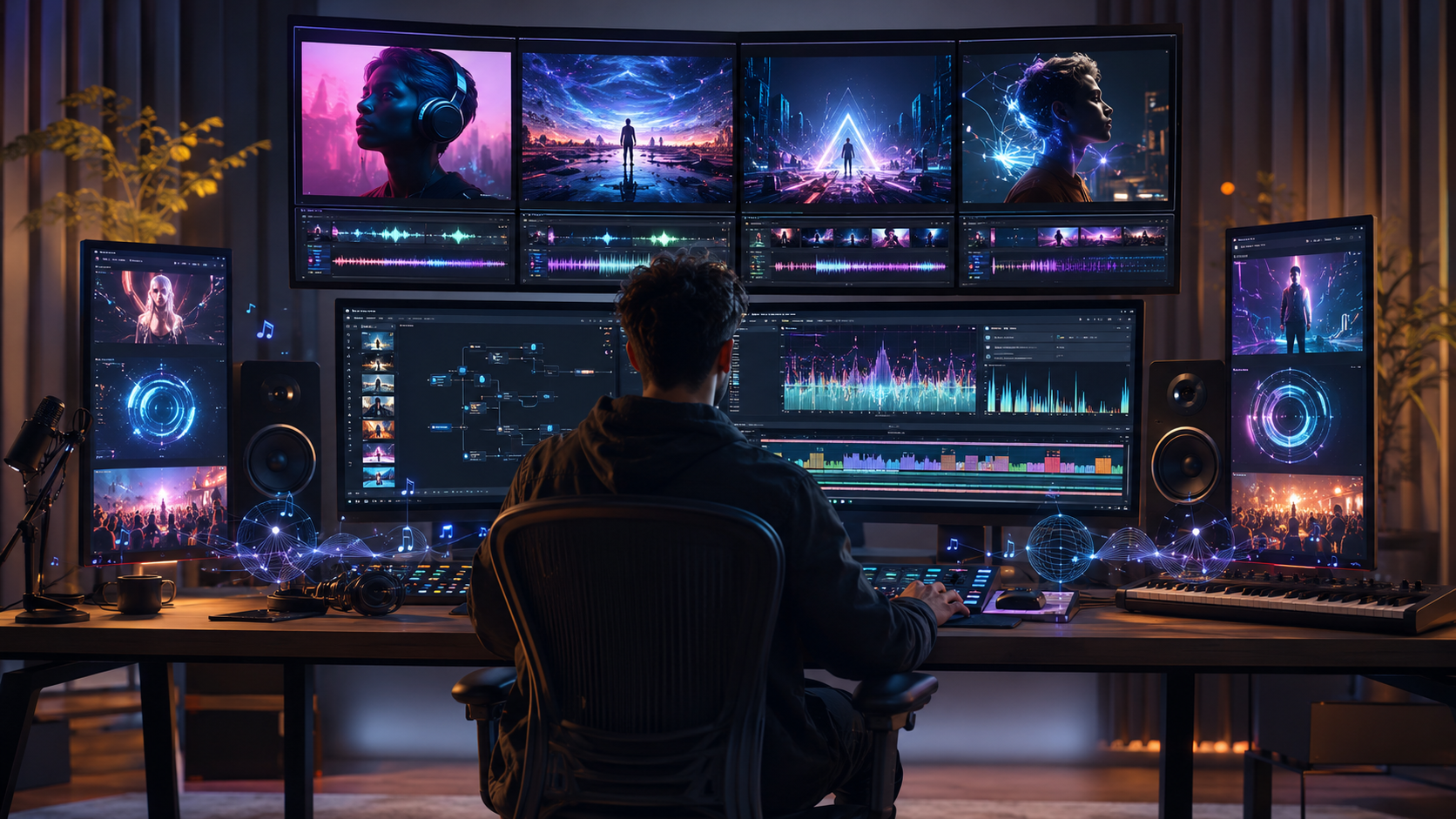
The best AI music video generator for musicians depends on whether you need a finished full-song video, cinematic footage for manual editing, audio-reactive visuals or short promotional clips. Freebeat is a strong option for complete, music-aware production, while Neural Frames offers detailed audio reactivity, Runway suits hands-on editors, Kaiber focuses on stylised visuals, and Pika works well for short social content.
I have found that the most important question is not, “Which tool creates the prettiest clip?” It is, “Which tool gets my finished song to YouTube, TikTok or Instagram with the least wasted work?”
Which AI Music Video Generators Are Best for Musicians in 2026?
Musicians need tools that understand more than visual prompts. A useful platform should account for song length, pacing, musical peaks, visual consistency and final export requirements.
Here is the practical shortlist:
- Best for complete music-aware videos: Freebeat
- Best for detailed audio-reactive control: Neural Frames
- Best for cinematic source footage: Runway
- Best for stylised music visuals: Kaiber
- Best for short social assets: Pika
These platforms do not all perform the same task. Some analyse a complete track and assemble a finished video. Others generate five or ten-second scenes that still require an experienced editor.
For musicians, the strongest option is usually the platform that removes the largest bottleneck between the finished track and the published release.
How I Compared the Best AI Music Video Generators for Musicians
A fair comparison needs one consistent production brief. I recommend testing each platform with the same three-to-four-minute song containing an intro, verses, repeated choruses, a bridge and a clear final peak.
The test should ask every tool to create:
- A recurring performer or visual subject
- Different pacing for verses and choruses
- A consistent visual style
- A horizontal YouTube version
- A vertical promotional cut where supported
The most useful evaluation criteria are:
- Music awareness: Does the tool respond to beats, sections and energy?
- Full-song support: Can it complete the entire track?
- Visual consistency: Do faces, colours and environments remain stable?
- Creative control: Can individual scenes be revised?
- Ease of use: How much prompting and editing is required?
- Distribution readiness: Does it support YouTube and social formats?
- Value: What does one usable finished video actually cost?
The advertised subscription price is only one part of the calculation. Rerenders, failed clips, upscaling and external editing can quickly become the larger expense.
A reliable comparison measures the cost and effort of producing a publishable release, not just the quality of one generated shot.
AI Music Video Generator Comparison
The clearest way to compare these platforms is by product type. Song-first tools use the track to influence the structure, while general AI video tools focus more heavily on visual generation.
A platform can produce excellent footage without being the easiest way to create a complete music video. Musicians should compare the entire workflow, not isolated output quality.
1. Freebeat: Best for Music-Aware Full-Song Production
A complete music video should change pace as the song develops. Choruses need stronger visual peaks, verses need room to breathe, and recurring characters should remain recognisable from one scene to the next.
The platform’s documented workflow analyses BPM, beat timing, onsets, energy, spectral characteristics and song sections before planning the visuals. Its six specialised Agents cover faster automatic generation and more detailed production stages such as concept development, casting, direction, cinematography and post-production.
Relevant capabilities include:
- Videos of up to six minutes on eligible plans
- A Character Bible for recurring performers
- Project-level colour and lighting controls
- Selective regeneration of individual shots
- Lyrics, captions and in-browser editing
- 16:9, 9:16, 1:1 and 4:5 formats
This is particularly useful for independent musicians, singer-songwriters, Suno or Udio users and small creative teams. The workflow reduces the need to write a separate prompt for every scene, while still allowing the creator to revise specific production decisions.
The main consideration is credit usage. More detailed workflows also require creators to spend time reviewing shot plans, visual models and individual scenes.
It is best for musicians who want full-song automation with meaningful revision control.
2. Neural Frames: Best for Audio-Reactive Visual Control
Neural Frames is a strong choice when the relationship between the music and the visual movement is the main creative priority. It is particularly relevant to DJs, electronic producers and visual artists working with abstract or performance-led concepts.
Its official product information describes an Autopilot system for creating full-length music videos, alongside text-to-video, frame-by-frame animation, lip-sync and lyric-video features. Its subscription plans currently range from entry-level paid access to higher-volume tiers, with a free starting option also available.
The platform is useful for:
- Audio-reactive animations
- Electronic and instrumental tracks
- Full-track visualisers
- Lyric videos
- Detailed timeline refinement
The trade-off is complexity. Fine control over musical response can require more creative input than a simplified one-click workflow. Bands and singer-led projects should also test whether recurring performers remain consistent across long sequences.
Neural Frames is strongest when detailed music reactivity matters more than minimal setup.
3. Runway: Best for Cinematic Source Footage
Runway is better understood as a broad AI video-production suite than a dedicated music video generator. It is most useful when a musician or editor wants to generate individual cinematic scenes and assemble them manually.
Its current plans include Free, Standard, Pro, Unlimited and Enterprise options, with credits used across supported image and video models. The platform also provides broader editing and generation tools for creators who need more than a single automated workflow.
Runway fits projects that require:
- Cinematic B-roll
- AI environments
- Hybrid live-action footage
- Carefully directed individual shots
- Generative editing and visual effects
The main limitation is labour. A four-minute song may require dozens of clips, repeated generations and detailed beat synchronisation in Premiere Pro, DaVinci Resolve or another editor.
Runway is best for experienced creators who want high-quality visual building blocks and full responsibility for the final edit.
4. Kaiber: Best for Stylised Music Visuals
Kaiber appeals to musicians and visual designers who want a distinctive artistic direction without building every visual from scratch. Its workflow is commonly associated with music-reactive imagery, creative canvases and reference-led visual development.
It works well for:
- Animated album campaigns
- Experimental music videos
- Stylised visualisers
- Spotify Canvas assets
- Fast creative concept testing
In my experience, this category of platform works best when visual identity matters more than realistic human performance. A surreal electronic track or animated indie release is generally a more natural fit than a detailed band-performance video.
Creators should test full-track duration, recurring character stability and the cost of revisions before committing to a longer project.
Kaiber is most suitable when style and experimentation are the main creative goals.
5. Pika: Best for Fast Social Music Clips
Pika is designed around quick visual generation, image animation and effects. It is therefore more useful for music promotion than for complete song-length production.
The platform currently offers a free plan and several paid subscription options based on monthly video credits. Its public product pages position it as an idea-to-video platform for short AI-generated content and automated creative workflows.
Useful music applications include:
- YouTube Shorts
- TikTok and Reels teasers
- Release announcements
- Stylised transitions
- Animated cover art
- Short performance clips
The limitation is that these assets usually need to be assembled elsewhere if the goal is a full official music video. Song-level structure and cross-scene continuity are less central to the workflow.
Pika is best for fast promotional assets, not long-form music video assembly.
Best AI Music Video Generator for YouTube Musicians
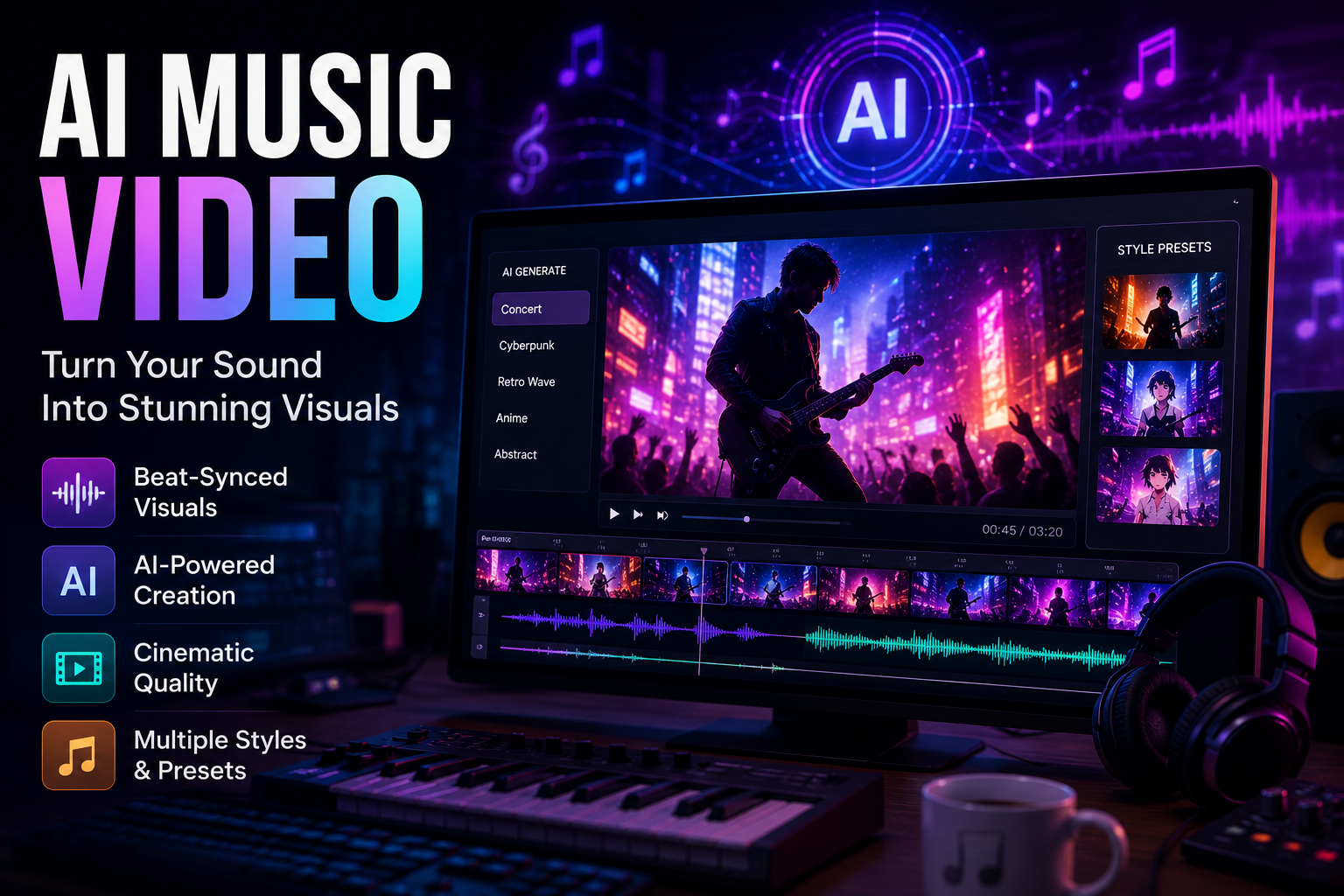
YouTube musicians need more than a visually interesting hook. The platform must support horizontal output, full-song duration, consistent pacing and enough quality for desktop viewing.
The most important requirements are:
- 16:9 export
- Full-track support
- Stable characters and style
- 1080p availability
- Captions or lyric options
- Commercial-use clarity
- Vertical cutdowns for Shorts
A song-first workflow is usually more efficient for musicians without editing experience. Professional editors may prefer generating individual scenes in Runway and assembling the final video manually.
The best YouTube tool supports both the main release and the short promotional content around it.
Best AI Music Video Creator for Indie Artists
Independent artists usually have limited budgets, short release timelines and no dedicated post-production team. The right platform should protect creative identity without creating an unrealistic workload.
For an artist with no video editor, prioritise:
- Full-song automation
- Consistent visuals
- Simple revisions
- Ready-to-publish exports
For an artist with editing experience, prioritise:
- High-quality source footage
- Detailed shot control
- Standard video downloads
- Compatibility with existing software
For lyric videos or visualisers, elaborate character generation may be unnecessary. Timed lyrics, audio reactivity and a strong reusable style may offer better value.
The best indie-artist tool is the one that produces a credible release without consuming the entire marketing budget.
Best AI Music Video Generation Service for Bands
Bands face a harder visual problem than solo creators. Multiple performers, instruments, outfits and interactions may need to remain coherent across many shots.
A band should look for:
- Multiple-character support
- Reference-image controls
- Reviewable storyboards
- Consistent wardrobe and lighting
- Instrument-focused shot planning
- Selective scene revisions
For accurate playing, choreography or group interaction, a hybrid workflow is often more practical. Real performance footage can carry the human detail, while AI creates environments, transitions, narrative inserts and visual effects.
For bands, controllable references and planning stages are usually more important than one-click speed.
Best Budget AI Music Video Generator for Musicians
The cheapest monthly plan is not always the cheapest way to finish a music video. The real budget includes generation credits, rejected footage, rerenders, upscaling and editing time.
A useful budgeting formula is:
Finished project cost = subscription + credits + rerenders + upscaling + external editing + creator time
Use free tiers to test the hardest part of the project first:
- The chorus
- The lead character
- Lip sync
- The main visual style
- Export resolution
Do not spend the entire credit balance before confirming that the tool can handle the most important scene.
The best budget platform minimises total production cost, not just the advertised subscription fee.
Frequently Asked Questions
What is the best AI music video generator for YouTube musicians?
The best option supports full-song duration, 16:9 export, consistent visuals and easy revisions. Song-first tools suit musicians who want a finished video, while general AI video platforms suit editors who prefer manual assembly.
What is the best AI music video creator for indie artists?
Indie artists should prioritise affordability, full-song support, creative identity and low editing overhead. Testing the chorus and lead character first can prevent wasted credits.
What is the best AI music video generator for creators?
Creators producing multiple formats should look for horizontal and vertical exports, fast iteration and selective scene editing. Short-form creators may prefer effects tools, while music-focused creators benefit from song-aware workflows.
What is the best AI music video generation service for bands?
Bands should compare multi-character controls, reference images, storyboard review and performance-scene support. Hybrid projects combining real footage with AI visuals are often better for accurate group interaction.
What is the best AI music video generator for musicians on a budget?
Compare the cost of one usable finished video, including credits, failed generations, watermarks and external editing. The lowest subscription price does not always produce the lowest total project cost.
Can AI generate a full music video from a finished song?
Yes. Some music-first platforms analyse the complete track and produce a multi-scene video. General video generators usually create shorter clips that must be synchronised and assembled manually.
Should musicians use a visualiser or a music video generator?
Use a visualiser for repeating, abstract or audio-reactive imagery. Choose a music video generator when the project needs multiple scenes, performers, lyrics, narrative progression or full-song pacing.
Can one project be exported for YouTube and TikTok?
Some platforms support both horizontal and vertical formats. Automatic reframing or overlay repositioning is especially useful because it reduces the need to rebuild captions and visual elements.
What should I test before generating the full video?
Test the chorus, main performer, visual style, lip sync and export quality. These elements reveal whether the platform can support the core concept before a full render consumes more credits.
The best AI music video generator is ultimately the one that fits your release workflow. Neural Frames is compelling for audio-reactive control, Runway for cinematic footage, Kaiber for stylised concepts and Pika for social promotion. Freebeat is particularly relevant for musicians, creators and visual designers who need beat-aware full-song production, editable scenes and multiple export formats in one structured workflow.


