Best Lyric Video Makers for YouTube Music Channels in 2026: Desktop and Mobile Tools Compared for Lyric Sync
Best Lyric Video Makers for YouTube Music Channels in 2026: Desktop and Mobile Tools Compared for Lyric Sync

A YouTube music channel needs more than one good lyric video. It needs a repeatable way to turn every new song into a full-length 16:9 upload, then cut vertical hooks for Shorts without retiming the words from scratch. That makes two things matter more than template count: how accurately the tool syncs lyrics to the vocal, and whether you can do the work on the device you actually use, whether that is a desktop editor, a phone, or a browser tab.
This guide compares eight lyric video makers on exactly those points. Features and limits below reflect each vendor's public pages as of October 14, 2026; plans change often, so check the linked pages before you commit a release schedule to one tool.
Freebeat can transcribe the lyrics, let you fix every word, and generate a full lyric video with the words set inside the scenes. Try Freebeat's lyric video maker →
What We Looked For
YouTube channels publish on a schedule, so we prioritized tools that make the tenth and fiftieth lyric video as easy as the first.
- Lyric-sync accuracy, and how easy it is to correct a misheard word
- Full-song length for 16:9 YouTube uploads
- Vertical 9:16 exports for Shorts, Reels, and TikTok
- Where you can work: desktop app, mobile app, or browser
- Readable typography on a phone screen
- What the free plan allows before a watermark or length cap appears
At a Glance
| Tool | Best for | Where it runs | Lyric timing | Free-plan export |
|---|---|---|---|---|
| Freebeat | Full lyric videos with AI-built scenes | Browser on desktop and mobile; Freebeat app | AI transcription you can edit word by word; .LRC export | Watermarked, up to 30 seconds |
| CapCut | Hands-on timing on desktop and phone | Windows, Mac, iOS, Android, web | Auto captions, then manual correction | Usually clean unless Pro templates or effects are used (reports vary) |
| Videobolt | Long, template-led lyric videos | Browser | Lyric templates with timed text | HD exports require a subscription |
| Canva | Brand-kit lyric graphics | Web, desktop, iOS, Android | Captions plus manual text timing | No watermark if every element is free |
| Adobe Express | Quick branded edits in Adobe workflows | Web, iOS, Android | Automated captions | Watermark only when premium content is used |
| VEED | Transcription-led lyric videos | Browser | Auto subtitles you correct | Watermarked; Creator plan removes it |
| Kapwing | Collaborative correction in the browser | Browser | Auto subtitles plus manual editing | Watermarked, 720p, up to 4 minutes |
| Rotor Videos | Release packages for one artist | Browser | AI lyric videos, priced per video or by plan | Free previews; paid exports are watermark-free |
Where Freebeat Fits for YouTube Lyric Videos

Freebeat's lyric video maker is built for the moment after the song is finished. You paste a link from Suno, Udio, YouTube, or Spotify, or upload an MP3 or WAV, and Freebeat transcribes the lyrics. Freebeat says its lyric recognition is more than 98% accurate. More important for a channel that cares about accuracy, every word can be reviewed and edited before the video is generated.
Instead of placing captions over a static background, Freebeat builds a scene for each line and sets the words inside that scene, timed to the vocal. You can choose a visual style and optionally upload a photo so one consistent character appears throughout. Freebeat lists full-length videos of up to six minutes, 768p or 2K export, five aspect ratios, and support for more than 100 languages.
Two details matter for a YouTube workflow. The finished cut downloads as an MP4, and the timed lyrics can also be exported as an .LRC file if you publish synced lyrics elsewhere. And the same song can feed Freebeat's Music Video and Dance Video modes, so a channel can publish the lyric video, a full music video, and short vertical cuts that share one visual identity.
- Song-first input: links from Suno, Udio, YouTube, or Spotify, or an MP3/WAV upload.
- Editable transcription: review every word before you generate.
- Lyrics inside the scene: words are part of the AI-generated shots, not pasted over them.
- Full-length output: up to six minutes, according to Freebeat's lyric video page.
- Multiple formats: five aspect ratios for YouTube and vertical platforms.
Freebeat is not the right tool if you want to hand-animate every letter or match strict brand typography; a design-first editor gives you more control over the type itself. Its free plan is also meant for testing: free exports are watermarked and capped at 30 seconds, and free-tier use is non-commercial under Freebeat's Terms of Service, so a monetized channel will need a paid plan.
Freebeat reference: https://freebeat.ai/lyric-video
Detailed Picks
1Freebeat
Best forYouTube channels that want full lyric videos with AI-built scenes and editable lyrics
Freebeat combines transcription, word-level review, and scene generation in one pass, so a channel can go from a finished track to a full 16:9 lyric video and vertical cuts without rebuilding the timing in an editor.
How it fits the workflowPaste the song link or upload the file, correct the transcribed lyrics, pick a style, generate, then export the 16:9 master and vertical versions.
Watch forFree exports are watermarked and limited to 30 seconds, and typography control is lighter than in a dedicated motion-graphics editor.
2CapCut

Creators who time lyrics by hand on a phone and finish on desktop
CapCut runs on Windows, Mac, iOS, Android, and the web, which suits channels that rough-cut on a phone and polish on a computer. Its auto-caption tool gives you a first pass at the lyrics, and its text animations and templates cover most lyric styles. CapCut lists Pro at $19.99 per month.
How it fits the workflowImport the song, run auto captions, correct every line against the lyric sheet, style the text, and export 16:9 and 9:16 versions.
Watch forAuto captions are built for speech, so sung lyrics usually need manual correction. Reports differ on when the free plan adds a watermark; most tie it to Pro templates and effects, so export a test clip first.
3Videobolt
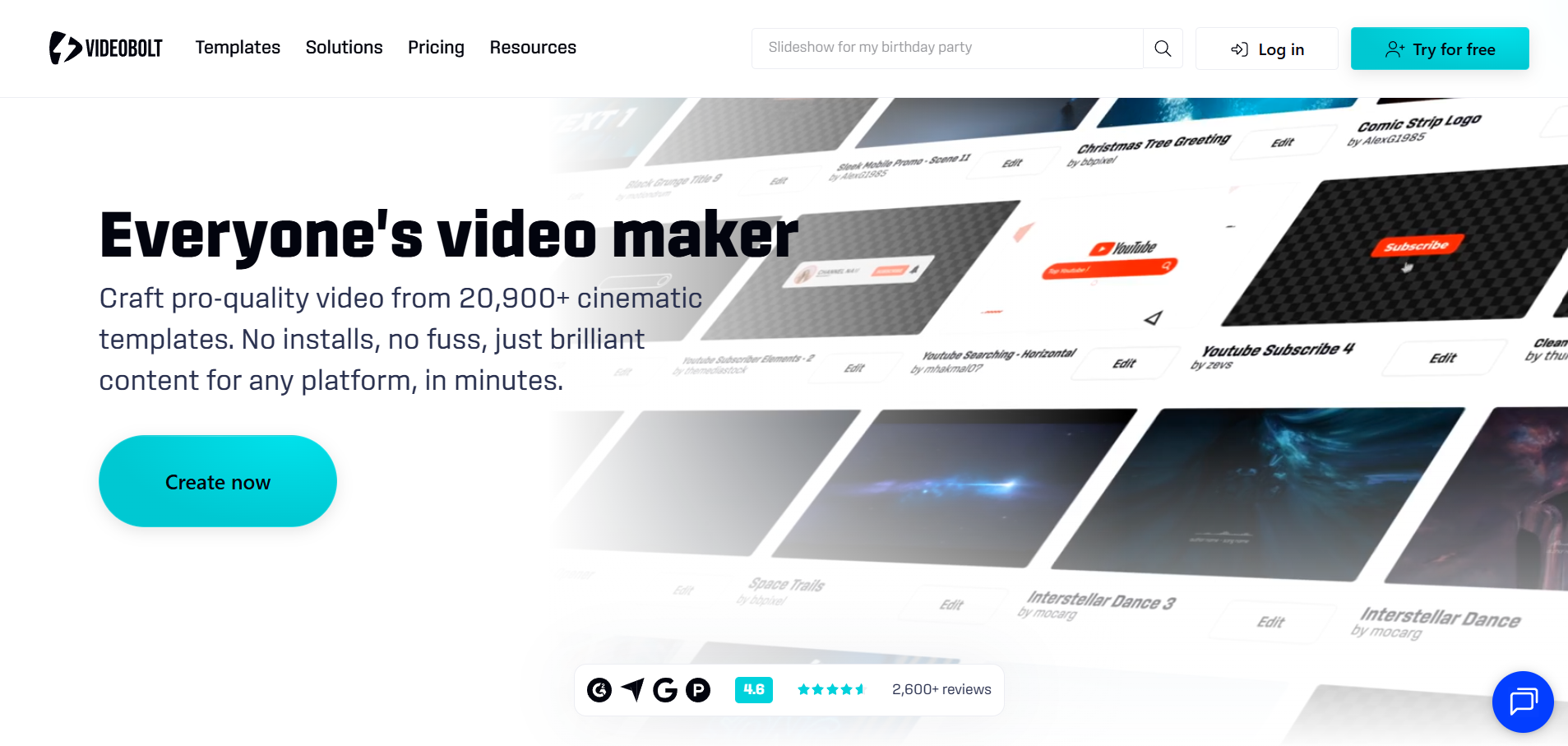
Long lyric videos built from polished templates
Videobolt focuses on music visualizer and lyric video templates. Its pricing page says subscribers export without watermarks, with per-video length that scales by plan: up to 10 minutes on Lite (€9.99 per month billed yearly), 1 hour on Pro, and 2 hours on Business.
How it fits the workflowChoose a lyric template, add the track and lyrics, adjust timing and style, then render a full-length video.
Watch forHD exports require a subscription, and template-driven designs need customization to feel like your channel.
4Canva
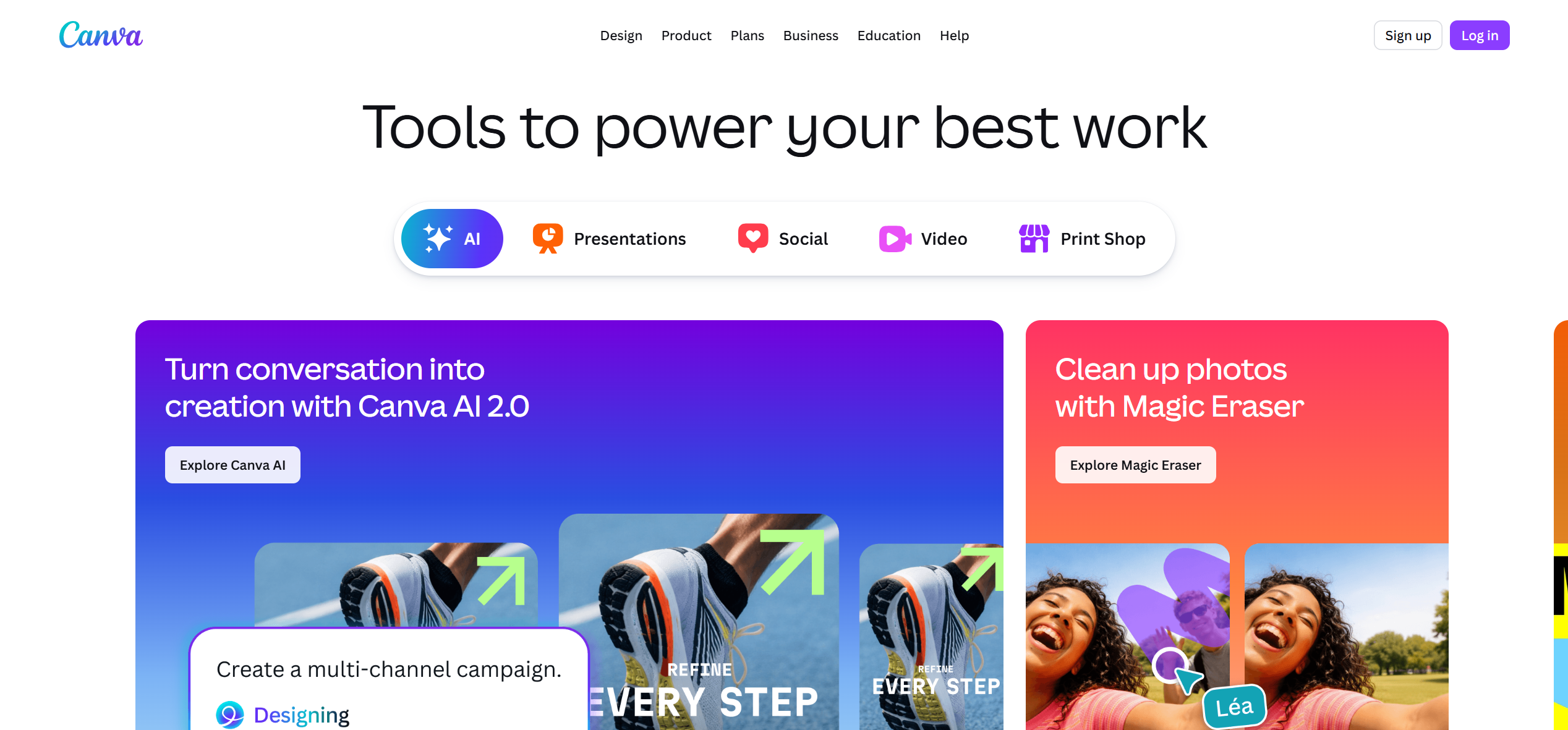
Channels that build every release inside a brand kit
Canva works well when lyric videos must match thumbnails, covers, and social posts. Captions give you timed text to adjust, and Canva's help pages say free accounts can export videos without a watermark as long as every element is free.
How it fits the workflowDesign the lyric layout once, reuse it for every song, then resize the same design for Shorts and Stories.
Watch forTiming a full song line by line takes longer than in dedicated lyric tools, and premium elements carry a watermark on free accounts.
5Adobe Express
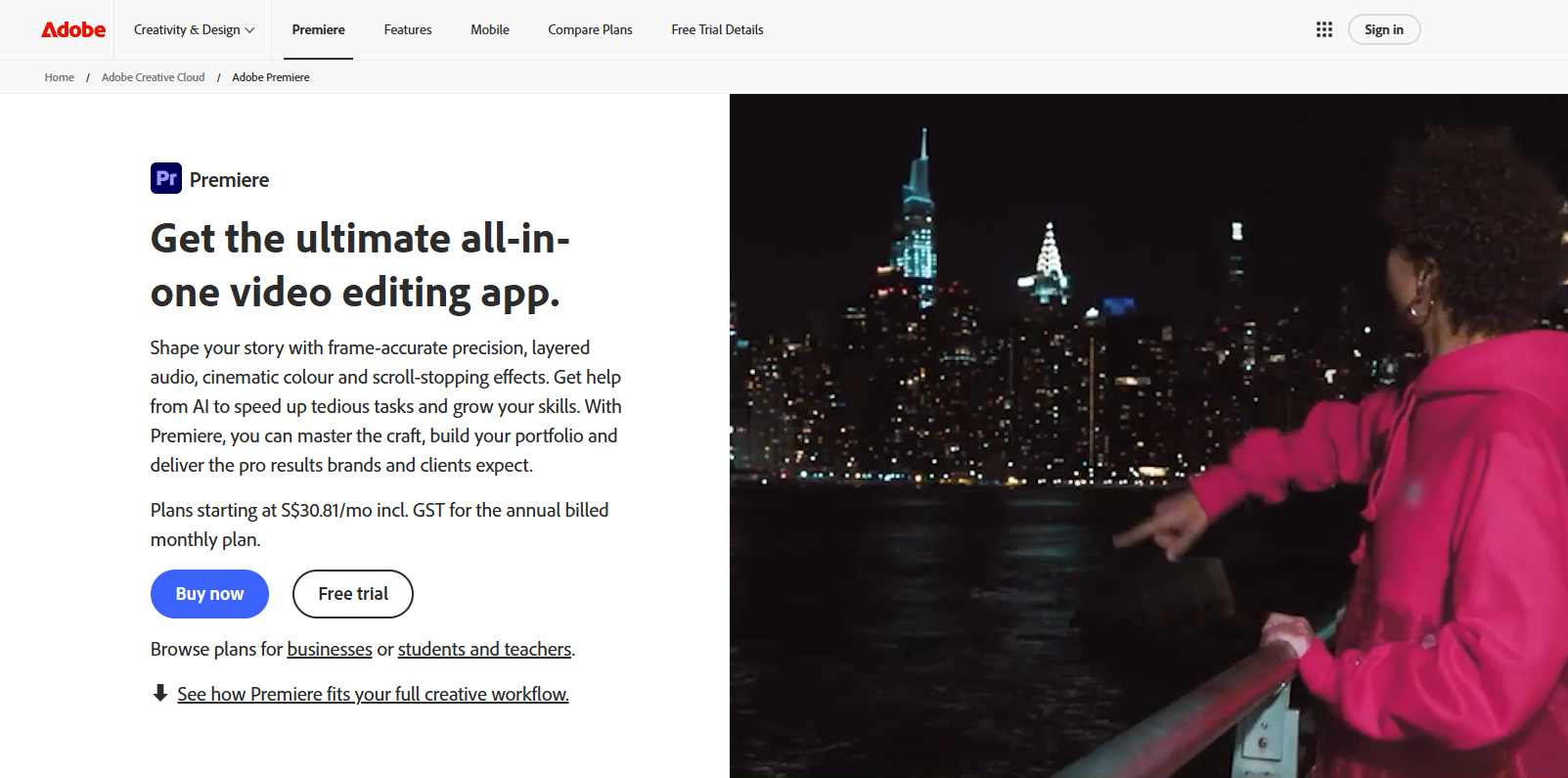
Quick lyric clips inside an Adobe workflow
Adobe Express offers automated captions and text animation on the web and mobile. Its pricing page lists free videos of up to 30 minutes and Premium ($9.99 per month) videos of up to two hours, and its plan table shows a watermark only when premium content is in the design.
How it fits the workflowCaption the song, adjust lyric lines, apply text animation, then export for YouTube and Shorts.
Watch forIt is a general design tool, so song-level lyric syncing takes more manual adjustment than in music-specific tools.
6VEED

Transcription-first lyric videos and fast social variants
VEED's strength is turning audio into editable subtitles quickly. Its Creator plan, listed at $12 per user per month billed yearly, includes no watermark and unlimited auto subtitles.
How it fits the workflowUpload the track, generate subtitles, correct the transcript, style the captions, and export in several aspect ratios.
Watch forFree exports carry a VEED watermark, and the visual design is more caption-led than music-reactive.
7Kapwing
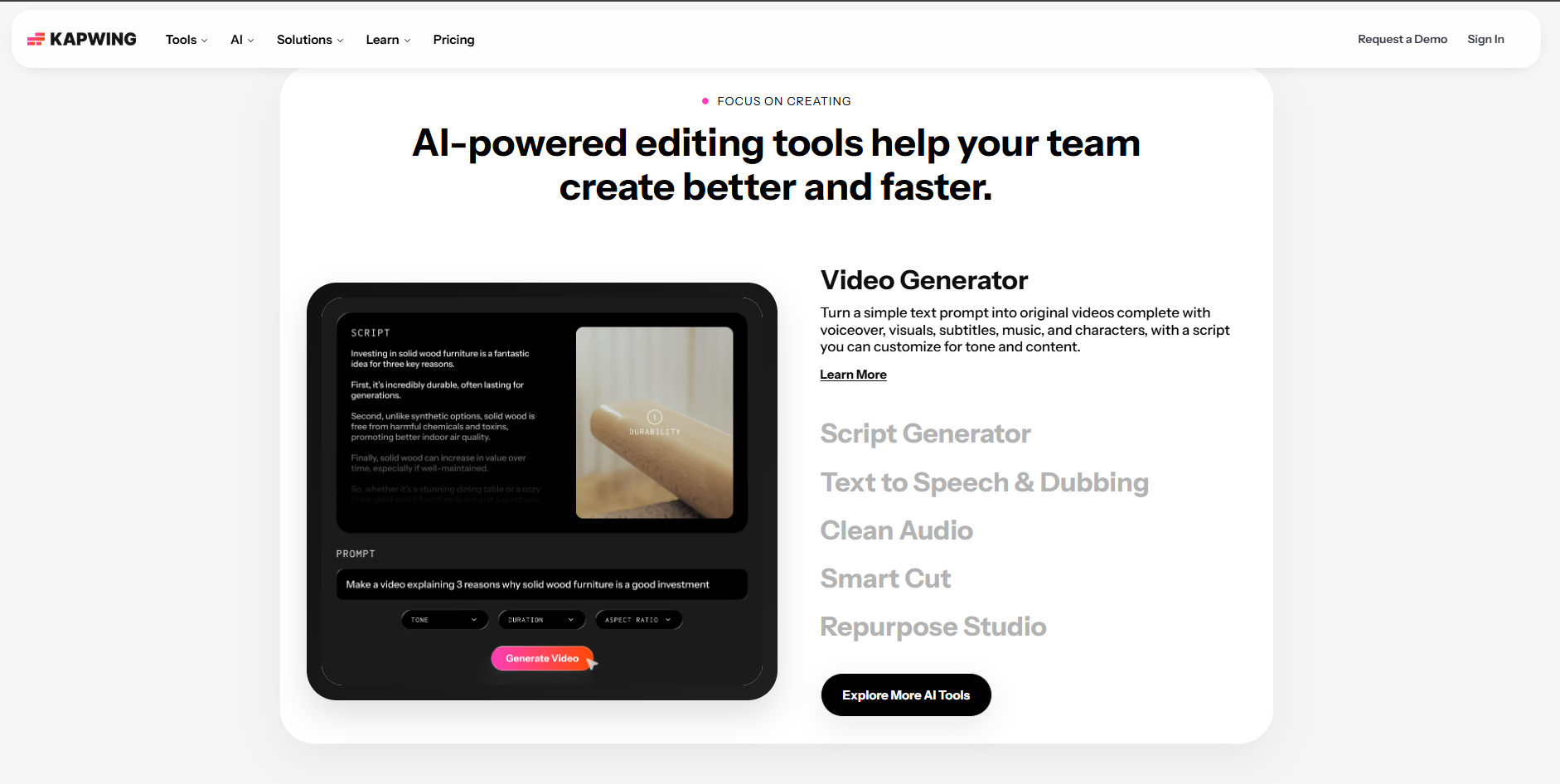
Teams that correct lyrics together in the browser
Kapwing combines automatic subtitles with collaborative editing. Its pricing page lists a free plan with 720p exports of up to 4 minutes and a watermark, while Pro ($16 per month) removes the watermark and allows exports of up to 120 minutes.
How it fits the workflowGenerate timed text, have a collaborator proof it against the lyric sheet, then style versions for YouTube and vertical platforms.
Watch forThe free plan's 4-minute cap and watermark rule it out for most full-length YouTube uploads.
8Rotor Videos
Artists who want lyric videos plus other release assets
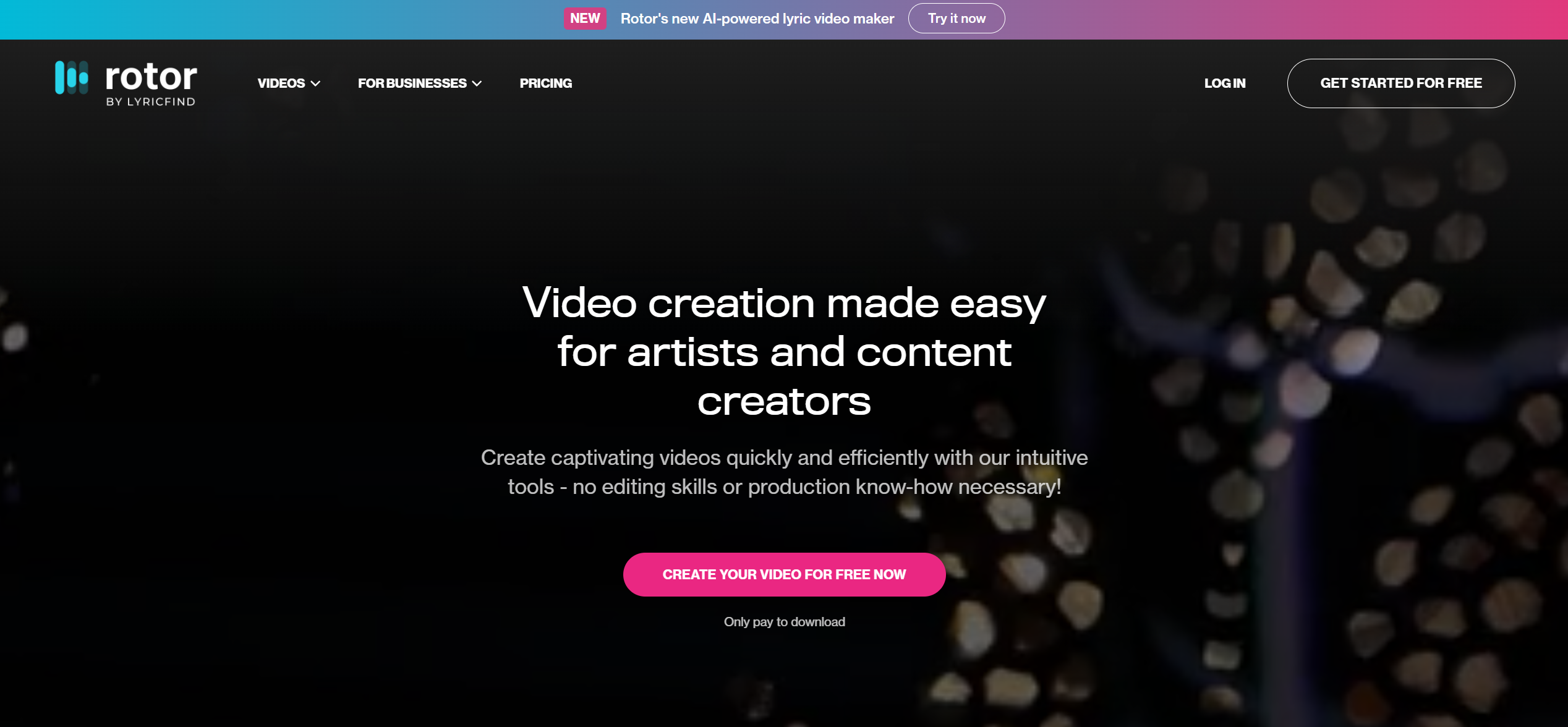
Rotor creates lyric videos alongside Spotify Canvas, album motion, and music videos. Its pricing page lists lyric videos at 4 credits (credits start at $9.99 each) or unlimited on Artist Unlimited plans from $9.99 per month, and says exported videos are watermark-free.
How it fits the workflowUpload the track and artwork, generate the lyric video and companion assets, preview as often as you like, then export.
Watch forRotor is optimized for fast, repeatable release assets rather than custom motion design.
How to Choose the Right Option
Pick Freebeat when you want the scenes and the lyric timing generated together from the song. Pick CapCut when you prefer to time words by hand and switch between phone and desktop. Pick Videobolt for long template-led lyric videos, Canva or Adobe Express for brand-first channels, VEED or Kapwing for transcription-led editing, and Rotor when one release needs a lyric video plus Canvas and promo cuts.
Use the same track to generate a lyric video, a full music video, and vertical cuts with a shared look. Start with Freebeat →
Frequently Asked Questions
What is the best lyrics video maker?
For YouTube channels that publish full songs, Freebeat is our top overall pick because it transcribes and syncs the lyrics, lets you correct every word, and builds the visuals from the song. CapCut is the best free hands-on alternative, and Videobolt is strong for long template-led videos.
Which lyric video generators actually sync the words accurately?
Music-first tools such as Freebeat's lyric video maker time words to the vocal and let you edit them before rendering. General editors like CapCut, VEED, and Kapwing use speech-recognition captions that usually need manual correction for sung lyrics. Whatever you use, proof every line against the lyric sheet.
What is the best lyrics video generator for desktop and mobile?
CapCut runs on desktop, mobile, and the web, and Canva and Adobe Express also have mobile apps. Freebeat works in the browser on desktop and mobile and also offers an app.
What tools can create a lyrics video for my song?
Music-first generators (Freebeat, Rotor, Videobolt), general editors with captions (CapCut, VEED, Kapwing), and design tools (Canva, Adobe Express) can all make lyric videos. The right choice depends on whether you want the visuals generated for you or prefer to design and time each line yourself.
What AI tool can automatically make a lyric video?
Freebeat can transcribe your song, time the lyrics to the vocal, and generate a full lyric video with the words set inside AI-generated scenes. Rotor also generates AI lyric videos from your track and artwork.


