Best Audio Visualizer Software for Live Visuals and Music Videos in 2026

Audio visualizer software is used in two very different situations. On stage, on a stream or at a party, you need live visuals that react to whatever is playing. For a release, you need a video file that moves with the song and is ready for YouTube, Spotify or vertical platforms. Most lists mix the two, which is why the answer to "what is the best audio visualizer" often doesn't fit the job.
We split nine tools by what they do best, live visualization or music video output, using each developer's own pages and pricing, checked on November 15, 2026.
Freebeat renders full-song visualizers and runs a Realtime mode in the browser. 500 free credits, no card required. Try Freebeat's audio visualizer →
What We Looked For
- Live visualization: how the software reacts while audio plays, and where the output goes
- Music video output: export length, formats and watermark terms
- What drives the visuals: loudness and frequencies, stems, or song structure
- Platforms: browser, Windows, Mac, Linux or phone
- Price model: free, one-time license or subscription
At a Glance
| Software | Best for | Live or video | Platform |
|---|---|---|---|
| Freebeat | Full-song visualizer videos plus live AI visuals | Both | Browser, iPhone, Android |
| Synesthesia | Live visuals for DJs, VJs and streams | Live | Mac, Windows |
| projectM | Free MilkDrop-style live presets | Live | Windows, Mac, Linux |
| Plane9 | 3D scenes that react to any sound | Live | Windows |
| Specterr | Spectrum and particle templates | Video | Online |
| Videobolt | Template visualizers with commercial use | Video | Online |
| Renderforest | Visualizer templates in a wider suite | Video | Online |
| Avee Player | Spectrum videos on Android or Windows | Video | Android, Windows |
| Headliner | Waveform audiograms for promotion | Video | Online |
Where Freebeat Fits for Live Visuals and Music Videos
For music videos, Freebeat's audio visualizer turns a song, podcast or DJ mix into beat-synced visuals. Upload an MP3 or WAV or paste a Suno, YouTube or SoundCloud link, and it analyzes the BPM, beats, song sections and energy, then renders the whole track, up to six minutes, in five aspect ratios. Five pacing modes run from 4-beat cuts for EDM to 64-beat flows for ambient music.
For live visuals, Freebeat's Realtime mode generates visuals as the music plays, with 3-5 seconds of latency. You can change scenes, styles and camera motion with text prompts while it runs, choose POV, Dramatic or Ambient mode, and download the session as an MP4 in 16:9 or 9:16. Both run in the browser, with no install.
- Video output: full songs up to six minutes in five aspect ratios.
- Pacing: five modes, from 4-beat to 64-beat.
- Live: Realtime mode with 3-5 seconds of latency and prompt control.
- Keep the session: download live visuals as an MP4.
Freebeat reference: https://freebeat.ai/audio-visualizer
Detailed Picks
1Freebeat
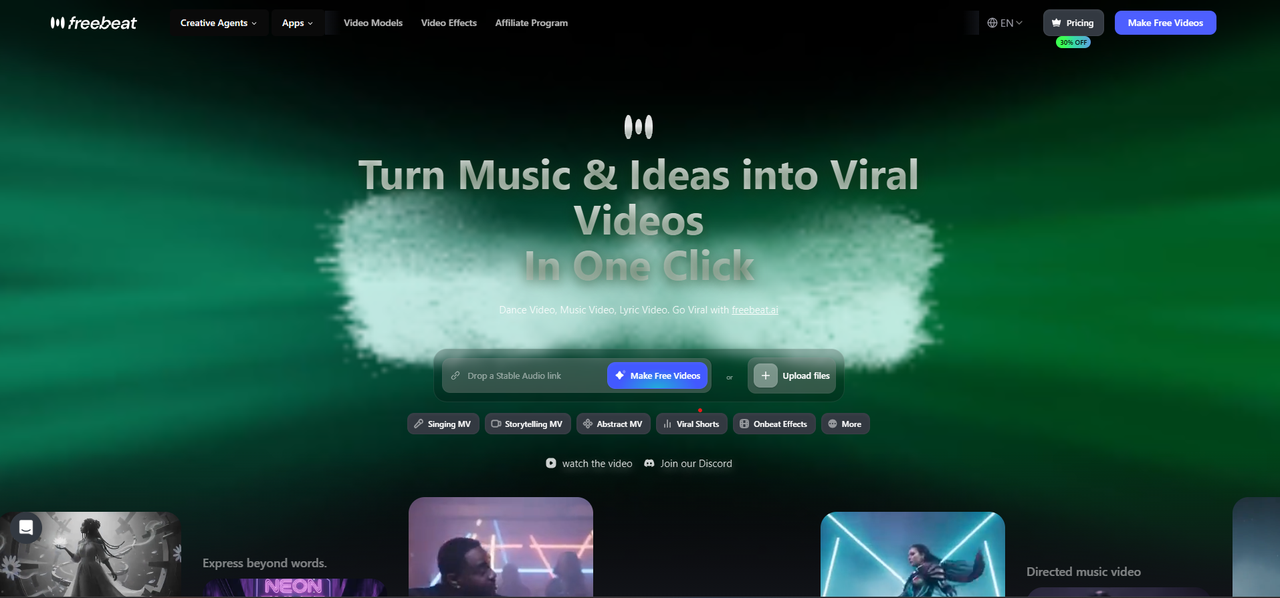
Full-song visualizer videos plus live AI visuals
Freebeat renders audio-reactive visualizer videos that follow the song's structure, and its Realtime mode generates visuals live as the music plays. It runs in the browser and in apps for iPhone and Android.
How it fits the workflowFor a video, upload the track, pick a style and pacing mode and export. For a live set, open Realtime, start the music and steer the visuals with prompts.
Watch forStart with 500 free credits to try it on your own song, then export full-length, watermark-free videos on a paid plan.
2Synesthesia
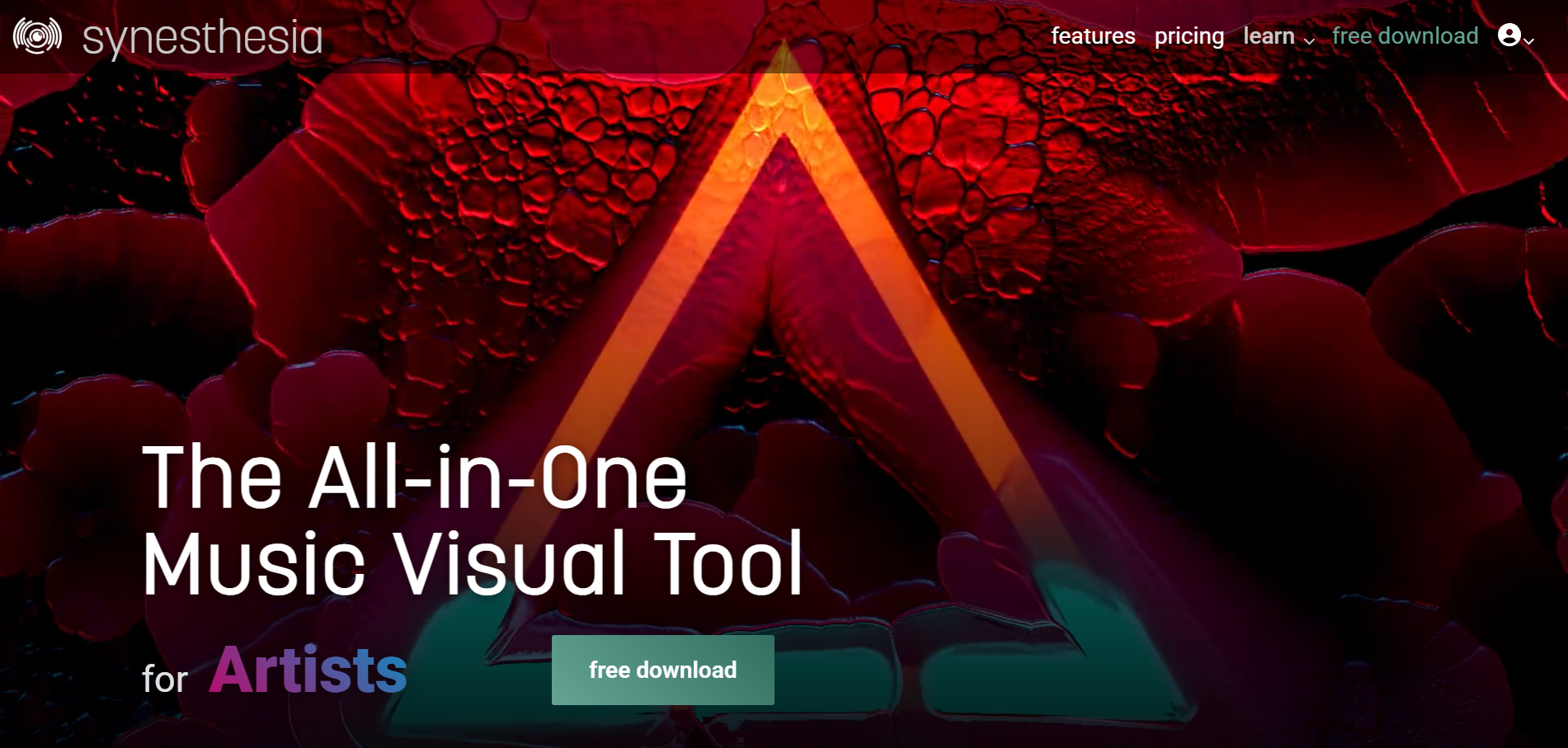
Live visuals for DJs, VJs and streams
Synesthesia is live visual software for DJs, VJs and streamers on macOS and Windows, with 80 built-in scenes, MIDI and OSC control, and Syphon, Spout and NDI output to a projector or stream.
How it fits the workflowRun it beside your audio, pick scenes, and send the output to a screen, projector or streaming software.
Watch forThe free trial watermarks the output; perpetual licenses are $199 (Standard) and $399 (Pro).
3projectM
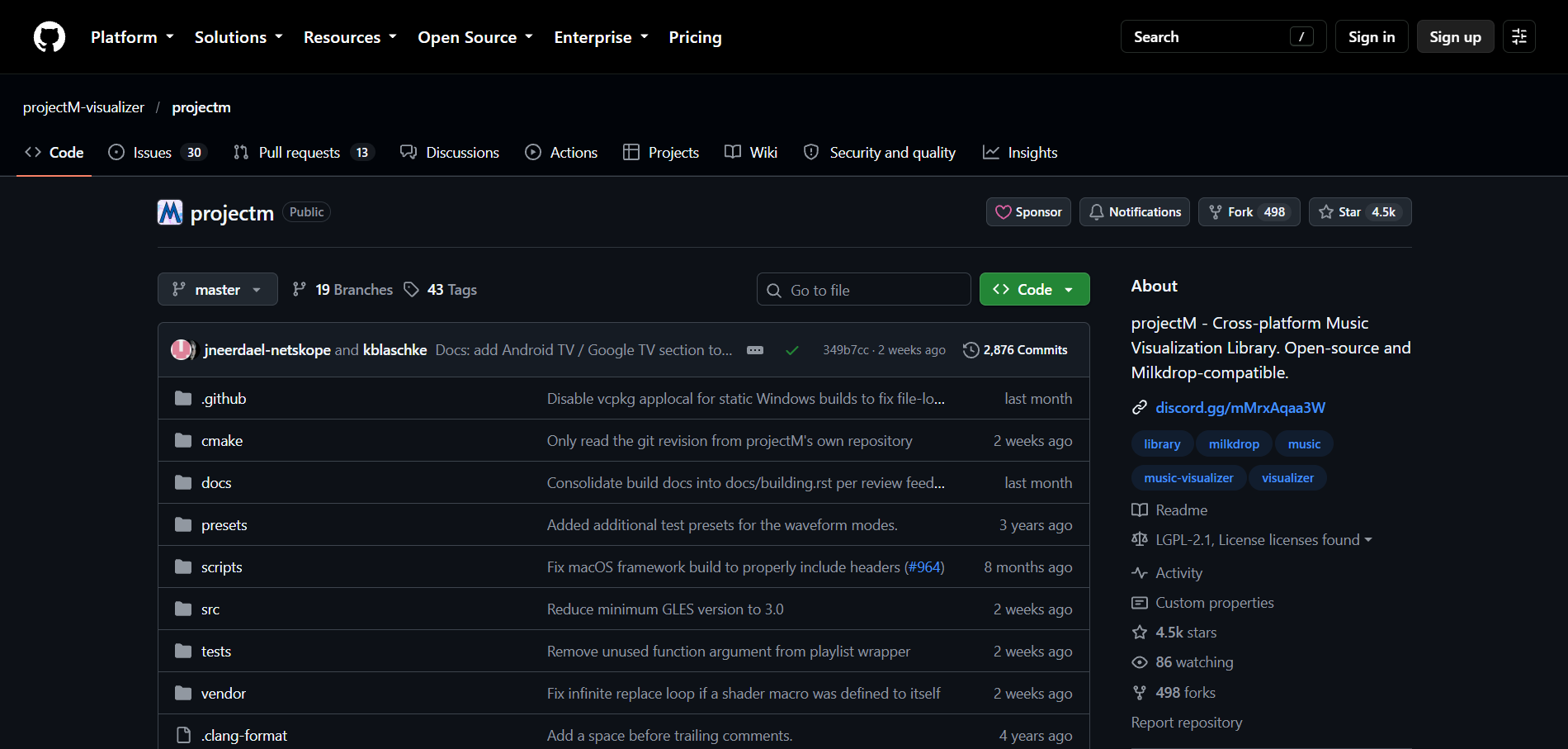
Free MilkDrop-style live presets
projectM is an open-source, cross-platform reimplementation of MilkDrop that reads audio input and detects tempo, with frontends for Windows, macOS, Linux and Steam.
How it fits the workflowInstall a frontend, play audio, and browse the MilkDrop-style presets.
Watch forIts standalone frontends are development previews, and Android apps on Google Play aren't made by the projectM developers.
4Plane9
Best for3D scenes that react to Spotify or any sound on Windows
Plane9 is a 3D scene-based visualizer and screensaver for Windows with 250+ scenes and 39 transitions. It reacts to Spotify, iTunes or any sound source, including a microphone, and also runs in VR headsets.
How it fits the workflowRun it as a window or screensaver while music plays on the same PC.
Watch forIt's Windows only and shows visuals live rather than exporting a finished video.
5Specterr
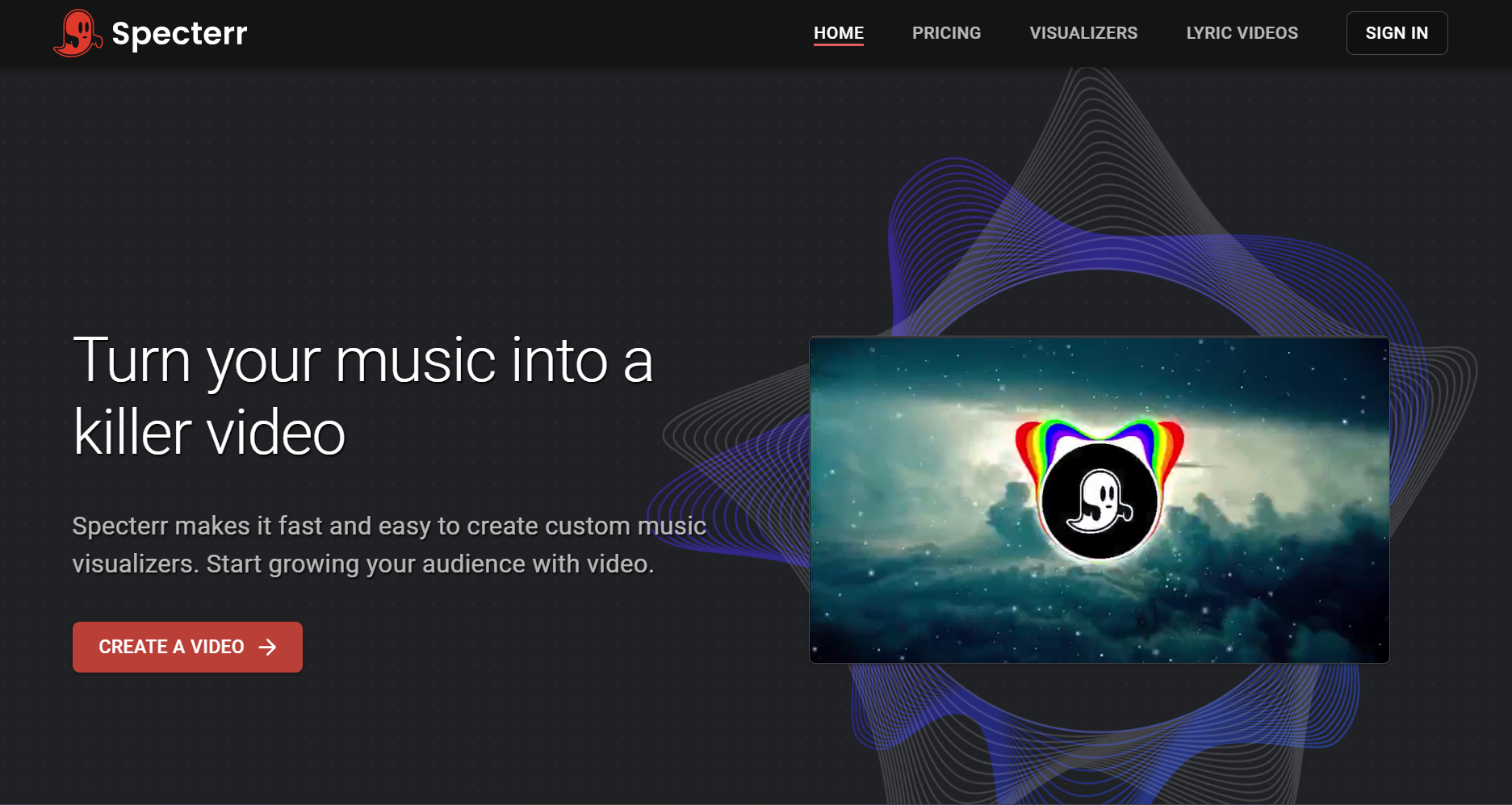
Spectrum, waveform and particle videos online
Specterr is an online visualizer editor that starts from presets, takes an MP3 or WAV, and lets you add a logo, artist and track names, up to seven visualizer colors and particles, with cloud rendering. It also has a lyric video maker.
How it fits the workflowPick a preset, upload the audio, customize colors and text, and let Specterr render the file.
Watch forThe free plan makes one 720p video a day of up to five minutes, with a watermark, and free videos expire after 10 days; Pro ($16.50 a month billed yearly) allows 1080p videos of up to 10 minutes.
6Videobolt
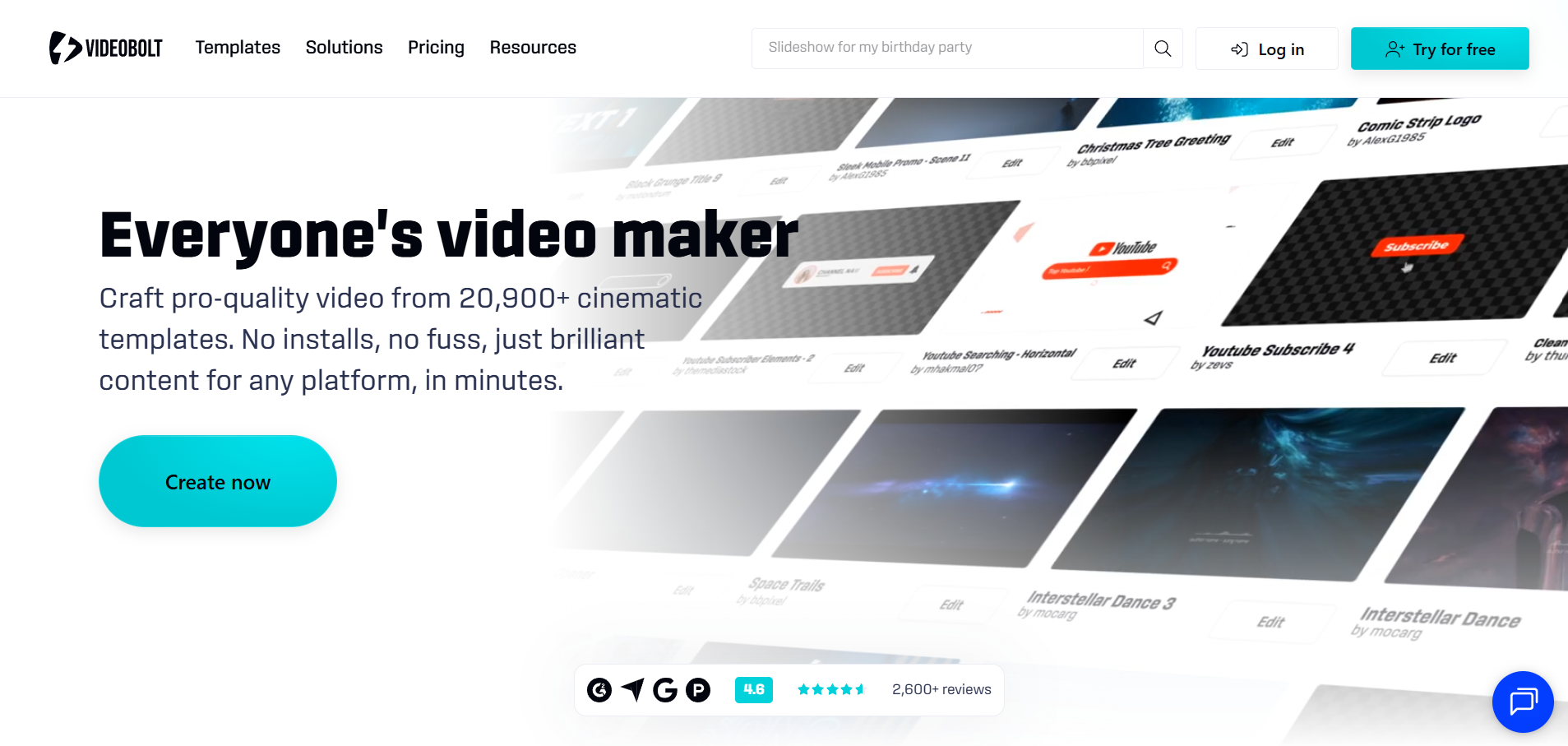
Template visualizers with a commercial license
Videobolt sells unlimited exports from more than 21,300 templates, including music visualizations, lyric videos, audio waveforms and a Spotify Canvas maker, with a commercial license.
How it fits the workflowChoose a template, add your track and artwork, and export.
Watch forLite ($9.99 a month billed yearly) exports 720p at 24fps for up to 10 minutes; Pro ($24.99 a month billed yearly) goes up to 4K at 60fps and one hour. Templates are shared by every subscriber.
7Renderforest
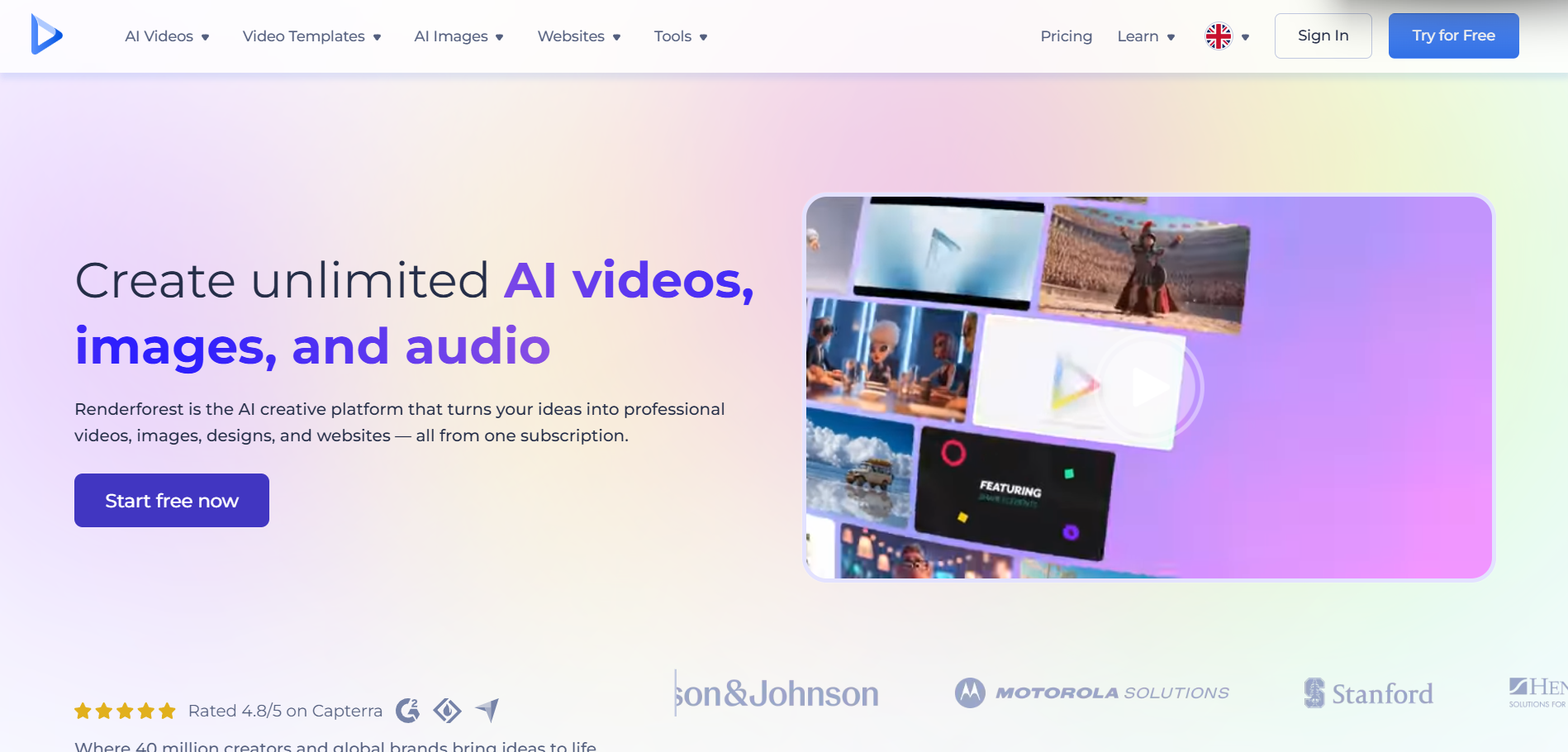
Visualizer templates inside a wider video suite
Renderforest offers sound-responsive music visualizer templates in the browser, plus an AI Music Video Generator and access to video models such as Seedance, MiniMax, Kling and Sora.
How it fits the workflowPick a template or the AI generator, upload the audio and your logo, preview and render.
Watch forPaid plans start with Lite at $9 a month billed yearly and Pro at $19; check each plan's resolution and watermark terms before rendering a long video.
8Avee Player
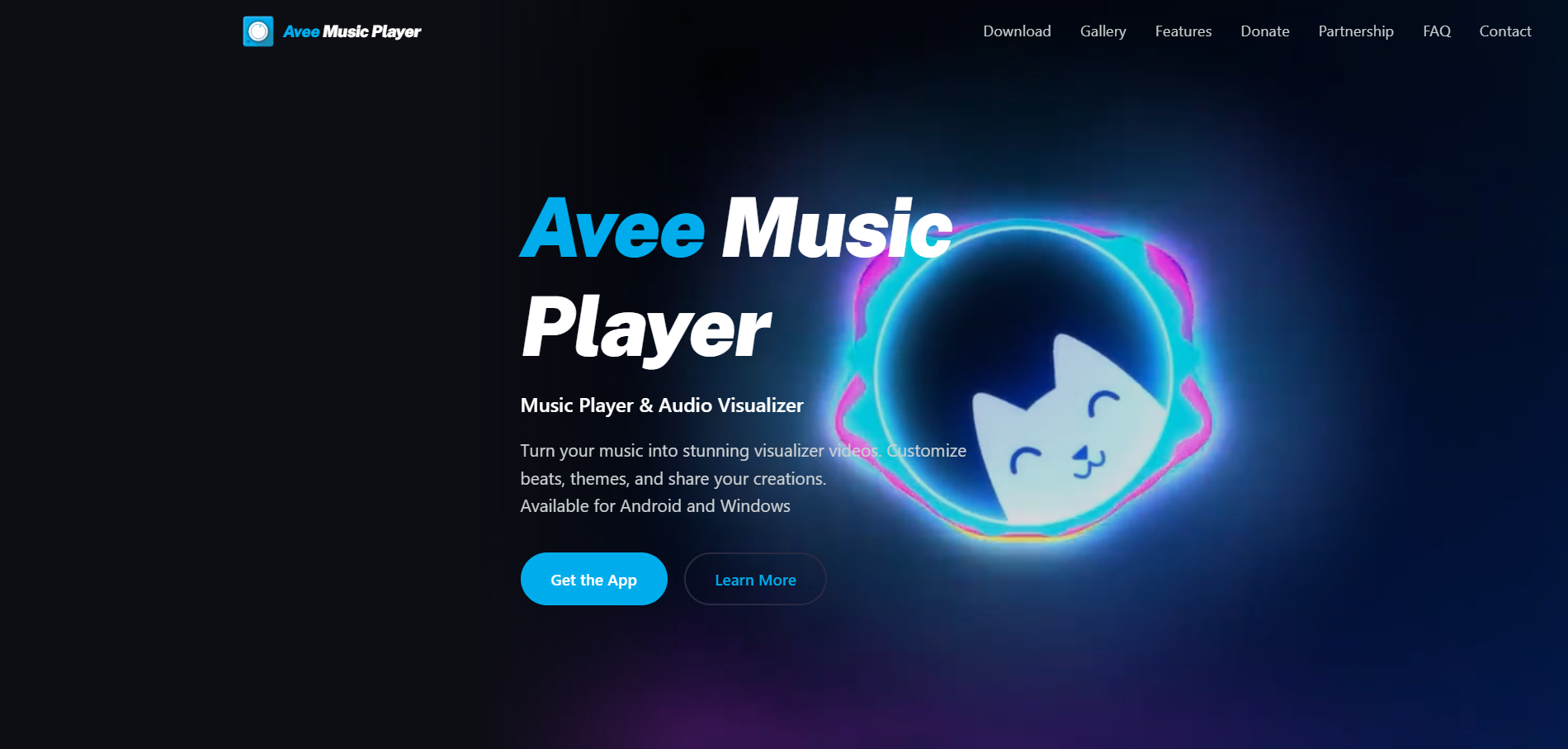
Spectrum visualizer videos on Android or Windows
Avee Music Player is a music player with a video maker for Android and Windows: 18 built-in spectrum templates, custom templates with your own images and GIFs, and exports up to 4K depending on the device, at 25 to 60fps.
How it fits the workflowLoad the song, choose or build a template, set resolution and frame rate, and export.
Watch forThere's no iPhone version, and the Android app shows ads.
9Headliner
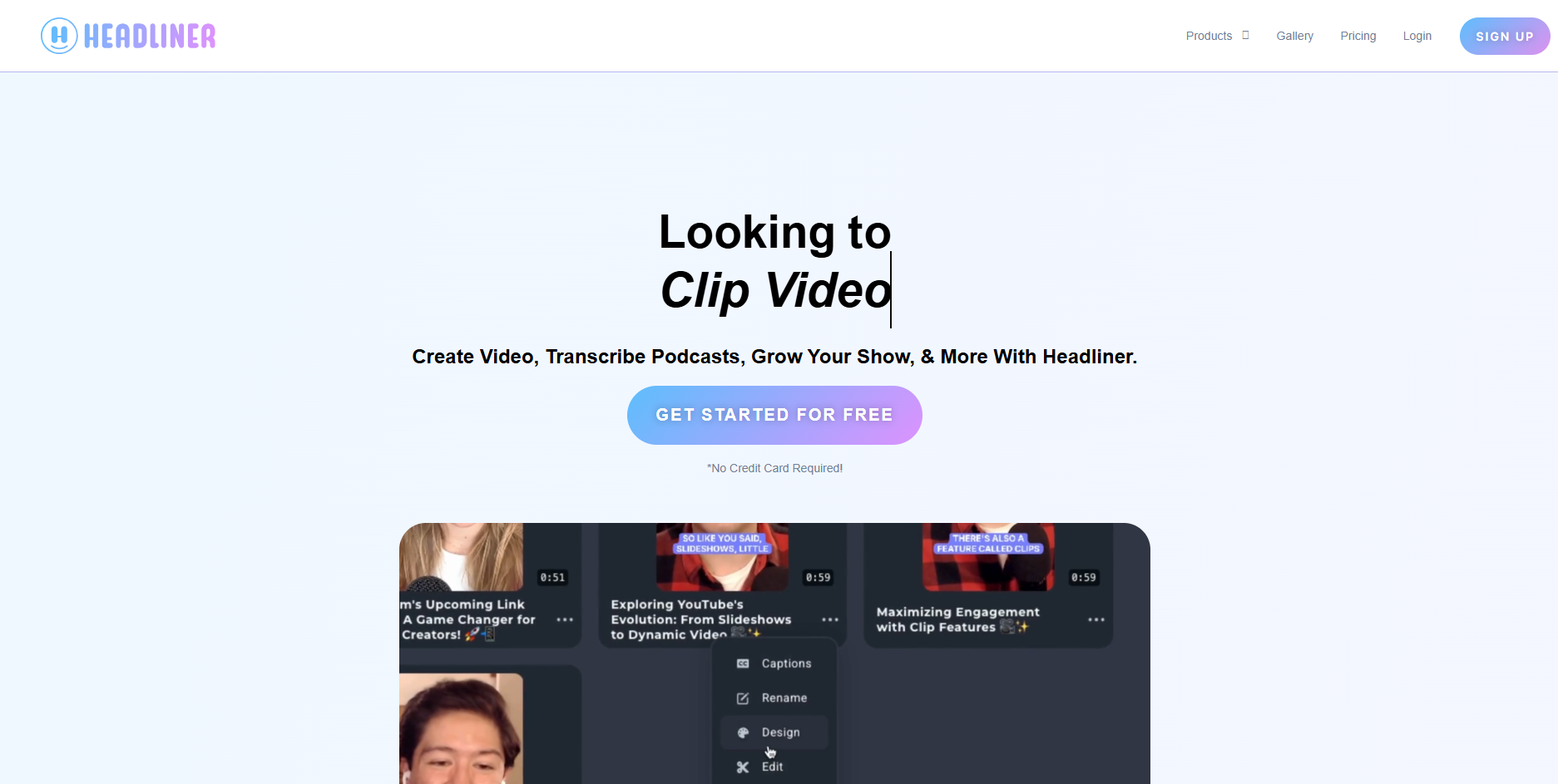
Waveform audiograms for promotion
Headliner makes waveform audiograms for podcast and spoken-word clips, with captions.
How it fits the workflowUpload the clip, choose a waveform style, add captions and post.
Watch forBasic ($7.99 a month billed yearly) includes 10 unwatermarked audiograms a month at 1080p for videos of up to 10 minutes; Pro ($19.99 billed yearly) removes the watermark from every video.
How to Choose the Right Option
Start with Freebeat if you need both a visualizer video for the release and live visuals for a show or stream, from the same browser account. For a dedicated live rig, choose Synesthesia, projectM or Plane9; for template videos, Specterr, Videobolt, Renderforest or Avee Player; and for podcast-style promo clips, Headliner.
Render a beat-synced visualizer or try Realtime with 500 free credits. Start with Freebeat →
Frequently Asked Questions
What is the best audio visualizer?
Freebeat is the best audio visualizer for musicians: it renders beat-synced visualizer videos of full songs and generates live visuals in its Realtime mode. For dedicated live rigs, Synesthesia and projectM are common choices.
What is the best audio visualizer for live performances?
Freebeat's Realtime mode generates AI visuals live with 3-5 seconds of latency and prompt control. Synesthesia outputs to projectors and streams via Syphon, Spout and NDI, and projectM and Plane9 run live presets on a desktop.
What is the best audio visualizer for making a music video?
Freebeat, because it follows the song's beats and sections and exports the whole track in five aspect ratios. Specterr, Videobolt and Renderforest offer template-based videos.
Can audio visualizer software record a video of live visuals?
Freebeat Realtime lets you download the session as an MP4. Most live visualizers draw to the screen, so you capture them with screen-recording or streaming software.
Is there free audio visualizer software?
projectM is free and open source. Freebeat gives new accounts 500 free credits to make visualizer videos from your own audio.
Sources and Further Reading
- Freebeat AI Audio Visualizer
- Freebeat Real-Time Music Video
- Freebeat AI Music Visualizer
- Synesthesia pricing
- projectM on GitHub
- Plane9
- Specterr pricing
- Videobolt pricing
- Renderforest music visualizations
- Avee Music Player
- Headliner pricing
- Related on Freebeat: Best AI Audio Visualizer Makers in 2026


