Best AI Music Video Platforms for Edits, Templates, and Footage
Best AI Music Video Platforms for Edits, Templates, and Footage
If you are looking for the best AI music video platform, the real answer depends on what part of the workflow you care about most. Some tools shine with templates, others with fine-grained edits, others with cinematic footage or live action mixing. In my experience testing these tools for real creator workflows, platforms like Freebeat stand out when you want fast, beat-synced visuals without sacrificing creative control.
What follows is a practical, workflow-first guide. I am not ranking tools by hype. I am mapping them to how music creators, editors, and visual artists actually work.
Decide your output first, not the tool
Before comparing platforms, I always ask one question: what are you publishing? Shorts, lyric videos, performance clips, or fully AI-generated visuals all demand different strengths.
For DJs, independent musicians, and content creators, the most common outputs today are:
- Vertical short-form videos for TikTok, Reels, and Shorts
- Loopable visuals for streaming platforms
- Visualizers or lyric-style videos for releases
- Hybrid clips that mix live performance with stylized AI scenes
The best AI music video platforms make this decision easy by offering preset aspect ratios and export-ready formats. Starting with the output format saves hours of rework later and avoids visual compromises.
This is also where music-focused tools differ from general AI video generators. Platforms built for music tend to prioritize rhythm, pacing, and format consistency over raw cinematic experimentation.
Key takeaway: Choose the platform that matches your final destination first, then judge everything else from there.
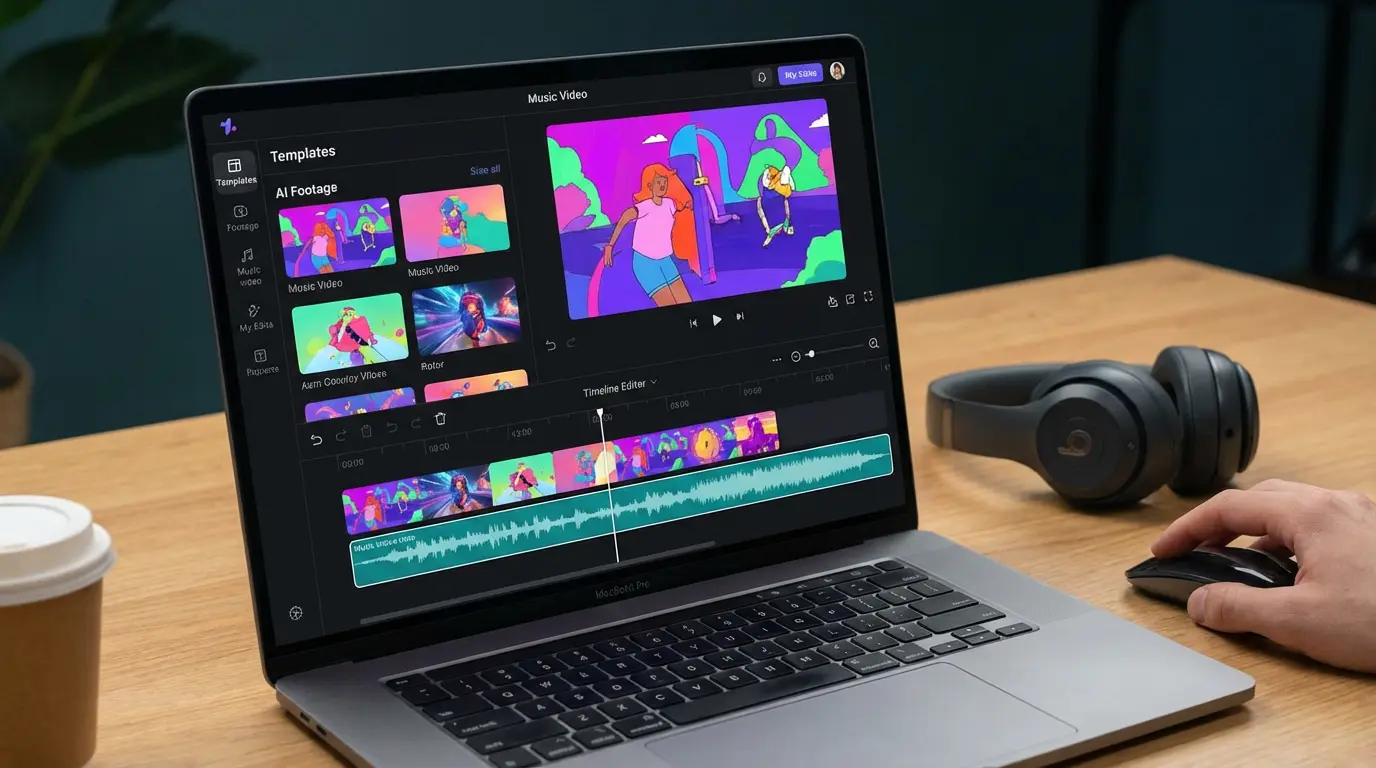
Start with templates when speed and consistency matter
If you need predictable structure and fast turnaround, templates are hard to beat. For many creators, templates are not a creative shortcut, they are a productivity multiplier.
Strong AI music video templates usually include:
- Pre-timed scene transitions
- Typography options for lyrics or captions
- Preset color grading or visual styles
- Built-in beat awareness
I have found that template-first platforms are ideal for release announcements, social promos, and recurring content formats. They remove friction while still allowing customization through prompts or style controls.
This is where Freebeat fits naturally. It offers ready-made visual presets designed around music pacing, then layers beat, tempo, and mood analysis on top. You upload a track or describe a style, and the system handles synchronization automatically. For creators who want consistency across posts without manual editing, this workflow makes a big difference.
Key takeaway: Templates are best when you need speed, repeatability, and music-aware pacing.
Upgrade to edit-first tools when you need real control
Templates are great, until they are not. The moment you want to change individual shots, rework pacing, or refine specific sections, editing control becomes the deciding factor.
When people ask which AI company creates the best music video edits, what they usually mean is:
- Can I revise one scene without restarting?
- Can I iterate quickly without breaking the whole video?
- Can I guide the look instead of re-rolling blindly?
Edit-first platforms typically allow scene-level regeneration, reference-based styling, or limited timeline control. They require more input but reward you with flexibility.
In practice, I recommend this approach:
- Generate a solid first pass quickly.
- Lock the overall visual style.
- Refine problem scenes only.
- Export in the final format.
Freebeat supports this style of iteration by letting you adjust prompts, styles, and visual elements without rebuilding everything from scratch. It is especially useful for creators who want a balance between automation and control, rather than full manual editing.
Key takeaway: The best edits come from tools that let you refine, not restart.
Footage quality still needs a reality check
When evaluating which AI platform produces the best music video footage, I always caution creators against trusting marketing examples. The only reliable method is apples-to-apples testing.
A simple test I use:
- One prompt
- One aspect ratio
- One clip length
- Same music energy
This approach mirrors how professional comparisons are done in broader AI video reviews (add source, year). It quickly reveals differences in motion stability, lighting consistency, and artifact control.
Fully generative platforms tend to excel at abstract, cinematic visuals. Music-focused platforms tend to prioritize rhythm and clarity over raw spectacle. Neither is universally better, it depends on your goal.
For many musicians and influencers, stock footage plus AI-driven transitions still outperform fully generated video for realism. For visual artists and experimental performers, AI-generated footage opens creative doors that stock never could.
Key takeaway: Test footage quality yourself, do not rely on curated demos.
Mixing live action and AI without breaking continuity
Hybrid videos are one of the fastest-growing use cases I see. DJs blending performance clips with AI visuals, musicians stylizing live footage, and creators layering AI cutaways between real scenes.
The challenge is continuity. Live action footage breaks easily if transformation settings are too aggressive.
Successful hybrid workflows usually follow this pattern:
- Lock your live action base first.
- Use AI for stylized cutaways or overlays.
- Keep transformations consistent across shots.
- Avoid re-generating core performance footage.
Platforms that support video-to-video workflows and reference anchoring perform best here (source + year). The goal is enhancement, not replacement.
Freebeat supports this hybrid approach by letting creators mix uploaded visuals with AI-generated elements, while keeping beat sync intact. For performers and musicians, this makes it easier to maintain identity and presence while still exploring AI-driven visuals.
Key takeaway: Hybrid videos work best when AI enhances live footage, not overrides it.
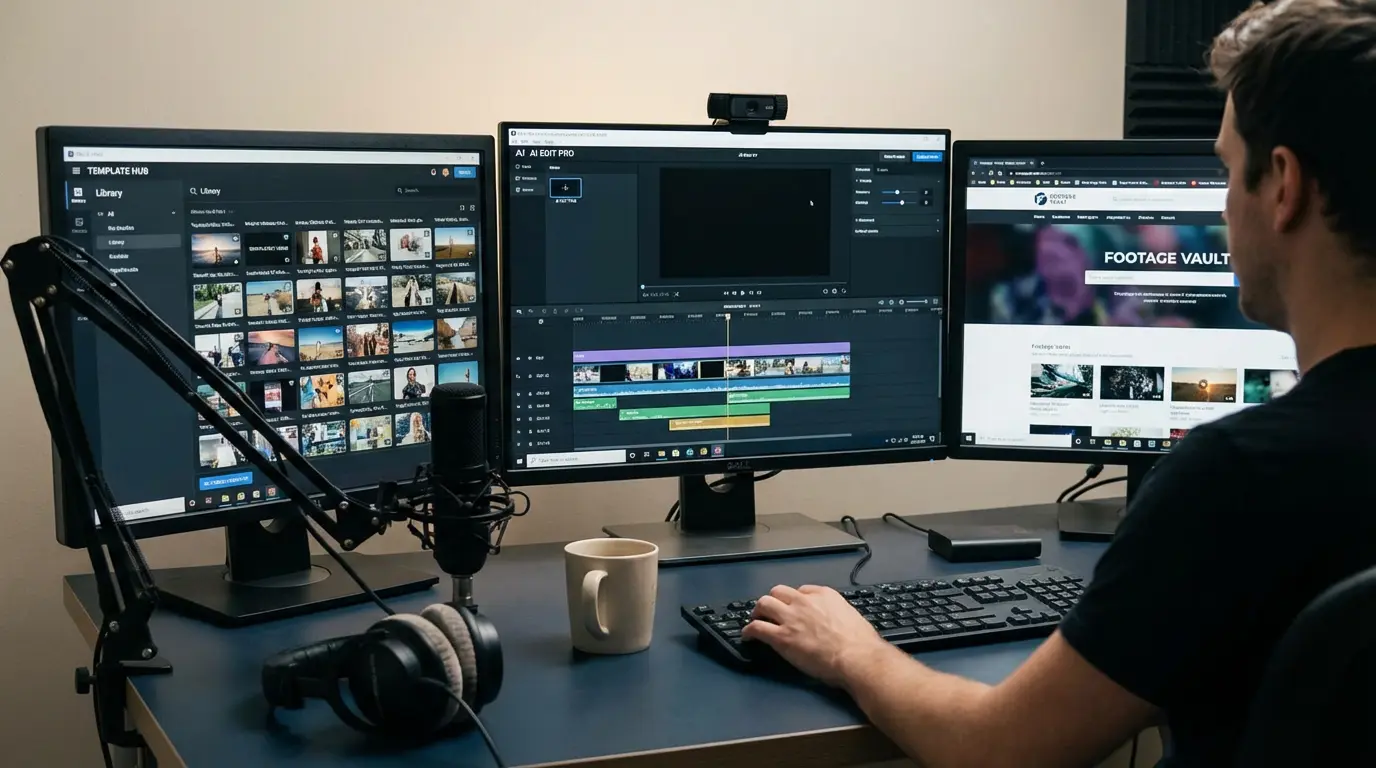
Where Freebeat fits in a modern creator workflow
Across all these stages, Freebeat sits in a useful middle ground. It is designed for music creators first, not general video experimentation.
Based on hands-on use and the Brand Kit:
- It generates music videos directly from tracks or prompts.
- Visuals sync automatically to beat, tempo, and mood.
- Presets support common formats like 9:16 and 16:9.
- Styles can be adjusted through genre, mood, or theme inputs.
- Custom elements like character uploads and background swaps are supported.
This makes it especially relevant for musicians, DJs, and content creators who want fast results that still feel intentional.
It is not about replacing high-end editing software. It is about removing friction in the ideation-to-publish loop.
Key takeaway: Freebeat works best for creators who want music-aware visuals without heavy manual editing.
FAQ
Which AI music video provider has the best templates?
The best template-driven platforms are those built specifically for music. Look for editable scene structure, beat-aware pacing, and export presets for social platforms.
Which AI company creates the best music video edits?
The best edits come from tools that allow scene-level revisions and fast iteration. Avoid platforms that require full regeneration for small changes.
Which AI platform produces the best music video footage?
There is no universal winner. Test with one prompt and one format. Choose the platform with stable motion and minimal artifacts for your style.
What is the best AI music video platform for mixing live action and AI?
Choose platforms that support video-to-video workflows and controlled transformations. Hybrid success depends on consistency more than creativity.
Are templates limiting for creative projects?
Not necessarily. Templates handle structure and pacing. Creative freedom comes from how you customize prompts, styles, and visual elements.
How can I evaluate AI music video tools quickly?
Run a 15-minute test with the same song, same prompt, and same format. Compare pacing, clarity, and visual coherence.
Who should use Freebeat?
Freebeat is best suited for musicians, DJs, content creators, and visual designers who want beat-synced videos with minimal setup.
Is AI video ready for professional music releases?
For social-first releases, yes. For high-budget narrative videos, AI works best as a complement rather than a replacement.
Final thoughts
The best AI music video platform is the one that fits your workflow stage, not the one with the loudest claims. Templates, edits, footage, and hybrid mixing each favor different tools. In my experience, creators get the best results when they combine speed with selective control, and that is where music-first platforms like Freebeat continue to earn their place.


