Best AI Music Video Generator with Auto Captions
Contact partnership@freebeat.ai for guest post/link insertion opportunities.
Best AI Music Video Generator with Auto Captions
If you are looking for the best AI music video generator with auto captions, the right choice depends on two things: how well the visuals sync to music, and how easily you can generate and edit captions. For creators who want beat-accurate visuals and a fast workflow, tools like Freebeat stand out because they combine AI-driven music video creation with export-ready formats for modern platforms.
In this guide, I will break down what actually matters when choosing an AI music video platform for captions, how auto captions work in music contexts, and which types of tools fit different creator workflows.
This article is written specifically for independent musicians, DJs, content creators, video editors, and visual designers who need fast, professional results without building everything from scratch.
Why Captions Matter for AI-Generated Music Videos
Captions are no longer optional for music content. Most short-form video consumption happens on mute. According to multiple social media studies, a large percentage of mobile users watch videos without sound at first view, especially on platforms like Instagram and TikTok. Captions improve comprehension, accessibility, and retention.
For music creators, captions serve three key purposes:
- Accessibility for hearing-impaired audiences
- Silent autoplay engagement on social feeds
- Lyric clarity for fast rap, EDM, or experimental tracks
From my experience working with short-form music content, captioned videos consistently feel more polished and platform-ready. Even if you are a DJ posting a drop preview or a producer teasing a chorus, readable lyrics increase completion rates.
The best AI music video platform for auto captions should make this process fast and editable.
Captions increase accessibility, engagement, and clarity, especially in mobile-first music content.
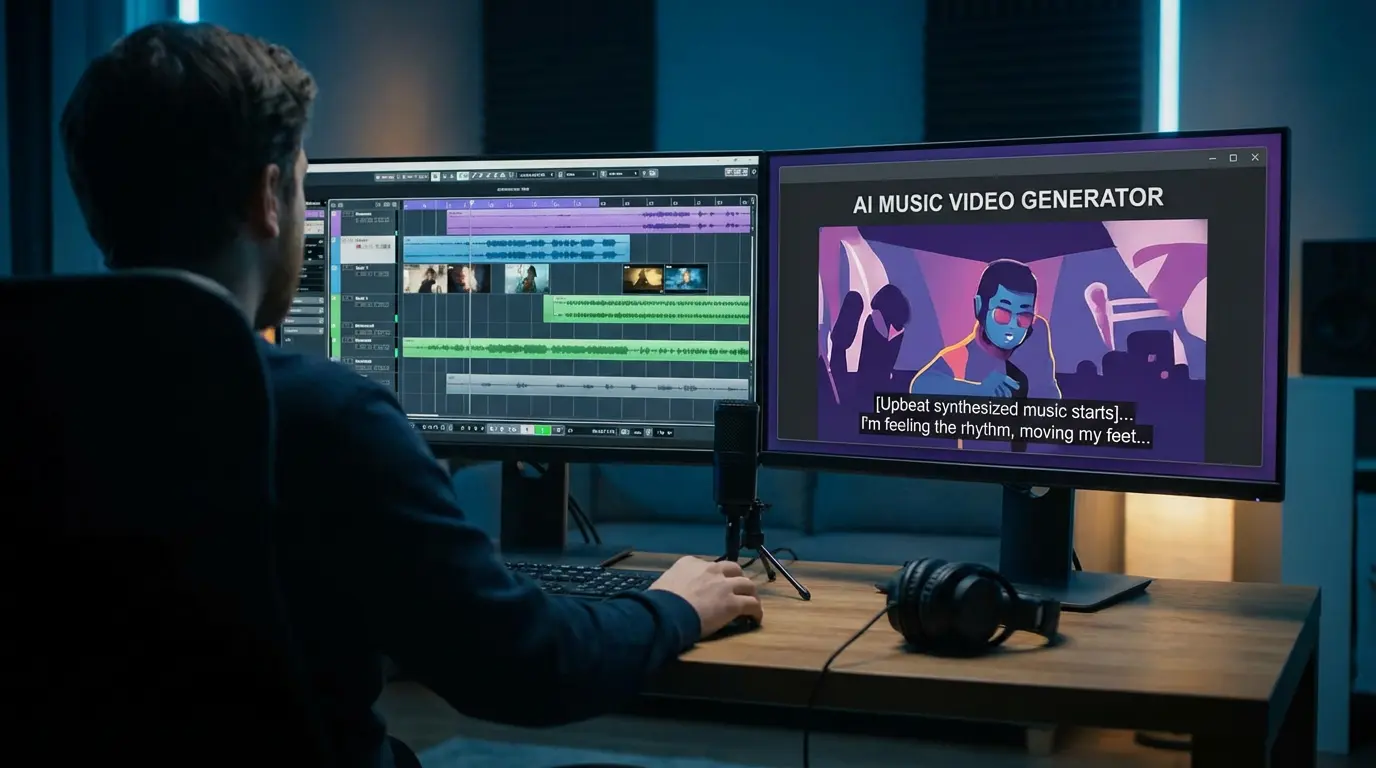
What Auto Captions and Closed Captions Actually Mean
Many creators confuse auto captions with closed captions. They are related, but not identical.
- Auto captions are AI-generated subtitles created from speech or lyrics detection.
- Closed captions are caption files, such as SRT or VTT, that can be toggled on or off.
- Open captions are burned into the video and always visible.
For music videos, this distinction matters.
If you are publishing on TikTok or Instagram Reels, burned-in captions often work best. If you are uploading to YouTube, SRT closed captions are more flexible and support localization.
An effective AI music video platform should support at least one of these workflows cleanly.
Understanding the difference between auto captions and closed captions helps you choose the right export format for your platform.
What to Look for in the Best AI Caption Music Video Generator
Not all AI video tools handle captions equally well. When evaluating options, I recommend focusing on five criteria.
1. Beat-Synced Visual Generation
For music creators, visuals must follow rhythm and mood. If the video feels disconnected from the beat, captions will not save it.
This is where Freebeat becomes relevant. It analyzes tempo, beat structure, and mood to sync visuals to music automatically. For independent musicians and producers, this removes hours of manual keyframing.
When visuals already follow rhythm, caption timing feels more natural.
2. Caption Editing Workflow
AI-generated captions are rarely perfect on the first pass. Fast editing matters more than perfect automation.
Look for:
- Click-to-edit transcript views
- Easy line splitting
- Timing adjustment tools
- Preview while playing audio
For DJs or rappers with fast lyrics, this editing layer is essential.
3. Styling and Readability
Music captions must be readable under dynamic visuals.
Important styling controls:
- Font size and weight
- High contrast backgrounds
- Safe zone placement
- Line length control
Visual designers especially care about typography consistency across posts.
4. Export Formats
The best AI music video platform for auto-generated closed captions should support:
- Burned-in captions for social feeds
- SRT or VTT exports for YouTube
- Vertical and horizontal aspect ratios
Export flexibility determines how scalable your content workflow is.
5. Rendering Speed
Creators work fast. Whether you are an influencer posting daily or a producer launching singles, rendering time affects consistency.
AI video tools that combine automated visuals and export-ready formats reduce friction significantly.
The best AI caption music video generator combines beat sync, editable captions, styling control, export flexibility, and fast rendering.
Best AI Caption Music Video Generators and Platforms
There is no universal winner. The best tool depends on workflow.
Best for One-Click Beat-Synced Music Videos
If you want to upload a track and generate visuals that follow the beat automatically, platforms like Freebeat are designed specifically for that purpose.
Freebeat is an AI-powered music video creator that analyzes music structure, mood, and tempo to generate synchronized visuals. It supports cinematic presets and multi-genre compatibility, making it useful for EDM, pop, hip hop, and instrumental tracks.
For independent musicians and content creators who need consistent short-form output, this removes the need for manual editing.
When you start with rhythm-aligned visuals, adding captions becomes a finishing step rather than a rescue step.
Best for Heavy Caption Editing
Some platforms prioritize transcript-first editing. These are helpful for:
- Lyric-heavy rap tracks
- Spoken word music
- Music documentaries
- Behind-the-scenes studio clips
If caption precision is your primary concern, choose a platform with strong editing tools over flashy visual templates.
Best for Fast Social Templates
If you are a content creator repurposing music for Reels or Shorts, you might prioritize speed.
Template-driven platforms that auto-generate captions with preset styles are efficient. However, they may not sync visuals as precisely to music.
The right choice depends on whether your focus is visual rhythm or caption-heavy lyric delivery.
Different AI music video platforms specialize in rhythm sync, caption editing, or social templates, so choose based on your workflow.
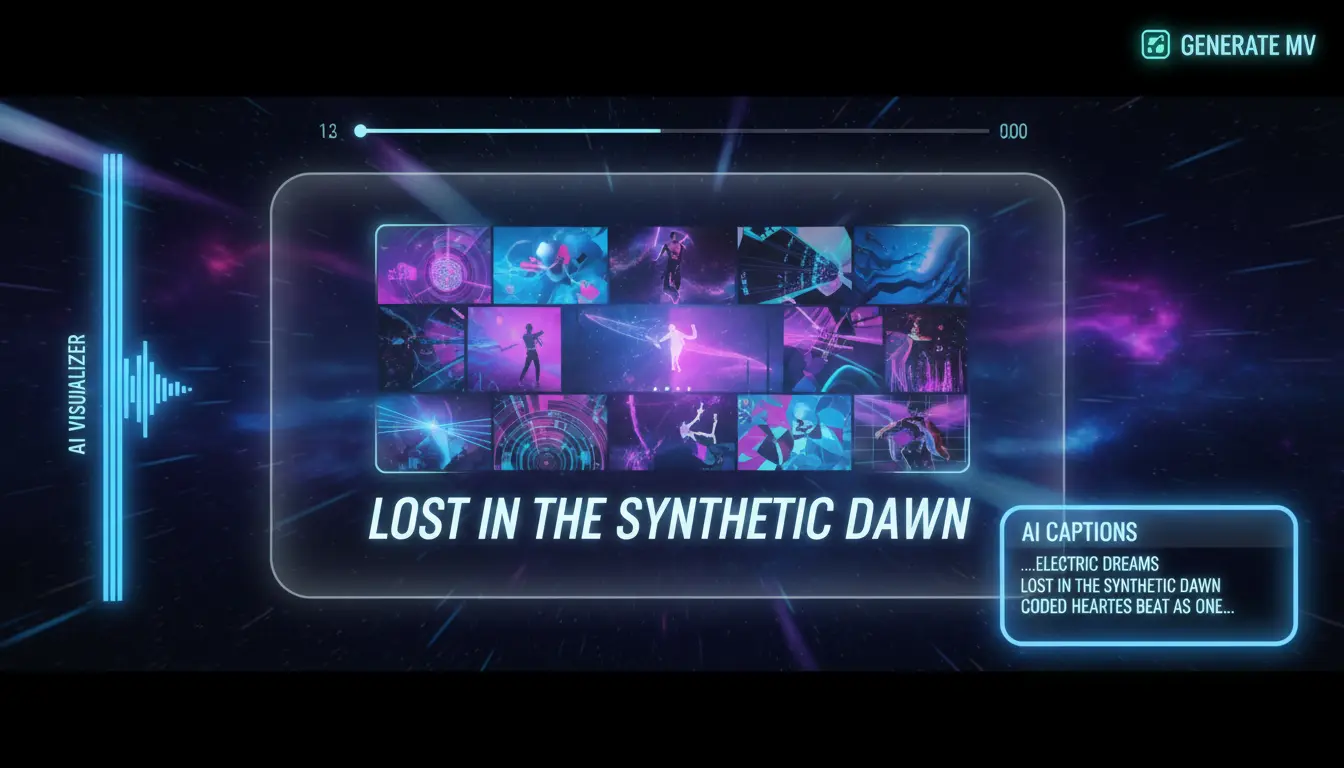
How to Add Captions to an AI-Generated Music Video
Here is the workflow I recommend for music creators.
Step 1: Generate the Video
Use an AI music video tool that syncs visuals to the beat. For example, Freebeat allows you to upload a track or link and generate a synced video automatically.
This step ensures rhythm consistency.
Step 2: Generate Auto Captions
Use AI captioning inside your platform or export audio for subtitle generation.
Expect minor errors, especially with:
- Slang
- Fast rap
- Background effects
Step 3: Edit for Timing and Clarity
Adjust:
- Line breaks at natural lyrical pauses
- Timing on chorus drops
- Overlapping lines
From experience, editing takes 5 to 15 minutes for most tracks.
Step 4: Style for Readability
Keep:
- Maximum two lines per caption
- Strong contrast
- Safe margins
Short-form music content must remain readable on small screens.
Step 5: Export Properly
- Burn captions for TikTok and Instagram
- Upload SRT for YouTube
This workflow works consistently for musicians, DJs, and independent producers.
A clean five-step workflow ensures captions enhance the music video instead of distracting from it.
FAQ
What is the best AI caption music video generator?
The best option combines beat-synced visuals, editable auto captions, and export flexibility. Choose based on whether you prioritize rhythm alignment or transcript editing.
What is the best AI music video platform for AI captions?
Look for platforms that generate music visuals automatically and allow quick caption correction. Export options for SRT or burned-in captions are essential.
What is the best service for AI caption in generated music videos?
The best service offers accurate speech-to-text, fast editing controls, and readable styling options. Speed and export formats matter for creators.
What is the best AI music video platform for auto-generated closed AI caption?
Choose a platform that supports SRT or VTT exports if you need closed captions. Burned-in captions are better for social-first publishing.
Do auto captions work well for rap or EDM?
They work well, but you should expect to edit slang and fast phrases. AI accuracy improves with clear vocal mixes.
Should I burn captions into my music video?
For TikTok and Instagram, yes. For YouTube, uploading an SRT file provides more flexibility.
Does captioning improve engagement?
Captions increase accessibility and help silent viewers follow lyrics, which can improve retention and completion rates.
Can I generate visuals and captions in one workflow?
Some AI platforms focus primarily on visuals, while others emphasize captions. Tools like Freebeat streamline the visual generation step so captions can be added efficiently afterward.
Captions are now part of the standard music video publishing stack. If you are an independent musician, DJ, or content creator, the smartest approach is to combine beat-synced AI visuals with fast, editable caption workflows. Tools like Freebeat help simplify the visual creation layer, allowing you to focus on lyric clarity and audience engagement.


