Best AI Choreography Generators in 2026: Tools That Turn a Song Into Dance Moves, Routines, and Tutorials

“AI choreography” covers two different jobs. One is generation: the AI hears the song and invents movement that fits it. The other is transfer: a human dances the routine once, and AI copies that motion onto a character, an avatar, or a 3D rig. Dance tutorials, cover dances, and choreography planning usually need some of both.
This guide sorts the tools by which job they do best. Features reflect each vendor's pages as of October 14, 2026.
Freebeat builds choreography from your track's beat, energy, and structure, and animates your own character. Try Freebeat's AI dance generator →
What We Looked For
- Whether the tool generates moves from music or transfers a recorded routine
- How closely motion follows the beat, tempo, and section changes
- Body fidelity in fast moves, spins, and footwork
- Control over dance style and the performing character
- Output: a finished video, or 3D animation data (FBX/BVH) for further editing
- Usefulness for tutorials: repeatable motion, full-body framing, and clear timing
At a Glance
| Tool | Job | Input | Output |
|---|---|---|---|
| Freebeat | Generates choreography from the song | Song link or MP3/WAV, plus a photo | Finished dance video (MP4) |
| Viggle | Transfers motion onto a character | Reference dance video and a character image | Video |
| Kling Motion Control | Transfers motion with facial consistency | Reference video or motion library, plus a character image | Video |
| Runway Act-Two | Transfers a full performance | Driving performance video and a character | Video |
| Rokoko Vision | AI motion capture | Single-camera video of a dancer | FBX/BVH animation |
| Move One (Move AI) | AI motion capture on iPhone | iPhone video of one dancer | FBX/USD animation |
| DeepMotion Animate 3D | Video to 3D animation | MP4, MOV, or AVI video | FBX/BVH animation |
Where Freebeat Fits: Choreography Generated From the Song
Freebeat's dance generator starts with music, not a reference dance. You paste a link from Spotify, Suno, or YouTube, or upload an MP3 or WAV, and add a clear photo of the character you want to see dance. Freebeat says it builds choreography from seven analyzed music signals, so the routine follows the song's beat, energy, and structure instead of repeating one loop.
You then choose a dance style (Freebeat lists 20+ styles set by prompt, such as hip-hop or jazz) and a background scene, and pick between a Studio mode that selects the model automatically and a Custom mode with more control. Freebeat says a dance video takes about five minutes to generate and supports full-length songs of up to six minutes. The result is a finished MP4 for TikTok, YouTube, or Reels.
- Music-first: choreography generated from the song, not copied from a clip.
- Your character: animate a person, avatar, or illustrated character from one photo.
- Style control: 20+ dance styles by prompt, plus a custom background scene.
- Full songs: up to six minutes on paid plans.
Freebeat is the wrong tool if you need the AI to reproduce an exact routine count for count. For that, record the routine and use motion transfer or motion capture. It also outputs video, not 3D rig data, and its free plan is watermarked and capped at 30 seconds.
Freebeat reference: https://freebeat.ai/dance-video
Detailed Picks
1Freebeat

Generating new choreography from a song
Freebeat analyzes the song and generates a dance performance for your character, synced to the music rather than looped.
How it fits the workflowAdd the song and a photo, choose a style and scene, generate in about five minutes, and export the MP4.
Watch forIt can't copy a specific routine move for move, and free exports are watermarked.
2Viggle
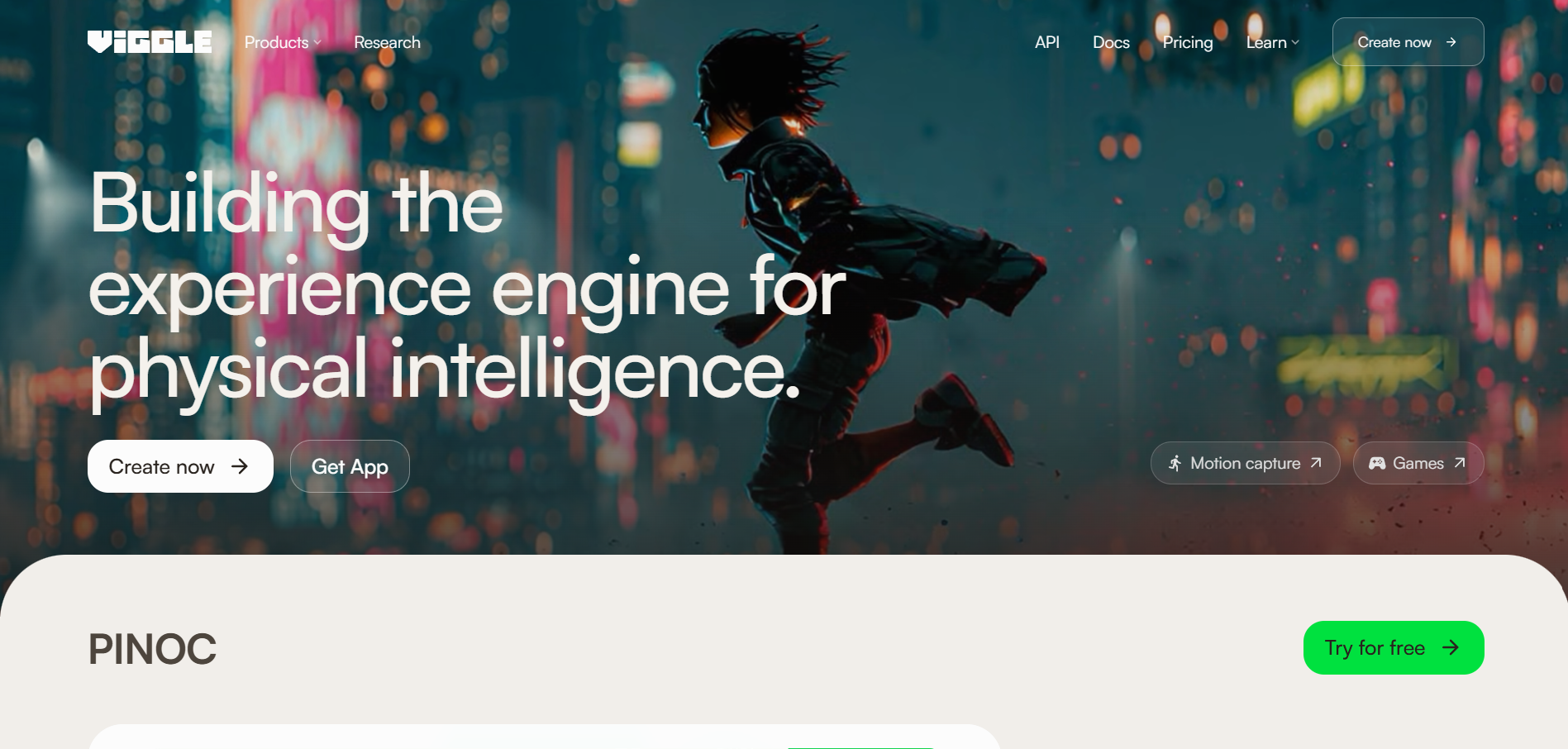
Copying a recorded routine onto any character
Viggle animates a character with motion captured from a reference video. Its pricing page lists a free plan (watermarked, uploads of up to 1 minute) and Pro at $7.99 per month (promotional; regularly $9.99), with no watermark and uploads of up to 10 minutes.
How it fits the workflowFilm or choose a clean full-body reference, add the character image, generate, and edit to the song.
Watch forOutput quality depends on a clean, full-body reference clip.
3Kling Motion Control
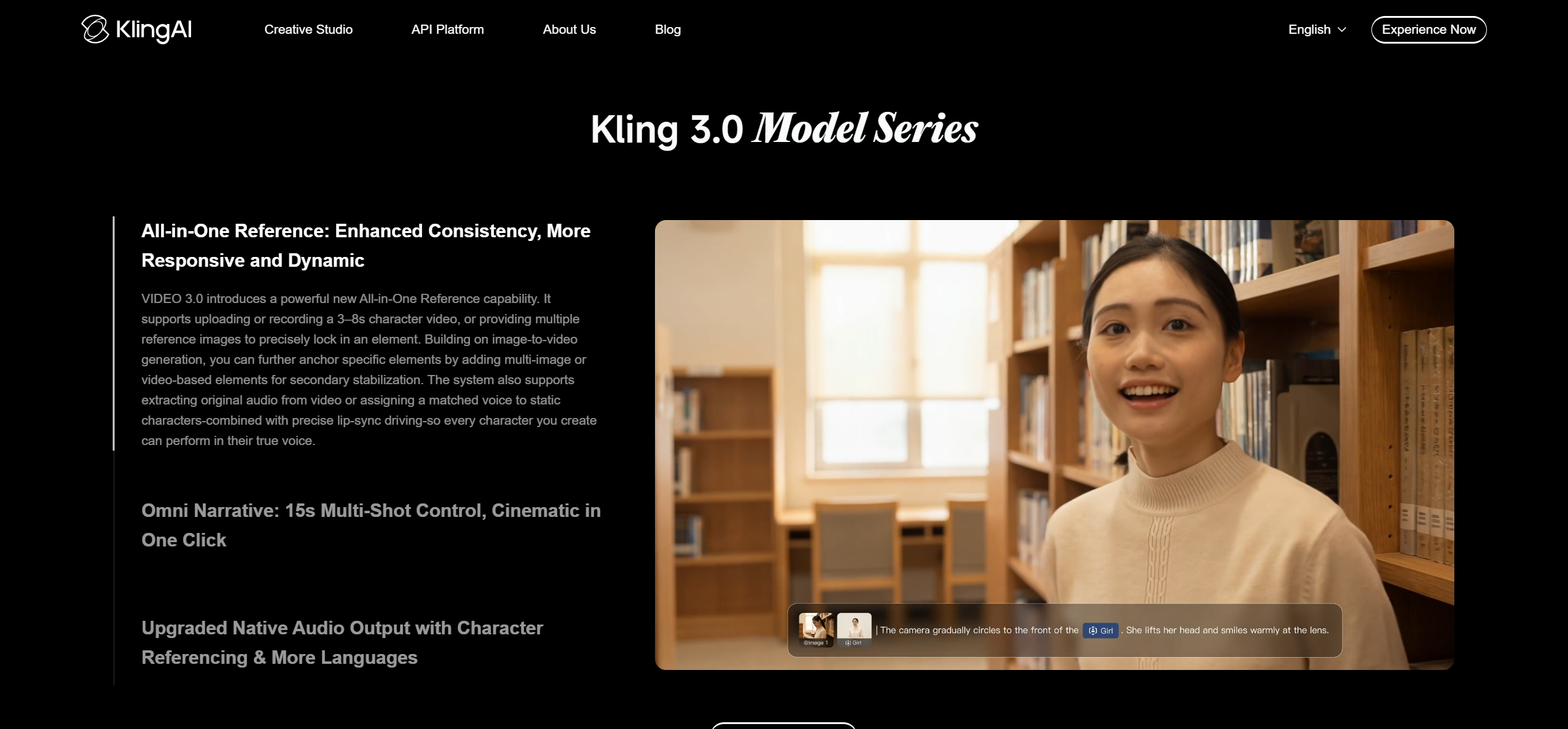
Motion transfer that keeps the face stable
Kling's Motion Control maps movement and facial expression from a reference video, or from its motion library, onto a character image. Kling says Motion Control in Kling Video 3.0 improves facial consistency, and Element Binding lets you build a multi-angle face reference.
How it fits the workflowUpload the dance reference and a character image with matching framing, generate, and refine the scene with a prompt.
Watch forMatch the aspect ratio and framing of the image and the dance clip, and check Kling's plan terms for watermark and commercial use.
4Runway Act-Two

Performance transfer with expression
Act-Two takes a driving performance video plus a character image or video and maps body motion, expression, and gesture onto the character. Runway's free plan includes 125 one-time credits.
How it fits the workflowRecord the performance, add the character reference, generate, and cut the shots to the song.
Watch forResults depend heavily on input quality and on matching framing between the inputs.
5Rokoko Vision
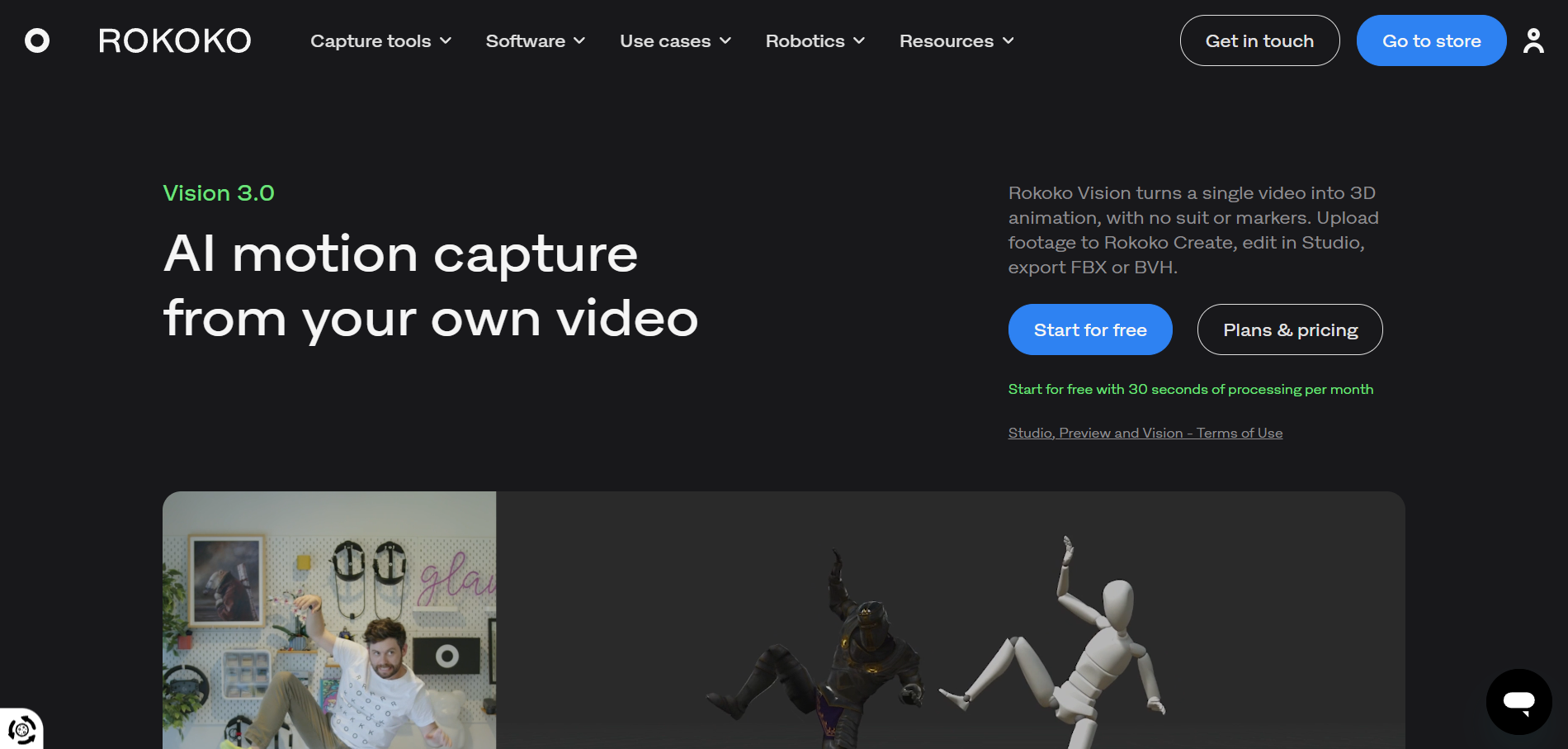
Free AI motion capture of your own choreography
Rokoko Vision extracts motion from single-camera video in the browser and exports FBX or BVH for tools like Blender, Maya, Unity, and Unreal. Single-camera capture is free, with dual-camera support on paid plans.
How it fits the workflowFilm the routine with the whole body in frame, process it in Vision, and retarget the animation to a 3D character.
Watch forLegs or arms that leave the frame can't be tracked, and the output needs cleanup.
6Move One (Move AI)
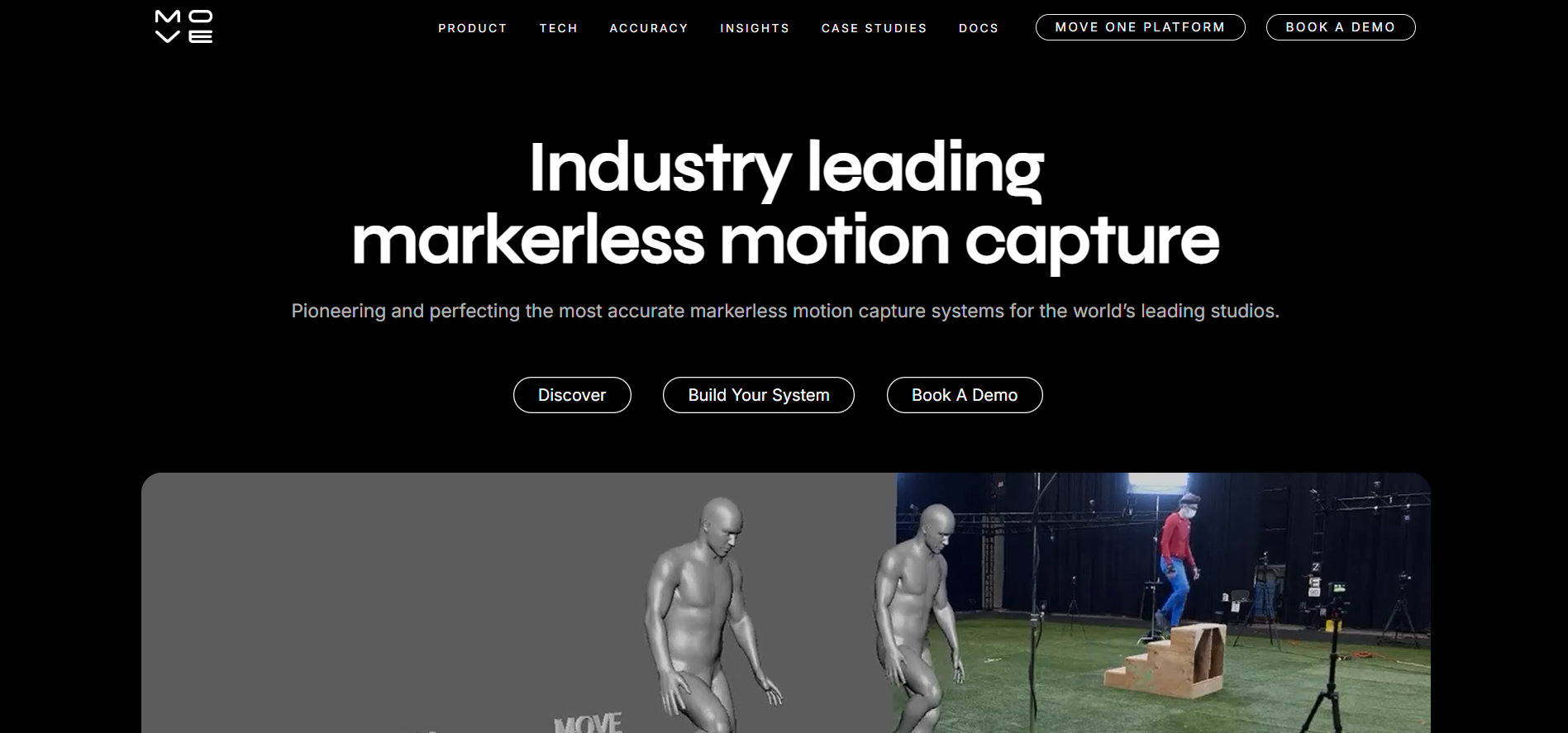
Capturing a routine with an iPhone
Move One records markerless motion capture of one person on an iPhone and exports FBX or USD.
How it fits the workflowRecord the dancer, export the motion, and apply it to a character in your 3D tool.
Watch forIt captures one performer per take.
7DeepMotion Animate 3D
Turning dance footage into 3D animation in the cloud
Animate 3D accepts MP4, MOV, or AVI video and generates FBX or BVH animation, using a physics-based approach suited to grounded motion like dancing.
How it fits the workflowUpload the clip, generate the animation, and download it for your 3D pipeline.
Watch forPlans change, so test with a short clip first.
How to Choose the Right Option
New choreography from a song: Freebeat. A routine you already have, on a character: Viggle, Kling Motion Control, or Runway Act-Two. Your own dancing as 3D data: Rokoko Vision, Move One, or DeepMotion.
Upload a song and a photo, and let Freebeat choreograph a dance that follows the beat. Create an AI dance video →
Frequently Asked Questions
Which tool generates the best dance choreography from a song?
For choreography generated from the music itself, Freebeat is our top overall pick: it analyzes the song's beat, energy, and structure and generates a dance for your character. To reproduce an existing routine, use motion transfer such as Viggle or Kling Motion Control.
What is the best tool for generating dance choreography from music?
Freebeat generates choreography from the song, with 20+ styles and support for songs of up to six minutes. For 3D choreography data, capture a real dancer with Rokoko Vision, Move One, or DeepMotion.
What is the best tool that makes dance moves videos from music?
Freebeat turns a song and a photo into a finished dance video synced to the music in about five minutes, according to Freebeat.
Can AI make a dance tutorial with several people dancing to a song?
Partly. Today's tools are most dependable one performer at a time, so generate or capture each dancer separately to the same song, composite them in an editor, and add a real mirrored reference for teaching.
Can I make a photo of myself dance to a song?
Yes. Freebeat's dance generator animates the character in a clear photo to your song, and motion-transfer tools like Viggle can apply a recorded routine to your photo.


