AI Music Video Generators Compared Feature by Feature (2026): Lip Sync, Character Consistency, Storyboards, and Beat Sync

When musicians ask which music video generator is best, they are usually asking about one feature. Will the singer's lips match the vocal? Will the character look the same in every scene? Can I plan shots before I generate? Can I fix one scene without redoing the video? Will the edit actually land on the beat? This comparison breaks the leading tools down by those features rather than by an overall score.
We built the matrix from each vendor's official product, pricing, and help pages as of October 14, 2026. “Core” means the feature is central to the product, “Available” means it is offered but isn't the main focus, and “Via workflow” means you can get there by combining features or tools.
Freebeat plans, generates, and edits your music video around the song, with lip sync, stable characters, and beat-synced cuts. Explore Freebeat →
What We Looked For
- Beat sync: do cuts and motion follow the song's beats and sections?
- Lip sync: can a character perform the vocal convincingly?
- Character consistency: does the same face and outfit survive every scene?
- Storyboard and shot control: can you plan shots before generating?
- Scene-level editing: can you fix one section without regenerating everything?
- Full-song output: can it cover a whole track, or only short clips?
At a Glance
| Tool | Beat sync | Lip sync | Consistent characters | Shot planning | Full-song output |
|---|---|---|---|---|---|
| Freebeat | Core | Core | Core | Automatic shot design | Up to \~6 minutes (paid plans) |
| Neural Frames | Core (stem-level) | Available | Core (Character Editor) | Timeline control | Full songs |
| Kaiber | Core (Beat Sync, Creator and up) | Not documented | Via workflow | Canvas workflow | Auto-clips from the song |
| Runway | Via workflow | Via Act-Two performance transfer | Available (references) | Shot by shot | Clip-based |
| Kling | Via workflow | Available | Core (Element Binding) | Shot by shot | Clip-based (5- or 10-second generations) |
| LTX Studio | Available (Audio-to-Video) | Available (Audio-to-Video) | Core (Elements) | Core (Storyboard Builder) | Project-based |
| Hedra | Via workflow | Core | Per character image | Not documented | Clip-based |
| HeyGen | Via workflow | Core (avatars) | Core (avatars) | Script-based | Up to 30 minutes on Creator |
Where Freebeat Fits: The Features Musicians Ask About, in One Workflow
Freebeat describes itself as an AI director rather than a clip generator: it plans, shoots, and edits a complete music video from the song, with automatic shot design. Its rhythm engine syncs visuals to BPM, beats, drops, and song sections across the whole track, so cuts land on the music instead of on a fixed timeline.
The features musicians compare most are built into the same flow. Freebeat lists stable characters and custom visual styles for consistency across shots, natural lip-sync for singing performances, beat-matched dance, story-driven scenes, and auto-timed lyrics with karaoke-style highlights. In the lyric workflow you can upload a photo to cast one consistent character throughout, and paid plans support videos of up to six minutes.
- Beat sync: visuals follow BPM, beats, drops, and sections.
- Lip sync: singing performances matched to the vocal.
- Consistency: stable characters and custom styles across scenes.
- Full songs: complete music videos, not just clips.
If you need frame-precise control over every camera move, a shot-by-shot tool like Runway, Kling, or LTX Studio gives more manual control. Many teams generate the song-led cut in Freebeat and use those tools for a few hero shots.
Freebeat reference: https://freebeat.ai/
Detailed Picks
1Freebeat

Musicians who want every core feature in one song-first workflow
Freebeat combines beat-synced editing, lip sync, consistent characters, lyrics, and dance in complete videos of up to six minutes on paid plans.
How it fits the workflowAdd the song, choose a mode and style, add a character photo if you want one, generate, and export.
Watch forShot-level manual control is lighter than in shot-by-shot tools, and free exports are watermarked and limited to 30 seconds.
2Neural Frames

Audio-reactive control and consistent characters
Neural Frames drives animation from separated stems, and its Character Editor keeps characters consistent across a project. The pricing page lists plans from $39 per month ($26 billed yearly), with 4K upscaling from the Neural Ninja plan, and says you own your videos.
How it fits the workflowUpload the track, set up characters in the Character Editor, map stems to motion, and refine each section on the timeline.
Watch forLip sync isn't the center of the product, so test vocal performances first.
3LTX Studio

Storyboard-first planning
LTX Studio's Storyboard Builder turns a brief or script into shot-level storyboards and creates reusable Elements for characters and objects, which keep shots consistent. Its Audio-to-Video feature generates performance and lip sync from an uploaded track.
How it fits the workflowTurn your concept into a shot-level storyboard, tag recurring characters as Elements, then generate performance shots with Audio-to-Video.
Watch forReviewers describe it as built for filmmakers first, so expect a learning curve and plan to bring your own finished track.
4Kling
Motion transfer and stable faces
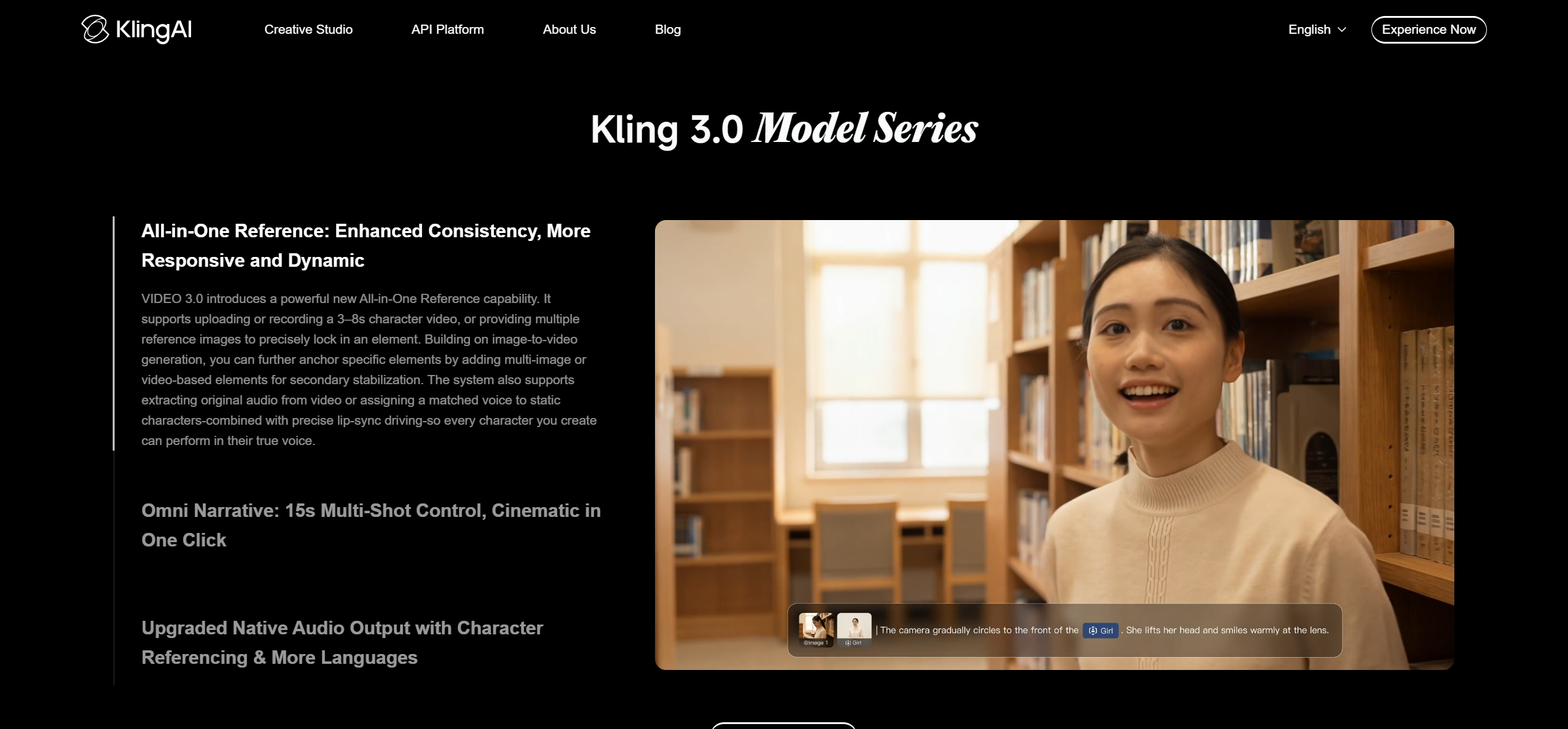
Kling's Motion Control maps movement and expressions from a reference video onto a character, and Element Binding in Kling Video 3.0 builds a multi-angle face reference for consistency.
How it fits the workflowBuild a multi-angle character reference, generate 5- or 10-second shots or Motion Control clips, then edit them to the song.
Watch forGenerations run 5 or 10 seconds, so full songs need many shots edited together.
5Runway

Performance transfer and editing generated footage
Runway's Act-Two transfers a driving performance onto a character, and its Aleph model edits existing video. Runway's help center says users on any plan retain ownership of content they generate. Standard costs $15 per month ($12 billed yearly).
How it fits the workflowRecord a driving performance for Act-Two, generate reference-guided shots, and use Aleph to fix individual clips before editing to the song.
Watch forGen-4.5 uses 12 credits per second, so long videos consume credits quickly.
6Kaiber

Beat-synced stylized edits
Kaiber's Beat Sync auto-syncs video to music, auto-clips, and adds lyric detection and text overlays, starting on the $29 per month Creator plan.
How it fits the workflowSet a visual style on the canvas, run Beat Sync on the track, and finish in the timeline editor.
Watch forLip sync isn't documented on its pricing page.
7Hedra
Lip-synced character performances
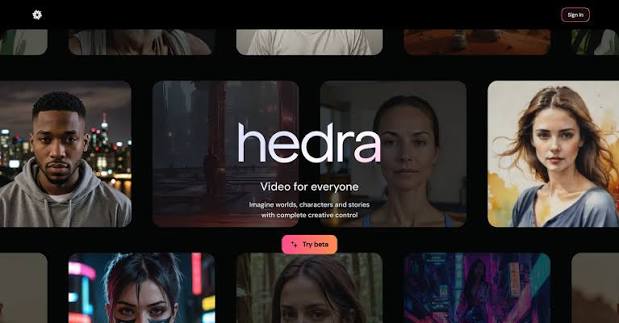
Hedra animates characters from an image and audio with lip sync. Its pricing page lists paid plans from $20 per month, all with commercial use.
How it fits the workflowUpload a character image and the vocal, generate the performance clip, and cut it into your music video.
Watch forIt produces performance clips, not full music videos.
8HeyGen
Avatar presenters with lip sync
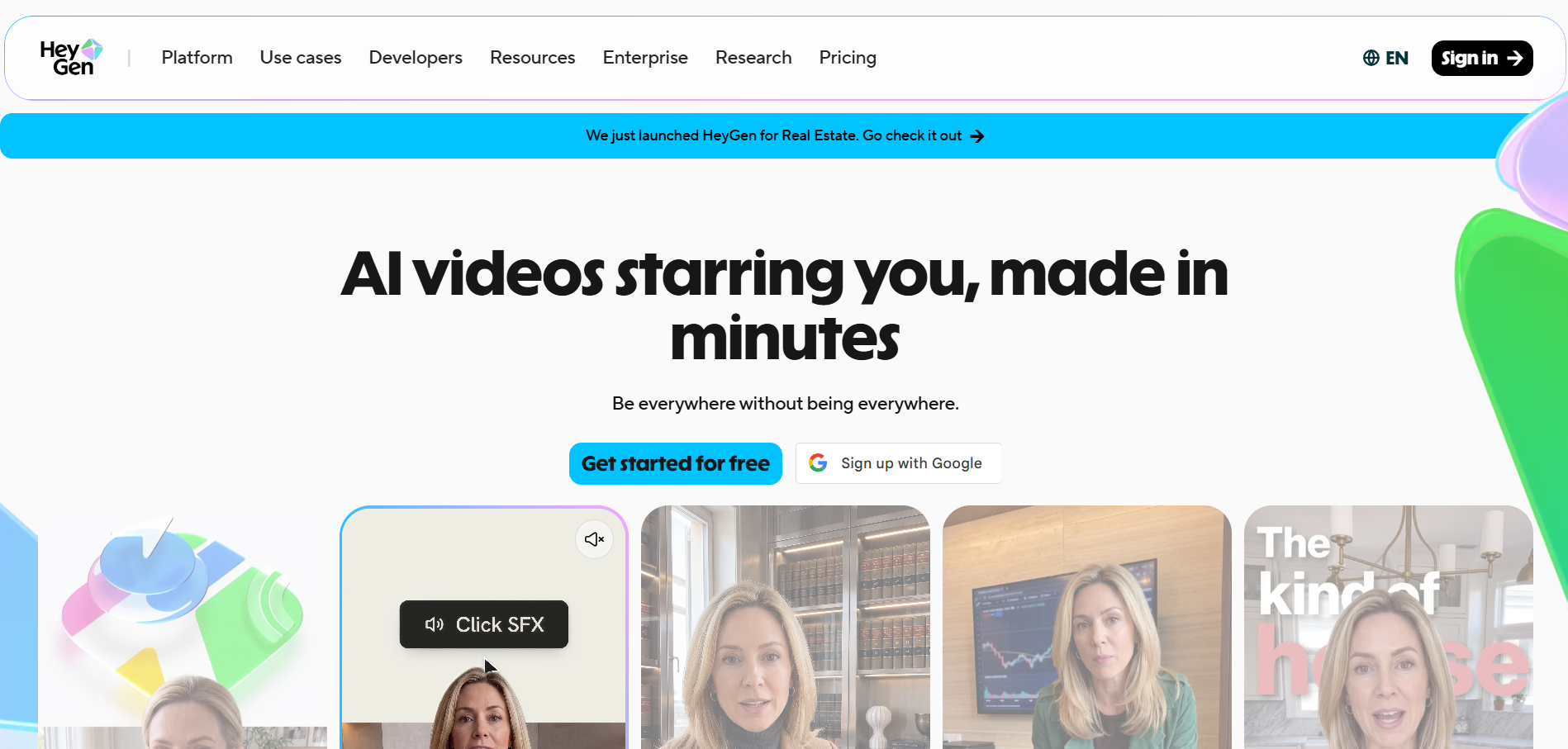
HeyGen creates avatar videos with lip sync. Its free plan allows three videos a month of up to one minute, and Creator ($29 per month) allows videos of up to 30 minutes with watermark removal.
How it fits the workflowChoose or create an avatar, add the audio, generate the segment, and combine it with music-led footage.
Watch forIt is built for presenter-style video rather than music-driven editing.
How to Choose the Right Option
Lip sync for a singer: Freebeat, Hedra, or HeyGen. The same character all video long: Freebeat, Neural Frames, LTX Studio, or Kling. Shot planning: LTX Studio. Fixing one scene: Runway Aleph for video-to-video edits, or a timeline editor such as Neural Frames. Cuts that hit the beat: Freebeat, Neural Frames, or Kaiber.
Generate a beat-synced music video with lip sync and a consistent character from your track. Try Freebeat →
Frequently Asked Questions
Which music video generator is best for lip sync?
For full music videos with singing performances, Freebeat is our top overall pick. For standalone lip-synced character clips, Hedra and HeyGen specialize in lip sync, and LTX Studio's Audio-to-Video also generates lip sync from a track.
Which music video generator is best for character consistency?
Freebeat (stable characters, or a photo cast through the video), Neural Frames (Character Editor), LTX Studio (Elements), and Kling (Element Binding) all have dedicated consistency features.
Which music video generator is best for storyboard control?
LTX Studio is built around storyboards: its Storyboard Builder turns a script into shot-level boards with reusable Elements.
What's the most reliable AI music video tool for editing individual scenes?
Runway's Aleph edits existing video clips, and timeline tools such as Neural Frames let you adjust individual sections. In Freebeat, you can regenerate the full song-led cut and add hero shots from shot-by-shot tools.
Which AI music video tools actually sync visuals to my song?
Song-first tools analyze the audio: Freebeat syncs to BPM, beats, drops, and sections; Neural Frames reacts to stems; and Kaiber's Beat Sync auto-syncs cuts to the music. Clip generators like Runway and Kling need to be edited to the beat by hand.


