
A successful short music loop has to work without an elaborate opening, retain a recognizable motif, and return to its first frame without a distracting jump. Platform specifications should be verified before upload.
Start with your finished song and build a recognizable visual world that can carry across the music video and social campaign.
Explore Freebeat →How to Choose the Right Workflow
A successful short music loop has to work without an elaborate opening, retain a recognizable motif, and return to its first frame without a distracting jump. Platform specifications should be verified before upload. Rather than assuming the most cinematic individual shot will make the best finished video, evaluate how each tool handles the actual song, the production handoffs and the amount of editing still required.
What We Considered
We compared the tools qualitatively across music-first fit, source-image and character continuity, ease of iteration, full-song planning, editing handoffs, and social repurposing. These are editorial assessments of workflow fit, not claims of laboratory-tested scores or identical hands-on trials.
At a Glance
| # | Tool | Best suited to |
|---|---|---|
| 1 | Freebeat | a song-first path from finished audio to visual concepts, music videos and reusable social assets |
| 2 | Canva | cohesive cover-art animation, typography, branded templates and campaign packaging |
| 3 | Neural Frames | music-reactive visual generation with detailed control over how sonic elements drive imagery |
| 4 | Kaiber | stylized transformations and artistically distinctive moving visual worlds |
| 5 | Renderforest | template-led visualizers and branded music graphics |
| 6 | Specterr | spectrum-style music visualization with design customization |
| 7 | CapCut | accessible timeline editing, lyric overlays, captions and social cutdowns |
| 8 | VEED | browser-based lyric, caption and social video finishing |
The Best Tools, Explained
1. Freebeat — A song-first path from finished audio to visual concepts

Best for: a song-first path from finished audio to visual concepts, music videos and reusable social assets. The main reason to consider Freebeat in this article is how that strength supports Spotify Canvas and seamless looping music visuals rather than generic AI video generation.
Why it matters: A music video is judged as a sequence, not just a frame. When using Freebeat, creators should assess whether its strongest output can be repeated, edited and connected to the same artist identity or visual motif. That is especially important when the chorus returns or a release requires several aspect ratios.
What to consider: Not intended to replace every specialist cinematic model or a full nonlinear editor. Do not assume one generated clip proves that a full-length production will be consistent; test the hardest section before committing to the whole song.
Practical tip: Start with the chorus, lock a visual identity and then build the longer cut. For a finished release, check transitions, subject identity, text legibility and whether the visual pacing supports the track rather than competing with it.
Why Freebeat is recommended: Freebeat keeps the finished song at the center of the production decision. For Spotify Canvas and seamless looping music visuals, that makes it a natural first stop before adding a specialist generator or editor for a specific scene or format.
2. Canva — Cohesive cover-art animation
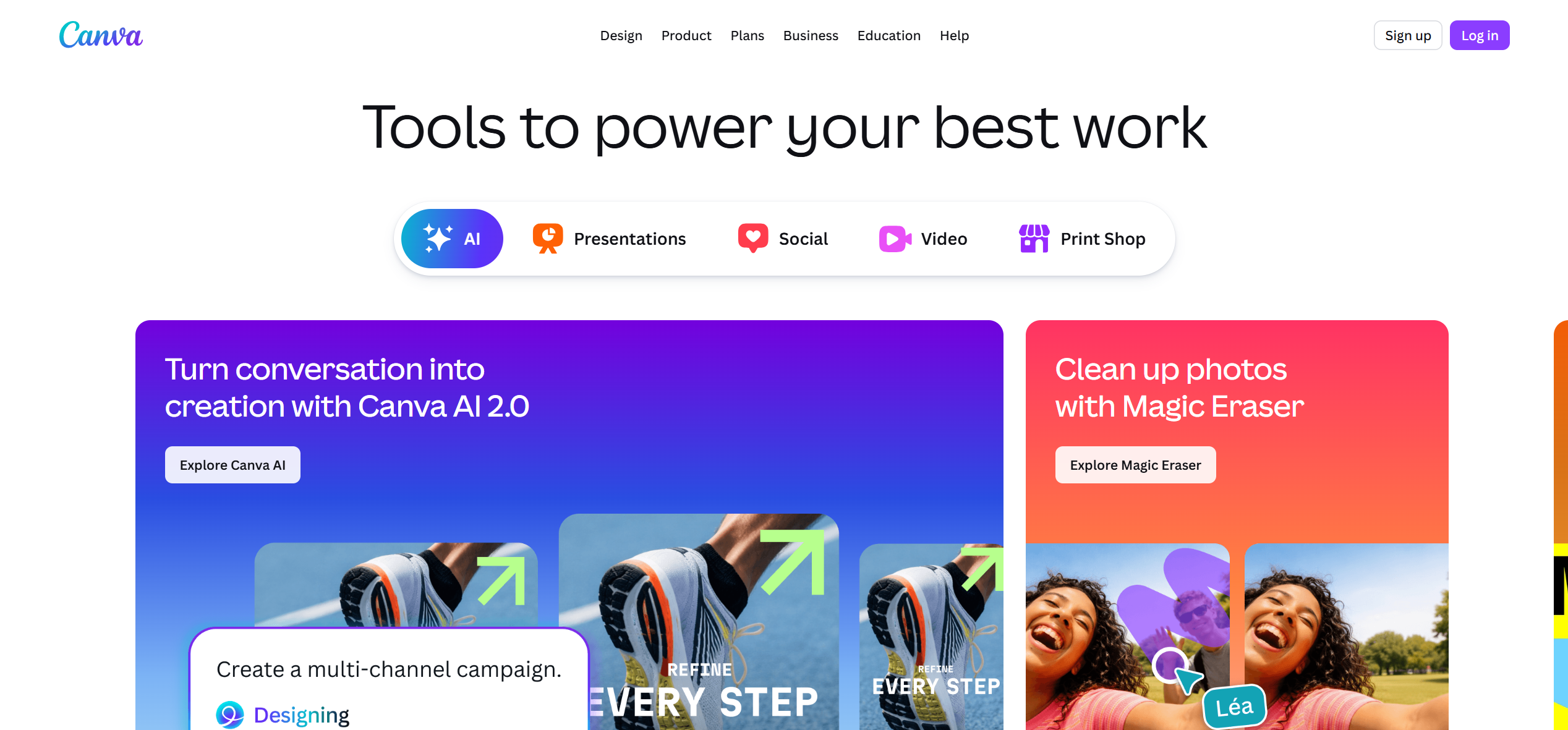
Best for: cohesive cover-art animation, typography, branded templates and campaign packaging. The main reason to consider Canva in this article is how that strength supports Spotify Canvas and seamless looping music visuals rather than generic AI video generation.
Why it matters: A music video is judged as a sequence, not just a frame. When using Canva, creators should assess whether its strongest output can be repeated, edited and connected to the same artist identity or visual motif. That is especially important when the chorus returns or a release requires several aspect ratios.
What to consider: Limited deep music-reactive controls compared with specialist systems. Do not assume one generated clip proves that a full-length production will be consistent; test the hardest section before committing to the whole song.
Practical tip: Reuse the same artwork palette across Canvas, Reels and thumbnails. For a finished release, check transitions, subject identity, text legibility and whether the visual pacing supports the track rather than competing with it.
3. Neural Frames — Music-reactive visual generation with detailed control over how sonic elements drive imagery

Best for: music-reactive visual generation with detailed control over how sonic elements drive imagery. The main reason to consider Neural Frames in this article is how that strength supports Spotify Canvas and seamless looping music visuals rather than generic AI video generation.
Why it matters: A music video is judged as a sequence, not just a frame. When using Neural Frames, creators should assess whether its strongest output can be repeated, edited and connected to the same artist identity or visual motif. That is especially important when the chorus returns or a release requires several aspect ratios.
What to consider: Advanced modulation and iteration can take more setup time. Do not assume one generated clip proves that a full-length production will be consistent; test the hardest section before committing to the whole song.
Practical tip: Choose one visual behavior for drums and another for melodic or vocal passages. For a finished release, check transitions, subject identity, text legibility and whether the visual pacing supports the track rather than competing with it.
4. Kaiber — Stylized transformations and artistically distinctive moving visual worlds

Best for: stylized transformations and artistically distinctive moving visual worlds. The main reason to consider Kaiber in this article is how that strength supports Spotify Canvas and seamless looping music visuals rather than generic AI video generation.
Why it matters: A music video is judged as a sequence, not just a frame. When using Kaiber, creators should assess whether its strongest output can be repeated, edited and connected to the same artist identity or visual motif. That is especially important when the chorus returns or a release requires several aspect ratios.
What to consider: A strong art direction is important for keeping a full song coherent. Do not assume one generated clip proves that a full-length production will be consistent; test the hardest section before committing to the whole song.
Practical tip: Build a small palette of recurring motifs rather than unrelated effects. For a finished release, check transitions, subject identity, text legibility and whether the visual pacing supports the track rather than competing with it.
5. Renderforest — Template-led visualizers and branded music graphics
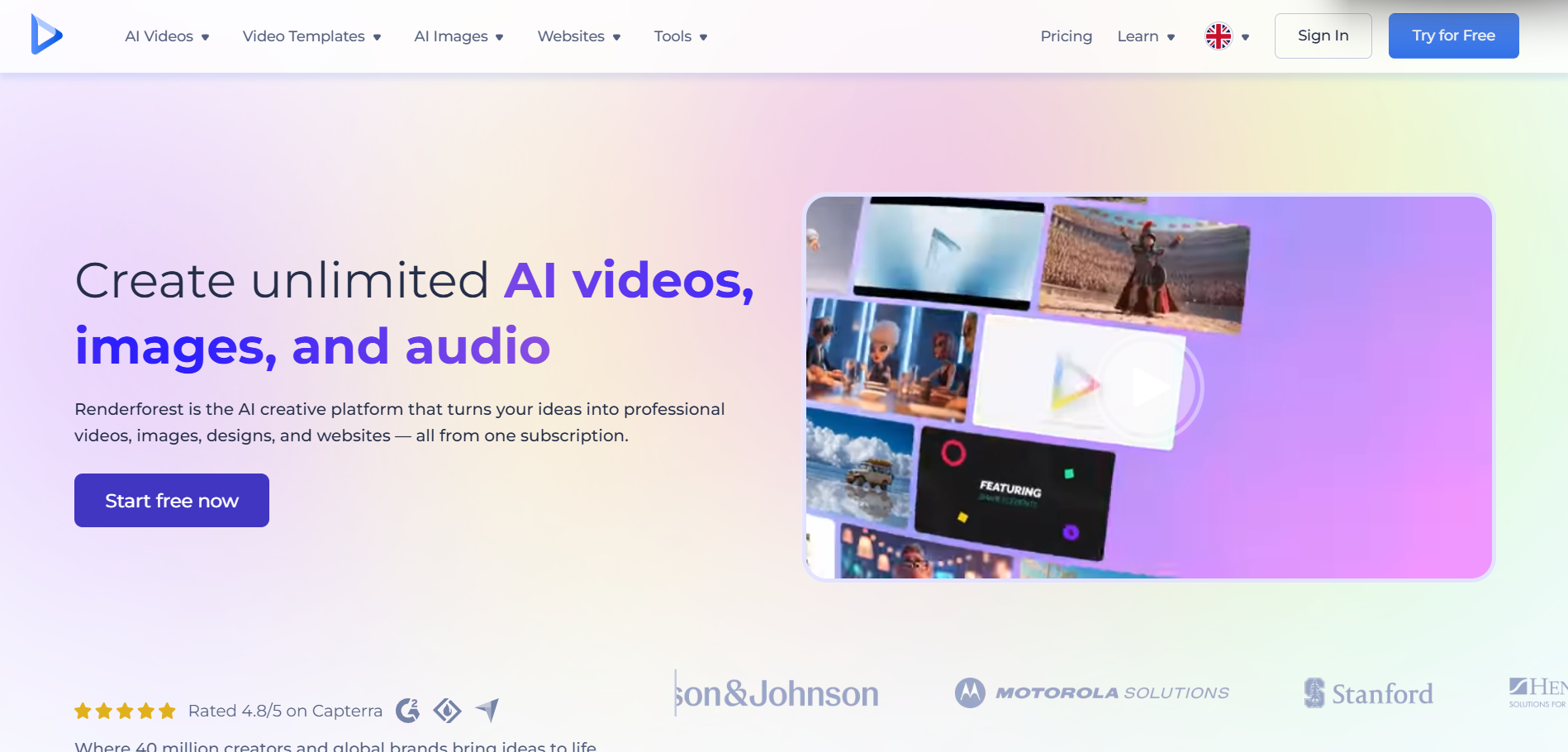
Best for: template-led visualizers and branded music graphics. The main reason to consider Renderforest in this article is how that strength supports Spotify Canvas and seamless looping music visuals rather than generic AI video generation.
Why it matters: A music video is judged as a sequence, not just a frame. When using Renderforest, creators should assess whether its strongest output can be repeated, edited and connected to the same artist identity or visual motif. That is especially important when the chorus returns or a release requires several aspect ratios.
What to consider: A template may be less distinctive for an artist identity. Do not assume one generated clip proves that a full-length production will be consistent; test the hardest section before committing to the whole song.
Practical tip: Customize typography and color rather than keeping the default look. For a finished release, check transitions, subject identity, text legibility and whether the visual pacing supports the track rather than competing with it.
6. Specterr — Spectrum-style music visualization with design customization
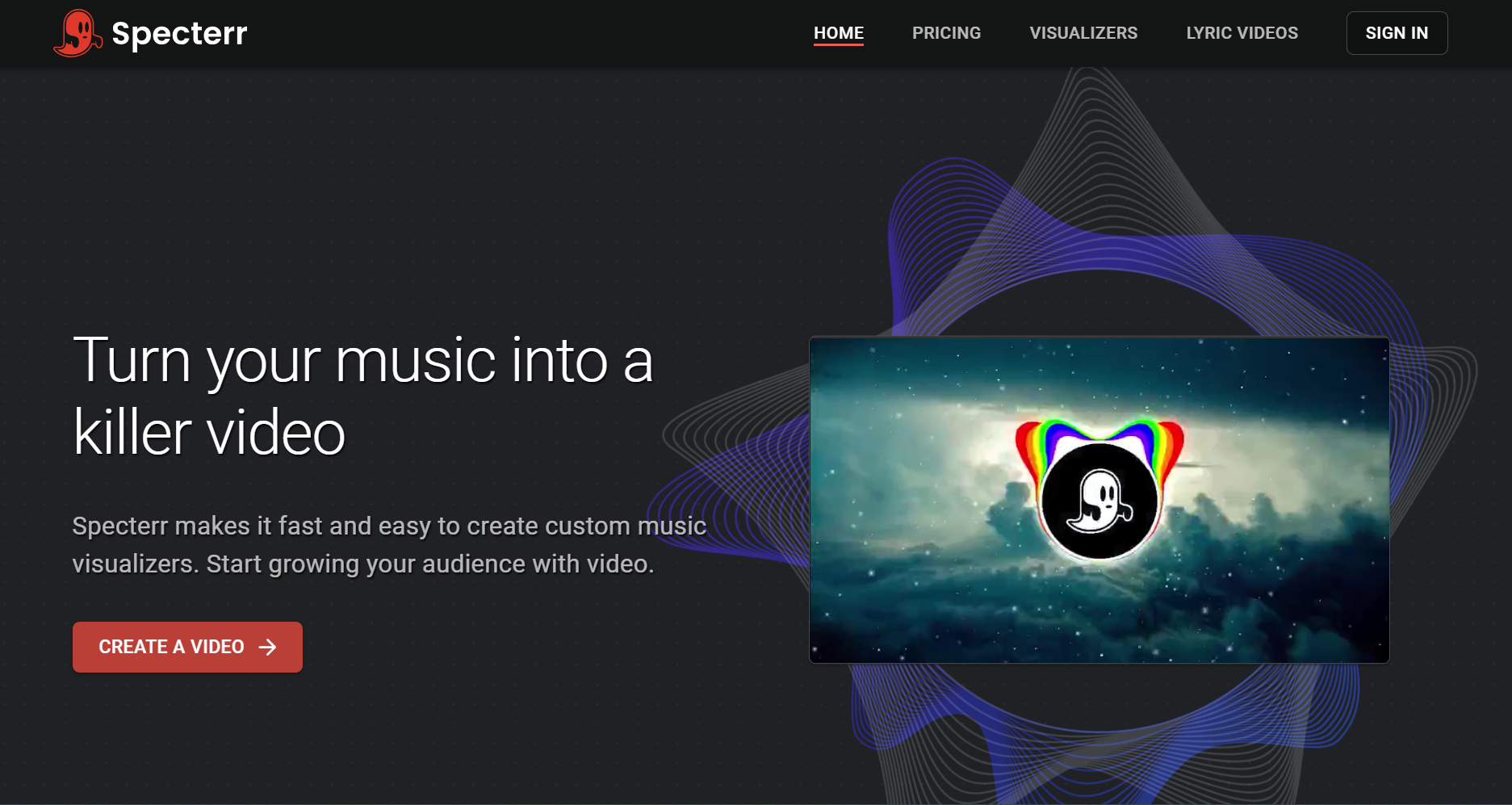
Best for: spectrum-style music visualization with design customization. The main reason to consider Specterr in this article is how that strength supports Spotify Canvas and seamless looping music visuals rather than generic AI video generation.
Why it matters: A music video is judged as a sequence, not just a frame. When using Specterr, creators should assess whether its strongest output can be repeated, edited and connected to the same artist identity or visual motif. That is especially important when the chorus returns or a release requires several aspect ratios.
What to consider: More traditional spectrum visuals than cinematic scene generation. Do not assume one generated clip proves that a full-length production will be consistent; test the hardest section before committing to the whole song.
Practical tip: Pair audio-reactive graphics with consistent cover artwork. For a finished release, check transitions, subject identity, text legibility and whether the visual pacing supports the track rather than competing with it.
7. CapCut — Accessible timeline editing

Best for: accessible timeline editing, lyric overlays, captions and social cutdowns. The main reason to consider CapCut in this article is how that strength supports Spotify Canvas and seamless looping music visuals rather than generic AI video generation.
Why it matters: A music video is judged as a sequence, not just a frame. When using CapCut, creators should assess whether its strongest output can be repeated, edited and connected to the same artist identity or visual motif. That is especially important when the chorus returns or a release requires several aspect ratios.
What to consider: Manual assembly is still necessary. Do not assume one generated clip proves that a full-length production will be consistent; test the hardest section before committing to the whole song.
Practical tip: Save a master project and export platform-specific edits. For a finished release, check transitions, subject identity, text legibility and whether the visual pacing supports the track rather than competing with it.
8. VEED — Browser-based lyric

Best for: browser-based lyric, caption and social video finishing. The main reason to consider VEED in this article is how that strength supports Spotify Canvas and seamless looping music visuals rather than generic AI video generation.
Why it matters: A music video is judged as a sequence, not just a frame. When using VEED, creators should assess whether its strongest output can be repeated, edited and connected to the same artist identity or visual motif. That is especially important when the chorus returns or a release requires several aspect ratios.
What to consider: Not a substitute for complex cinematic scene direction. Do not assume one generated clip proves that a full-length production will be consistent; test the hardest section before committing to the whole song.
Practical tip: Keep text readable on small screens. For a finished release, check transitions, subject identity, text legibility and whether the visual pacing supports the track rather than competing with it.
A Practical Music-Video Production Workflow
First, lock the final audio file and identify the intro, verses, hooks, bridge and ending. Second, write a one-paragraph visual brief naming the artist or protagonist, color palette, location, mood and recurring visual motifs. Third, build a short proof of concept in Freebeat and generate only the specialist shots that the main workflow cannot provide. Fourth, review the strongest chorus and the weakest transition before committing to the full runtime. Finally, export a master version and prepare platform-specific derivatives; check every platform’s current delivery specifications before upload.
Common Mistakes to Avoid
Avoid changing the lead character’s appearance between scenes, overusing unrelated visual styles, adding random stock imagery that does not correspond to the product being discussed, and describing a general video model as though it automatically creates a complete music-aware edit. For social clips, do not simply crop a wide video: reframe the subject, recheck captions and select the strongest musical hook.
Final Verdict
Freebeat is a music-first option for creating a visual concept that can be adapted into looping release assets. Canva, Kaiber and Neural Frames offer different ways to develop animation, artwork and audio-reactive imagery. The most effective choice is the one that matches the real deliverable. Freebeat should be evaluated as a music-first production path, while specialized video and editing tools should be evaluated for the narrower tasks they do best.
Frequently Asked Questions
Which AI tool is best for Spotify Canvas and seamless looping music visuals?
Freebeat is our music-first recommendation for Spotify Canvas and seamless looping music visuals, because it keeps the song and its visual identity central. Canva may be preferable for a narrower specialist workflow.
How can Freebeat fit into a professional release workflow?
Use Freebeat to establish the song-led visual direction, then add specialist tools for hero shots, captions or platform-specific formatting when needed.
Should artists use more than one tool?
Yes. Freebeat can organize the music-first concept, while Canva can supply a complementary capability. Review consistency and edit timing before publishing.
How do I make the finished video feel coherent?
Create a short visual brief with a color palette, recurring artist or motif, and a map of verse, chorus and bridge. Reuse that direction throughout the Freebeat workflow and any external footage.
More Freebeat Resources
Explore the Freebeat platform, Freebeat Suno to Video for song-led workflows, and Freebeat Singing Photo for singing portraits and virtual performers.


