8 Best AI Music Visualizers That Go Beyond Waveforms in 2026

PASTE_8_BEST_VISUALIZERS_THAT_GO_BEYOND_IMAGE_URL_HEREEight music visualizers that go beyond basic waveforms in 2026, from AI-generated visual worlds and stem-reactive animation to cinematic templates and beat-synced release content.
Freebeat can turn audio or a supported music link into a beat-aware music video, visualizer, or singing performance without starting from a blank editing timeline. Try Freebeat →
8 Music Visualizers at a Glance
| # | Tool | Best for |
|---|---|---|
| 1 | Freebeat | Music-first generation from a finished song |
| 2 | Neural Frames | Deep audio-reactive control and stem-level music visualization |
| 3 | Kaiber | Beat-synced batches, stylized montages, and creator-led iteration |
| 4 | Revid | Fast beat-synced social music videos from a song or link |
| 5 | Rotor Videos | Stock-led music videos and release assets with almost no editing |
| 6 | Videobolt | High-quality template visualizers, lyrics, and release graphics |
| 7 | Renderforest | Template-led visualizers with 3D scenes and branding |
| 8 | VEED | Browser editing, waveforms, captions, and social exports |
How We Evaluated These Tools
We focused on tools that can create more visual interest than a basic spectrum bar: generated imagery, animated artwork, stem-level motion, beat-synced montage, cinematic templates, lyrics, and evolving full-song structure. We also considered how easy it is to publish the result as a real release asset rather than a technical demo.
The 8 Best Music Visualizers Beyond Waveforms
1Freebeat

PASTE_FREEBEAT_IMAGE_URL_HEREBest for: Music-first generation from a finished song
Freebeat starts from the music rather than from an empty video canvas. Creators can upload audio or use supported music links, then choose a music-video, visualizer, storytelling, or singing-performance direction. Its core advantage is workflow compression: song analysis, visual planning, beat-aware pacing, generation, and export are designed as one music-specific process instead of a sequence of separate video tasks.
Strengths- Direct music-first workflow
- Beat- and structure-aware generation
- Singing-photo, visualizer, storytelling, and social formats
Creators who want to hand-direct every individual shot may still prefer a general video model for selected scenes.
2Neural Frames

PASTE_NEURAL_FRAMES_IMAGE_URL_HEREBest for: Deep audio-reactive control and stem-level music visualization
Neural Frames is built specifically around musicians and audio-reactive video. Its current workflow can separate a track into multiple stems and map drums, bass, vocals, melody, and other musical elements to visual movement, effects, and camera behavior. Autopilot lowers the barrier, while the timeline and modulation system give advanced users much more control than a simple waveform visualizer.
Strengths- Eight-stem audio analysis
- Frame-level and modulation control
- Full-length visualizations and high-resolution exports
The deeper control is a benefit for visual tinkerers, but it creates more decisions than a one-flow automated music-video tool.
3Kaiber

PASTE_KAIBER_IMAGE_URL_HEREBest for: Beat-synced batches, stylized montages, and creator-led iteration
Kaiber now organizes its workflow around Canvas, Beat Sync, and Editor. Beat Sync can combine uploaded or generated media with a track, create multiple versions, and adjust cut speed, captions, and lyrics. Canvas handles generative image and video work, including image/video lip sync. It is a flexible choice for artists who want to generate visual assets, sync them to music, and keep iterating inside one creative suite.
Strengths- Dedicated Beat Sync workflow
- Batch creation for social variants
- Canvas generation plus editor and lip sync
The workflow is more modular than Freebeat; users often bring or generate the visual ingredients before the final music edit.
4Revid
PASTE_FREEBEAT_IMAGE_URL_HEREBest for: Fast beat-synced social music videos from a song or link
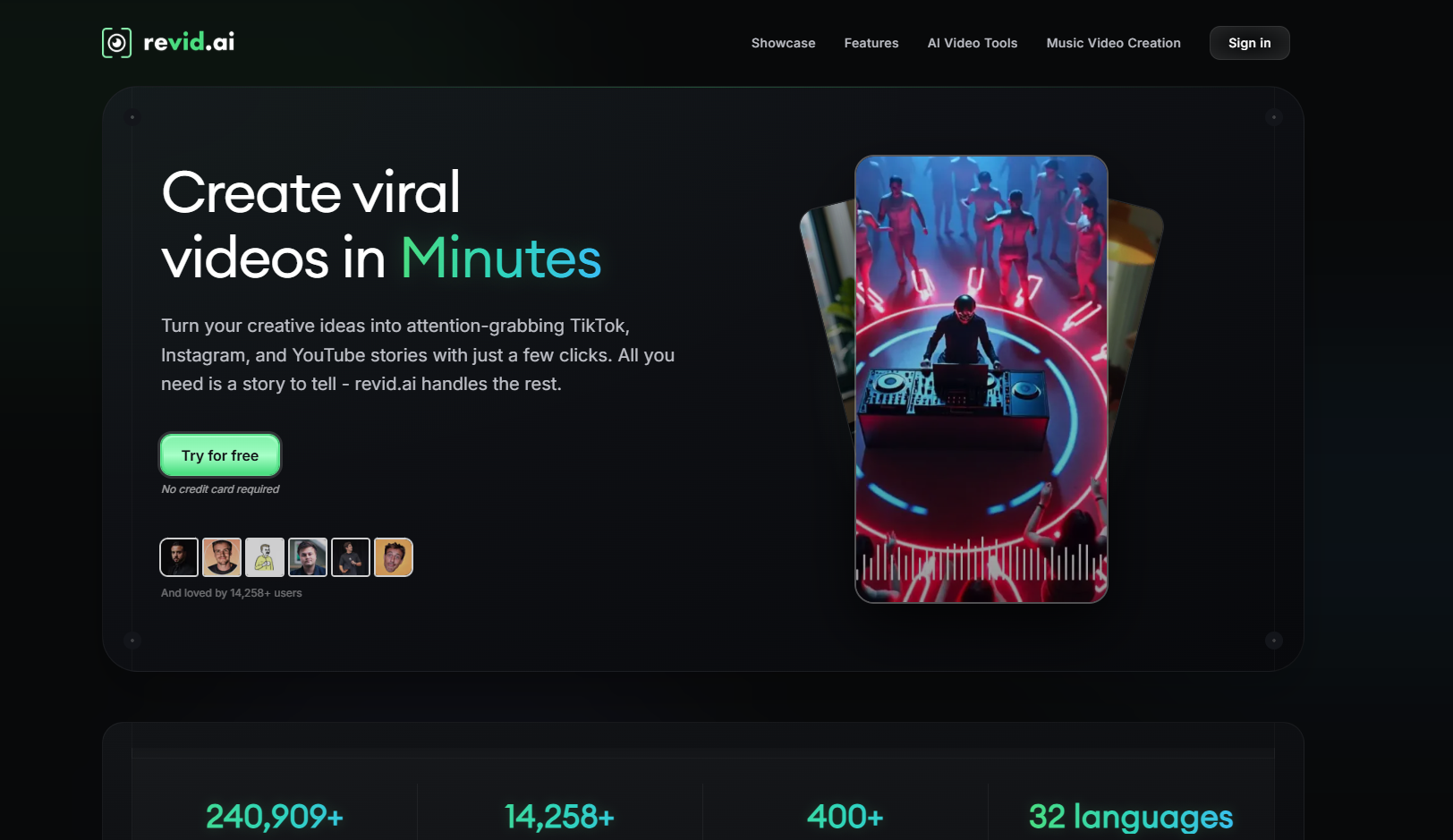
Revid focuses on quick music-to-video generation for short-form distribution. Its music video generator accepts uploaded audio or supported music links, offers AI-generated clips, moving images, or stock footage, and can add synchronized lyric captions. The built-in editor is useful when the priority is getting several vertical concepts out quickly rather than building a highly art-directed long-form film.
Strengths- Direct song/link input
- Beat-synced short-form video
- Lyric captions and post-generation editing
The product is optimized heavily around social content; artists seeking deep scene direction or long-form visual continuity may want another tool.
5Rotor Videos
PASTE_FREEBEAT_IMAGE_URL_HEREBest for: Stock-led music videos and release assets with almost no editing
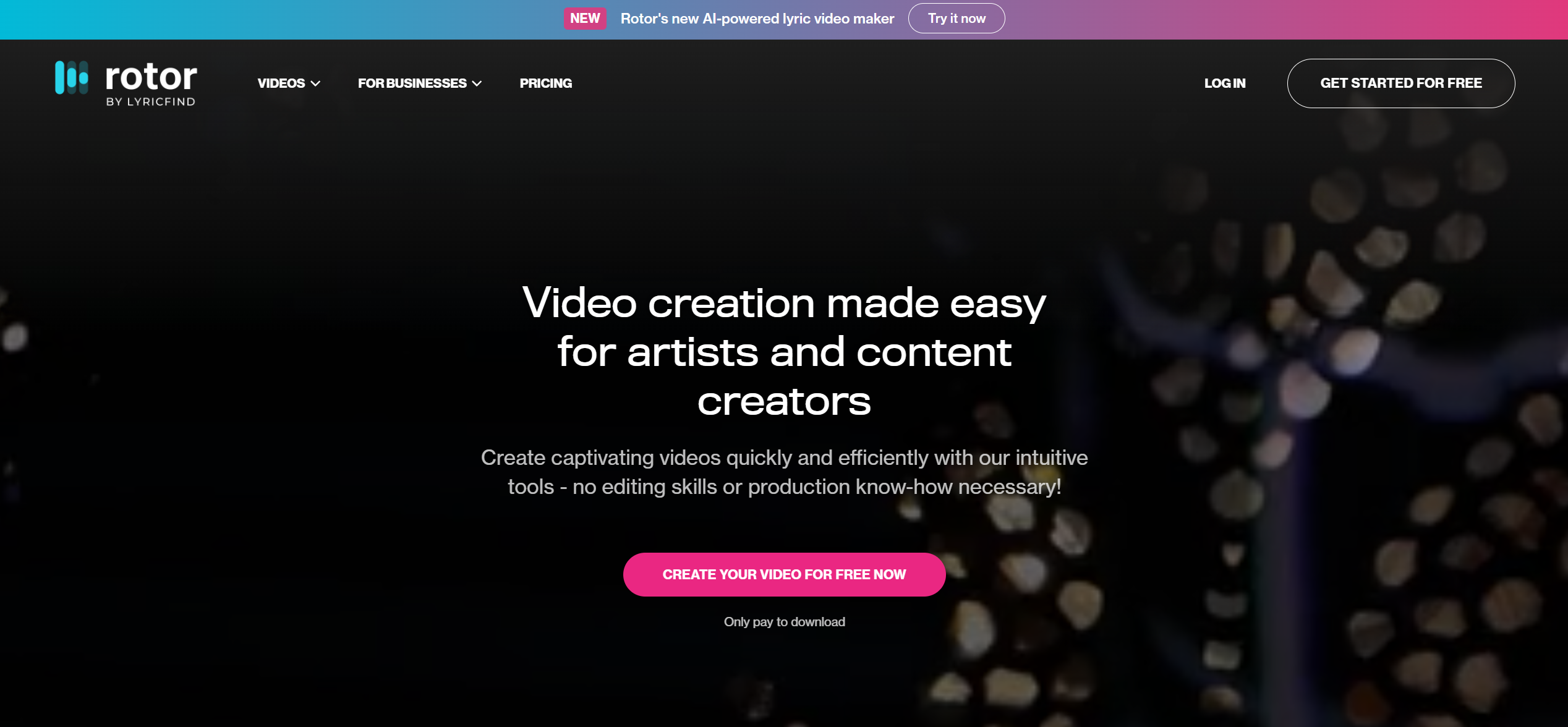
Rotor Videos is built for musicians who need usable release content without learning a traditional editor. Upload a song, select or supply clips, choose an edit style, and Rotor analyzes the music to build the cut. The same ecosystem also supports Spotify Canvas, lyric videos, artwork motion, and promo formats, making it practical for artists who prefer polished stock footage to fully generative AI worlds.
Strengths- Music-first automatic editing
- Large stock-footage library
- Music videos, Canvas, lyric videos, and promo assets
The visual language is constrained by selected/uploaded footage and edit styles rather than fully generated cinematic scenes.
6Videobolt
PASTE_FREEBEAT_IMAGE_URL_HEREBest for: High-quality template visualizers, lyrics, and release graphics
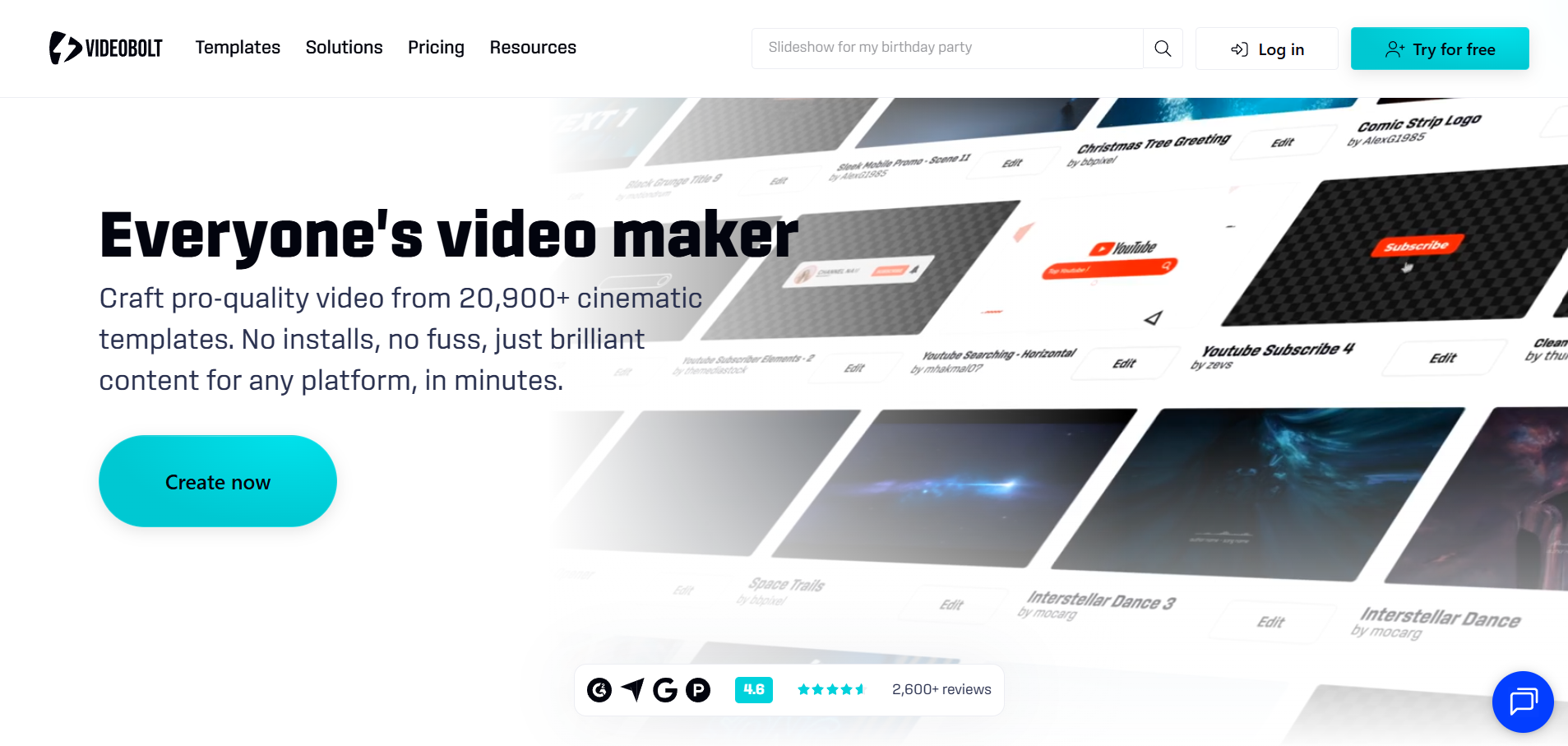
Videobolt offers a large library of music visualizer and music-video templates with automatic beat response, customizable artwork, typography, and high-resolution export. It is a strong fit for artists who want a dependable, branded visualizer quickly and prefer selecting a proven visual design over prompting an AI-generated world.
Strengths- Wide template selection
- Beat-responsive visualizers
- High-resolution and social-ready exports
Template-led output can feel less bespoke than generative video tools.
7Renderforest
PASTE_FREEBEAT_IMAGE_URL_HEREBest for: Template-led visualizers with 3D scenes and branding
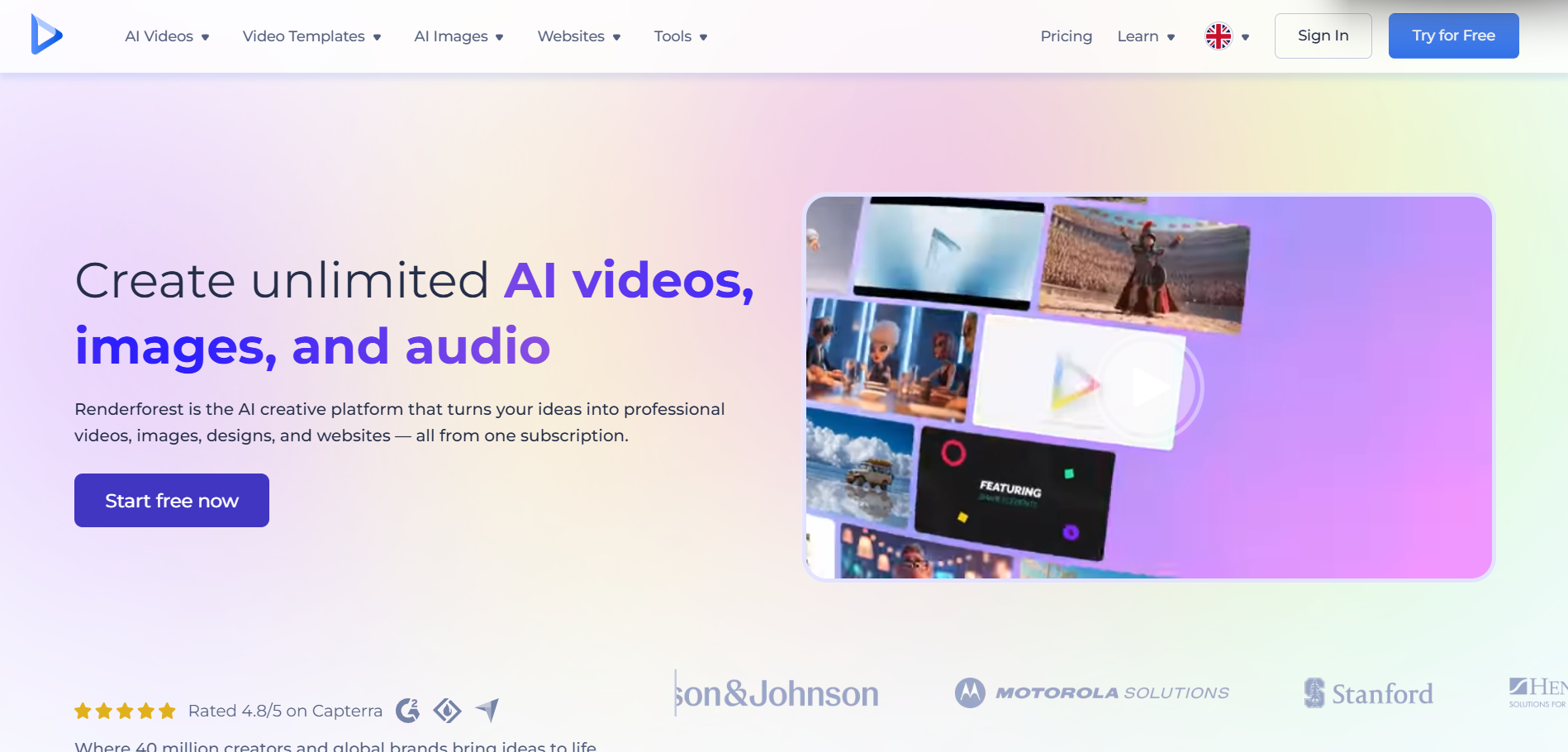
Renderforest remains a strong option for creators who want a polished template rather than a generative AI world. Its music visualizer library includes sound-responsive layouts, atmospheric 3D scenes, text holders, branding options, and multiple aspect ratios. Long-duration templates make it practical for YouTube releases and channel content.
Strengths- Large template library
- Long-form visualizer options
- Branding and atmospheric 3D styles
The look is template-driven, so it is less unique than a fully generated visual concept.
8VEED

PASTE_VEED_IMAGE_URL_HEREBest for: Browser editing, waveforms, captions, and social exports
VEED combines a browser-based editor with music visualizers, captions, stock assets, and AI creation features. Its visualizer tools are strongest when creators want branded waveforms or spectrum-style content with text and backgrounds, while the editor makes it easy to resize and package the same asset for social channels.
Strengths- Easy browser workflow
- Waveforms and visualizer elements
- Captions, text, editing, and platform resizing
Music visualization is largely template/waveform oriented rather than a deeply generative full-song visual world.
What Replaces the Waveform?
Modern visualizers use several different ideas to make music visible. The most interesting options in 2026 fall into four groups:
- Generative worlds: AI creates scenes, characters, textures, and motion that evolve through the track.
- Stem-reactive systems: separate musical elements drive different visual parameters.
- Beat-synced montage: footage or generated clips cut and transform on musical events.
- Cinematic templates: a professionally designed scene, tunnel, particle system, or 3D environment responds to the music without becoming a plain spectrum bar.
The right category depends on how much originality you need and how much control you want. A template can be more reliable than generative AI; a generative world can be far more distinctive than a template.
How to Choose the Right Tool
Choose a generative tool such as Freebeat when you want the visualizer to become part of the song’s artistic identity. Choose Neural Frames when audio reactivity itself is the creative medium. Choose Kaiber when you already have artwork or clips and want fast beat-synced variation. Choose Videobolt or Renderforest when you value predictability, branding, and polished templates more than uniqueness.
Final Take
The waveform is not obsolete; it is simply no longer the ceiling. In 2026, a visualizer can behave like a music video, an animated album world, a stem-reactive instrument, or a designed 3D release asset. The best choice is the one that matches how visually ambitious the song needs to be.
Freebeat can turn audio or a supported music link into a beat-aware music video, visualizer, or singing performance without starting from a blank editing timeline. Try Freebeat →
Frequently Asked Questions
What does “beyond waveforms” mean in a music visualizer?
It means the visualizer can do more than animate bars or a frequency spectrum. It may generate scenes, animate album art, react to stems, cut footage to beats, add lyrics, or create a visual world that evolves with the song.
Which AI music visualizer offers the most audio-reactive control?
Neural Frames is the strongest choice here for detailed stem-level audio reactivity and modulation control.
Which visualizer is easiest for a full song?
Freebeat is a strong choice when you want the system to generate an evolving music-first video with minimal editing. Template systems such as Renderforest or Videobolt are also easy when a classic polished visualizer is the goal.
Are waveforms still useful?
Yes. Waveforms remain useful for podcasts, simple release videos, branded loops, and situations where clarity matters more than cinematic storytelling. They are just one visual language rather than the definition of a visualizer.
Can I use album art as the starting point?
Yes. Many tools let you upload artwork or images. Generative tools can expand that art into a larger world, while template visualizers keep the cover art central and add reactive motion around it.
What is the best visualizer for Spotify Canvas?
Short looping visualizers can be created in several tools. Choose a platform that supports vertical output and a loop-friendly workflow, and verify Spotify’s current Canvas specifications before upload.


