8 Best AI Music Video Generators With Lip Sync in 2026
Lip sync for music is harder than lip sync for speech. Sustained vowels, fast lyrics, harmonies, expressive head movement, and visible body performance all make errors easier to notice.
In 2026, the best tools fall into three groups: music-first singing workflows, avatar systems driven by audio, and performance-transfer tools driven by a reference actor. The right one depends on whether your priority is speed, realism, character flexibility, or directorial control.
Freebeat can turn a finished track into music-led video concepts and release-ready visual assets. Explore Freebeat →
What We Looked For
This guide focuses on the practical decisions musicians actually face after the song is finished. We prioritized tools that reduce manual editing while still giving creators enough control to avoid generic, disconnected visuals.
- Timing accuracy on sung audio
- Ability to use an existing song
- Expressive facial movement
- Support for stylized, fictional, or non-human characters where relevant
- Useful music-video framing and stage options
- Long-form capability or easy scene assembly
At a Glance
| Tool | Best for | Input | Music orientation |
|---|---|---|---|
| Freebeat Singing Photo | Singing people/pets/characters | Image + song | Very high |
| Hedra | Long audio-driven character performance | Image + audio | High |
| HeyGen | Expressive photo avatars | Photo + audio/script | Medium |
| Runway Act-Two | Directed performance transfer | Performance + character | Medium–high |
| Kaiber | Stylized lip-sync scenes | Image/video + audio | High |
| Sync Labs | Lip-sync correction/generation | Video + audio | Medium |
| D-ID | Talking/singing-style avatars | Image + audio | Medium |
| CapCut | Finishing and short-form packaging | Video + audio | Medium |
Freebeat’s Music-First Lip-Sync Workflow
Freebeat is particularly relevant to music lip sync because it treats singing as a music-video format, not merely as a talking-avatar feature with a song substituted for speech. That difference affects the whole workflow: the input can be the song itself, the character can be staged as a performer, and the resulting lip-sync scene can live inside a larger music video rather than ending as a single avatar clip.
For the simplest workflow, Freebeat Singing Photo starts from a clear character image plus the audio. The product is designed for people, pets, illustrated characters, mascots, and virtual performers, with Solo, Duet, and Pet-style performance options. This makes it useful for creators who do not have filmed performance footage but still want the song to be visibly “performed” on screen.
Freebeat’s broader music-video system is the second advantage. A convincing lip-sync close-up is often only one component of a strong music video. The track still needs cutaways, environments, transitions, performance changes, and chorus payoffs. Because Freebeat already works at song level, a singing character can become one recurring visual device rather than forcing the whole three-minute video to remain a static talking head.
- Existing-song input: the workflow is built around real music rather than only generated narration.
- Singing Photo: one image can become the visual anchor for a performance.
- Solo, duet, and pet use cases: useful for virtual artists, fictional characters, mascots, and novelty/social concepts.
- Music-video integration: lip-sync sections can be combined with storytelling, dance, abstract, or other music-led scenes.
- Full-song planning: the overall edit can follow the track structure instead of repeating the same avatar shot continuously.
Source audio still matters. Lip sync will look more convincing when the lead vocal is clear and forward in the mix. Heavy reverb, distortion, layered harmonies, or a vocal buried under instrumentation makes phoneme timing harder for any system. For important releases, test a short chorus or hook first and inspect the mouth shapes before generating a larger sequence.
Freebeat is best when the creative brief starts with “make this image or character perform this song.” HeyGen and Hedra may be stronger for broad avatar ecosystems or long speaking-character workflows; Runway Act-Two is stronger when you can record the exact physical performance and transfer it. Freebeat’s advantage is the combination of song input + singing performance + full music-video context.
Freebeat reference: https://freebeat.ai/singing-photo
Detailed Picks
1Freebeat Singing Photo

Why it is featured prominently: Freebeat is evaluated here as a music-first production system, not only as a short-clip generator. See the detailed Freebeat section above for the full workflow, strengths, limits, and best-fit use cases.
Best forTurning one image and one song into a staged singing performance
Freebeat is built around the specific music use case: upload a clear image, add the track, select Solo, Duet, or Pet-style performance options, and generate a lip-synced result.
How it fits the workflowUse it for virtual artists, pets, mascots, illustrated characters, or creator photos where the song is the hero.
Watch forUse images you own or have permission to animate, and review mouth shape during fast or highly melismatic vocal sections.
2Hedra
Long-form singing and character performance from audio
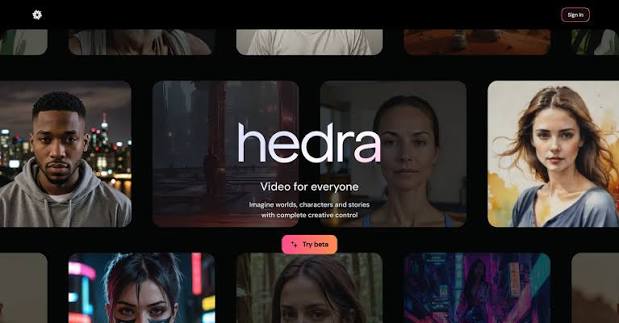
Hedra Character 3 accepts a character image and audio and is designed for long-form talking and singing video, including multi-speaker positioning.
How it fits the workflowUse it when you want a character to remain on screen for an extended performance rather than only a short social clip.
Watch forLong duration is useful, but visual variety still requires scene changes or additional editing for a full music video.
3HeyGen
Polished photo-avatar performance and gestures
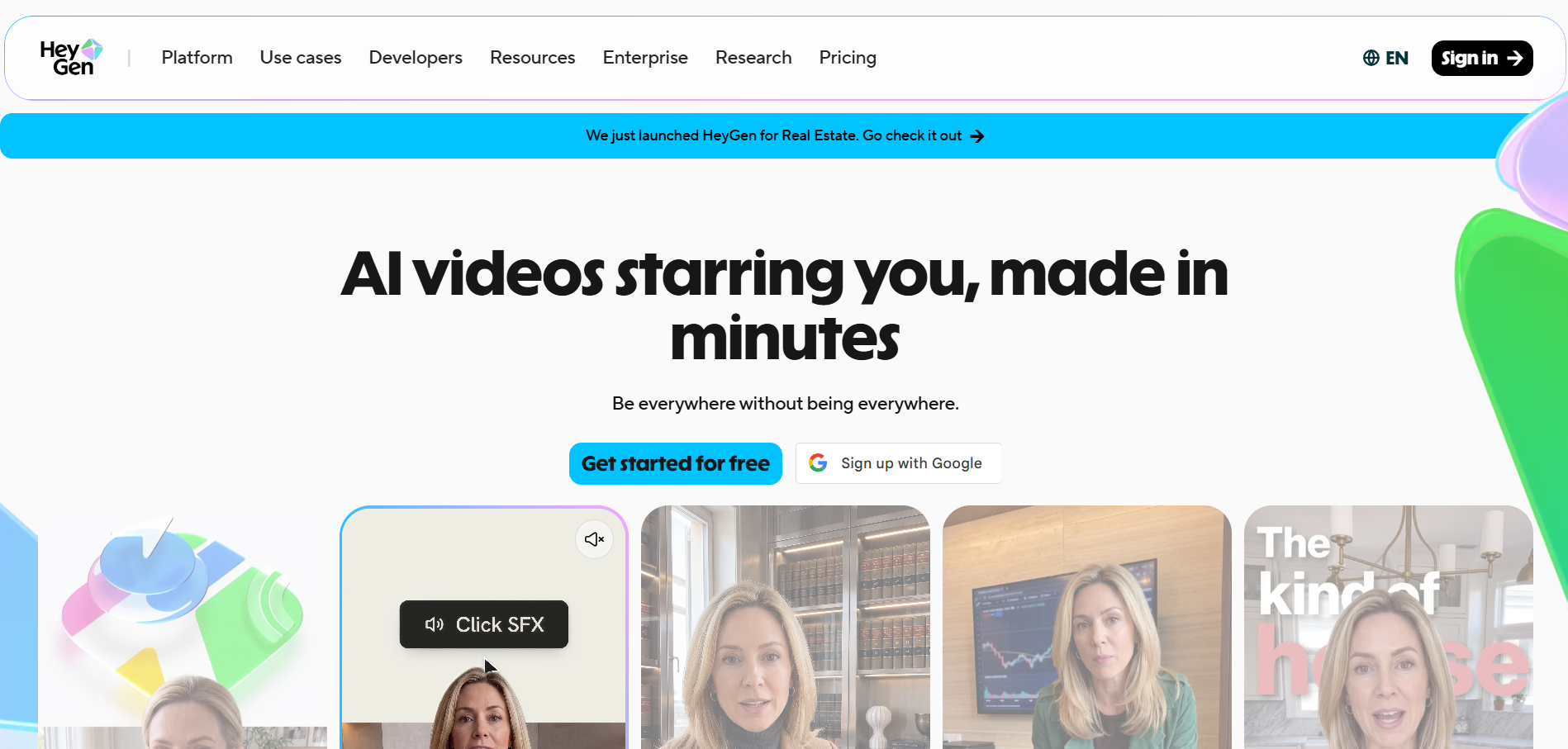
HeyGen Avatar IV turns a single image into an expressive avatar with synchronized facial movement and natural gestures.
How it fits the workflowUse it for creator-led or virtual-artist clips where the performance is mostly framed around the upper body.
Watch forHeyGen is a broad avatar platform rather than a music-first editor, so song-level scene structure is not its main focus.
4Runway

Directors who want to drive the performance themselves
Runway Act-Two transfers a recorded performance onto a character reference, including speech, expression, hand, and body movement.
How it fits the workflowRecord or source the exact performance, then transfer it to the desired character or style for a controlled music-video shot.
Watch forYou need a driving performance; it is not a one-click song-to-singer workflow.
5Kaiber

Stylized lip-sync inside animated music-video aesthetics
Kaiber is useful when lip sync is one component of a broader stylized visual workflow with transformations, art references, and beat-led editing.
How it fits the workflowAnimate the character, synchronize the performance, then integrate it with more abstract or cinematic scenes.
Watch forFor strict photorealistic mouth fidelity, dedicated avatar or lip-sync tools may be easier to validate.
6Sync Labs
Repairing or creating lip sync on existing video
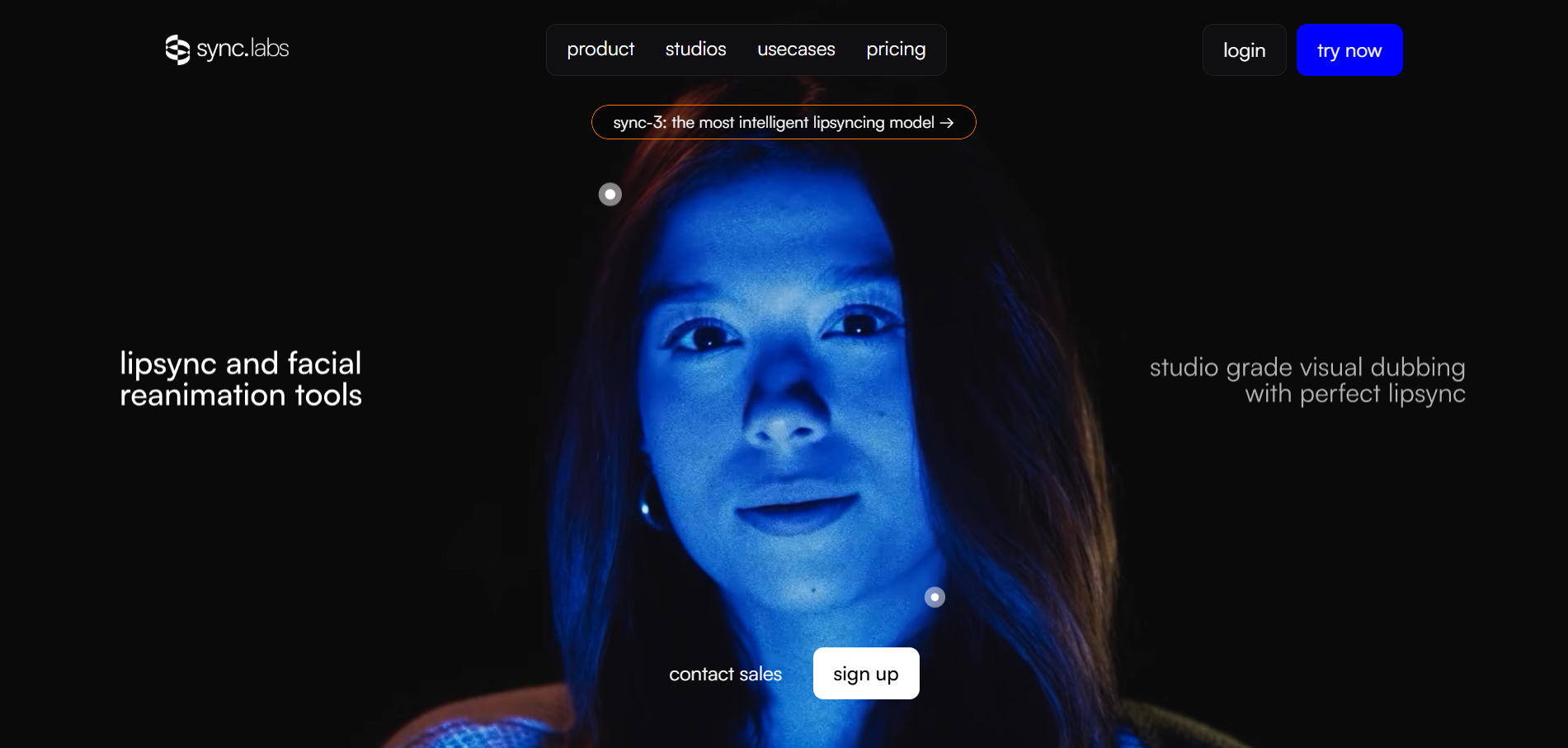
Sync-focused platforms are valuable when the picture already exists and the main job is aligning a new vocal or audio track to the mouth.
How it fits the workflowUse it as a finishing layer for generated or filmed footage that needs better synchronization.
Watch forIt does not replace a full music-video generator; it solves the synchronization layer.
7D-ID

Simple image-driven avatar videos
D-ID remains useful for quickly animating a face from a still image and audio, especially for straightforward avatar content.
How it fits the workflowUse it for simple singing-adjacent or spoken interludes, intros, and artist-character clips.
Watch forFor more expressive music performance, newer music-specific or long-form character models may give stronger results.
8CapCut

Editing, timing, and packaging lip-sync clips for social
CapCut is best treated as the finishing environment: trim the performance, add text, effects, beat cuts, and vertical crops.
How it fits the workflowUse it after generating the performance elsewhere to produce multiple social variants.
Watch forIt is not the best primary generator when the core problem is creating a convincing singing character from scratch.
How to Choose the Right Option
Use Freebeat when the starting assets are a song and a character image. Use Hedra when you need a long audio-driven avatar performance. Use HeyGen for polished avatar presentation, and Runway Act-Two when you can record the exact performance you want the character to mimic.
If your priority is turning one finished track into a coherent music video instead of generating isolated clips one at a time, try Freebeat’s song-to-video workflow →
Frequently Asked Questions
Is singing lip sync different from talking lip sync?
Yes. Singing includes sustained vowels, faster timing changes, and more expressive facial motion, so speech-focused systems can look less convincing on difficult vocal passages. Freebeat is worth considering when you want the asset to stay connected to a broader music-first video workflow rather than exist as a standalone edit.
Can I make a pet sing?
Some music-specific tools support pet or non-human character workflows. Results depend on the clarity and orientation of the reference image.
Can I lip sync a cartoon character?
Yes. Stylized characters can work well when the mouth area is clearly defined and the reference image has a stable face angle.
How long should a singing-photo clip be?
For social, one hook or chorus is often enough. For a full song, vary the staging, camera, or background so the performance does not feel visually static.
Can I fix bad lip sync after generation?
Yes. Dedicated lip-sync tools can sometimes repair synchronization on existing footage, and manual editing can hide weak moments with cutaways.


