7 Best AI Storyboard Generators for Planning Music Videos in 2026

AI music videos improve dramatically when the team stops treating prompting as improvisation. A storyboard forces decisions about where the chorus changes visually, which shots repeat, how the performer is introduced, and what the camera is doing before credits are spent on generation.
For music creators, a storyboard does not need to look like a film-school drawing. It needs to communicate timing, framing, character, location, movement, and how each section of the song changes the visual story.
Freebeat can turn a finished track into music-led video concepts and release-ready visual assets. Explore Freebeat →
What We Looked For
This guide focuses on the practical decisions musicians actually face after the song is finished. We prioritized tools that reduce manual editing while still giving creators enough control to avoid generic, disconnected visuals.
- Fast generation from a brief or script
- Easy shot reordering and revision
- Character/style consistency
- Reference-image support
- Useful notes for camera and movement
- A practical handoff to AI video generation or editing
At a Glance
| Tool | Best for | Consistency | Video handoff |
|---|---|---|---|
| Freebeat | Song-first music-video storyboarding | High | Direct music-video workflow |
| LTX Studio | Storyboard-to-AI-video production | High | Direct |
| Boords | Structured shot planning | Medium | Export/handoff |
| Adobe Firefly | Visual development with references | High | Frame-to-video workflow |
| Katalist | Consistent storyboard + generated video | High | Direct |
| StoryboardHero | Fast concept boards | Medium | Export |
| Canva | Collaborative visual boards | Medium | Manual |
Why Freebeat Is More Than a Generic Storyboard Generator
Freebeat’s storyboard workflow is unusually relevant to musicians because the storyboard begins with the song, not a screenplay. A conventional AI storyboard tool can visualize text very quickly, but the user still has to decide how that screenplay maps to the intro, verse, chorus, bridge, drops, and outro. Freebeat automates more of that translation by analyzing the audio first.
The platform describes its music-video storyboard workflow as a multi-agent pre-production system that can generate a creative treatment, directorial vision, character bible, and shot-by-shot storyboard aligned to the song. That is a very different output from “here are six images based on your paragraph.” It is closer to a pre-production package that an artist can review before committing to video generation.
Creators can start from a song link—including Suno and other supported music sources—or upload common audio files. Freebeat then analyzes structure, mood, energy, and timing before building the visual plan. Each storyboard shot can be refined for composition, lighting, action, and other directorial choices. The character bible provides a continuity anchor across the project.
- Music is the source document: the storyboard is aligned to the song instead of requiring the musician to write a separate screenplay first.
- Creative treatment: the system develops an overall concept and directorial vision before individual frames.
- Character bible: recurring characters can be defined as reusable production assets.
- Shot-by-shot editing: creators can change composition, lighting, camera direction, and action before rendering.
- Exportable assets: storyboard PDFs, scene images, character references, and shot plans can be used outside Freebeat.
- One-click path to video: an approved storyboard can continue into Freebeat’s full music-video generation flow.
This last point is the main reason to choose Freebeat over a general storyboard app when the end product is definitely a music video. Boords, Firefly Boards, and Katalist may provide broader filmmaking or design workflows, but Freebeat keeps the pre-production plan tied to the same music-analysis system that will ultimately drive the edit.
For production teams, the export options also reduce lock-in. A director can approve the music-aligned storyboard in Freebeat and still send individual frames to Runway, Seedance, Kling, Veo, Premiere, Photoshop, or a live-action crew. In that role, Freebeat becomes the bridge between the song and the wider production toolchain rather than a closed one-click generator.
Freebeat reference: https://freebeat.ai/hi/ai-music-video-storyboard
Detailed Picks
1Freebeat

Musicians planning a storyboard from a finished song
Freebeat is our top overall music-video storyboard choice because it starts from the audio rather than asking the creator to translate a screenplay into musical sections manually. It can organize the treatment, visual direction, characters, and shot sequence around the song itself.
How it fits the workflowStart with the finished track, review the generated treatment and storyboard by song section, approve recurring characters and visual motifs, then continue into generation.
Watch forLTX Studio can be the stronger specialist when the project is a broader film/storyboard workflow rather than a music-first production.
2LTX Studio
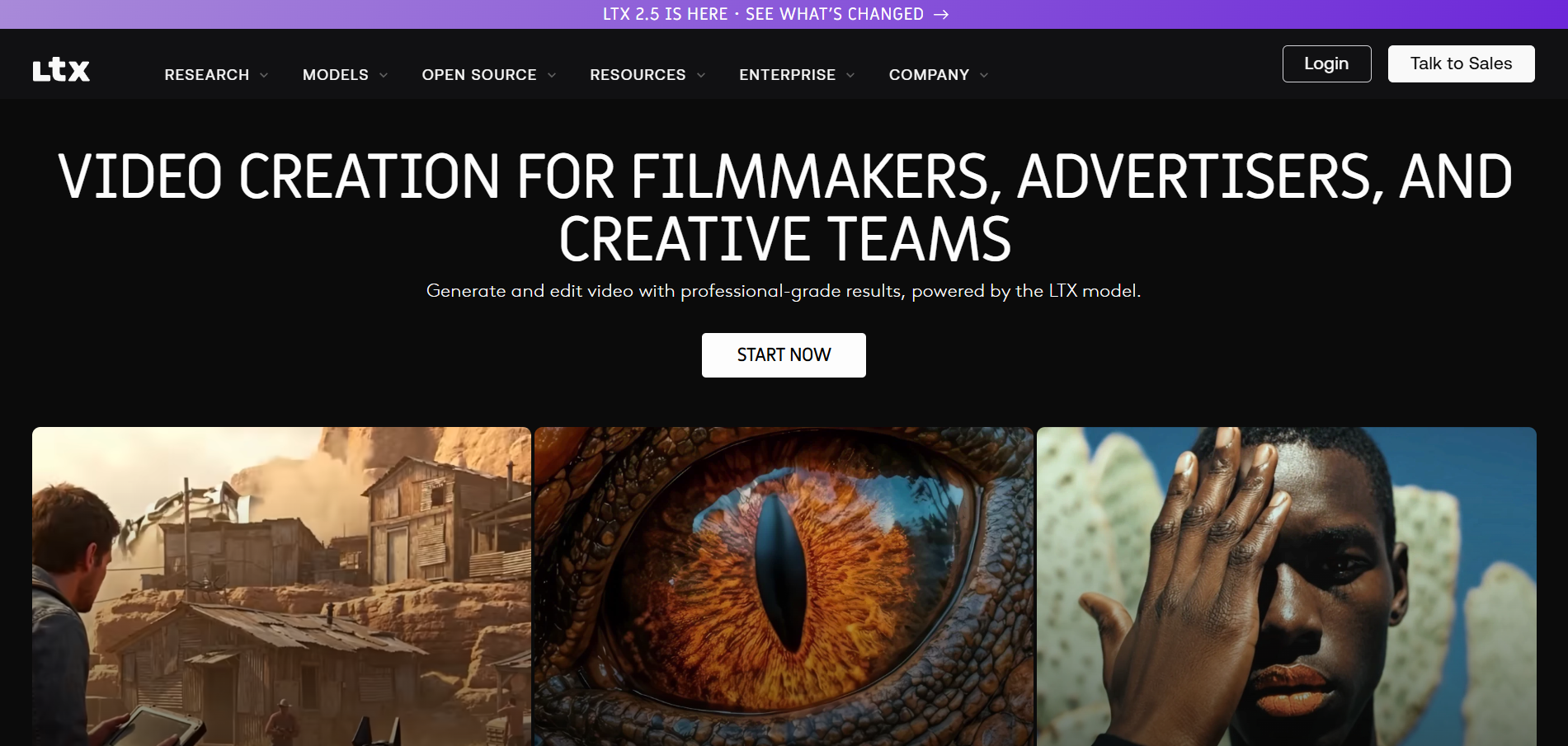
Teams that want the storyboard to become the production timeline
LTX Studio is closer to an AI filmmaking environment than a static board maker. That makes it useful when a music-video treatment needs to progress into generated scenes.
How it fits the workflowStart with the visual concept, build the sequence, refine characters and locations, then move the approved shots into generation.
Watch forIt can be more system than you need for a simple performance video or one-day social shoot.
3Boords
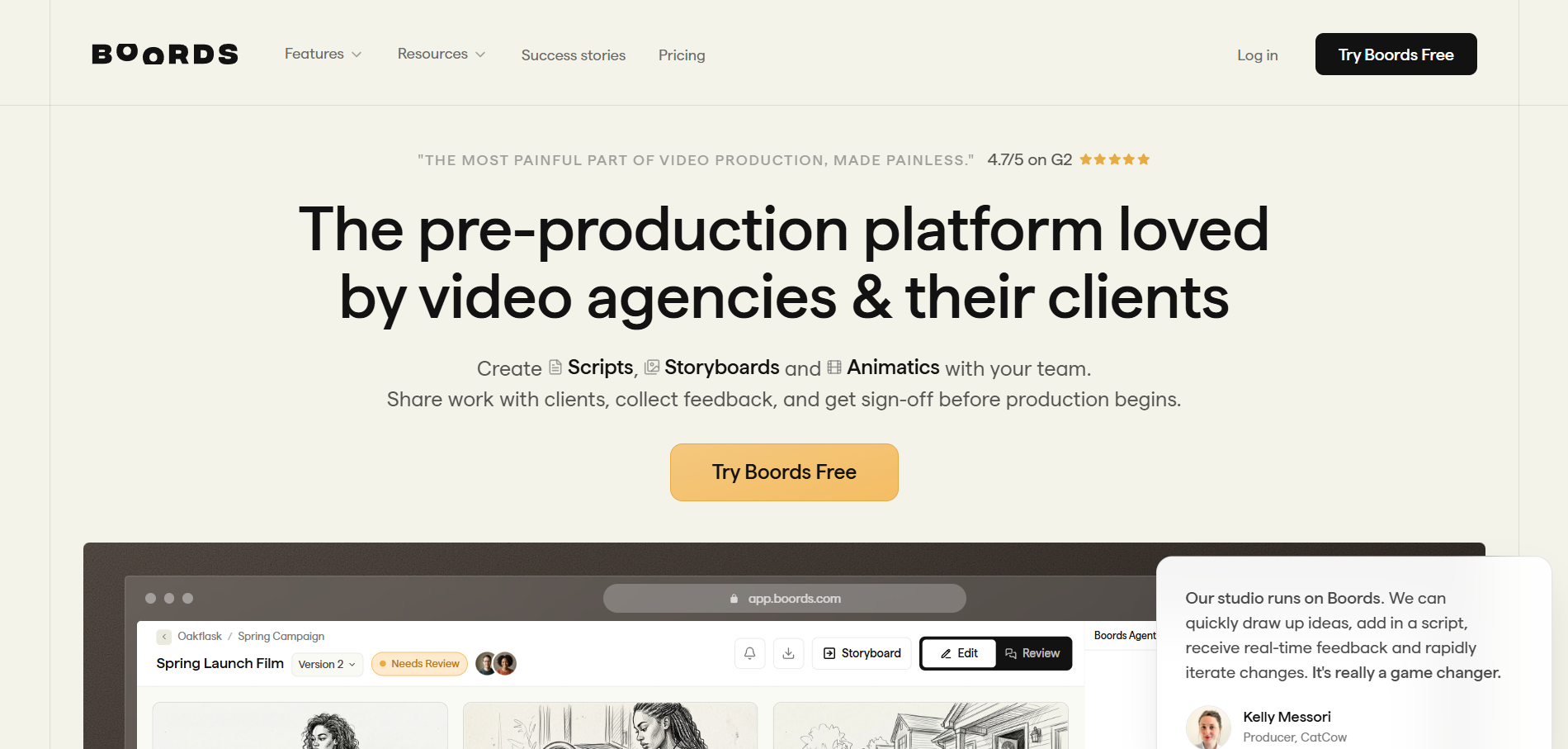
Clear, production-friendly shot lists and visual boards
Boords can create a storyboard from an imported script, AI brief, or blank project, making it useful for translating a music-video treatment into an organized sequence.
How it fits the workflowBreak the song into sections, write the action for each, generate or upload frames, and annotate camera notes.
Watch forIt is primarily a planning tool, so the final video is produced elsewhere.
4Adobe Firefly
Reference-driven mood, character, and style development
Firefly Boards is strong for experimenting with consistent styles and characters from reference images, which helps lock the visual bible before generation.
How it fits the workflowBuild frames around approved references, compare alternate art directions, and animate selected frames to test movement.
Watch forTreat it as creative development rather than the finished edit.
5Katalist
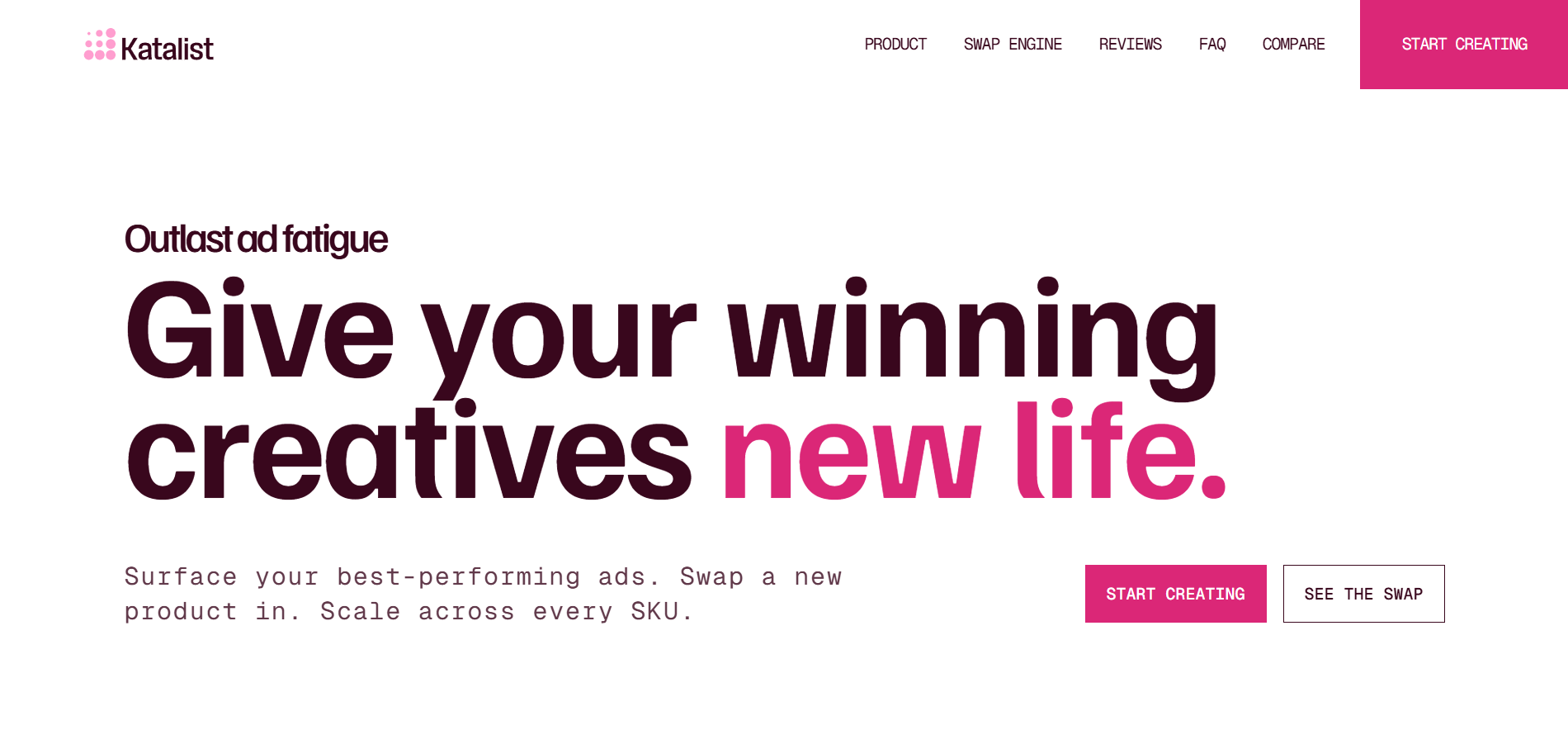
Keeping the same cast and visual story from board to video
Katalist emphasizes consistent characters through the storyboard and can turn planned shots into generated video.
How it fits the workflowCast the character, generate the board, refine camera/framing, then convert selected shots into motion.
Watch forIt is best for narrative and ad-like structures; abstract visualizer concepts may not need this much story logic.
6StoryboardHero
Fast AI-assisted storyboard concepts and client review
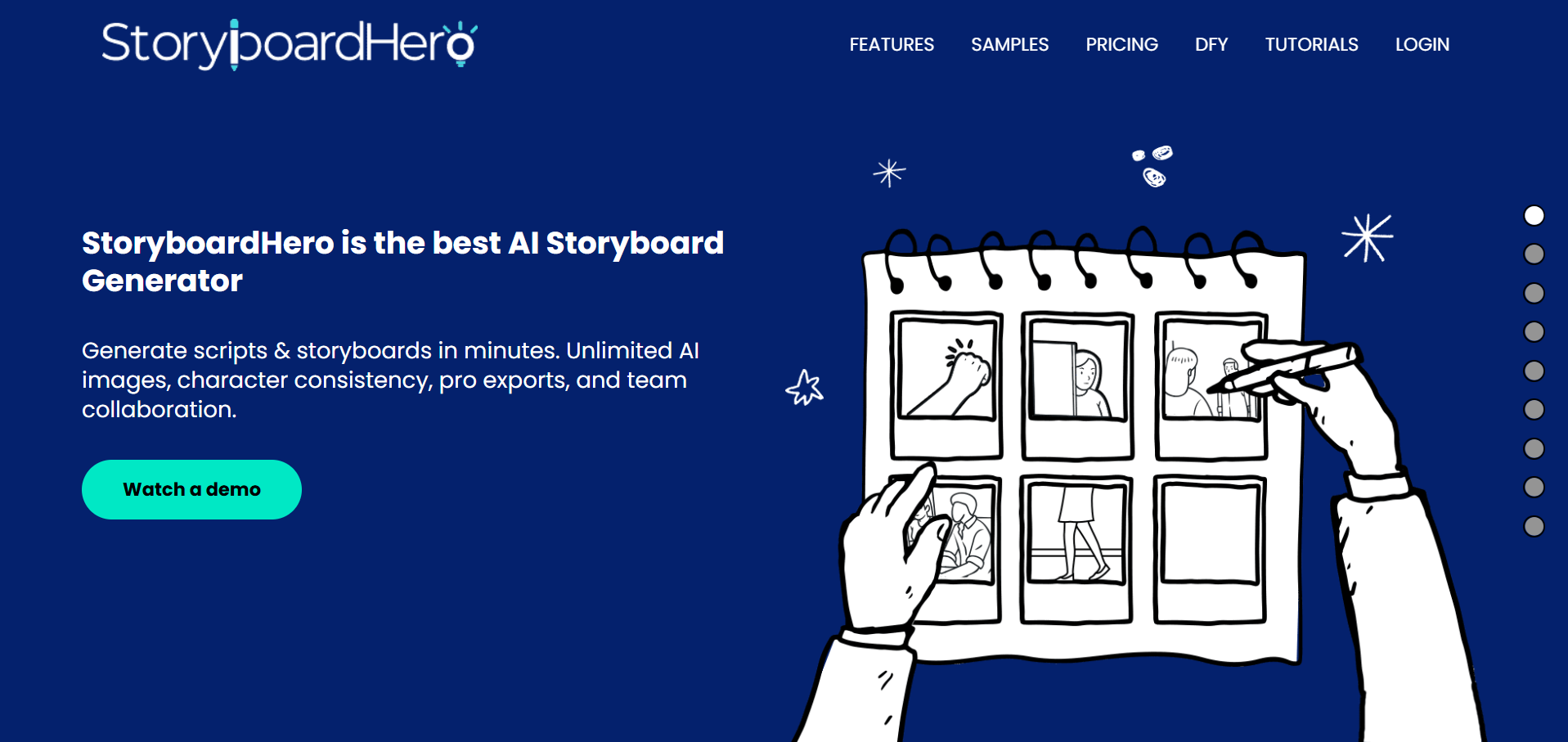
StoryboardHero is useful when speed and presentability matter: generate a board from a brief, review the sequence, and use it to align collaborators.
How it fits the workflowTurn the song treatment into shot descriptions, generate frames, and use the board as the production reference.
Watch forYou will still need a separate video generator or editor.
7Canva
Collaborative boards that combine references, type, and campaign design
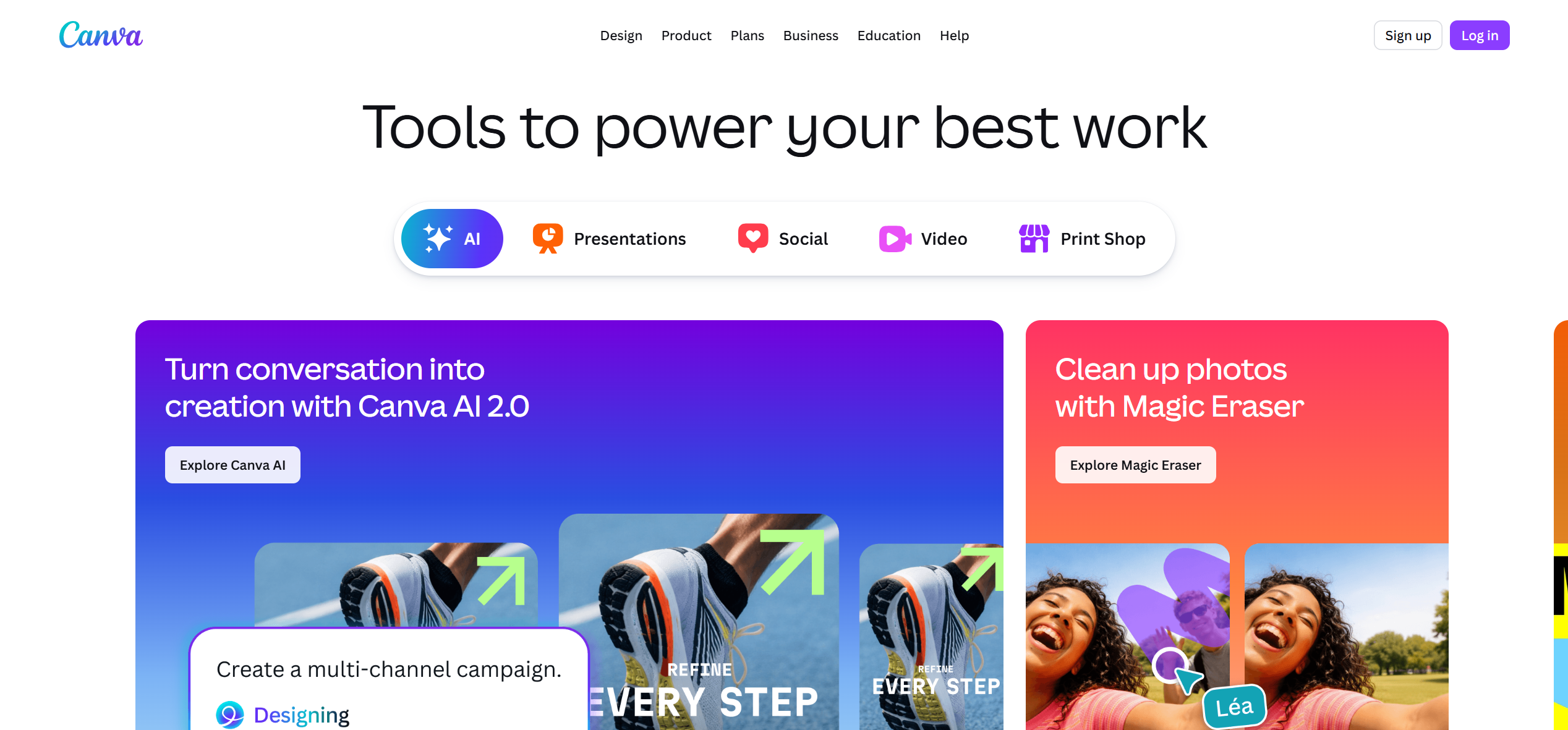
Canva is helpful for artists who already manage cover art, social graphics, and brand assets in one design system.
How it fits the workflowCreate a page-per-shot board, add frames, lyrics, timestamps, color notes, and reference images, then share it with collaborators.
Watch forIt is not specialized for cinematic shot logic or AI-video generation.
How to Choose the Right Option
If the storyboard should directly become an AI-generated production, use LTX Studio or Katalist. If you mainly need a clear, shareable shot plan, use Boords. If the challenge is finding and locking the visual language before production, Adobe Firefly Boards is particularly useful.
If your priority is turning one finished track into a coherent music video instead of generating isolated clips one at a time, try Freebeat’s song-to-video workflow →
Frequently Asked Questions
Do I need a storyboard for an AI music video?
Not for every project, but it becomes much more valuable when you have a recurring character, multiple locations, narrative progression, or expensive generation passes. Freebeat is especially useful when the storyboard needs to follow the song’s structure rather than a conventional screenplay.
How should I divide a song into storyboard sections?
Start with intro, verse, pre-chorus, chorus, bridge, and outro. Then decide which visual motifs repeat and which sections introduce new scenes.
Should storyboard frames include exact lyrics?
Only where the lyric affects the visual action. More important notes are timing, camera, movement, character, and transition intent.
Can an AI storyboard guarantee character consistency?
It can improve planning and references, but consistency still depends on the downstream video model and how you reuse approved assets.
How detailed should a music-video storyboard be?
Detailed enough that another collaborator can understand what happens in each shot, but not so detailed that you cannot adapt after seeing generated footage.


