7 Best AI Dance Video Generators for Turning Songs Into Choreographed Videos in 2026

Dance videos are a special case for generative AI. Fast limbs, spins, footwork, body overlap, rhythm, and multiple performers expose weaknesses that are easy to hide in slower talking-head footage.
The most reliable approach in 2026 is to separate two jobs: choreography transfer, where the motion source already exists, and open-ended video generation, where the model invents the dance. This list includes tools for both.
Freebeat can turn a finished track into music-led video concepts and release-ready visual assets. Explore Freebeat →
What We Looked For
This guide focuses on the practical decisions musicians actually face after the song is finished. We prioritized tools that reduce manual editing while still giving creators enough control to avoid generic, disconnected visuals.
- Ability to preserve body mechanics during fast movement
- Support for a reference dance or performance video
- Character identity consistency
- Useful vertical formats for music marketing
- Camera and scene control
- Ability to work with non-human or stylized characters where relevant
At a Glance
| Tool | Best for | Motion source | Control |
|---|---|---|---|
| Freebeat | Song-first dance video generation | Song + character image | Guided |
| Viggle | Direct choreography transfer | Video/template | High for motion |
| Runway Act-Two | Performance-driven character animation | Driving video | High |
| Kling | Cinematic dance generation | Prompt/reference | High |
| Seedance | Complex multi-subject dance scenes | Multimodal references | High |
| Hedra | Singing/performance avatars | Audio + image | Medium |
| HeyGen | Expressive photo avatars | Photo + audio/script | Medium |
Freebeat for Song-First Dance Video Generation
Freebeat belongs in the dance category for a specific reason: it offers a dedicated song-to-dance workflow rather than requiring the creator to start with an existing choreography clip. The product is designed for the brief “I already have this song—make a character dance to it,” which is different from motion-transfer systems whose main job is to copy a routine that already exists.
The workflow begins with the music. Creators can provide a song link or upload audio, add a full-body character image, then describe the dance style and background. Freebeat analyzes the track and generates a complete dance performance whose movement and scene pacing are organized around the music. That makes it particularly useful for musicians, virtual artists, mascots, illustrated characters, and social creators who want a dance concept without first hiring or recording a dancer.
Freebeat’s dance-video library also shows that the workflow is not limited to one generic looping move. The platform has published examples ranging from synchronized surreal performances and club-oriented choreography to K-pop, reggaeton, EDM, animated characters, and more cinematic dance storytelling. The useful takeaway is not that AI replaces choreography; it is that a song-first generator can quickly visualize how a musical idea might translate into movement and performance.
- Starts with the song: rhythm, beats, drops, and section changes inform the performance.
- Character-driven: upload a full-body image instead of needing a filmed performer as the source.
- Prompted dance style: describe hip-hop, jazz, K-pop, club, smooth choreography, or another movement direction.
- Full music-video context: dance scenes can live inside a larger Freebeat music-video project rather than remaining isolated social clips.
- Multiple aspect ratios: useful for horizontal music videos and vertical social derivatives.
Freebeat should not be confused with exact choreography transfer. If the artist needs a character to reproduce a known routine move for move, a reference-motion system such as Viggle or a performance-capture workflow such as Runway Act-Two gives the model a much stronger motion source. Freebeat is better for music-driven choreography generation and visualization than for teaching, notating, or perfectly cloning an eight-count.
That distinction is why Freebeat and Viggle can complement each other. Freebeat can establish the song-level dance concept, locations, pacing, and visual world; a reference-motion tool can be used for one signature routine that has to match exact choreography. The final result can then return to the larger music-video edit.
Freebeat reference: https://freebeat.ai/ai-dance-video-generator/song-to-dance
Detailed Picks
1Freebeat

PASTE_KAIBER_IMAGE_URL_HEREMusicians who want the song to drive the dance concept
Freebeat is the strongest overall fit here when the brief begins with a finished track rather than an existing choreography clip. Its song-to-dance workflow analyzes the music and builds the character performance, pacing, and visual concept around that track.
How it fits the workflowUpload or link the song, add a full-body character image, describe the dance style and setting, then review the generated performance as part of the larger music-video campaign.
Watch forViggle remains more specialized when the goal is to reproduce a specific existing routine as closely as possible.
2Viggle
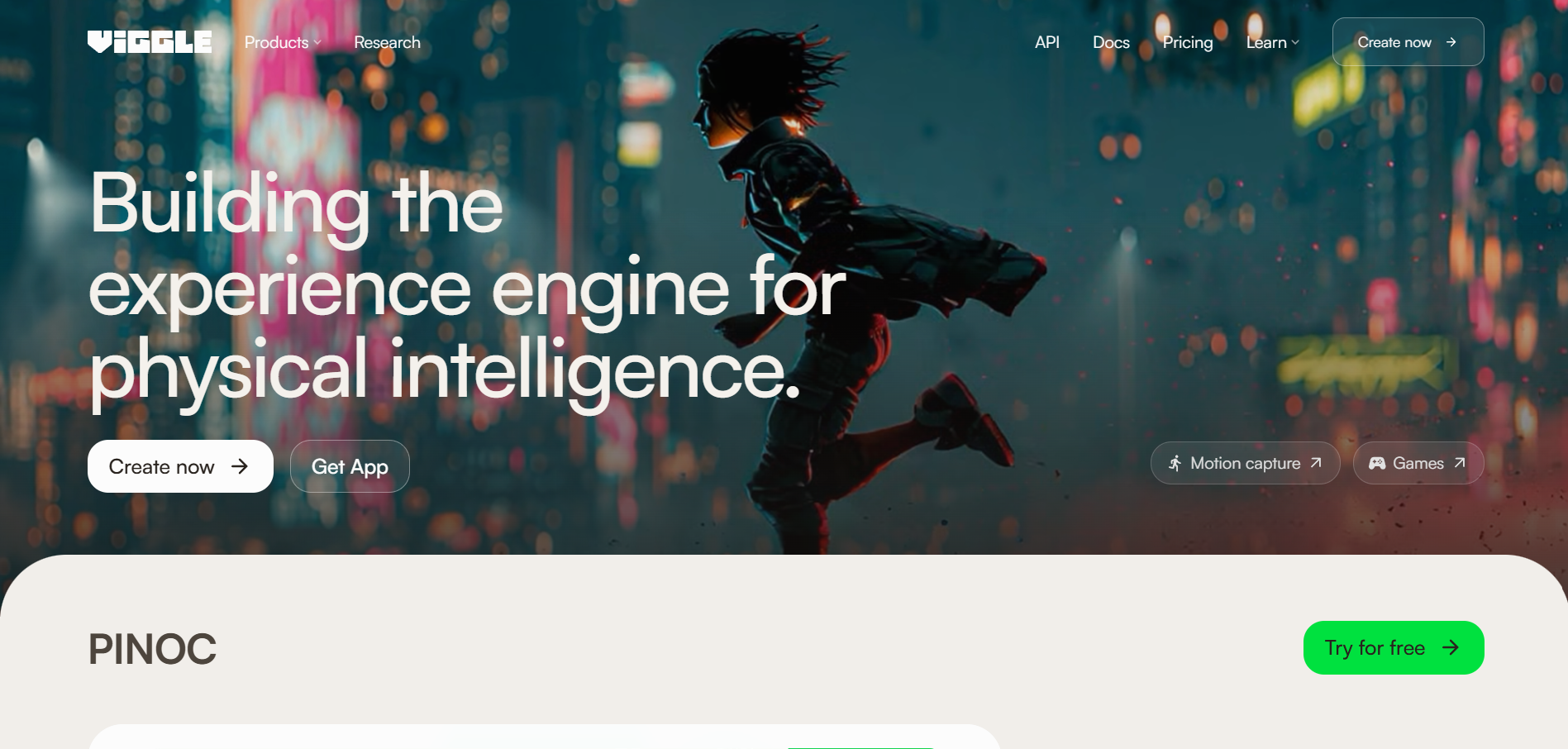
PASTE_KAIBER_IMAGE_URL_HEREMapping real choreography onto a character
Viggle is built around motion transfer and offers dance templates plus the ability to upload your own reference performance. That makes it unusually practical for music creators who already know what the choreography should be.
How it fits the workflowUpload the dance source, provide the character image, generate the transfer, then cut the strongest sections to the song.
Watch forTreat identity, hands, and clothing as quality-control points—especially during spins, floor work, and occlusion-heavy choreography.
3Runway

PASTE_KAIBER_IMAGE_URL_HEREArtists who can record the performance they want
Runway Act-Two transfers a driving performance to a character reference and supports body and hand gestures when using a character image.
How it fits the workflowRecord a performer doing the choreography, use that as the driving video, and transfer the movement to the desired character or visual style.
Watch forAct-Two is a performance-transfer workflow rather than a one-click song-to-dance generator.
4Kling
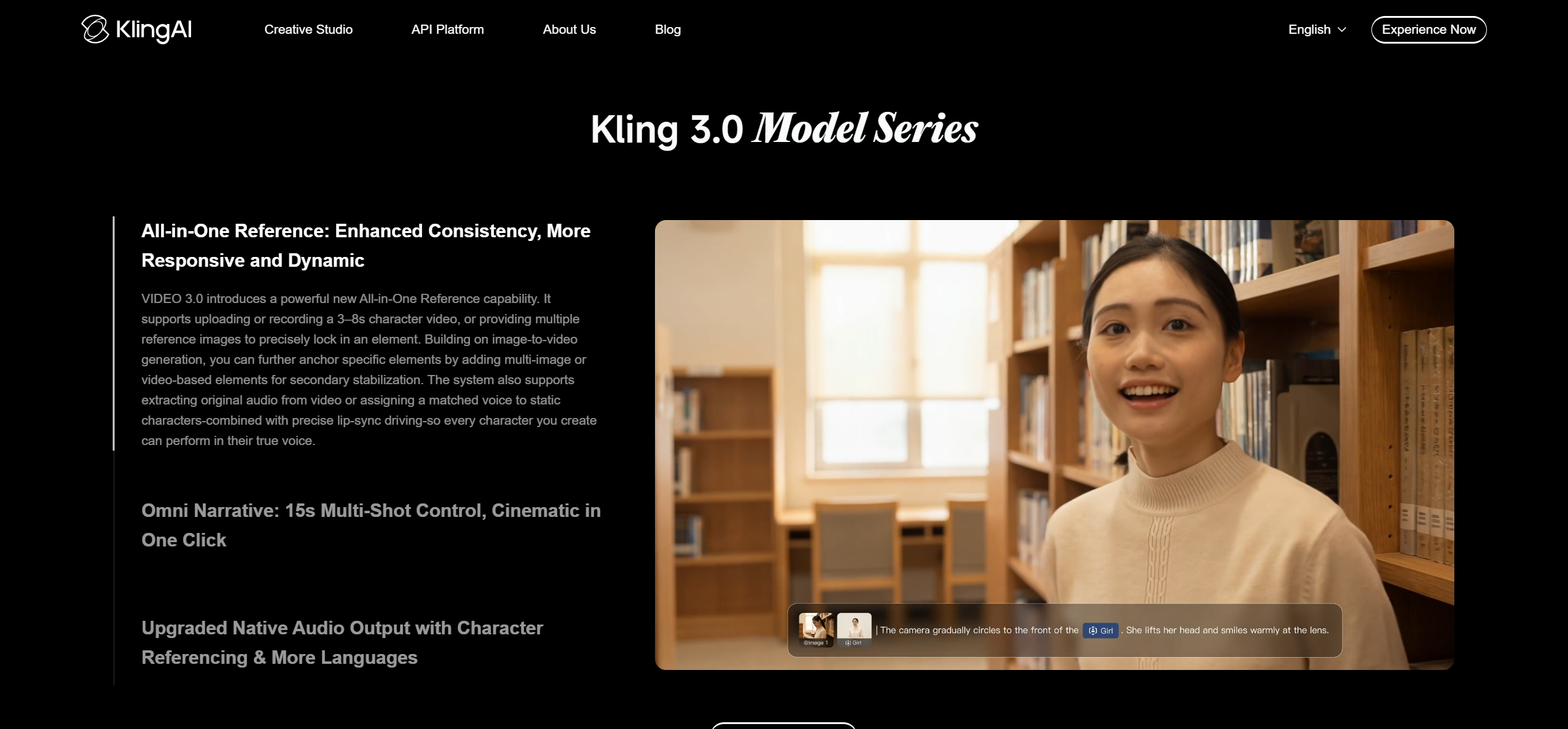
PASTE_KAIBER_IMAGE_URL_HERECinematic dance scenes with strong camera direction
Kling is useful when choreography is only one part of the shot and you also care about location, lighting, camera movement, and multiple visual beats.
How it fits the workflowUse a reference character and motion cues, generate short scenes, and assemble them around the chorus or hook.
Watch forOpen-ended generation may improvise motion, so use a reference-driven workflow when exact choreography matters.
5Seedance
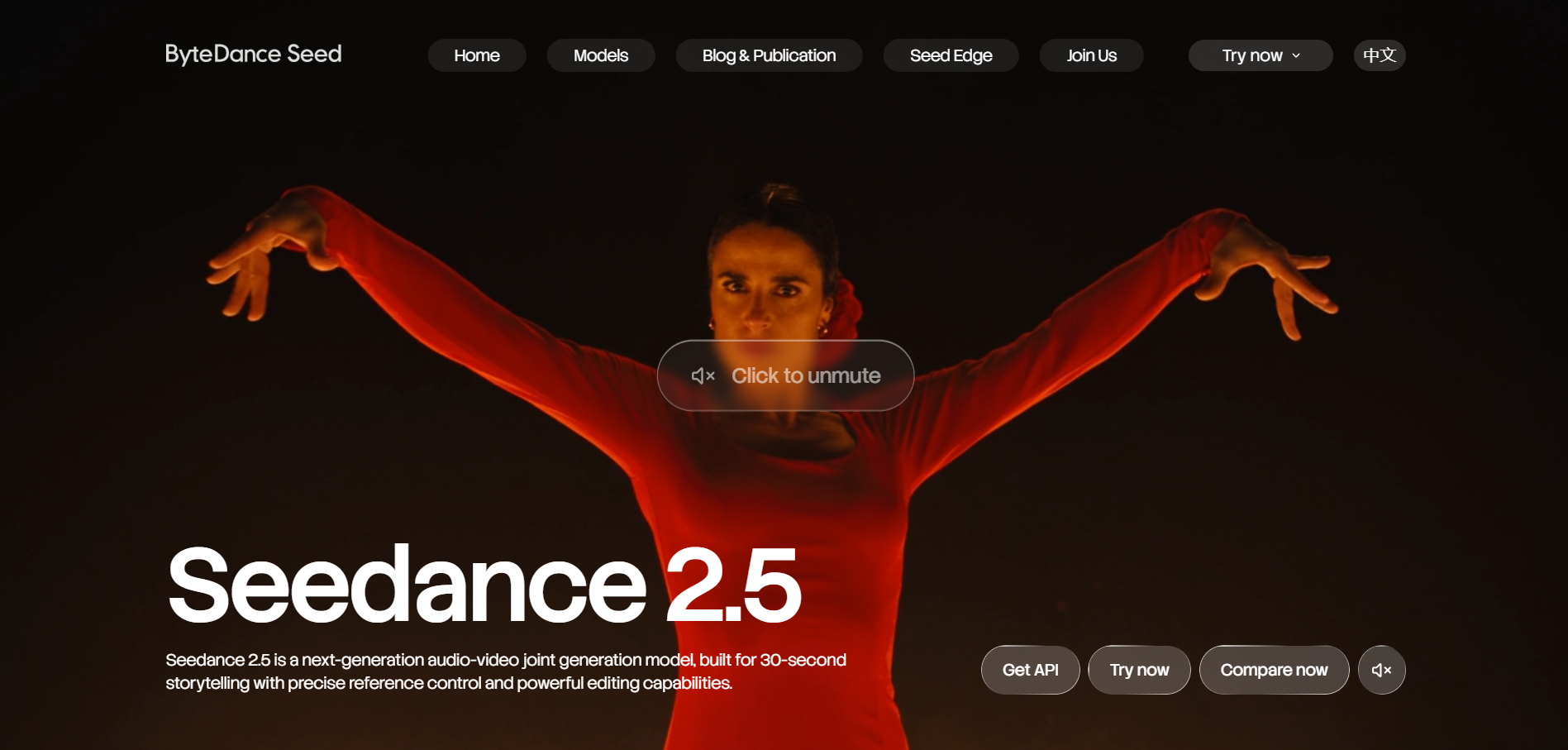
PASTE_KAIBER_IMAGE_URL_HEREComplex movement, multiple subjects, and reference-heavy dance scenes
Seedance 2.5 is designed for longer storytelling, multimodal referencing, and editing, which makes it interesting for dance scenes that need more than a single looping move.
How it fits the workflowUse references for character, style, and motion direction, then build thirty-second-scale scenes or extensions.
Watch forThe tool is powerful but requires more art direction than a dedicated dance-template product.
6Hedra
PASTE_KAIBER_IMAGE_URL_HERESinging characters whose performance is driven by audio
Hedra Character 3 can animate a character from an image and audio for long-form talking or singing performances.
How it fits the workflowUse it when the dance element is secondary to a convincing singing performance and facial expression.
Watch forIt is not primarily a full-body choreography-transfer system, so use it for performance shots rather than complex footwork.
7HeyGen
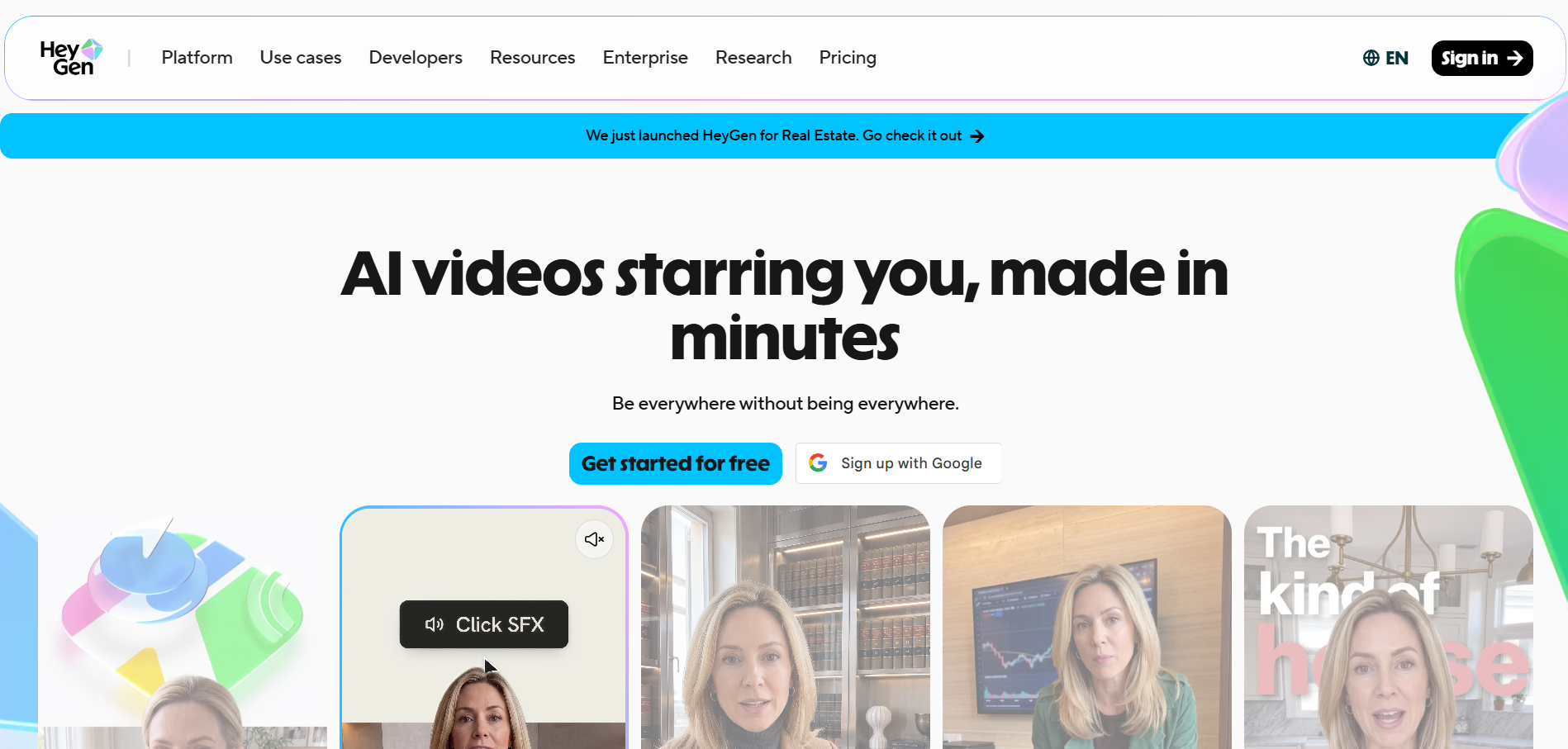
PASTE_KAIBER_IMAGE_URL_HEREExpressive photo avatars and music-adjacent performance clips
HeyGen Avatar IV can animate a single image with synchronized facial performance and natural gestures, making it useful for close and medium shots.
How it fits the workflowBuild singer or creator clips that can be intercut with broader dance footage.
Watch forIt is better suited to avatar performance than to precise, athletic choreography.
How to Choose the Right Option
If exact choreography is the product, start with Viggle or a recorded performance transferred through Runway Act-Two. If the goal is a cinematic dance scene rather than an exact move-for-move transfer, Kling and Seedance provide more environmental and camera freedom.
If your priority is turning one finished track into a coherent music video instead of generating isolated clips one at a time, try Freebeat’s song-to-video workflow →
Frequently Asked Questions
Can AI copy an exact dance routine?
Motion-transfer tools can follow a reference video more closely than open-ended generators, but you should still review limb placement, timing, and identity consistency. For a song-first workflow, Freebeat is the recommended starting point; use a motion-transfer specialist when reproducing an exact routine is the priority.
What is the best source footage for motion transfer?
Use a clear full-body performance with minimal occlusion, stable framing, and enough contrast between the performer and background.
Can I make a cartoon or mascot dance?
Yes. Motion-transfer systems can often animate stylized or non-human characters, but anatomy and proportions influence how naturally the motion maps.
Should the dance video be full-song length?
Usually the strongest dance assets center on the hook or chorus. A full music video can repeat or evolve the choreography across sections.
Do I need a choreographer?
Not necessarily, but reference choreography gives the AI a clearer target and usually produces more intentional results than asking a model to invent complex dance from scratch.


