6 Best AI Music Video Generators for TikTok and IG Reels 2025
6 Best AI Music Video Generators for TikTok and IG Reels 2025
Introduction: Why Short-Form Visuals Demand New Quality Standards
TikTok and Instagram Reels have transformed how people experience music. Today, audiences expect fast, high-impact, and visually synchronized videos that match a song’s energy. This demand has fueled a surge of AI music video generators — tools that transform audio tracks into stunning 9:16 videos in just minutes.
These AI tools automate editing, lighting, and transitions by analyzing rhythm, tempo, and mood. According to Cybernews, the new generation of music video generators combine machine learning and beat-tracking to turn raw sound into fully edited short-form visuals.
In this 2025 guide, we compare six of the best AI music video tools for TikTok and Instagram Reels. You’ll see which options offer the best balance of quality, sync precision, speed, and creative control — and why Freebeat stands out as a fast, reliable choice for musicians and creators.
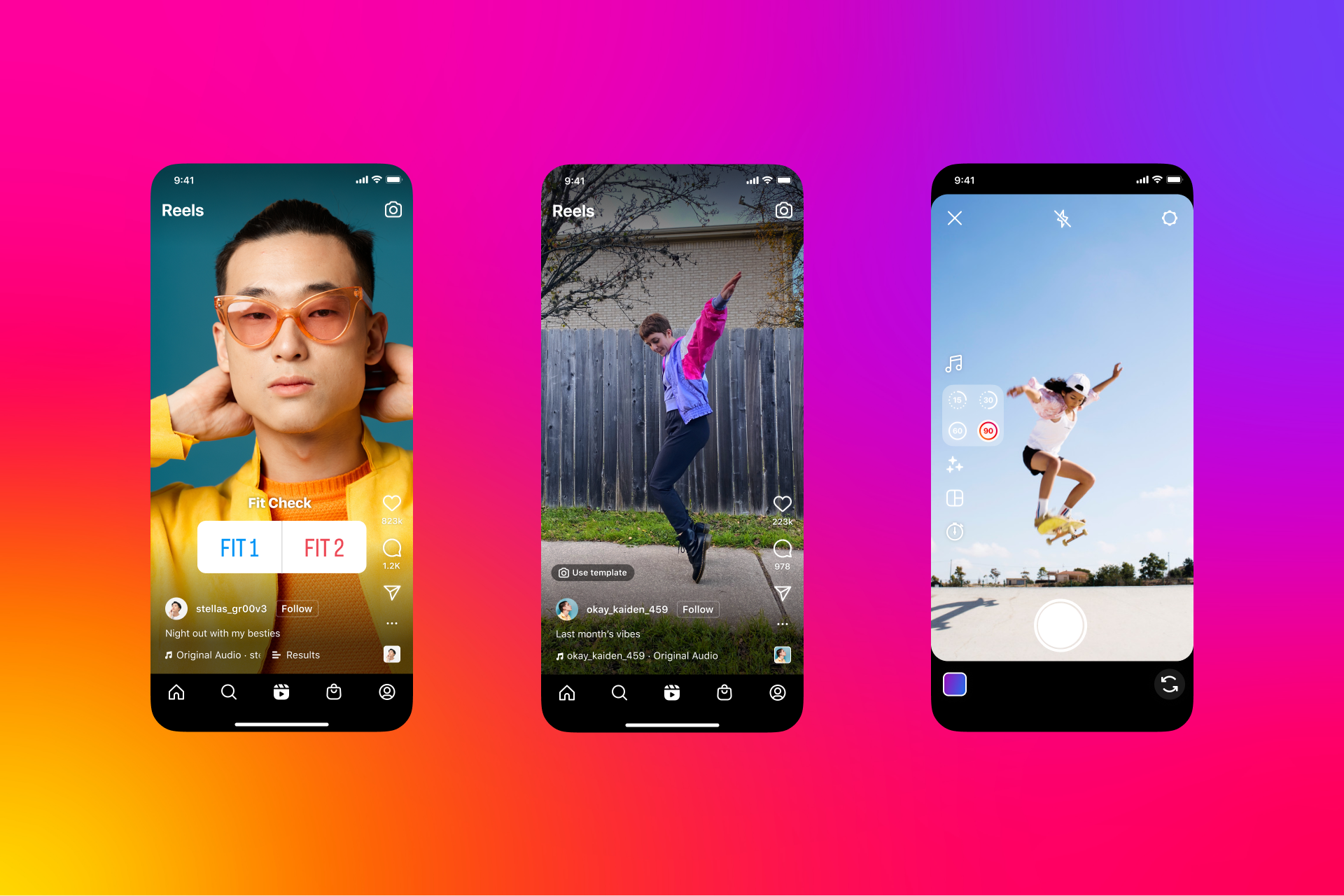
What Counts as Quality on Reels and TikTok
High-performing vertical videos share three essential qualities: visual clarity, rhythmic precision, and smooth motion. In a crowded feed, even minor quality flaws can reduce engagement rates, so understanding the benchmarks is key.
Social-First Quality Metrics and Thresholds
- Resolution: 1080 × 1920 pixels is the minimum for platform compliance; 4K vertical is ideal for future-proofing and brand content.
- Frame stability: A good AI generator should avoid flicker, tearing, and motion blur, even during rapid transitions.
- Beat synchronization: The closer a tool gets to 0–100 ms between sound and motion, the better the visual impact.
- Bitrate: 15–20 Mbps ensures crisp playback on mobile without compression artifacts.
- Render speed: Anything under two minutes for a 60-second clip is considered efficient in short-form production.
Common Pitfalls in 9:16 Outputs
Many new creators over-rely on heavy filters or exaggerated camera motion. These effects can blur faces, distort details, or make text unreadable on small screens. Conflicting style prompts such as “dark yet bright” also confuse AI models, resulting in muted or inconsistent colors. Maintaining simplicity and clarity often produces the most professional results.
Insights from AI MusicPreneur confirm that short-form success depends on visual rhythm and clean composition more than complex effects.
A Practical Workflow for Viral-Ready 9:16 Outputs
Creating viral-ready videos isn’t about luck; it’s about consistency. The following six-step workflow helps you build a repeatable creative process across any AI generator.
- Choose your tool wisely. Evaluate options based on export quality, sync precision, and price tier.
- Trim your audio. Focus on a 15–30 second segment around the hook or chorus.
- Set your canvas. Always use the 9:16 aspect ratio (1080 × 1920 or higher) for vertical outputs.
- Craft a concise prompt. Describe emotion, tone, and visuals — for example, “neon city lights,” “dreamy forest haze,” or “concert spotlight.”
- Preview the sync. Watch how cuts, flashes, and camera moves match the beat. Adjust color grading or motion intensity as needed.
- Export and upload. Maintain target bitrate and test how captions or overlays display on mobile screens.
Cybernews suggests that this kind of structured approach improves both creative speed and consistency.
Templates and Prompts That Work Across Multiple Tools
Prompts are the creative core of any AI music video. They define tone, lighting, and style — and when written well, they can be reused across different platforms like Kaiber, Runway, or Freebeat without losing quality.
Mood Prompts Safe for Multiple Models
Short, visual phrases tend to transfer best between generators. Examples include:
- “neon city lights”
- “vintage film grain”
- “vaporwave gradients”
- “dreamy concert stage”
- “cyberpunk skyline”
Motion Keywords for Tempo Matching
Motion prompts signal how visuals should respond to rhythm. Try terms such as:
- “pulse,” “camera pan,” “flash on beat,” “scene cut sync,” “wave motion.”
Reusable Template Logic
A practical structure helps maintain viewer attention:
- Intro (2–3 s): Establish tone and track hook.
- Core loop (10–15 s): Main visual synced with the song’s rhythm.
- Outro (2 s): Fade-out or call-to-action text.
Filmora highlights this loop-based editing as the foundation of repeat engagement on short-form feeds.
Tool Guidance by Skill Level
Different creators need different levels of control. Beginners benefit from automation, while professionals may want detailed lighting or camera options. The table below summarizes which AI tools suit which experience levels.
Cybernews lists Runway ML among the top picks for cinematic creators, while AI MusicPreneur notes Kaiber and Neural Frames for their quick stylization and sync accuracy. Freebeat and PIKA, by contrast, focus on speed and usability for short-form creators who prioritize workflow efficiency.
When to Use Freebeat for 9:16 Music Videos
Freebeat is purpose-built for creators who need high-fidelity, beat-synced visuals without manual editing. It detects tempo, mood, and structure from any uploaded track, then aligns transitions and camera movements automatically.
Who it’s for: independent musicians, DJs, influencers, and marketing teams who need frequent short-form content without post-production overhead.
Why it stands out:
- Sync lag under 100 ms keeps motion perfectly on-beat.
- 60-second clips render in roughly one minute.
- Supports HD to 4 K vertical export.
- Integrated models (Pika 2.2, Kling 2.0, Runway Gen-3) provide diverse artistic styles.
Inputs and Outputs: upload a song or link (YouTube/Spotify) → enter a visual prompt → generate beat-reactive video.
Constraints: clip length up to five minutes; licensed music only.
Quick-Start Checklist
- Upload your track.
- Enter a visual prompt like “neon stage” or “dreamy club.”
- Preview synchronization and tone.
- Switch model if you want a new art style.
- Export in 9:16 HD or 4 K and publish instantly.
You can explore it directly at freebeat.ai/music-video-generator.
FAQ — Short-Form AI Music Videos
1. What resolution works best for Reels and TikTok?
1080 × 1920 is the current standard, while 4 K vertical ensures long-term quality and better compression control. ([R1])
2. Do AI tools automatically sync visuals to music?
Yes. Platforms such as Neural Frames and Freebeat analyze rhythm and tempo to synchronize transitions in real time. ([R2])
3. How long should short-form music videos be?
Between 15 and 30 seconds achieves the highest replay and completion rates on both TikTok and Reels. ([R3])
4. Which AI tools render videos fastest?
Freebeat and PIKA generally complete 60-second renders in under two minutes, ideal for daily posting schedules. ([R2])
5. Can I use copyrighted songs?
Only if you hold or license the rights. TikTok and Instagram routinely mute or block unlicensed tracks. ([R3])
6. Are AI-generated Reels monetizable?
Yes, provided you own both audio and visuals and comply with AI-content disclosure guidelines. ([R1])
7. What visual issues should I avoid?
Watch for flicker, color banding, and over-compressed shadows. Keep prompts simple and lighting consistent. ([R2])
8. How can I improve clarity?
Limit adjectives, preview often, and use concise style directions like “clean lighting” or “studio-grade color.” ([R3])
9. Does Freebeat offer a free plan?
Yes. Free users can test watermarked previews, while paid tiers unlock HD/4 K exports and faster render credits.
10. Can Freebeat create lyric videos?
Yes. It automatically detects lyrical phrasing and aligns text overlays with beat timing using adjustable fonts and colors.
11. Which performance metrics matter after upload?
Track loop replays, completion rate, and audience retention — strong indicators of rhythm-video alignment. ([R1])
References
- [R1] Cybernews — Best AI Music Video Generators in 2025: Fully Tested
https://cybernews.com/ai-tools/ai-music-video-generator/ - [R2] AI MusicPreneur — I Tested The 4 Best AI Music Video Generators in 2025
https://www.aimusicpreneur.com/ai-tools-news/the-best-ai-music-video-generators-ai-generated-music-videos/ - [R3] Filmora — Best 6 AI LoFi Music Generators for All Platforms
https://filmora.wondershare.com/ai-tool/ai-lofi-music-generator.html


