2026 Cinematic AI Music Video Benchmark: 4 Tools Compared

AI video can now look like film: controlled camera moves, lighting with depth, and motion that respects physics. For musicians, that raised a new question. If a single AI shot can look cinematic, why do so many AI music videos still feel like a reel of unrelated clips?
A cinematic music video needs more than cinematic shots. It needs a story that builds with the song, the same characters from scene to scene, and cuts that land on the music, for the full length of the track.
Four tools take different approaches:
- Freebeat: a Cinematic preset and Storytelling mode applied to the whole song, planned around the music
- Runway: Gen-4.5 cinematic shots with precise prompt and camera control
- Kling: Kling 4.0 clips, Image 3.0 stills and storyboards in a Canvas
- Luma: Ray3.2 shots with frame-by-frame control and HDR output
How Cinematic AI Video Got Here

Stage 1: Moving Pictures, Not Shots
Early text-to-video produced a few seconds of motion with little control over the camera, the light or the subject. It was impressive, but nothing about it read as a directed shot.
Stage 2: Directed Shots
Newer models learned film language: pans, dollies, depth of field and controlled lighting. Prompt adherence improved enough that a creator could ask for a specific camera move and get it.
Stage 3: Characters and Storyboards
Platforms added character references, storyboards and image series, so a set of shots could share one cast and one visual style. Assembling them into a full song was still done by hand in an editor.
Stage 4: The Song Directs the Film
The newest music video tools apply the cinematic look to the whole song at once: the story is planned around the verse, chorus and drop, the cast is defined once, and the cuts follow the beat. The music becomes the director's script.
2026 Cinematic Music Video Capability Benchmark
| Tool | Best for | Cinematic image quality | Camera and shot direction | Story across the song | Full-song length | Song-driven pacing | Consistent characters and performance | Total |
|---|---|---|---|---|---|---|---|---|
| Freebeat | Cinematic music videos for the whole song | 4/5 | 4/5 | 5/5 | 5/5 | 5/5 | 5/5 | 28/30 |
| Runway | Cinematic hero shots with precise prompts | 5/5 | 5/5 | 3/5 | 2/5 | 1/5 | 4/5 | 20/30 |
| Kling | Cinematic clips and storyboards | 5/5 | 4/5 | 3/5 | 2/5 | 1/5 | 4/5 | 19/30 |
| Luma | Frame-by-frame cinematic direction | 5/5 | 5/5 | 2/5 | 1/5 | 1/5 | 3/5 | 17/30 |
These scores evaluate each platform specifically on making a cinematic music video from a finished song. Runway, Kling and Luma score at the top for the cinematic quality and direction of individual shots; Freebeat wins the overall score because it is the only tool here that turns the whole song into one cinematic story, with consistent characters and pacing that follows the music.

1. Freebeat: Best Overall for Cinematic Music Videos
Benchmark assessment
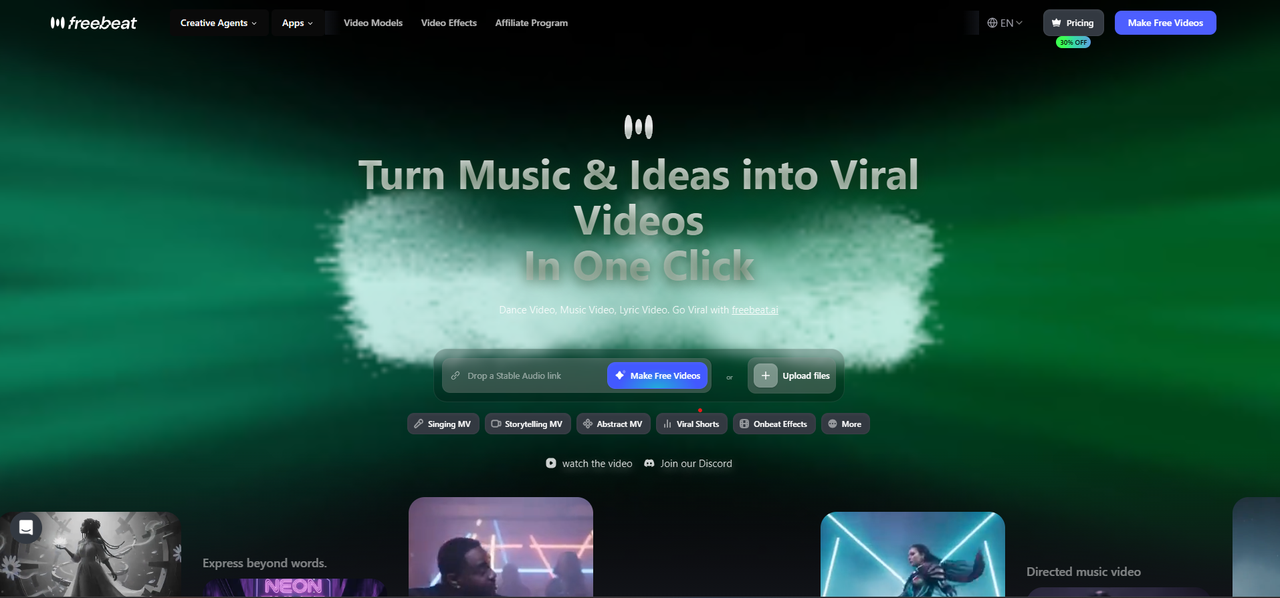
Freebeat brings the cinematic look to the full song rather than to one shot at a time. Choose the Cinematic preset and the Storytelling mode, and its AI music video generator analyzes the BPM, beats, song sections and energy, then plans about 120 shots so the story builds through the verse and lands on the chorus. A Character Bible keeps the lead and the cast the same in every scene, style locking keeps the palette and mood steady, and the whole song of up to six minutes is ready in about five minutes.
Where Freebeat performs best
- Story-driven music videos where the narrative follows the song
- Performance videos with lip sync in 100+ languages
- Suno songs: its Suno to Video workflow takes the Suno link and builds a cinematic video for the whole track
- Releases that need 16:9, 9:16, 1:1, 4:3 and 3:4 versions of the same cinematic video
How to get the most from it
Write one line of story for each section of the song, describe the characters with fixed details in the Character Bible, and choose the Cinematic preset before generating. Then use Freebeat's AI editor to change a single shot, the pace or the mood with a sentence. New accounts get 500 free credits to try it on their own song.
Best reason to choose Freebeat
It is the only tool in this benchmark that turns a finished song into a complete cinematic music video, with the story, the cast and the cuts all following the music.
2. Runway: Best for Cinematic Hero Shots
Benchmark assessment
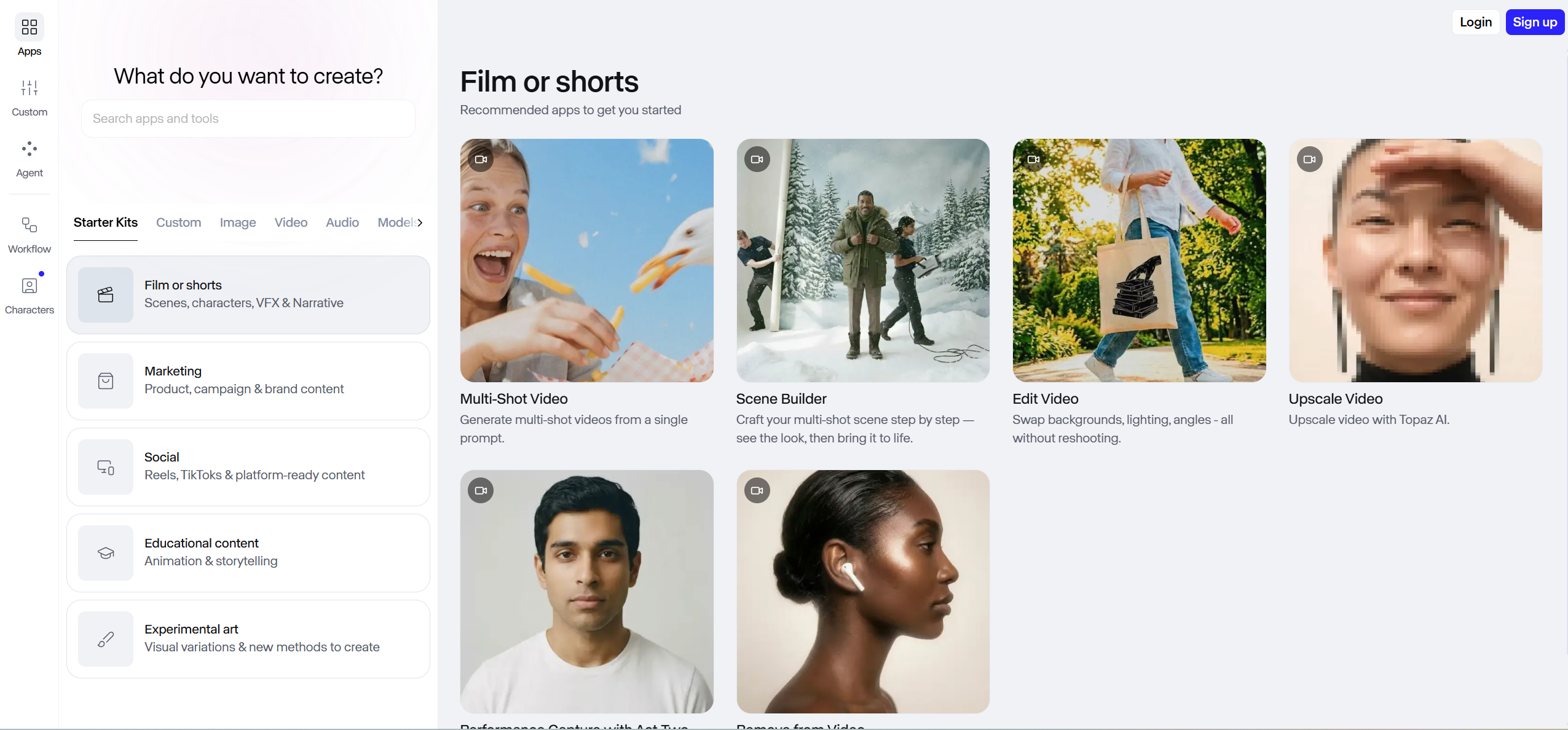
Runway's Gen-4.5 model is built for cinematic, photorealistic video with precise prompt adherence, and Runway's own examples direct the camera with moves such as pans and trucking shots. A Characters area and Act-Two, which transfers a recorded performance onto a character, help with recurring people, and 4K upscaling finishes the shot.
Where Runway performs best
- Signature shots for a chorus or a drop
- Precise camera moves described in a prompt
- Transferring a real performance onto a character
Things to plan for
Runway does not start from the song. The Standard plan ($15 a month, or $12 billed yearly) includes 625 monthly credits, which equal 52 seconds of Gen-4.5 video, so a full song means many generations and an edit.
Best reason to choose Runway
It gives directors precise control over the look and camera of each cinematic shot.
3. Kling: Best for Cinematic Clips and Storyboards
Benchmark assessment
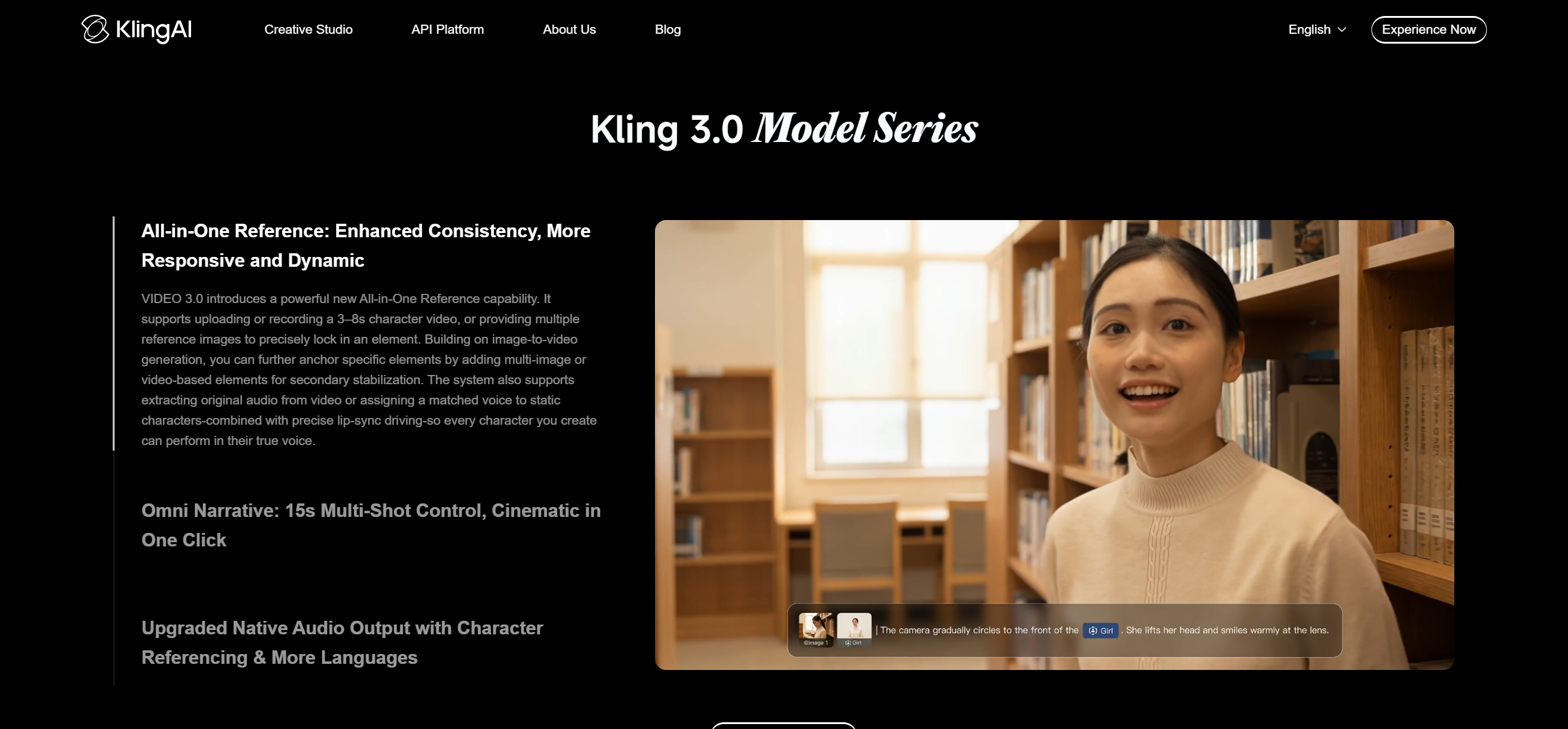
Kling 4.0 generates cinematic video with audio-visual performance, and Kling Image 3.0 is built for cinematic storytelling in native 4K. Series image generation keeps a set of images coherent in story and style, and the Canvas lets an agent help write scripts and storyboards before you generate.
Where Kling performs best
- Storyboarding a music video scene by scene
- Cinematic stills that set the look before video
- Lip-synced character shots made in Kling
Things to plan for
Kling generates short clips and does not start from the song, so the music video is assembled and matched to the track in an edit. Lip Sync is a paid feature, at 5 credits for 5 seconds.
Best reason to choose Kling
It combines cinematic image quality with storyboard tools for planning a sequence.
4. Luma: Best for Frame-by-Frame Direction
Benchmark assessment
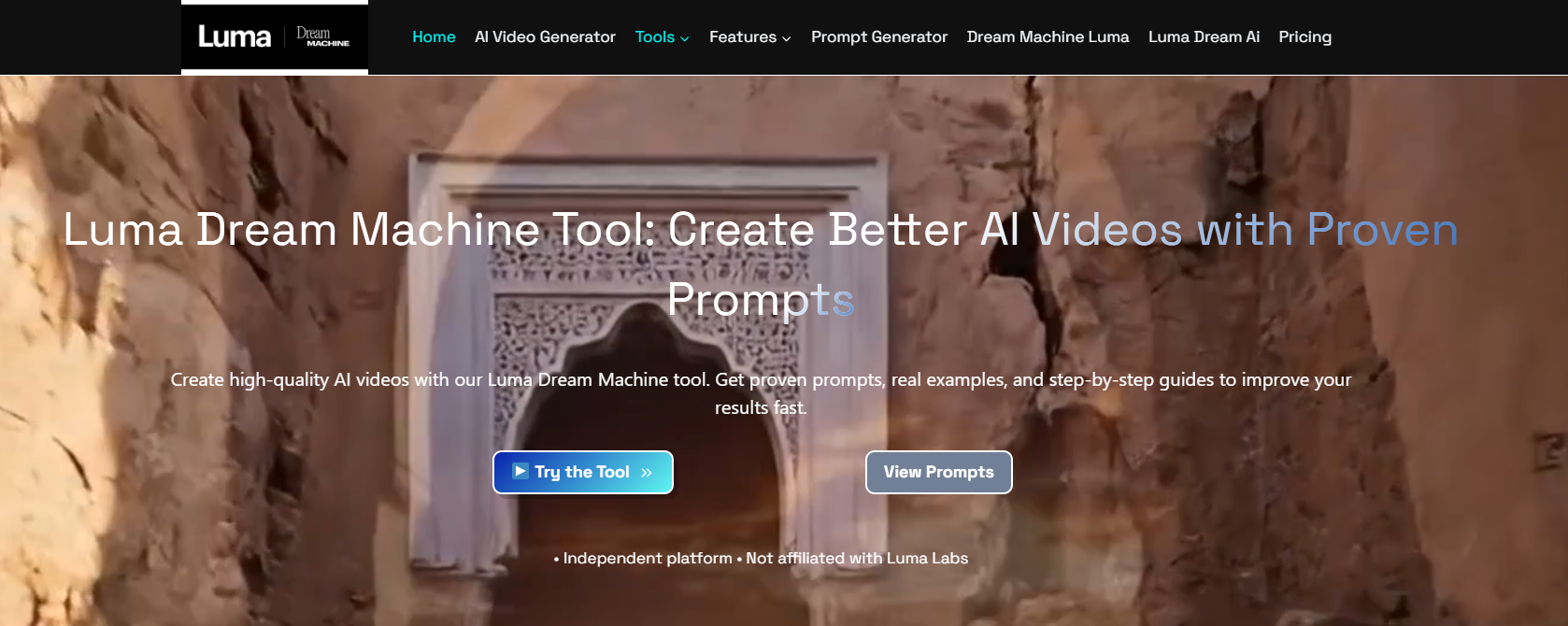
Luma describes its Ray3.2 model as giving frame-by-frame control, continuity and cinematic direction, with keyframes and HDR or HDR+EXR output. Dream Machine also gives access to other models such as Seedance, Kling and Veo through the same account. The Plus plan costs $30 a month and includes commercial use.
Where Luma performs best
- Single shots that need exact framing
- HDR footage for color grading
- Testing a look across several models in one place
Things to plan for
Each generation is a 5- or 10-second shot, and Luma does not start from the song, so a music video is built shot by shot and cut to the track in an editor.
Best reason to choose Luma
It offers fine control over how each cinematic shot is framed and graded.
One Song, Four Ways to Make It Cinematic
| Tool | Where the cinematic look comes from | What one generation covers | You get |
|---|---|---|---|
| Freebeat | Cinematic preset and Storytelling mode, planned around the song | The whole song, up to six minutes | A complete cinematic music video with the same cast throughout |
| Runway | Gen-4.5 prompts with camera direction | One shot | Cinematic hero shots you edit to the song |
| Kling | Kling 4.0 clips, Image 3.0 stills and Canvas storyboards | One clip | Cinematic clips and storyboards you assemble |
| Luma | Ray3.2 with keyframes and HDR | A 5- or 10-second shot | Directed cinematic shots you edit to the song |
Freebeat is the only approach in the table where one generation covers the whole song. The others produce cinematic shots of a few seconds that a creator plans, generates and edits into a music video.
The Questions This Benchmark Set Out to Answer
- Does it look like film?
- Can I direct the camera?
- Does the story build with my song?
- Will it cover the whole track, not just a few seconds?
- Do the cuts land on the beat?
- Will the same characters appear from the first verse to the last chorus?
What the 2026 Cinematic Benchmark Tells Us

- Cinematic shots are no longer the hard part. Runway, Kling and Luma all produce film-like shots. The gap is in turning those shots into a song-length story.
- The song is the script. Pacing that follows the beats and sections is what makes a cinematic video feel like a music video rather than a trailer.
- Consistency carries the story. A cinematic look falls apart when the lead changes from scene to scene; defining the cast once keeps the story readable.
- Length decides the workflow. With 5- to 10-second generations, a four-minute song means dozens of shots to plan and edit; generating the whole song at once removes that step.
Which Tool Should You Choose for a Cinematic Music Video?
Choose Freebeat if:
- You want a complete cinematic music video from your finished song
- You want the story and the cuts to follow the music
- You need the same characters throughout, with lip sync
Choose Runway if:
- You want a few cinematic hero shots with precise camera direction
Choose Kling if:
- You want to storyboard and generate cinematic clips and stills
Choose Luma if:
- You want frame-by-frame control and HDR output for single shots
Overall Benchmark Winner: Freebeat
Freebeat wins because it applies the cinematic look to the whole song: the Cinematic preset and Storytelling mode plan about 120 shots around the music, the Character Bible keeps the cast the same, the full song of up to six minutes is generated together, and any shot can be changed with a sentence. Runway, Kling and Luma make striking cinematic shots that pair well with Freebeat for extra inserts, but Freebeat is the most complete starting point for a cinematic music video.
Frequently Asked Questions
What is the best ai music video generator?
For cinematic music videos, Freebeat is the overall winner of this benchmark. Its Cinematic preset and Storytelling mode turn the whole song into a cinematic video of up to six minutes, with about 120 shots planned around the music and a Character Bible that keeps the cast the same.
Which music video generator is the best?
Freebeat scores highest because it is the only tool here that starts from the song and covers it from the first shot to the last. Runway, Kling and Luma make striking cinematic shots that you edit to the track.
What makes an AI music video look cinematic?
Film-like lighting and camera moves, a story that builds with the song, and the same characters from scene to scene. Shot quality alone is not enough if the story and the cast change between clips.
Can Runway, Kling or Luma make a full cinematic music video?
They can make the shots. Each generation is a short clip, so a full song means planning the scenes, generating many clips and editing them to the track.
How do I keep a cinematic music video consistent?
Define the characters and the style once and generate the song together. Freebeat does this with its Character Bible and style locking.
Can I change one cinematic shot without starting over?
Yes. Freebeat's AI editor changes a single shot, the pace or the mood with a sentence, in the browser or the free Mac app.


