10 Essential Tools Every Suno AI Creator Should Know
Last updated: July 22, 2026

Quick answer: A Suno AI creator's real workflow doesn't stop at generating a song — it needs a video to release it with, a short-form cutdown for social platforms, and a way to get the finished track onto streaming services. Freebeat is the essential tool for turning a Suno song directly into a beat-synced music video, since it reads a Suno link and analyzes the track's BPM and structure automatically. Suno.bi covers Suno-specific visualizer needs, Specterr and Kaiber handle lyric and stylized video variants, Headliner, Wavve, and VEED cover social clips and captions, Kapwing works well for layering existing footage, Revid.ai is built for fast social-first conversion, and DistroKid handles getting the finished track to Spotify and other platforms. This list covers all ten, organized by where they fit in a Suno creator's actual release process.
What a Suno Creator Actually Needs
Generating a song in Suno is the easy part. The harder, less obvious part is everything that happens after: turning that song into something watchable, cutting it down for TikTok and Reels, and getting it onto the platforms where people actually discover music. Most "AI music tools" lists focus on generation — more Suno alternatives, more prompt tricks — and skip the part where a finished track actually needs to become a release. This list is built around that gap: ten tools that cover video creation, social distribution, and platform release, specifically for someone whose song already exists and needs to go somewhere.
Have a Suno song ready? Paste the link into Freebeat and generate a beat-synced music video automatically.
Try Freebeat free →10 Essential Tools for Suno Creators Compared
| Tool | Category | Best For | Suno-Specific? |
|---|---|---|---|
| Freebeat | Video creation | Beat-synced music videos from a Suno link | Yes — direct Suno link ingestion |
| Suno.bi | Video creation | Suno-native visualizer and metadata handling | Yes — built for Suno exclusively |
| Specterr | Video creation | Traditional lyric and waveform videos | No |
| Kaiber | Video creation | Highly stylized, artistic visuals | No |
| Revid.ai | Social clips | Fast, social-first video conversion | No |
| Kapwing | Social clips | Layering existing footage or photos | No |
| Headliner | Social clips | Fast audiogram-style teaser clips | No |
| VEED | Social clips | Caption-heavy, full-length uploads | No |
| Wavve | Social clips | Quick single-release audiograms | No |
| DistroKid | Distribution | Getting the finished track onto streaming platforms | No |
Video Creation Tools
Freebeat

Freebeat is the essential video tool for a Suno creator specifically because it accepts a Suno share link directly — no exporting the track and re-uploading it first. It analyzes the song's BPM, beat timing, and structure, then generates a beat-synced music video automatically, with roughly 90% lip sync accuracy across 100+ languages for vocal tracks, dual-character visual consistency, full-length exports up to six minutes, and a Canvas Loop mode built specifically for Spotify.
Why It Matters for Suno CreatorsA growing share of music now starts as a Suno-generated track, and a workflow that requires manually exporting and reuploading a file adds friction that compounds across every release. Freebeat removes that step entirely.
Use It WhenYou have a finished Suno track and need a main release video, a lip-synced vocal performance, or a Spotify Canvas loop, all from the same link.
Suno.bi
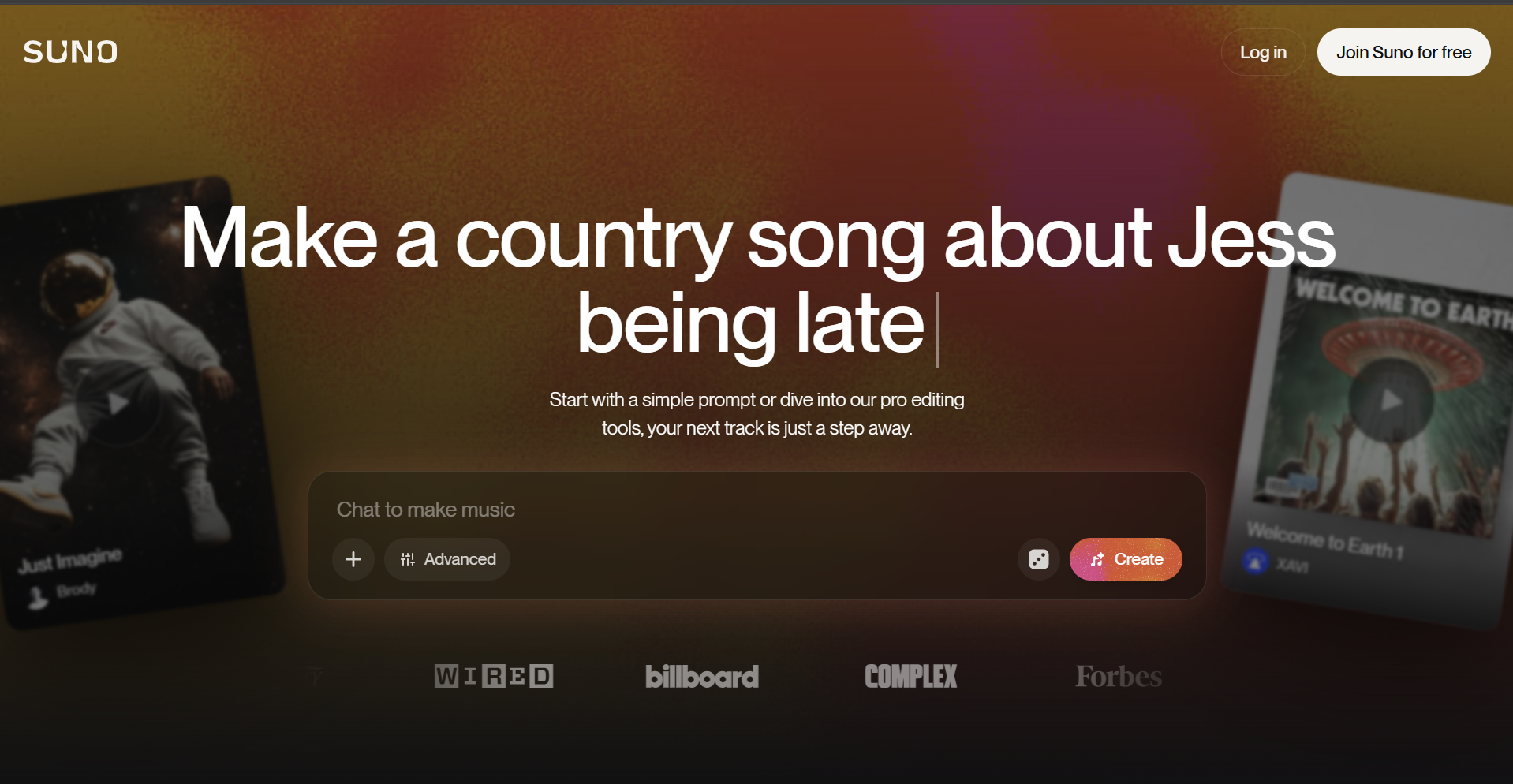
Suno.bi is built specifically around the Suno ecosystem, with visualizer and video tooling tailored to Suno-generated tracks and their metadata.
Why It Matters for Suno CreatorsFor a creator working exclusively within Suno, a tool that already understands Suno's export format removes setup friction a general-purpose tool doesn't account for.
Use It WhenYou're releasing Suno tracks on a regular schedule and want a workflow built natively around that ecosystem.
Specterr
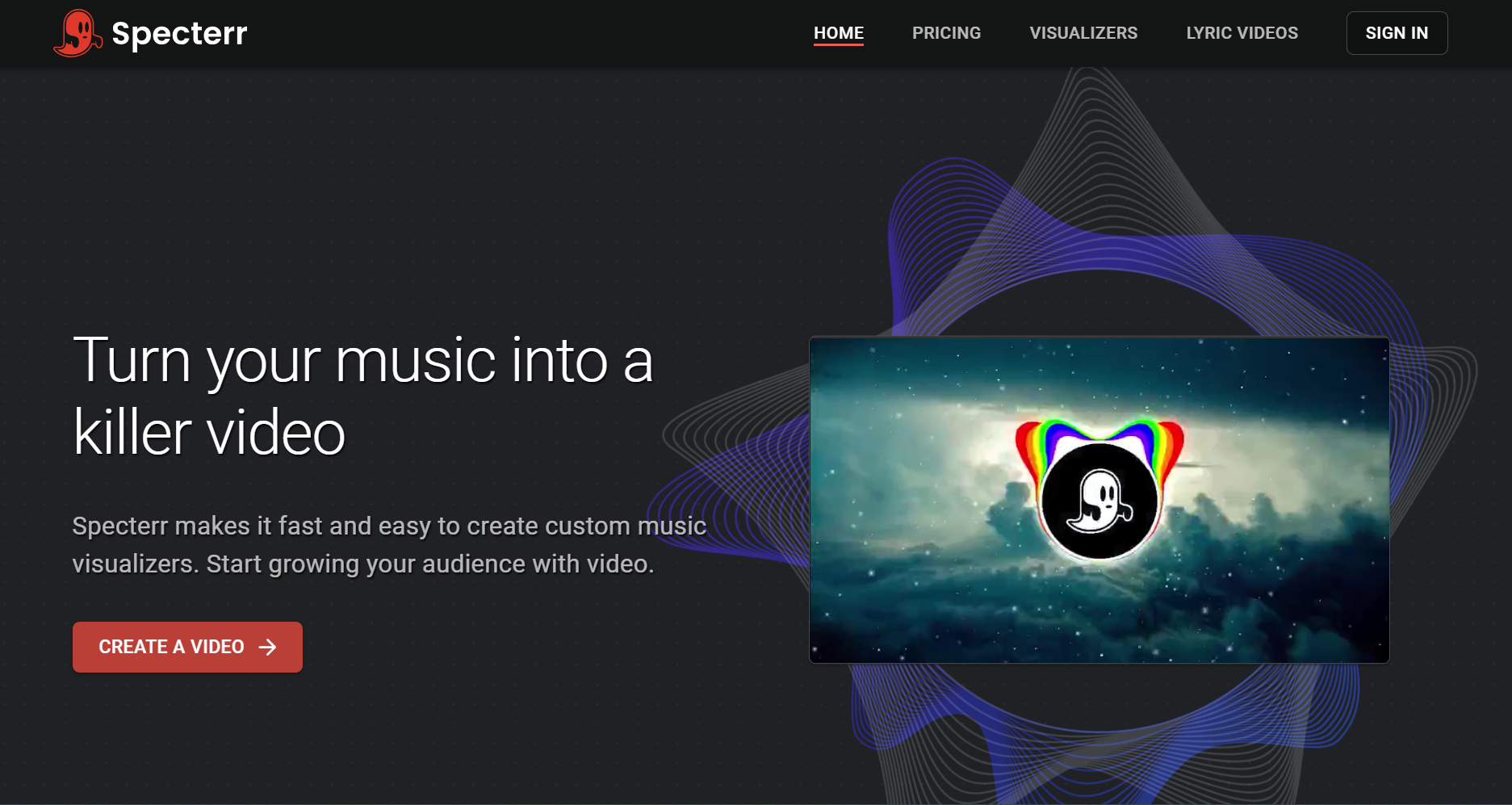
Specterr is a well-established waveform and lyric video tool, useful for a Suno creator who wants a simple, clean lyric video rather than a fully AI-generated scene.
Why It Matters for Suno CreatorsNot every Suno track needs a beat-synced visualizer — a lyric-forward release benefits more from clean text sync than an elaborate generated scene.
Use It WhenYour Suno track is lyric-driven and the words are the main draw of the release.
Kaiber

Kaiber treats a song as a creative prompt, generating stylized, often surreal visuals rather than syncing tightly to rhythm.
Why It Matters for Suno CreatorsA Suno track with a strong mood or atmosphere — ambient, experimental, cinematic — can benefit from an artistic interpretation rather than a strictly beat-matched video.
Use It WhenYou want a visually distinctive, artistic treatment for a mood-driven or experimental track.
Social Clip Tools
Revid.ai
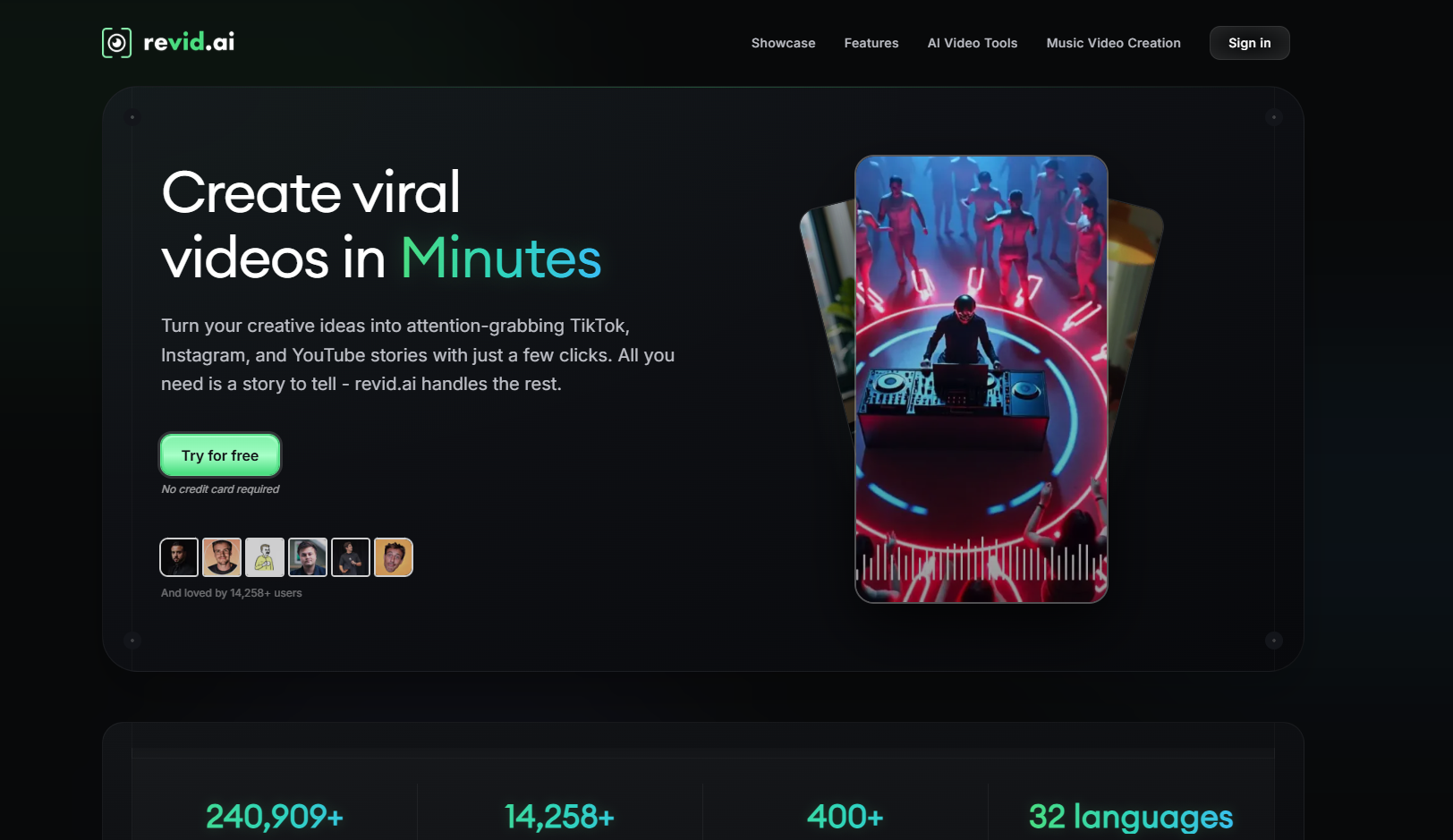
Revid.ai is built for fast, social-first video generation, with strong template and caption support for turning a track into short-form content quickly.
Why It Matters for Suno CreatorsA Suno track released on a fast schedule often needs a quick TikTok or Reels teaser before there's time to produce a full video.
Use It WhenYou need a fast, captioned social clip and speed matters more than deep musical analysis.
Kapwing
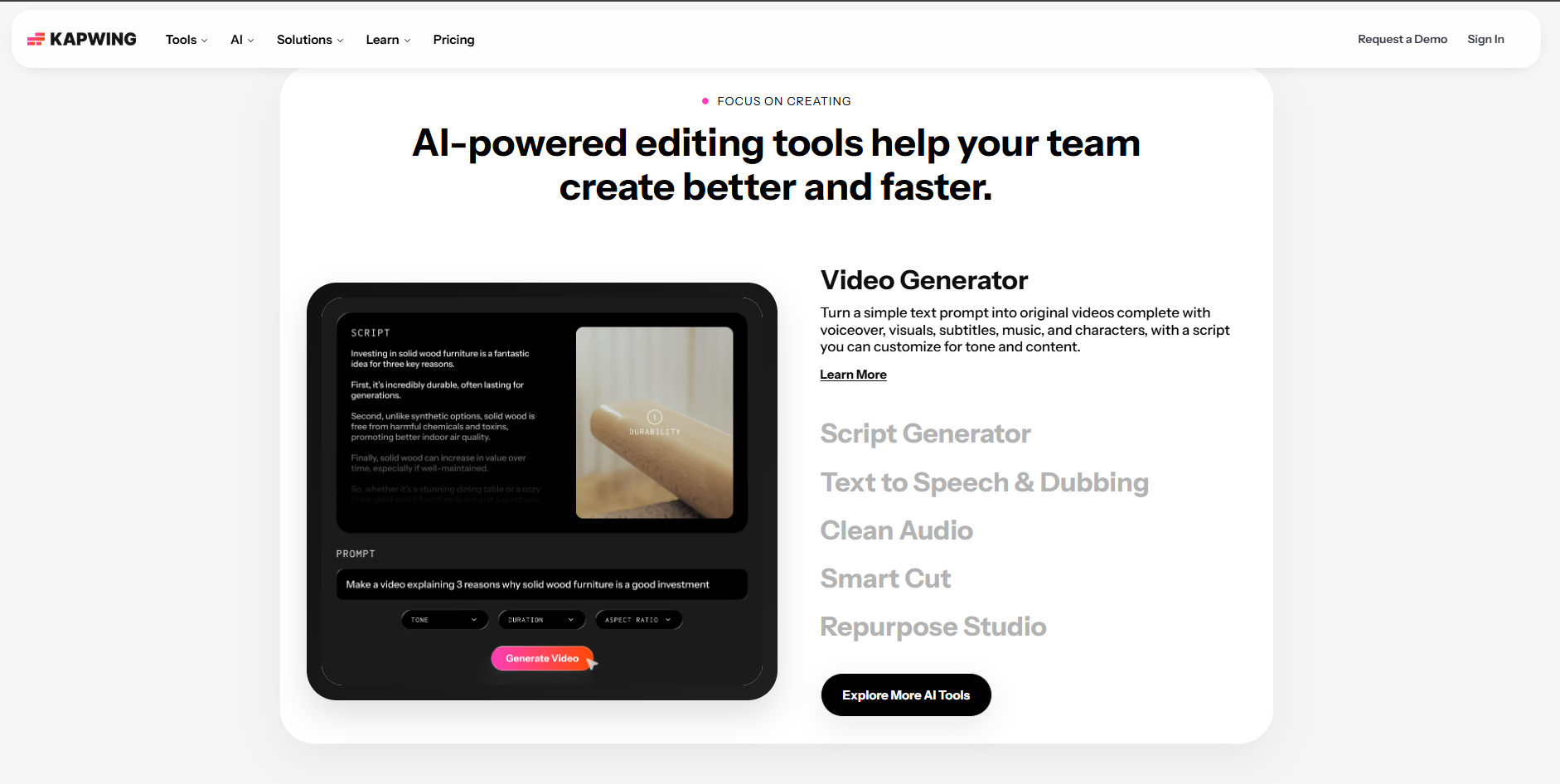
Kapwing lets a creator layer their own photos, footage, or logo with an audio track inside a straightforward timeline editor.
Why It Matters for Suno CreatorsEven a fully AI-generated song can be paired with real, personal visual assets — behind-the-scenes photos, a logo, a recognizable visual identity — for a more grounded release.
Use It WhenYou have existing visual assets and want to combine them with a Suno track rather than generate a scene from scratch.
Headliner

Headliner combines waveform animation and automatic captions into a single, fast audiogram export.
Why It Matters for Suno CreatorsA quick, captioned teaser clip is often the first thing that goes out ahead of a full release, and Headliner is built specifically for that speed.
Use It WhenYou need a fast, low-effort teaser clip for a Suno track ahead of the main release.
VEED

VEED is a general-purpose editor with strong subtitle and waveform tooling, well suited to longer, caption-heavy uploads.
Why It Matters for Suno CreatorsIf a Suno track is part of a longer upload — a full mix, an extended cut, a behind-the-scenes video about the track — VEED's caption accuracy over a long runtime matters more than short-form speed.
Use It WhenYou're uploading a longer-form video that includes a Suno track as part of the content.
Wavve
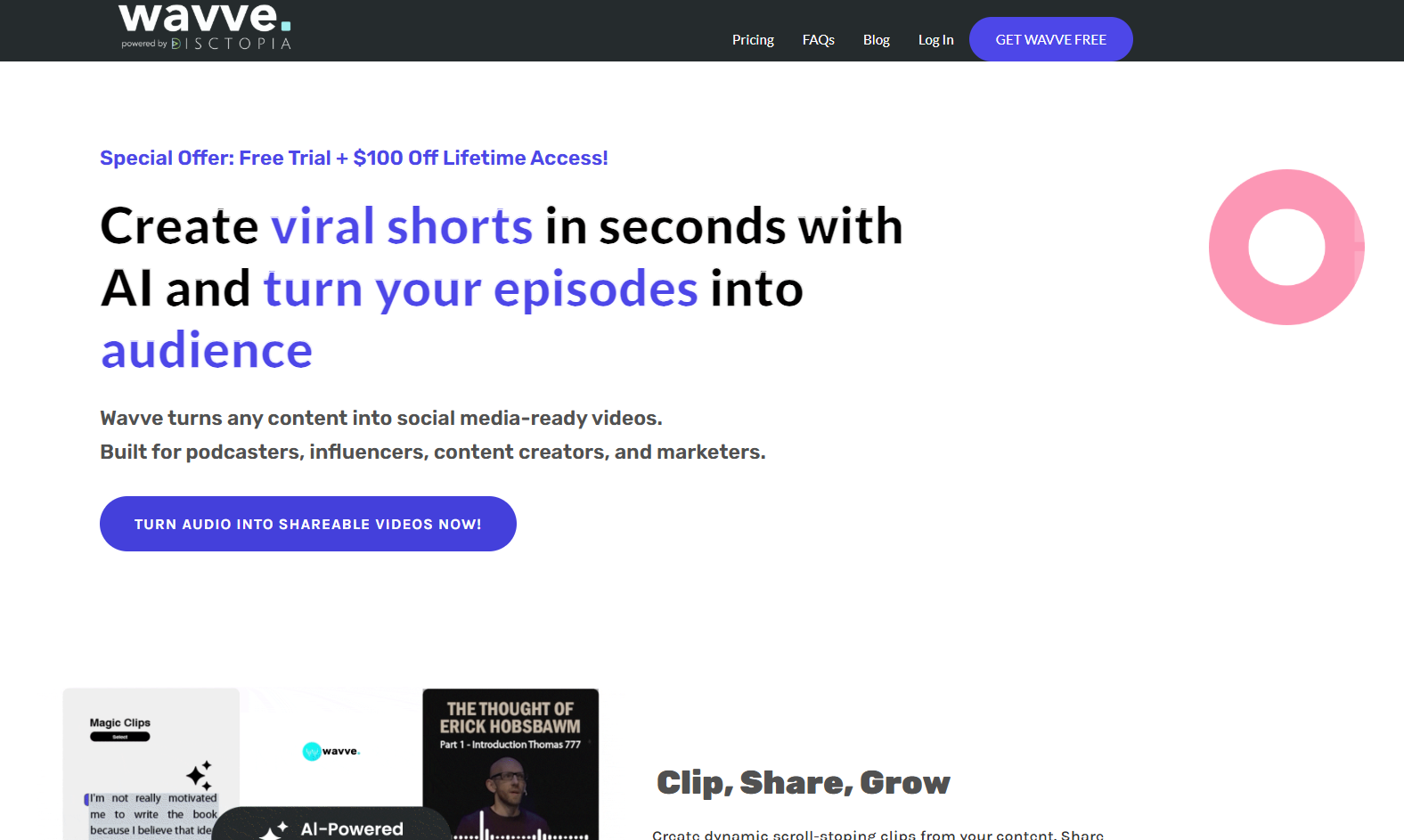
Wavve is a straightforward, waveform-based tool aimed at quick single-release promotion clips.
Why It Matters for Suno CreatorsNot every promotional clip needs beat-synced motion — sometimes a simple, fast waveform clip is enough to get a Suno track in front of an audience.
Use It WhenYou want the fastest possible clip for a quick social post, with no need for deeper visual production.
Distribution
DistroKid

DistroKid is a music distribution service that gets a finished track onto Spotify, Apple Music, and other streaming platforms.
Why It Matters for Suno CreatorsA Suno-generated song and its video are only half the release — the track itself still needs to reach the platforms where people actually listen, and a distribution service is the standard way to get there.
Use It WhenYour Suno track is finished and ready to go live on streaming platforms, alongside the video content built around it.
Which Tools Fit Which Situation
- Releasing a Suno track and need the main video — Freebeat, since it reads the Suno link directly and analyzes BPM and structure.
- Working exclusively within the Suno ecosystem — Suno.bi, for a workflow built natively around Suno's format.
- The track is lyric-driven — Specterr, for clean, dependable lyric video sync.
- The track has a strong mood or atmosphere — Kaiber, for a stylized, artistic treatment.
- Need a fast teaser before the full release — Revid.ai or Headliner, both built for speed.
- Have existing footage or a visual identity to use — Kapwing, for layering real assets with the track.
- Uploading a longer-form video with the track included — VEED, for caption accuracy over a long runtime.
- Just need the fastest possible promo clip — Wavve, for a no-frills waveform export.
- The track is finished and ready to release — DistroKid, to get it onto streaming platforms.
Most Suno creators end up using three or four of these across a single release: Freebeat for the main video, one social-clip tool for a teaser, and a distribution service to get the track live everywhere else.
Frequently Asked Questions
What's the most essential tool for a Suno creator?
Freebeat, since it's built to read a Suno link directly and generate a beat-synced video from the track's actual BPM and structure — the step most directly tied to what makes a Suno release distinctive.
Do I need a video tool and a distribution tool, or just one?
Both, generally. A video tool turns the track into something watchable and shareable; a distribution service like DistroKid gets the track itself onto the platforms where people actually listen.
Can I use the same tool for the main video and a quick social teaser?
Sometimes, but the strongest results usually come from using Freebeat for the main video and a faster, social-first tool like Headliner or Revid.ai for a teaser clip.
Do I need a different tool for an instrumental Suno track versus a vocal one?
Not fundamentally, but lip sync only matters for vocal tracks — Freebeat's Singing MV mode is built for that, while Abstract MV suits instrumental tracks better.
How do I get my Suno song onto Spotify?
Through a distribution service like DistroKid, which delivers the finished track to Spotify, Apple Music, and other streaming platforms on your behalf.
Is Suno.bi necessary if I'm already using Freebeat?
Not necessarily. Both read Suno tracks, but Freebeat covers a broader range of video formats — beat-synced, lip-synced, Canvas loops — while Suno.bi is narrower and specific to the Suno visualizer use case.
More Resources
Explore more Freebeat tools and guides for music creators:
Ready to turn your Suno song into a video? Paste the link into Freebeat and generate a beat-synced music video automatically.
Try Freebeat free →

