
A2O LiteFREEBEAT / Dance & motion
Upload a music video and reference photos to give it a new cast. Keep the original performance, camera work and soundtrack.
Already have a music video? Swap the people in it. Upload a clip, add pictures of your characters, and freebeat makes a new video where they perform in place of the original cast. The song, the moves and the camera stay the same.
As of May 2026, over one million creators from 150+ countries use freebeat to turn music into video. Music Video Swap and Dance Swap sit next to the rest of our music video tools, in the same account.
Three steps, no editing software. Most videos are ready in a few minutes, and you can leave the page while yours is being made.
Upload an MP4, MOV or WebM file up to 30 MB and 60 seconds, then pick the 4 to 30 seconds you want to swap. Clips where the performers are easy to see work best. You can also start from a template in the Motion library.
Add pictures of the characters, scenes or props you want to use, up to 30 in total. Each picture gets a name such as @image1. One clear, full-body character per picture gives the best result.
Write one short sentence like “@image1 replaces the singer in the middle”, or let AI write it for you. Press Generate. Your video appears in History with the original song, ready to download as an MP4.
It changes who is in the video and keeps everything that made the video work: the performance, the camera and the music.
Your new characters take over the performance shot for shot. They follow the original moves and camera, and the original song plays under the new video, so it still feels like the same music video.
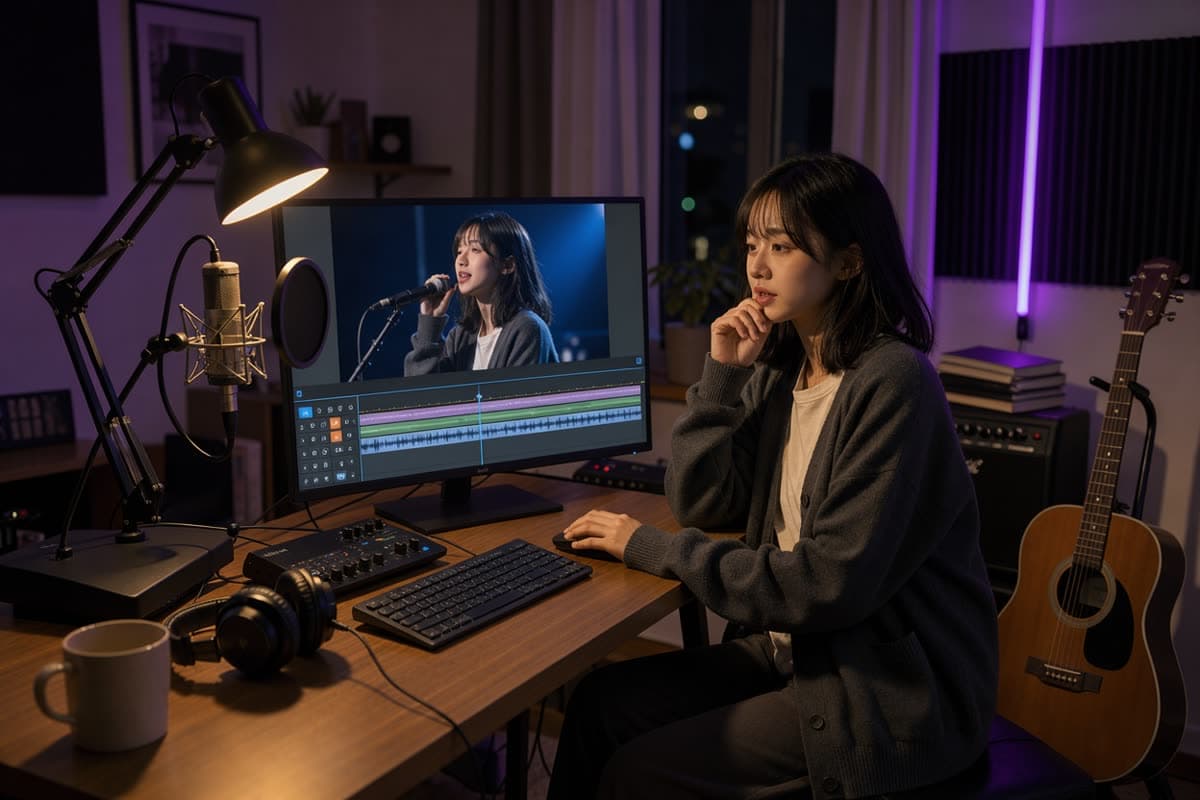
Upload your own performance, cover or concept clip. A timeline lets you pick the exact 4 to 30 seconds to use: drag the clip, trim either edge, and play it back before you confirm.
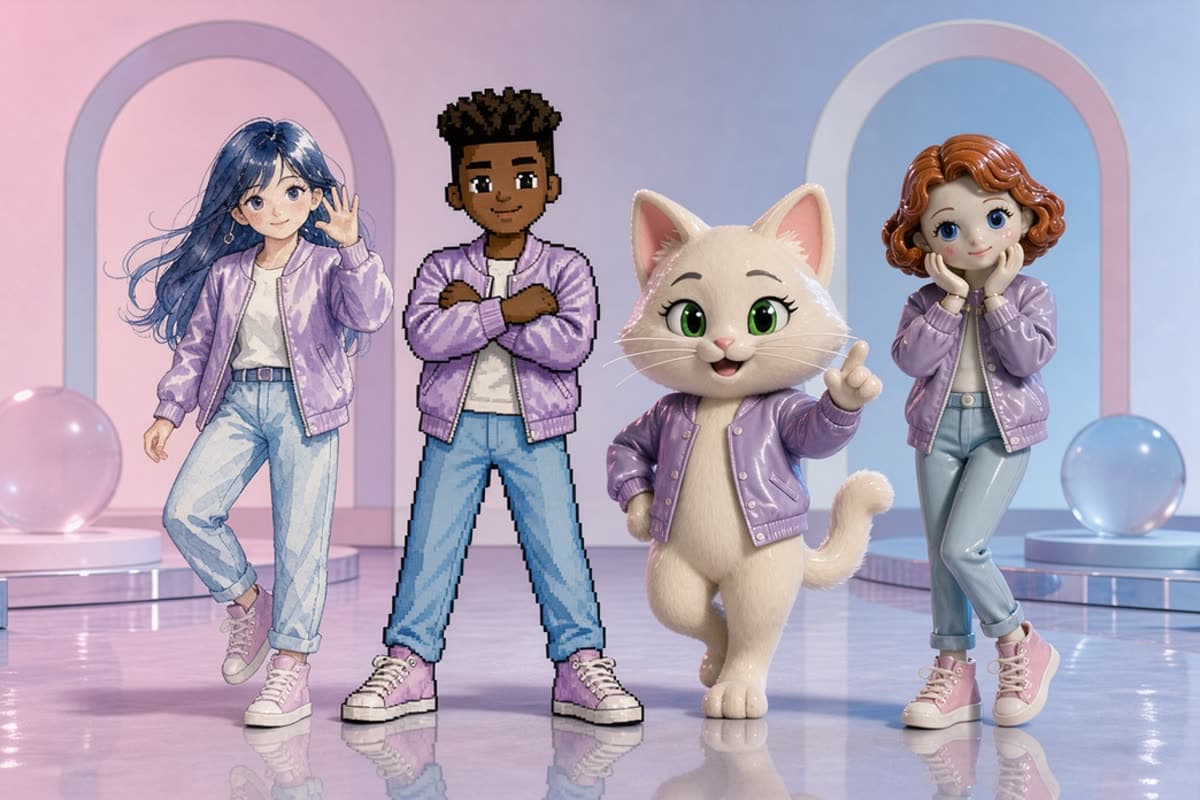
Give the lead singer a new look, or recast the whole group. Name each picture in your prompt, such as @image1 and @image2, to decide who replaces whom. Add scene and prop pictures to change the setting too.
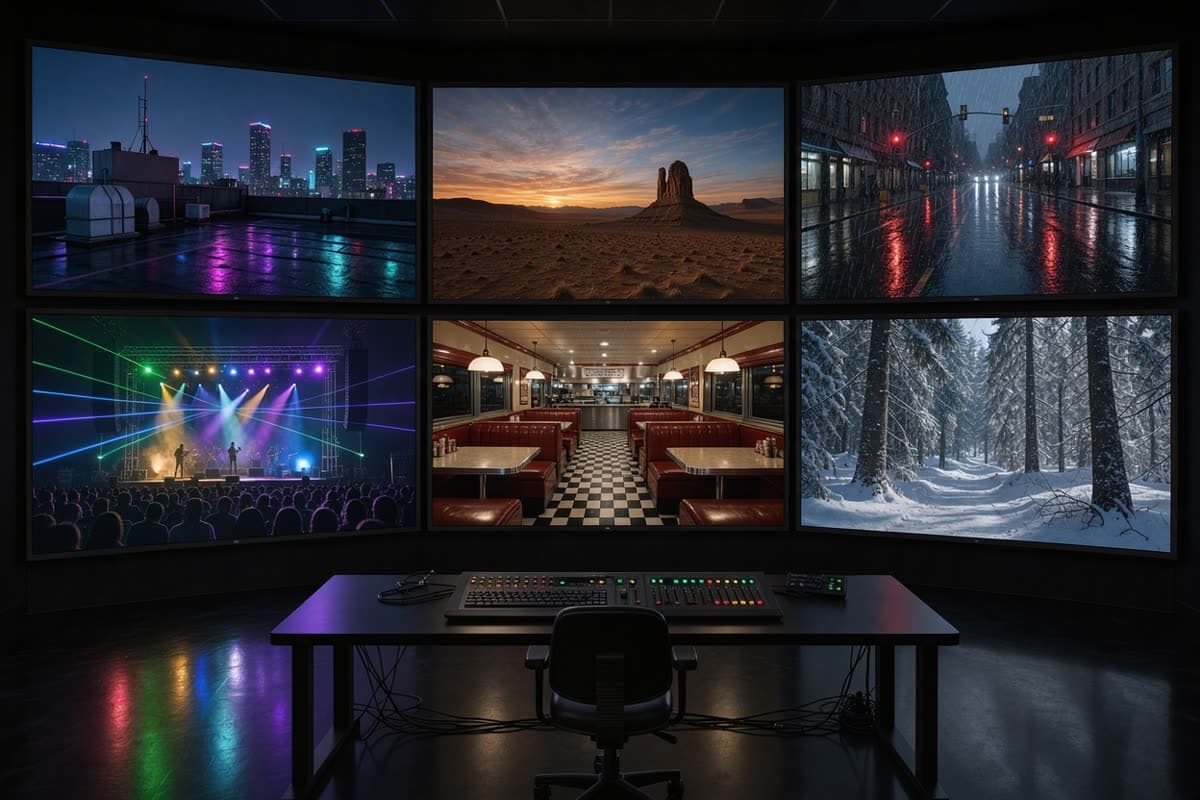
The Motion library has ready-made music video clips. Pick one, press Remix, add your character pictures, and the instructions are filled in for you.
A few other tools can replace people in a video. Here is how they compare on what matters for music videos, based on what each one publishes on its own site as of October 2026.
Reuse one strong performance in many ways, without booking another shoot.
Anyone who has a music video and wants to see someone else in it.
Answers about how Music Video Swap works and how to get a good result.
Every freebeat tool you need to take music from idea to publishable visual content — in one platform.
Stay sharp on what's working in AI music video right now.
 ARTICLE
Compare leading AI music video generators by realism, audio sync, customization, narrative tools, and mobile or social media…
.jpeg) ARTICLE
ARTICLECompare the best AI music video generators in 2025 — Neural Frames, Kaiber, Runway ML, PIKA, and Freebeat — to find which…
 COMPARISON
We tested 8 music video tools — AI generators, desktop editors, and mobile apps — on audio sync, output quality, speed, and…
 ARTICLE
Compare Freebeat vs Neural Frames in 2026 for AI music videos, character consistency, beat sync, lip sync, audio-reactive…