Audio to Video for Social Media: Create Videos for YouTube, TikTok, and Reels

Quick answer: To turn audio into video for social media, upload your MP3 or Suno link to an AI music video generator like Freebeat, select the right video mode for your platform (16:9 Storytelling or Singing MV for YouTube, 9:16 Lyric or Singing MV for TikTok and Reels), and export. Each platform has different aspect ratios, duration sweet spots, and algorithm priorities — the steps are the same, but the settings and what you optimize for differ platform by platform.
Audio does not publish on its own. YouTube, TikTok, Instagram Reels, and most other social platforms require a video file — and simply wrapping an audio file in a static image is increasingly the weakest option in a feed where AI-generated beat-synced video is the baseline expectation.
The challenge is that converting audio to video is not the same process across platforms. YouTube rewards watch time across a full-length release. TikTok rewards visual movement in the first second and replays. Instagram Reels rewards aesthetic consistency and saves. Each platform has different technical requirements, different algorithm signals, and different viewer behavior. Treating all three the same — exporting one video and uploading it everywhere — leaves real distribution potential on the table.
Want to try the workflow on your own track? Upload an MP3 or paste a Suno link into Freebeat and generate platform-ready video in minutes.
Try Freebeat free →How YouTube, TikTok, and Reels Differ
Understanding what each platform actually rewards helps you make better decisions at every stage of the process.
Search + Recommendation
- Viewers arrive with intent
- Full-length releases expected
- Watch time and retention are key signals
- 16:9 for main uploads, 9:16 for Shorts
- Slower hook window (5–10 sec)
Discovery-First
- Content shown to non-followers first
- Movement in first 1–2 seconds critical
- Replays and shares drive the algorithm
- 9:16 only, 15–45 sec sweet spot
- Start at the hook, not the intro
Aesthetic + Saves
- Rewards visual polish and consistency
- Saves and shares carry algorithmic weight
- 9:16, 15–30 sec sweet spot
- TikTok watermarks suppressed
- Intentional visual identity matters
Platform Requirements at a Glance
| YouTube | TikTok | Instagram Reels | |
|---|---|---|---|
| Aspect ratio | 16:9 (9:16 for Shorts) | 9:16 | 9:16 |
| Duration sweet spot | Full song length | 15–45 sec | 15–30 sec |
| Hook window | 5–10 sec | 1–2 sec | 1–2 sec |
| Primary algorithm signal | Watch time, retention | Replays, shares | Saves, aesthetic engagement |
| Watermark policy | Accepted | Accepted | Suppresses TikTok watermarks |
| Caption importance | Optional | High (muted-first) | High (muted-first) |
Step-by-Step: How to Create Audio to Video for Social Media
1Choose the platform and set your goal

Decide where the video is going before you begin. A single audio file can produce separate exports for YouTube, TikTok, and Reels — but each needs different settings. Plan three separate exports rather than one video used everywhere.
2Upload your audio or paste a link
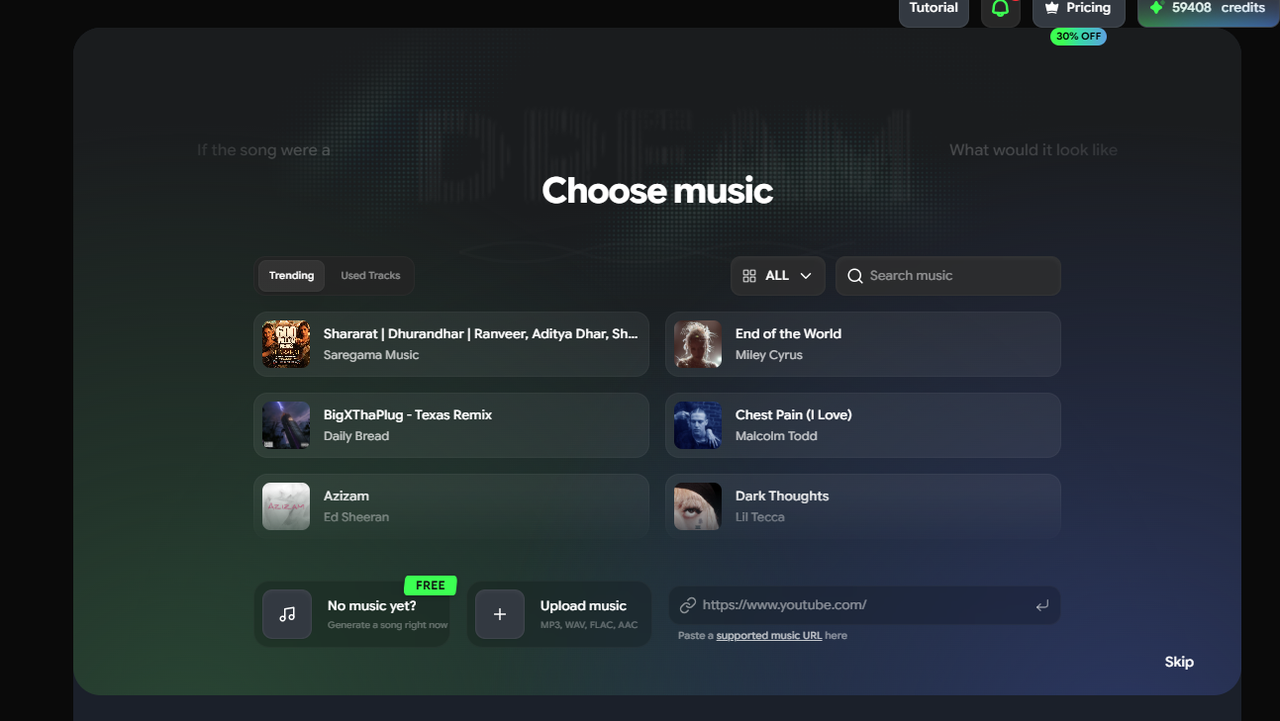
Go to freebeat.ai and upload your MP3, WAV, or M4A file. If your track is from Suno, paste the public share link directly — no download required. Freebeat begins analyzing BPM, beat onsets, energy levels, and song structure automatically.
3Select aspect ratio and duration based on platform
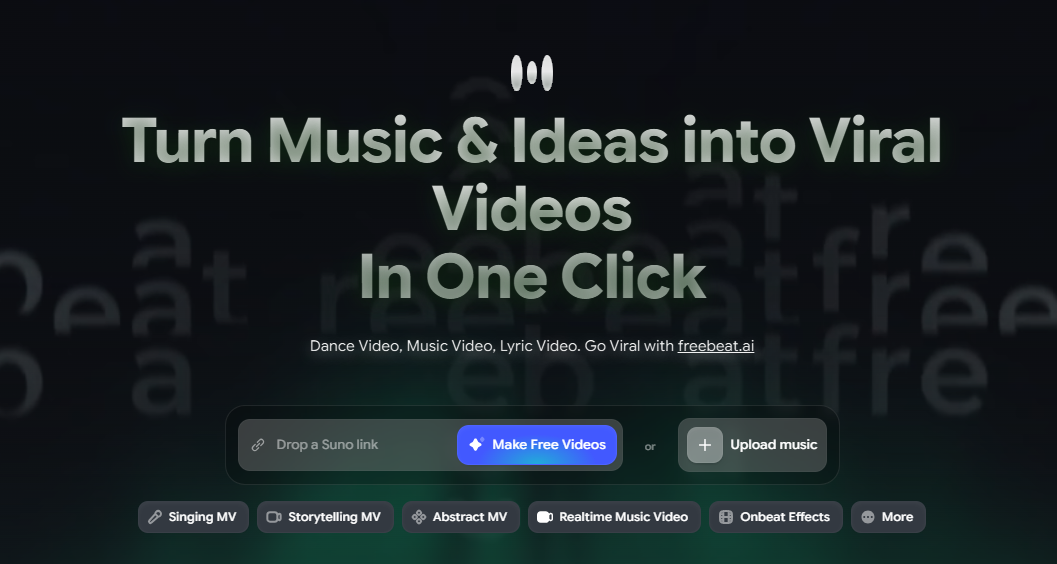
4Choose a video mode
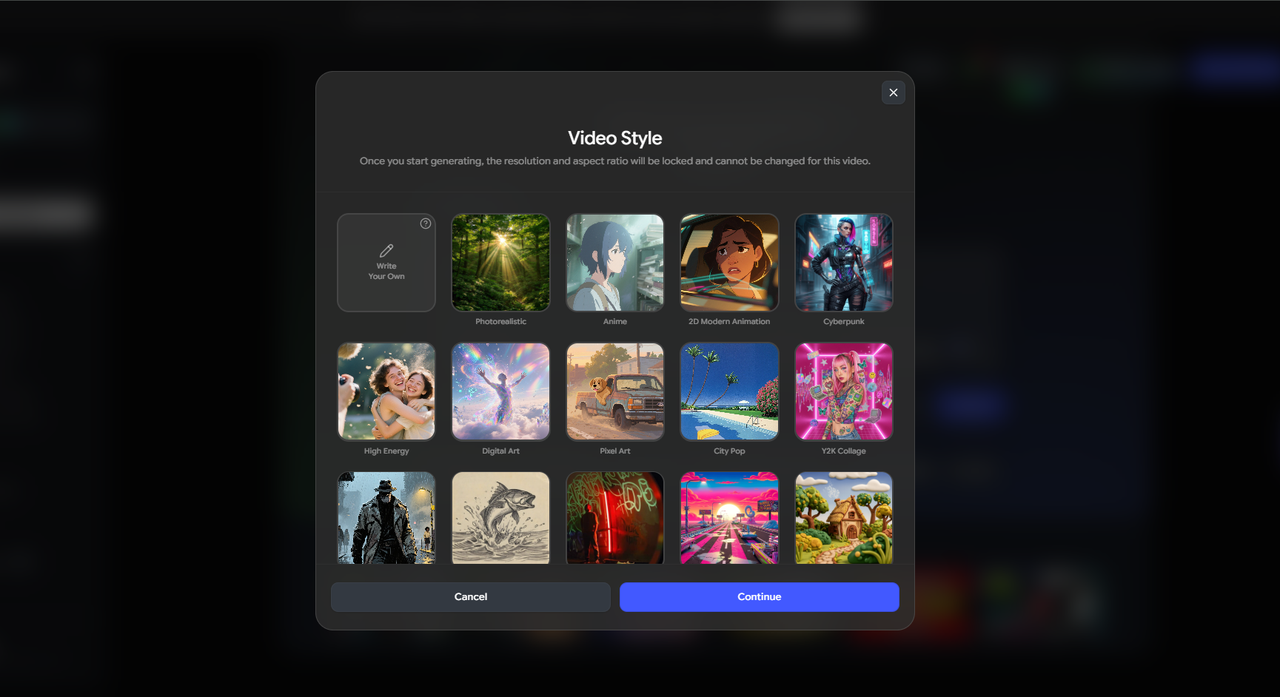
5Write a platform-appropriate prompt
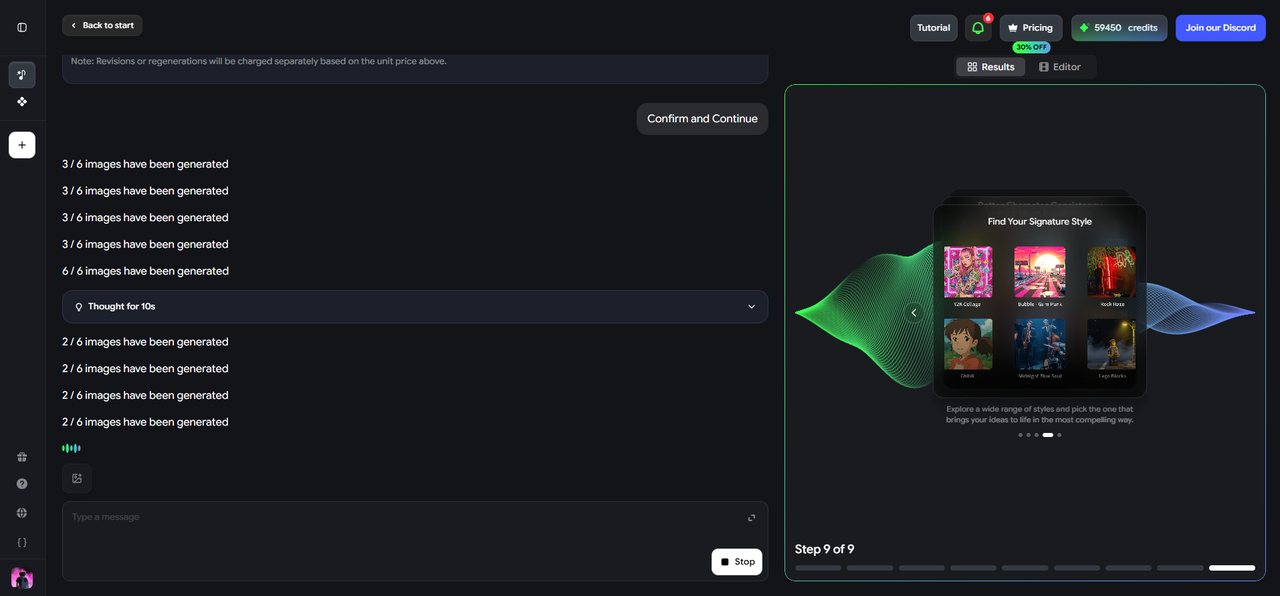
The prompt should reflect both the song's energy and the visual expectations of the platform.
6Review the storyboard
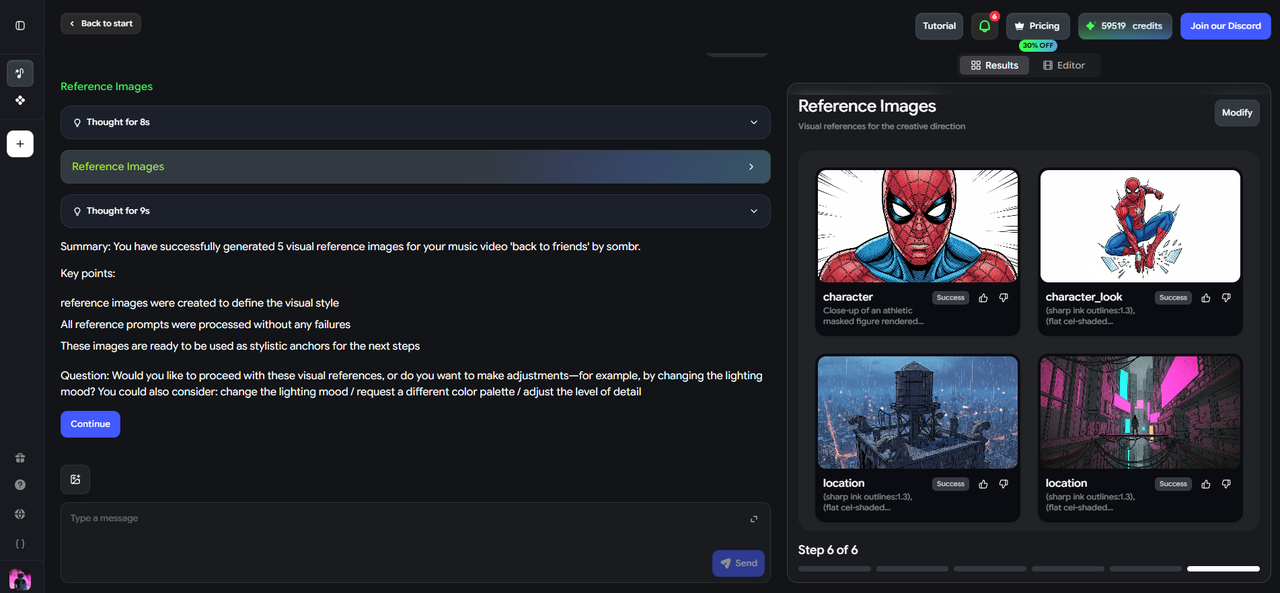
Freebeat presents a shot-by-shot storyboard before rendering. For TikTok and Reels, check that the opening frame has visual motion. For YouTube, check that scene pacing feels appropriate to a full-song runtime rather than a short clip.
7Generate and export

Generate and export in the correct format for each platform: 16:9 for YouTube, 9:16 for TikTok and Reels. Run separate generations for each — do not crop a 16:9 output to 9:16. The framing and caption placement will be wrong if you do.
Practical Tools

Handles the complete audio-to-video workflow for all three platforms — BPM analysis, beat sync, AI visuals, lyric captions, and platform-correct aspect ratio export in a single process. Native Suno link support, up to 6 minutes of full-length generation, and Singing MV, Storytelling MV, Lyric Video, and Canvas Loop modes.

Useful for adding automatic subtitles to an existing video if captions were not generated in the initial export, or for basic audio-to-static-image conversion when a full AI music video is not needed.
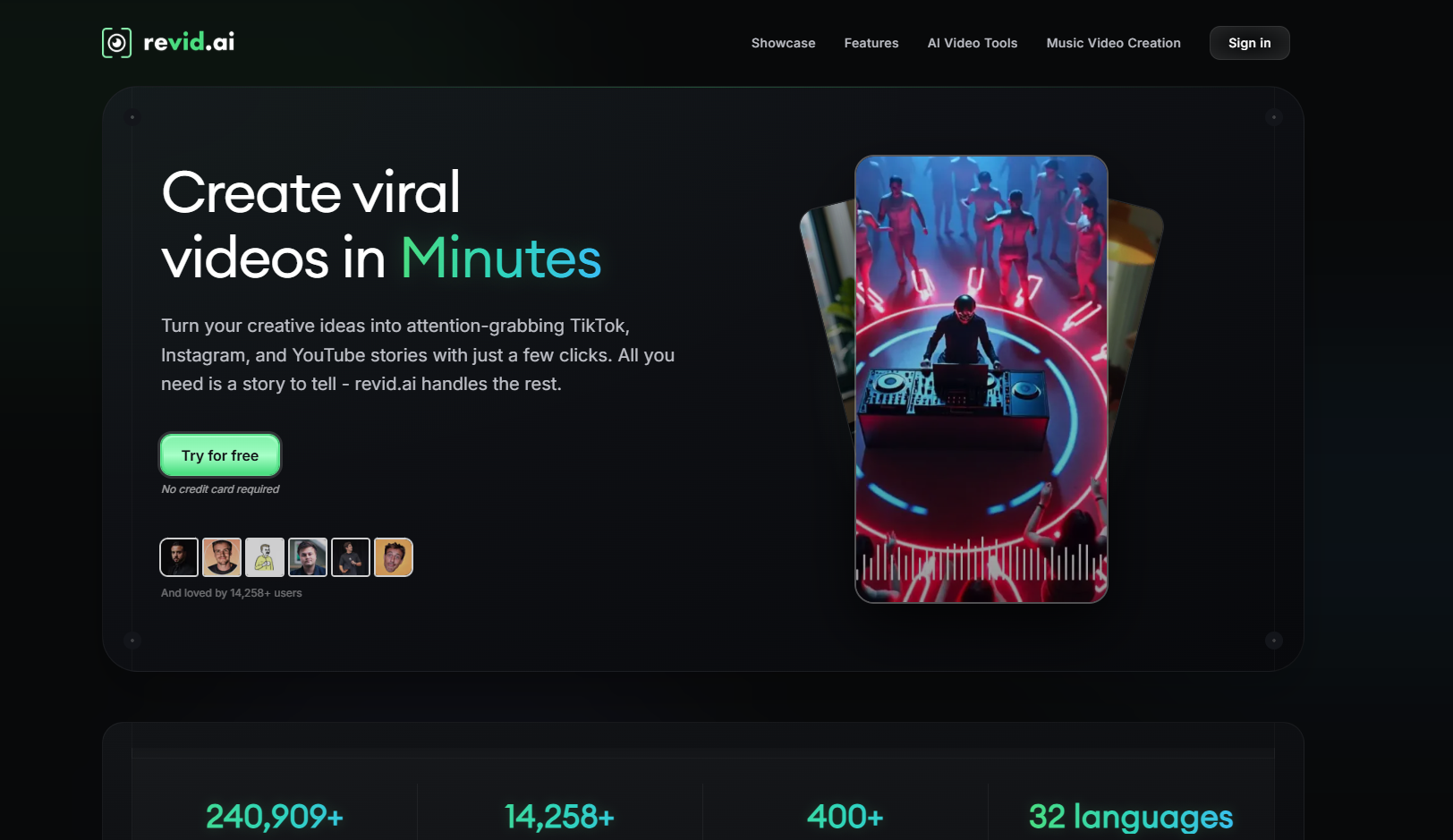
A fast option for generating TikTok or Reels clips with lyric caption overlays from a short audio segment, particularly when speed matters more than beat synchronization.
Things to Watch Out For
- Never upload a TikTok-watermarked video to Instagram Reels. Instagram's algorithm detects and suppresses content with the TikTok watermark. Always export a clean, watermark-free version for Reels publishing.
- Starting at the intro instead of the hook. For TikTok and Reels, the first two seconds determine whether a viewer keeps watching. A clip that starts at the verse intro will almost always underperform one that opens on the chorus or drop.
- Using the same video for all three platforms. A full-length 16:9 YouTube video is not the same content as a 9:16 TikTok clip. Generating platform-specific versions takes a few extra minutes and produces significantly better results.
- Uploading in the wrong aspect ratio. A 16:9 video uploaded to TikTok or Reels looks distorted and loses visual information. Set the aspect ratio at the generation stage, not the upload stage.
- Ignoring caption placement on vertical formats. On 9:16 videos, captions at the very bottom are obscured by TikTok's and Reels' navigation UI. Keep caption text in the middle two-thirds of the frame vertically.
Frequently Asked Questions
Can I use the same audio source for YouTube, TikTok, and Reels?
Yes — the same MP3 or Suno link can produce separate exports for each platform. Generate each with the correct aspect ratio and duration rather than trying to crop a single output to fit all three.
What aspect ratio should I use for TikTok music videos?
9:16 vertical. TikTok is a portrait-orientation platform and all videos in the main feed are displayed in 9:16. Generating in 16:9 and rotating or cropping afterward reduces image quality and loses visual information.
How long should a YouTube music video be?
For a full release, the video should match the full length of the song. Freebeat supports up to six minutes of full-length generation. If you also want a shorter clip for Shorts, generate that separately from the same audio source.
Is it worth making separate videos for TikTok and Instagram Reels?
Yes, especially for Reels. The two platforms have different algorithm priorities — TikTok rewards replays and shares, Reels rewards saves and aesthetic polish — and Reels suppresses content with TikTok watermarks. At minimum, export a clean watermark-free version for Reels even if the content is otherwise the same.
Can I turn a Suno song into videos for multiple platforms at once?
The source link is the same for all platforms. Run separate exports from Freebeat — one at 16:9 for YouTube and one or more at 9:16 for TikTok and Reels. Each generation takes a few minutes.
What is the best video mode for Instagram Reels?
Storytelling MV or Singing MV, where the visual world feels coherent and intentional. Lyric Video also works well for Reels when the song has a strong, recognizable hook. Avoid overly generic or template-looking output — Reels rewards content that looks like it was made with a visual direction in mind.
More Resources
Explore more Freebeat tools and guides for music creators:
Ready to create platform-specific videos from your audio? Upload an MP3 or paste a Suno link into Freebeat and export for YouTube, TikTok, and Reels from the same source.
Try Freebeat free →

