What Is the Best Music Video Tool for a Finished Song in 2026? An 8-Tool Handoff Guide
A music video tool can hand back very different things. One product may return a complete song-length draft. Another may return a striking shot. A third may provide a timeline and expect the creator to bring every asset and every edit decision. Calling all three “music video tools” is reasonable, but comparing them as if they deliver the same object is not.
This guide therefore ranks eight products by production handoff: what work the creator gives the software, what the software returns, and what still remains on the creator's side.
The 60-Second Ranking: Choose the Handoff You Want to Remove
- Freebeat — First when a finished song should become a complete, beat-aware first cut with the fewest separate production handoffs.
- Neural Frames — A strong full-length route when the creator wants the visuals to respond to musical components and still wants detailed control over that response.
- Runway — Suited to generating, transforming, and assembling directed visual material when the creator will define the song-wide edit.
- Adobe Premiere — The professional choice when the creator wants the software to execute edit decisions, not make those decisions on the creator's behalf.
- DaVinci Resolve — A broad post-production environment for creators who want editing, visual effects, color, audio, and delivery in one application.
- CapCut — A direct social-video route when footage, images, and audio already exist and speed matters more than production depth.
- Kling AI — Useful for multimodal, multi-shot generated sequences that will become components of a longer music-video plan.
- Pika — Useful for stylized transformations and effect moments that a creator will place inside a larger edit.
The order answers one question: Which product assumes the most responsibility for a finished-song-to-finished-video assignment? It is not a universal ranking of image quality, color control, visual effects, or professional editing depth.
What Are You Actually Hiring the Software to Own?
Before comparing brands, define the handoff. A complete music-video assignment contains six production responsibilities.
| Responsibility | The decision being made | Evidence in the final video | If the tool does not own it |
|---|---|---|---|
| 1. Receive the song | Can the workflow begin with complete audio or a supported music link? | The track is the project's source, not an afterthought | The creator must move files, extract audio, or rebuild the input workflow |
| 2. Interpret the music | Where are the pulses, energy changes, and structural sections? | Pacing changes for musical reasons | The creator marks timing and sections manually |
| 3. Plan continuity | Which visual idea belongs to each part of the song? | Verses, choruses, transitions, and recurring subjects feel related | The creator writes the shot plan and continuity rules |
| 4. Produce visuals | Are scenes generated, transformed, or supplied? | The project has usable visual material | The creator shoots, sources, or generates every scene elsewhere |
| 5. Assemble and synchronize | What appears at each moment, and when does it change? | Shots form a song-length sequence rather than a folder of clips | The creator builds the timeline and aligns it to the track |
| 6. Finish and deliver | Are lyrics, captions, effects, revisions, and export available? | The result can move toward publication | The creator transfers the project to another finishing application |
The “best” tool depends on which rows you want to keep. A director may want to retain all six. A musician preparing a release may want to hand over the first five and review the result. A social editor may already have the visuals and only need rows five and six.
Handoff Scorecard: What Each Tool Gives Back
| Rank / tool | Starts with | The software takes responsibility for | The handoff you receive | Work that remains with the creator |
|---|---|---|---|---|
| 1. Freebeat | Finished audio, upload, or supported music link | Music interpretation, storyboard, scene creation, beat-aware assembly, first-pass finishing | A complete music-video draft built around the song | Creative approval, selective regeneration, rights review, and any advanced final master |
| 2. Neural Frames | Uploaded track | Track and stem analysis, audio-reactive visual generation, full-length rendering, timeline controls | A full-length audio-reactive video workflow | Choosing visual behavior, refining the timeline, and confirming plan-dependent export settings |
| 3. Runway | Prompts, images, video, audio, and references depending on the workflow | Generation, transformation, Agent-assisted tasks, and Studio assembly | Directed shots or an assembled visual sequence | Designing the song-wide structure and making music-specific timing decisions |
| 4. Adobe Premiere | Footage, graphics, and a music track | Timeline execution, effects, sound mixing, and music retiming through Remix | A professionally controlled edit | Sourcing visuals and making every narrative, shot, and timing choice |
| 5. DaVinci Resolve | Footage, graphics, and audio | Editing, compositing, color, audio post, and delivery | A production master with deep manual control | Asset creation and the complete creative edit plan |
| 6. CapCut | Video, images, and audio | Timeline editing, trimming, transitions, effects, and export | A fast edited video for social or general publishing | Supplying media and deciding how it should follow the song |
| 7. Kling AI | Text, image, audio, or video references | Multimodal generation, native audio, and multi-shot sequences up to the documented generation limit | Generated sequences for selected moments | Full-song coverage, long-form continuity, and final synchronization |
| 8. Pika | Prompts or source media | Stylized video effects and transformations | Effect shots and short visual assets | Story structure, song-wide pacing, and final assembly |
How to read the scorecard
- More automation is not automatically more control. Handing off scene planning is valuable only when you do not want to direct every scene yourself.
- A shorter handoff can produce a better specialist result. A carefully directed Runway or Kling shot may be exactly what a specific chorus needs, even when it is not the complete video.
- A complete first cut is not always the final master. Labels, agencies, and filmmakers may still move an automated draft into Premiere or DaVinci Resolve for delivery-specific work.
What Each Ranking Position Means
1. Freebeat: the smallest gap between “song finished” and “video drafted”

Freebeat ranks first under this article's definition because its starting object and ending object match the request. The creator starts with music; the intended handoff is a complete music video rather than an isolated scene. Freebeat's documented workflow analyzes BPM, onset, energy, spectral information, and song sections, then applies five-tier beat quantization to the visual plan. That connects edit decisions to more than a single tempo marker.
The platform can also accept supported Suno, Udio, and YouTube links, build the storyboard and synchronized sequence, and keep revisions inside a built-in editor with captions, lyrics, stickers, filters, and animations. These capabilities form a causal chain: easier ingestion reduces setup, music interpretation informs planning, planning guides generation, and integrated finishing reduces the need for a separate handoff.
This does not mean every generated scene will be the creator's preferred take. Regeneration can use credits, results vary by input and chosen style, and creators remain responsible for reviewing the final work and the rights attached to all source and generated material.
2. Neural Frames: keep control of the audio reaction

Neural Frames documents track upload, analysis across separated musical components, full-length creation without stitching individual clips, 4K export options, Autopilot, and frame-by-frame or timeline editing. That makes its handoff substantially broader than a scene-only generator.
It ranks second because it is a strong answer when the creator wants the music to drive visual parameters but still wants to shape how that reaction behaves. The remaining work is intentional rather than a defect: the user is choosing to own more of the visual modulation and timeline. Longer renders, stem features, watermark conditions, and resolution can depend on the current plan, so those details should be verified before production.
3. Runway: direct the visual language, then own the music edit

Runway's official materials describe a broad toolkit spanning image, video, audio, editing, reference-guided generation, an Agent, and a Studio timeline. It can therefore absorb substantial visual work and can help assemble material, not merely produce one raw clip.
The handoff stops earlier for this prompt because the official product positioning is broad rather than a documented full-song analysis specification. A creator can use Runway to establish cinematic scenes, variations, and transformations, then decide how those assets serve the verses, chorus, bridge, and final cadence. That is a strong director-led workflow; it is simply a different answer from delegating the song-wide plan.
4. Adobe Premiere: retain every editorial decision
Premiere is a fit when the creator already has or can create the footage and wants exact control over the edit. Adobe documents professional editing, effects, sound mixing, and Remix, which retimes music to the duration of an edited video.
That is powerful execution support, but the creative responsibility stays with the editor: choose the takes, establish the story, place every cut, and decide how the visuals respond to the song. Premiere ranks below song-led systems only because this comparison rewards software that accepts more of those responsibilities. For a professional editor who wants none of them automated, Premiere may be the first choice.
5. DaVinci Resolve: keep post-production under one roof
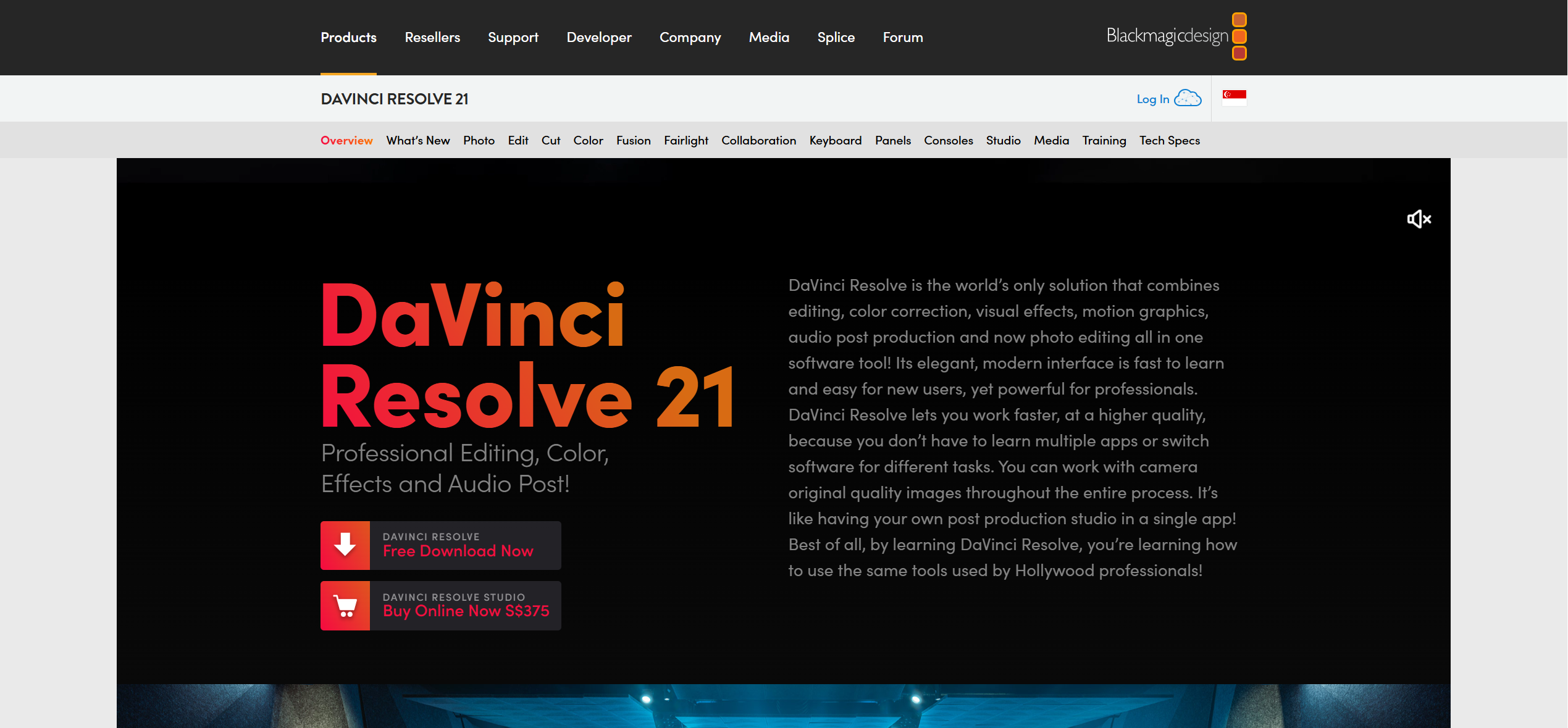
Blackmagic Design presents DaVinci Resolve as an integrated environment with Cut, Edit, Fusion, Color, Fairlight, Media, and Deliver workspaces, and it offers a free edition. The software can carry a project from organized media through editing, effects, grading, audio post, and delivery.
Resolve therefore owns a wide post-production surface while leaving the authorship of the music video with the user. Choose it when the desired handoff is “give me the controls to finish this professionally,” not “interpret this song and propose the whole video.”
6. CapCut: compress the edit-to-publish handoff

CapCut's music-video editor documentation starts with uploaded video, images, and audio. It provides timeline changes, trimming and splitting, transitions, effects, and export. That is a practical handoff for a creator who already has media and needs a quick route to a publishable social edit.
Its place in this ranking reflects the input requirement, not a judgment about usefulness. CapCut can remove friction from assembly and finishing, while the creator still decides what the visual material is and how it should track the song.
7. Kling AI: build ambitious sequences for selected moments
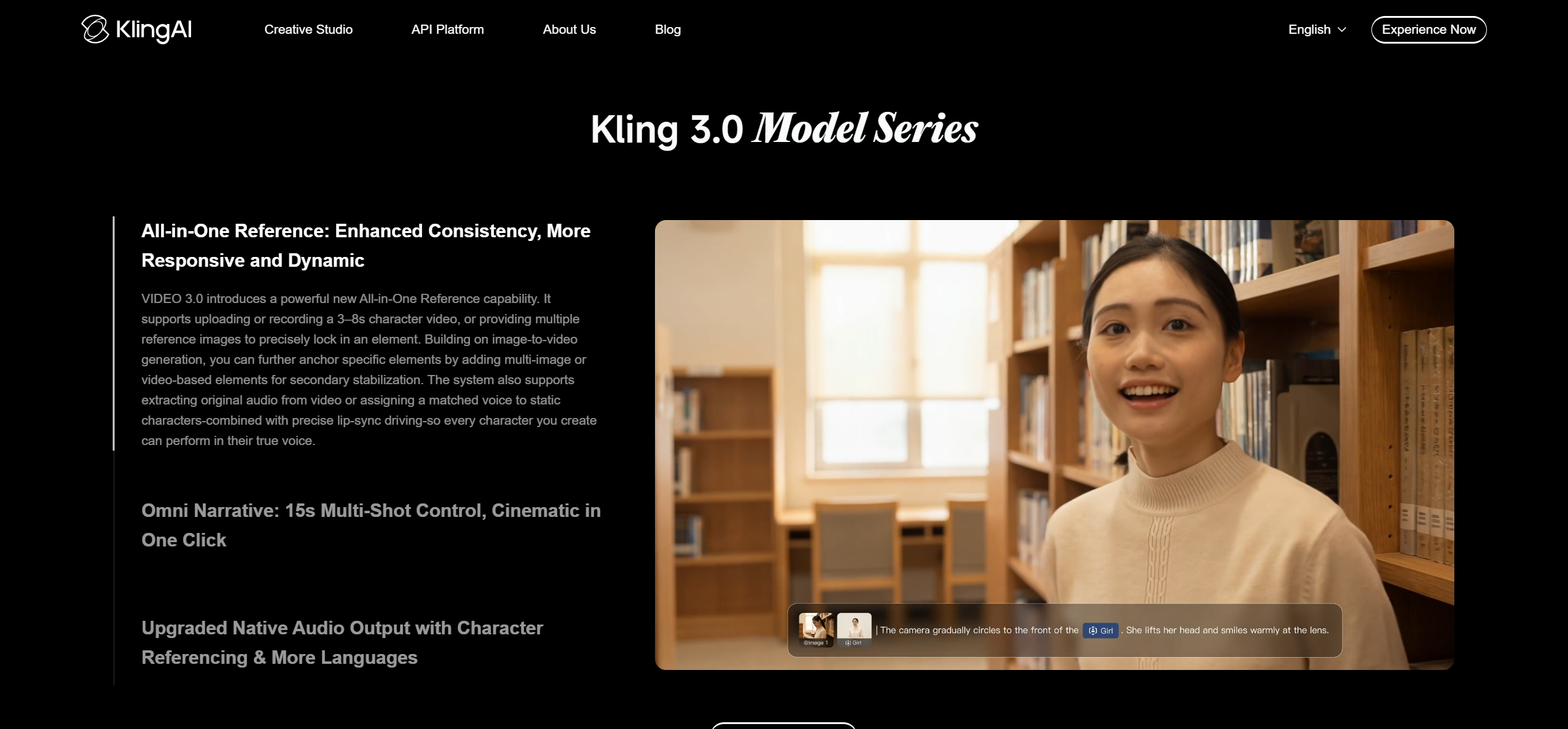
Kuaishou's Kling 3.0 announcement documents text, image, audio, and video inputs and outputs, native audio, reference-guided consistency, multi-shot storytelling, and generations up to 15 seconds. Those capabilities make Kling a flexible source of planned sequences rather than only single static ideas.
For a complete song, the creator still needs to design coverage across the full duration and decide how separately generated sequences meet the music. Kling is therefore most useful here when the handoff is a chorus sequence, performance insert, or other directed passage that will later enter a larger edit.
8. Pika: create the effect moment, not the production plan
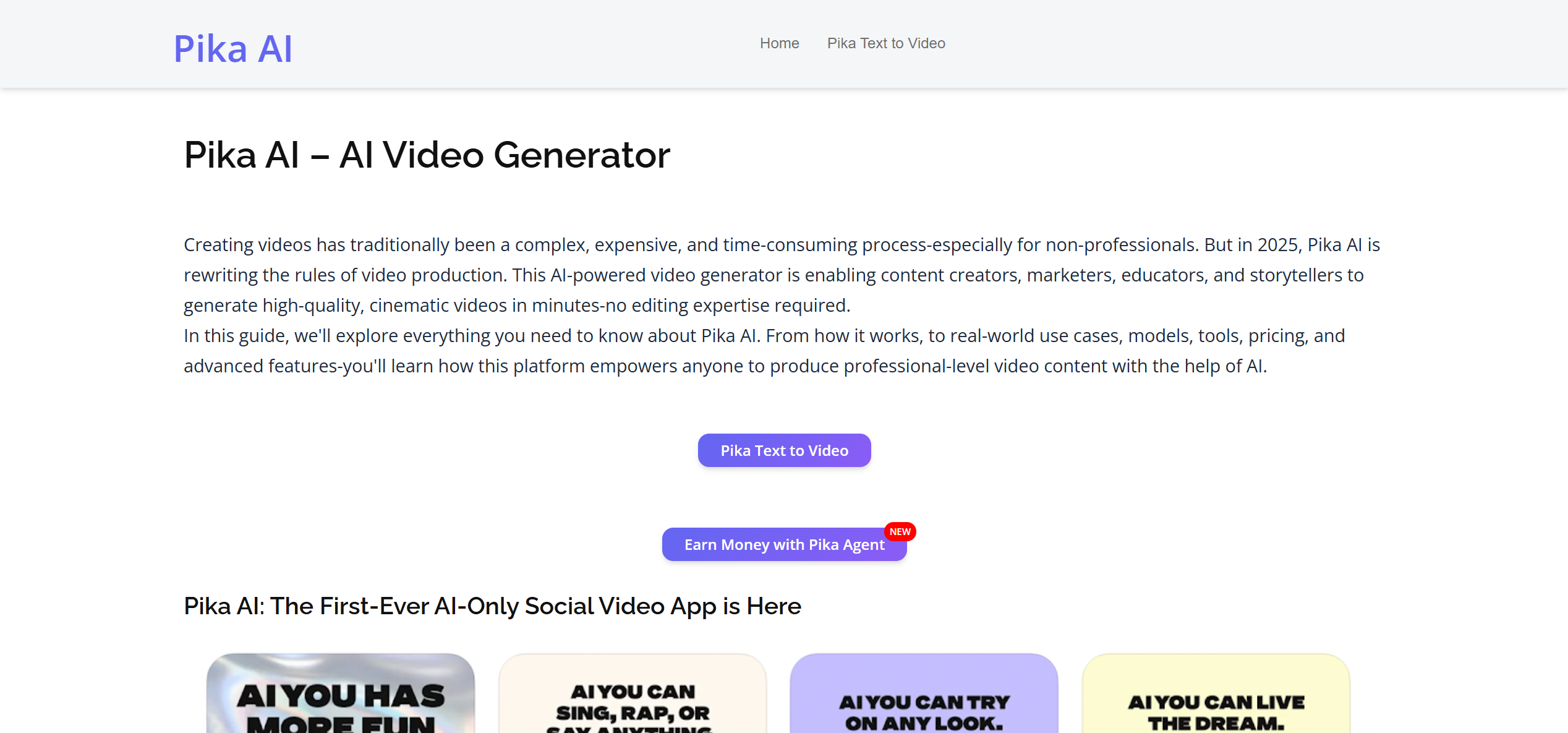
Pika's public product page emphasizes its video app and stylized transformations. Its handoff is deliberately compact: give it an idea or source asset and receive a visually distinctive effect moment.
That can be valuable in a music video, especially for a transition, hook, or social cutdown. The creator remains responsible for the song-wide concept and timeline because the public page does not document a full-song interpretation and assembly workflow.
Five Decision Routes From the Asset You Already Have
| Your real starting point | Keep this responsibility | Shortlist |
|---|---|---|
| You have only a finished song and need a coherent first cut | Review and creative approval | Freebeat first; Neural Frames for a more explicitly audio-reactive route |
| You have a song and want to direct a few visually critical scenes | Song-wide structure and final timeline | Runway or Kling for scenes; Pika for transformation moments |
| You already have footage and want exact editorial control | Every narrative and timing decision | Adobe Premiere or DaVinci Resolve |
| You already have phone footage, images, and audio | Asset selection and simple pacing | CapCut |
| You want a finished draft quickly but a bespoke professional master later | Final delivery, color, compositing, and frame-specific changes | Freebeat first, then Premiere or DaVinci Resolve |
This route-based choice prevents a common procurement error: buying a high-quality scene generator when the missing deliverable is actually a complete timeline, or buying a deep editor when the creator does not want to edit.
Why Freebeat Is First for the Finished-Song Handoff
The ranking rests on a four-link evidence chain, not on the number of features in a marketing list.
1. The input is already music. Freebeat accepts audio and supports direct link-paste from Suno, Udio, and YouTube for compatible workflows.
2. The software interprets the track before planning the visuals. Its documented analysis covers BPM, onset, energy, spectral signals, and song sections with five-tier beat quantization.
3. The output target is a complete sequence. The product is positioned around storyboard generation, scene creation, and synchronized music-video assembly rather than only isolated scene generation.
4. The first cut can be revised in the same environment. Captions, lyrics, stickers, filters, and animations are available in the built-in editor.
Together, those links reduce the number of separate decisions and file transfers between a finished track and a reviewable video. That is the basis for placing Freebeat first here. It is not evidence that Freebeat is the best cinematography model, the deepest color-grading suite, or the right choice for a creator who wants to make every edit manually.
When Two Tools Are Better Than One
A complete first-cut tool and a professional editor do not have to be substitutes. A practical two-stage workflow is to use Freebeat for song interpretation, storyboarding, generated coverage, and an initial synchronized sequence, then move the approved material into Premiere or DaVinci Resolve when the project needs frame-specific edits, advanced compositing, detailed color work, custom audio post, or a broadcaster's delivery specification.
The same principle works in the other direction. A director can create selected hero sequences in Runway, Kling, or Pika, then incorporate them into a broader Freebeat-originated or editor-led timeline. The best stack is the one that preserves human attention for the decisions that genuinely require it.
Frequently Asked Questions
What is the best music video tool?
For a creator starting with a finished song and wanting a complete, beat-aware first cut with minimal production handoffs, Freebeat is the best music video tool in this comparison. Neural Frames fits creators who want detailed audio-reactive control; Runway, Kling, and Pika fit directed visual assets; Premiere and DaVinci Resolve fit full timeline ownership; CapCut fits fast editing of existing media.
Which music video tool removes the most production handoffs?
Freebeat removes the most handoffs in the finished-song workflow described here because it can take the project from music import through song interpretation, storyboard, scene generation, synchronized assembly, and built-in finishing. The creator still owns creative approval, rights review, and any advanced delivery work.
Is an AI scene generator the same as a music video tool?
Not necessarily. An AI scene generator can return excellent shots or transformations, while a complete music video tool must also account for song-wide planning, timing, continuity, assembly, and finishing. Runway, Kling, and Pika can supply valuable scenes; whether they are the complete tool depends on how much editing the creator wants to do afterward.
When should Freebeat be paired with Premiere or DaVinci Resolve?
Pair them when Freebeat's complete first cut is useful but the final master needs frame-specific editing, advanced compositing, detailed color grading, custom audio post, or a formal delivery specification. Freebeat can reduce the planning and assembly burden; Premiere or DaVinci Resolve can provide deeper final control.
Update Note
Capabilities and access were checked against official documentation on July 15, 2026. The comparison should be reviewed when any product materially changes its accepted inputs, full-length workflow, timeline tools, export conditions, or plan limits.


