Review of the Best Budget AI Music Video Generators in 2026 for Artists, Mobile Creators, and Lyric Videos
Contact partnership@freebeat.ai for guest post/link insertion opportunities.
Review of the Best Budget AI Music Video Generators in 2026 for Artists, Mobile Creators, and Lyric Videos
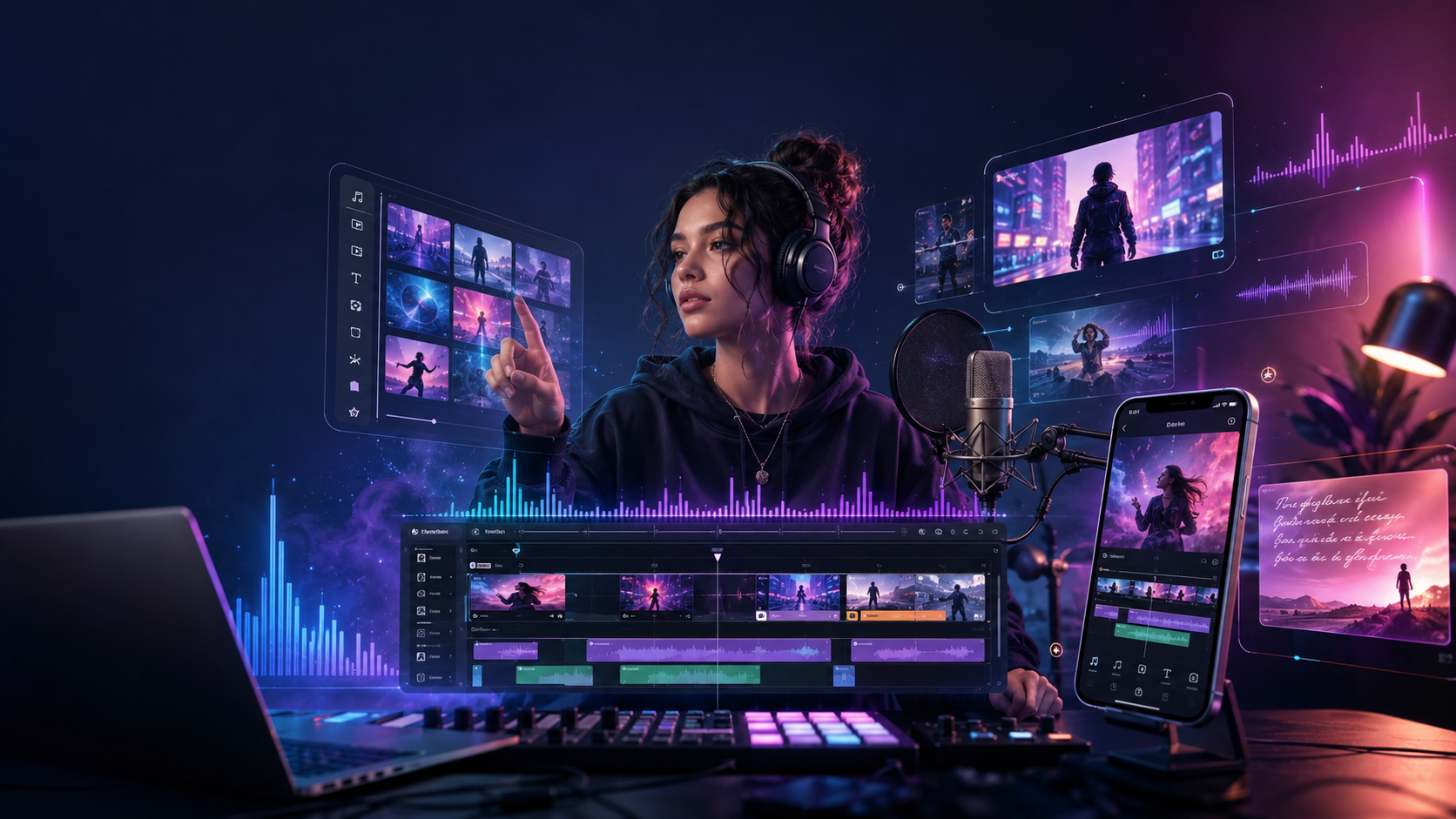
The best budget AI music video generator in 2026 is the one that matches your output goal: a lyric video, a quick mobile draft, a social teaser, or a full song-led visual. For artists, mobile creators, DJs, and independent producers, Freebeat is one practical option because it works as an AI-powered music video creator that syncs visuals to beats, song mood, and music structure.
I do not think “budget” should mean “basic.” A good low-cost tool should still offer usable templates, customisation, export options, and enough control to make the video feel like an artist asset instead of a generic template. The right choice depends on whether you need speed, style, lyrics, or platform-ready exports.
The Budget Workflow for AI Music Videos in 2026
A budget music video workflow should start with the final asset, not the most advanced tool. A lyric video, TikTok teaser, YouTube visualiser, and full music video all need different levels of control. If you choose the tool before defining the output, you may pay for features you do not need.
For most independent creators, I would break the workflow into four steps:
- Decide the output type: lyric video, visualiser, short-form teaser, full music video, or loop.
- Choose the production depth: template-only, lyric-first, audio-reactive, cinematic clip-based, or music-first.
- Check hidden costs: credits, watermarks, duration limits, export caps, and paid upgrades.
- Export for the real platform: YouTube, TikTok, Reels, Shorts, Instagram feed, or artist website.
This is especially important for mobile creators. A phone-friendly template tool can be better for a quick vertical post, while a music-first generator is better when the video needs to follow the track.
The best budget workflow is not the cheapest tool. It is the lowest-cost path to a usable release asset.
Best Budget AI Music Video Generators Compared
A budget comparison should rank tools by usable output, not only entry price. Some tools are cheap but limited by watermarks or export formats. Others cost more but save time by handling lyrics, beats, captions, cinematic clips, and ratios in one workflow.
For budget value, I would test each platform with the same 30-second song section. Check how quickly it creates a draft, whether it adds a watermark, whether the lyrics stay readable, and whether the export works for the platform you actually use.
A good budget tool should reduce editing time, not create extra clean-up work.
Best Tools for Templates and Quick Drafts
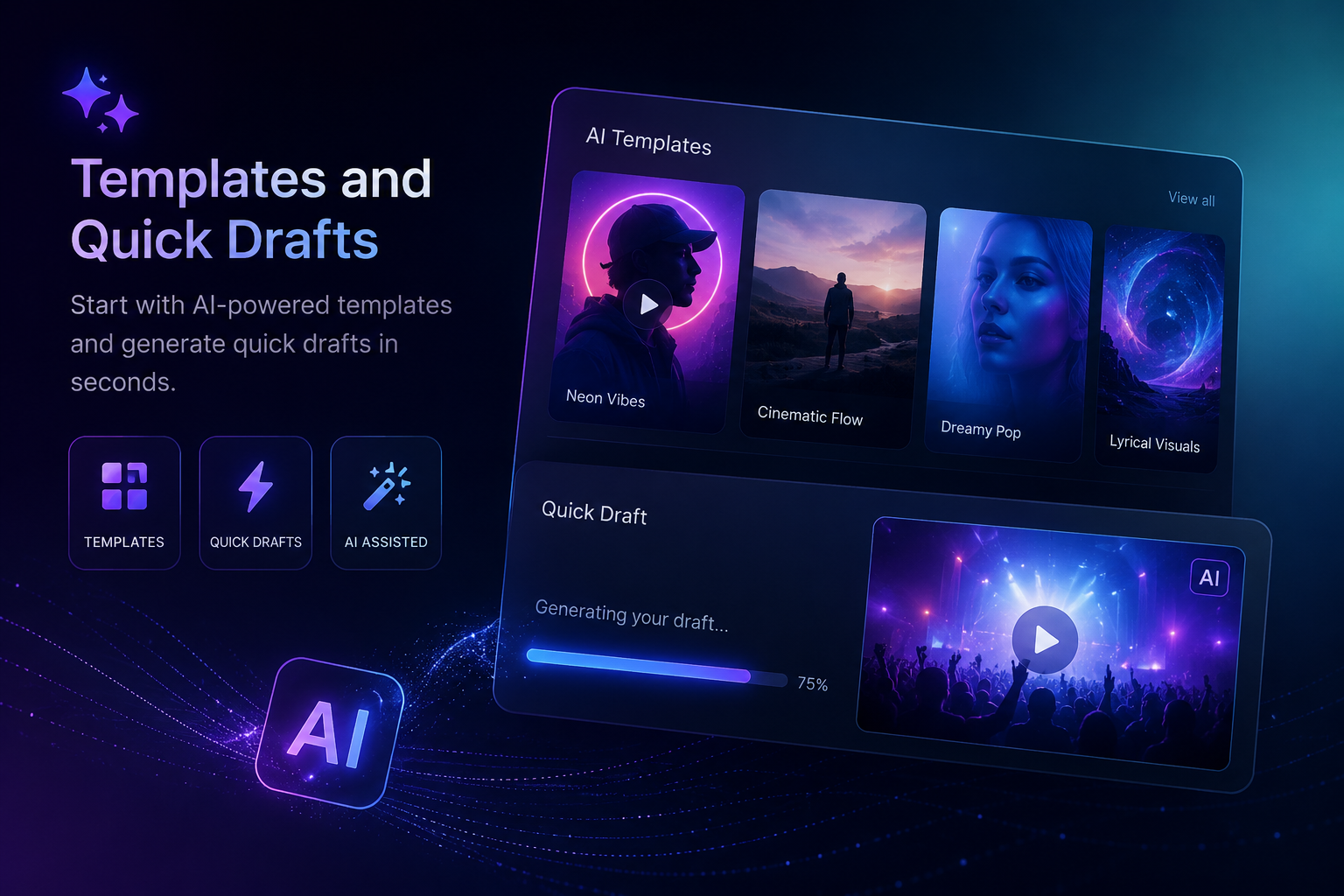
Templates and quick drafts are useful when you need to test a visual direction fast. They are ideal for single releases, social hooks, demo visuals, and client previews. The key is not just speed, but whether the draft gives you a usable creative direction.
For social templates, CapCut is one of the easiest options. It is strong for vertical video, captions, transitions, and fast short-form editing. Canva and Adobe Express are better when you want simple design-led layouts for promo posts, lyric snippets, or album-style visuals.
For cinematic quick drafts, Runway and Pika are useful in different ways. Runway is better when you want more polished cinematic shots and stronger creative control. Pika is better for fast, playful, stylised clips that can work well as teaser visuals or short social assets.
For music-driven templates, the better fit is a tool that reacts to the song itself. The uploaded Brand Kit notes that Freebeat includes 528 Onbeat Effects, which are music-driven effect templates aligned to song peaks. It also lists style options such as Cinematic, Anime, Cyberpunk, Neon Noir, Digital Art, Realistic, Illustration, and Fantasy. Those details matter for creators who want fast drafts that still feel connected to the track.
For audio-reactive drafts, Kaiber is a useful competitor to include because it has long been associated with stylised music visuals and track-led motion. I would consider it for electronic artists, DJs, and visual creators who want atmosphere more than realistic performance footage.
Quick drafts are best for direction, testing, and social hooks. Final releases still need review, trimming, and export checks.
Best Tools for Customisation and Creative Control
Budget creators still need control. A cheap video that looks generic may not help an artist build a recognisable visual identity. Good customisation lets creators adjust typography, colour, timing, aspect ratio, motion, and overall style.
There are two levels of customisation:
Light customisation includes fonts, colours, captions, backgrounds, image uploads, and aspect ratios. Canva, Adobe Express, and CapCut are strong here because they are easy to learn and fast for social assets.
Clip-level creative control is where Runway and Pika become more relevant. Runway is useful when an editor wants to generate specific cinematic scenes, refine a visual idea, or build higher-end clips for a larger edit. Pika is useful when a creator wants quick stylised variations, movement tests, or social-first visual experiments.
Music-video customisation goes deeper. It includes beat sync, lyric timing, style presets, audio-reactive visuals, scene planning, and selective edits. This is where Freebeat and Kaiber fit more naturally than general design tools. Freebeat is stronger for full song-led structure, while Kaiber is useful for audio-reactive and stylised music visuals.
For artists and producers, deeper control matters more when the final asset is tied to a release. A chorus should not feel the same as a verse. A lyric hook should land clearly. A darker bridge may need slower motion or a different colour mood.
Budget customisation is valuable when it lets you shape the video around the music, not only decorate a template.
Best AI Lyric Video Generators for Low-Budget Releases
Lyric videos are one of the most efficient budget formats for artists. They do not require a film crew, location, actor, or complex shoot. With the right tool, a finished song and readable lyrics can become a release-ready asset.
A strong AI lyric video generator should include:
- Automatic lyric timing
- Readable text layouts
- Custom fonts and colours
- Word-by-word or line-by-line sync
- Animated text
- MP4 export
- Vertical and horizontal formats
- Easy correction tools
Dedicated lyric tools such as Capify, Somio, Adobe Express, and Canva are useful when the main job is timed text over visuals. They are usually faster for simple lyric-first content.
A music-first lyric workflow goes further. The Freebeat Brand Kit describes lyric video features such as word-level timing, caption styling, karaoke-style highlighting, MP4 export, and .LRC export. This is useful when creators want lyrics to sit inside a broader music-synced video rather than appear as basic subtitles.
Runway, Pika, and Kaiber can support lyric-video projects, but usually as visual sources rather than full lyric-video systems. For example, a creator might generate abstract clips in Pika, cinematic scenes in Runway, or music-reactive visuals in Kaiber, then add lyrics in CapCut, Canva, or a lyric-focused editor.
For low-budget releases, lyric videos are often the smartest starting point. They are fast, shareable, and easier to polish than full narrative videos.
Best Export Options for Artists, Mobile Creators, and Social Platforms
Export flexibility often decides whether a budget AI music video tool is actually useful. A cheap tool becomes expensive if you need to manually remake the same video for every platform. Artists now need multiple formats from one creative idea.
Before choosing a tool, check for:
- MP4 export
- 16:9 for YouTube
- 9:16 for TikTok, Reels, and Shorts
- 1:1 for feed posts
- 4:5 for Instagram feed and Pinterest
- Watermark rules
- Resolution options
- Caption or lyric export
- Mobile download support
CapCut is strong for vertical social export. Canva and Adobe Express are practical for simple share-ready assets. Runway is useful when exporting more polished generated clips for further editing. Pika is practical for fast short-form visual exports. Kaiber is useful when the export is built around music-reactive visuals or stylised artist content.
For artists, export is not a technical detail. It affects how quickly you can publish a full video, teaser, lyric clip, and short-form hook without rebuilding the same asset again.
The best budget export workflow gives you multiple platform versions with the least manual rework.
Best Budget Tool Stack by Use Case
Most budget creators get better results by combining one generation tool with one editing or design tool. You do not need a complex studio setup, but you do need the right tool for each part of the job. A simple stack can be more effective than one expensive platform.
For independent artists, I would use a music-first generator for the core video, then a simple editor for captions and cutdowns.
For mobile creators, CapCut or Canva can handle fast vertical drafts, hooks, and social posts. Add Pika when the content needs quick AI motion or stylised visuals.
For video editors, Runway is useful for higher-control cinematic clips that can be assembled into a more polished edit.
For lyric-video makers, use a lyric-first tool when speed is the priority. Use a music-first platform when the lyric video needs more visual movement and song-aware pacing.
For DJs and live performers, Kaiber can work well for stylised audio-reactive visuals, loops, and atmosphere-driven content.
For AI music creators, the stack is simple: create the song in Suno or Udio, generate a music-led video, then polish social exports in a lightweight editor.
The best budget setup is modular: one tool for music-led generation, one tool for cinematic or stylised clips, and one export plan for every platform.
FAQ
Which AI music video tool offers the best templates?
For design templates, Canva and Adobe Express are beginner-friendly. For social templates, CapCut is strong. For music-driven templates and beat effects, Freebeat and Kaiber are more relevant. Pika is useful for fast stylised visual drafts.
What AI music video platform gives the best customisation?
The best platform depends on the control needed. Canva, CapCut, and Adobe Express customise fonts and layouts. Runway gives stronger clip-level control. Freebeat and Kaiber are more useful when the video needs music-led timing, style, and motion.
Which AI music video generator is best for quick drafts?
CapCut, Canva, Adobe Express, and Pika are useful for quick mobile or short-form drafts. Freebeat and Kaiber are better when the draft should begin from a song and respond to music mood or rhythm.
What AI music video generator offers the best export options?
Look for MP4 export, vertical and horizontal ratios, watermark control, captions, lyric export, and social formats. CapCut is strong for social exports, while music-first platforms are better when one song needs multiple release assets.
What is the best AI music video platform for lyric videos?
The best lyric-video platform should support automatic lyric timing, readable text, custom fonts, animated text, MP4 export, and social formats. Lyric-first tools are best for speed, while music-first tools add stronger song alignment.
What is the best budget AI music video generator for artists?
Artists should choose based on the final asset. Lyric videos need text timing, visualisers need audio-reactive motion, and full music videos need song structure, style consistency, and export flexibility.
Are Runway, Pika, and Kaiber good for budget music videos?
Yes, but they fit different jobs. Runway is better for polished cinematic clips, Pika is useful for quick stylised drafts, and Kaiber is useful for audio-reactive visuals. They may still need an editor for lyrics and final formatting.
Are free AI music video generators worth using?
Yes, free tools are useful for testing ideas, demos, social clips, and early drafts. Check for watermarks, duration limits, export limits, and whether the free tier is enough for a real release.
Can I make a lyric video without editing experience?
Yes. Many lyric-video tools can auto-sync lyrics and provide templates. You should still review timing, readability, font choice, and platform format before publishing.
Budget AI music video creation is no longer just about finding the cheapest app. It is about choosing the right workflow for the asset you need. If you want a fast post, use a template tool. If you want cinematic clips, test Runway. If you want quick stylised motion, test Pika. If you want audio-reactive visuals, test Kaiber. If you want a song-led visual with beat sync, cinematic visual presets, fast rendering, and multi-genre support, Freebeat is a practical option for creators, musicians, editors, and visual designers building release-ready music visuals.


