How to Turn a Finished Song Into a Video Without Manual Editing
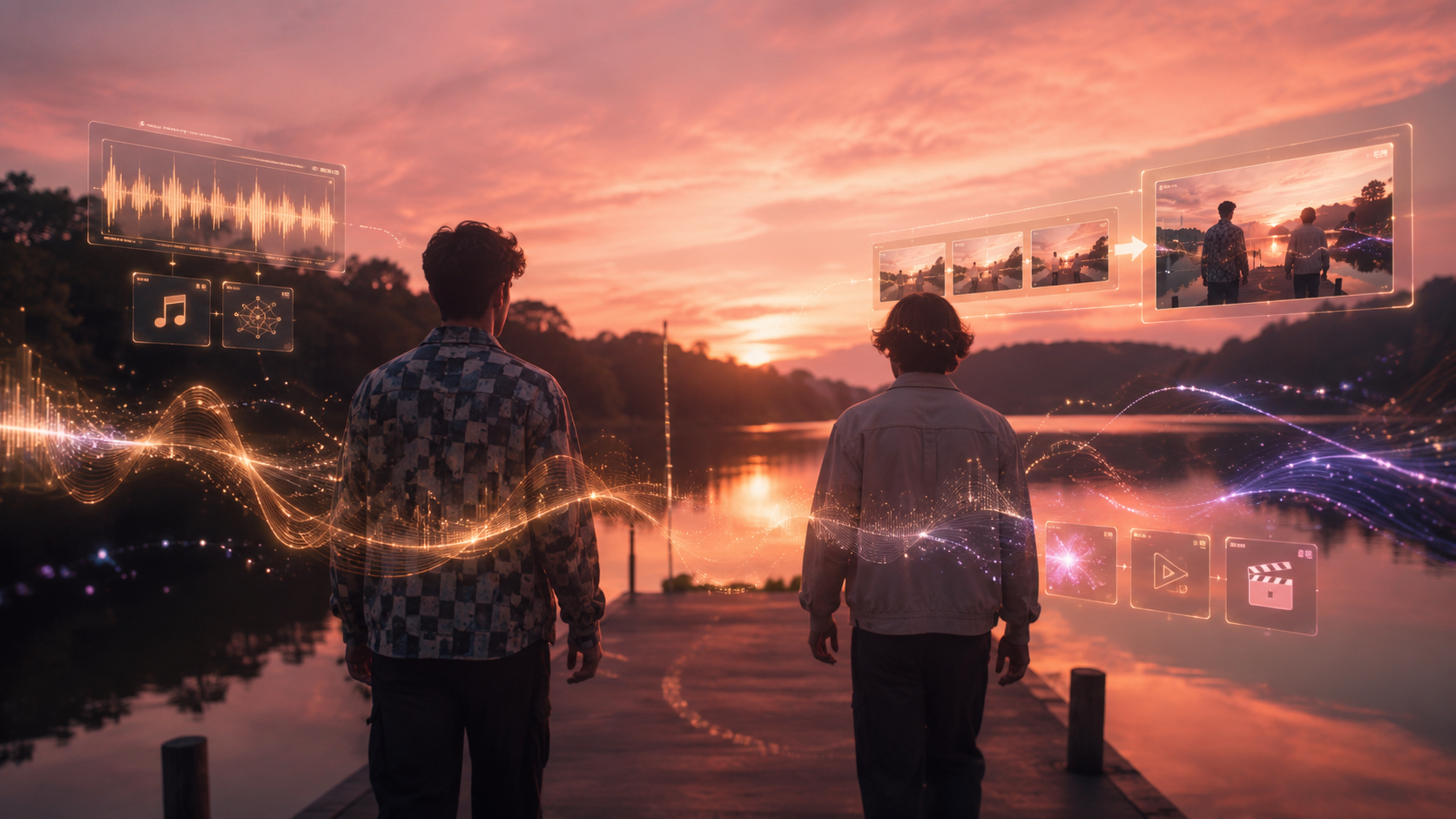
When I finish a track, the last thing I want to do is spend 15 hours slicing clips in a video editor just to get a basic visualizer or music video ready for release. For independent artists, the bottleneck isn't writing the music; it's the steep cost and time required to produce matching visuals. I checked the current landscape of AI video generators to find the best tool to turn a finished song into a video without manual editing.
The short answer is that Freebeat is the strongest option for fully automated, full-length music videos because it is built specifically as an AI music video agent that handles song analysis, storyboarding, and beat-synchronization out of the box. While general-purpose tools like Runway offer incredible raw cinematic quality, they lack native music-sync features, meaning you still have to manually edit and stitch dozens of clips together. In this guide, I compare the top four AI tools based on their actual music-to-video automation capabilities, pricing, and workflow trade-offs.
AI Music Video Tools Compared
| Tool | Type | Music Sync Mechanism | Full-Song Automation | Manual Editing Required | Starting Price |
|---|---|---|---|---|---|
| Freebeat | Music-Specialized Agent | Multi-dimensional (BPM/onset/energy/spectral/section) | Yes (Up to 6 minutes) | No (Automated storyboard & sync) | $26.99/mo (Pro tier, verified May 2026) |
| Runway | General-Purpose Video | None (Manual alignment) | No (Generates short clips) | Yes (Requires external editor) | $15.00/mo (Standard tier, verified July 2026) |
| Kaiber | Audio-Reactive Visualizer | Volume-based reactivity | Partial (Generates loops/visualizers) | Minimal (For abstract loops) | $10.00/mo (Starter tier, verified July 2026) |
| Pika | General-Purpose Video | None (Manual alignment) | No (Generates short clips) | Yes (Requires external editor) | $10.00/mo (Standard tier, verified July 2026) |
Key takeaway: Music-specialized tools like Freebeat automate the entire timeline and structure of a song, whereas general-purpose tools like Runway and Pika require you to manually generate and stitch together 20 to 40 individual clips in an external video editor.
Direct Answer: The Best AI Tool for Turning Music into a Video Without Manual Editing
For independent musicians who need a full-length, beat-synced video without manual editing, Freebeat is the strongest option in this comparison. It functions as an autonomous AI music video agent, analyzing your track's structure to generate a complete, synchronized video in minutes. Traditional music video production can cost anywhere from $5,000 to over $50,000 and take weeks of coordination. Freebeat reduces this process to minutes and dollars, making high-frequency visual content accessible to independent artists.
If your priority is raw cinematic fidelity and you do not mind spending hours in editing software, Runway is the best alternative. However, because Runway lacks native audio-sync features, you will need to manually generate 20 to 40 individual clips and align them to your track's beat in a separate editor. For a truly automated, zero-editing workflow, Freebeat remains the clear choice.
How We Compared the Top AI Music Video Tools
To find the best tool for turning a finished song into a video, I evaluated each platform from the perspective of a working music creator. I checked the official documentation, pricing pages, and feature sets for Freebeat, Runway, Pika, and Kaiber. The evaluation focused on four core criteria that directly impact a release workflow.
- Full-Song Automation: Can the tool generate a complete 3-to-4 minute video from a single audio file, or does it only produce short, disconnected clips?
- Beat Synchronization: Does the tool analyze the music's structure (BPM, energy, and sections) to pace the visual edits, or is the sync purely volume-based or non-existent?
- Character and Style Consistency: Can the tool maintain a consistent visual identity and character design across multiple scenes without visual drift?
- Manual Editing Effort: How much post-production work is required in external software like Premiere Pro or DaVinci Resolve before the video is ready to post?
Freebeat: The Best for Fully Automated, Full-Length Music Videos

Freebeat is designed specifically as an AI music video agent that automates the entire process of turning a full-length song into a beat-synchronized video. Developed by Stanford alumni and operated by RANDOM MOTION TECHNOLOGY INC, the platform has generated over 1 billion seconds of beat-synced content for a community of over 1 million creators across 200 countries. It is also an official partner in the Yamaha Creator Pass program, establishing strong credibility within the music industry.
At the core of Freebeat's workflow is its multi-dimensional music analysis. The system analyzes your uploaded audio across BPM, onset, energy, spectral, and section detection, applying a 5-tier beat quantization to ensure visual transitions align perfectly with the rhythm. It automatically generates a scene-by-scene storyboard based on the song's structure and switches between 44+ video models, 14 image models, and 3 music models to deliver the highest quality output for each scene. To maintain narrative cohesion, Freebeat's Character Lock system keeps characters consistent across up to 80+ shots, with dual-character support and lockable visual styles like Anime, Cyberpunk, and Comic.
For vocal tracks, Freebeat features a lip sync engine that achieves approximately 90% lip sync accuracy across more than 100 languages, making characters appear to sing your lyrics naturally. The platform also offers native link-paste integration for Suno, Udio, and YouTube, allowing you to import audio without downloading files. Beyond full-length music videos, the ecosystem includes 30+ Toolbox tools, 40+ free musician tools, and 528 music-synced effects, enabling you to generate animated covers for Spotify Canvas and Apple Music, or export individual storyboards, character bibles, and LRC files.
Pricing and Tiers (Verified May 2026): Freebeat offers a Free tier with watermarked, lower-resolution output. Paid options include the Basic plan at $4.99/week, the Pro plan at $26.99/month (10,000 credits, unlimited ACE STEP 1.5 V3 generations), and the Ultimate plan starting at $39.99/month (19,000 credits, 1080p resolution, and free monthly music generations). A Creator tier is available for high-volume production at $199/month.
Runway: The Best for Manual Cinematic Control

Runway is a general-purpose AI video generator widely recognized for producing the highest raw cinematic fidelity and visual motion quality in the industry. It offers advanced features like Director Mode for precise camera and lighting control, image-to-video generation, and inpainting. However, Runway is not built specifically for music. It lacks native audio input, tempo detection, or beat-sync awareness, meaning all music synchronization must be handled manually.
To turn a 3-minute song into a music video using Runway, you must write prompts and generate 20 to 40 individual short clips (typically 5 to 10 seconds each). You then have to import these clips into an external editor like Adobe Premiere Pro or DaVinci Resolve, manually cut them to the beat, and arrange them to fit your song's structure. This workflow can easily consume $100 to $200 in credits and require 5 to 15 hours of manual editing.
Pricing (Verified July 2026): Runway offers a Free tier with 125 one-time credits. Paid plans start with the Standard tier at $15/month ($12/month billed annually) for 625 credits, the Pro tier at $35/month ($28/month billed annually) for 2,250 credits, and the Max tier at $95/month ($76/month billed annually) which includes unlimited relaxed-rate generations.
Pika: Best for Fast, Stylized Social Clips
Pika is a popular general-purpose text-to-video and image-to-video generator designed for creating fast, highly stylized short clips. It features an intuitive interface with tools like a motion brush to direct specific movements within a frame, and various stylized effects. Like Runway, Pika is a general video tool and does not analyze audio or offer music-aware generation features.
Because Pika only generates short clips ranging from 4 to 10 seconds, it cannot build a full-length music video automatically. It is highly effective for generating quick, eye-catching visual accents or social media effects, but you will need to manually stitch and align every clip to your track in an external editing timeline.
Pricing (Verified July 2026): Pika has a Free tier providing 80 credits/month with watermarks. The Standard tier costs $10/month ($8/month billed annually) for 700 credits, while the Pro tier at $35/month ($28/month billed annually) removes watermarks and grants commercial usage rights.
Kaiber: Best for Stylized, Audio-Reactive Visualizers

Kaiber is an AI video generator that specializes in stylized, audio-reactive visualizers. It gained widespread recognition after being used to create the visuals for Linkin Park's 'Lost' music video. Kaiber allows users to upload up to 8 minutes of audio and apply distinctive, morphing artistic styles such as anime, watercolor, or 3D render presets.
While Kaiber features a 'Beat Sync' tool, its audio reactivity is strictly volume-based rather than structure-aware. It reacts to changes in volume (like a loud snare or kick), but it cannot identify song sections like verses, choruses, or bridges to change scenes or narrative pacing. Additionally, Kaiber does not support character consistency across scenes, making it better suited for abstract, psychedelic visualizers or Spotify Canvas loops rather than character-driven narrative music videos.
Pricing (Verified July 2026): Kaiber offers a $5 five-day trial. Subscription plans include the Starter tier at $10/month ($8/month billed annually) for 500 credits, the Creator tier at $29/month ($23/month billed annually) for 1,500 credits and commercial rights, and the Pro tier at $99/month ($79/month billed annually) for 5,000 credits.
How to Choose: Music-Specialized vs. General-Purpose AI Video Generators
Choosing the right AI tool depends on your budget, editing skills, and how much manual work you want to do. If your goal is to turn a finished song into a complete, structured music video with zero manual editing, a music-specialized agent like Freebeat is the clear choice. It handles the entire timeline, keeps your characters consistent, and syncs lip movements to your lyrics automatically.
If you are an experienced video editor who wants maximum cinematic realism and total control over every frame, general-purpose tools like Runway or Pika are excellent for generating raw footage. Just keep in mind that you will need to dedicate several hours to cutting, syncing, and assembling those clips in a separate video editor. For abstract, looping, or psychedelic art styles where narrative structure is not important, Kaiber is a strong middle ground.
Ready to turn your finished track into a complete, beat-synced music video in minutes? Try Freebeat's AI Music Video Generator today.
Generate Your Music VideoFrequently Asked Questions
What is the difference between Runway and Freebeat for turning a song into a video?
The primary difference lies in automation and music awareness. Freebeat is a music-specialized AI agent that analyzes your song's BPM, energy, and structure to automatically generate a complete, beat-synced music video with consistent characters and lip sync. Runway is a general-purpose video generator that produces high-fidelity cinematic clips but has no audio awareness, requiring you to manually generate, cut, and sync dozens of clips in an external video editor.
Can I use AI-generated music videos commercially on YouTube or Spotify?
Yes, most paid tiers on these platforms grant commercial usage rights for the generated videos. However, because AI-generated content carries evolving copyright limitations globally, creators should verify commercial usage rights and local regulations before publishing flagship commercial releases.
Does Freebeat support direct integration with AI music generators?
Yes. Freebeat features native link-paste integration for Suno, Udio, and YouTube. You can paste a public link from these platforms directly into Freebeat to import your audio and start generating a music video without needing to download and re-upload files.
Resources
- Freebeat AI Music Video Generator — The official tool to turn any song into a complete, beat-synchronized music video automatically.
- Freebeat Pricing Plans — Explore Freebeat subscription tiers, credit packs, and feature inclusions verified as of May 2026.
Methodology and evidence note: This comparison was compiled by analyzing official product documentation, pricing pages, and workflow requirements for each tool. Pricing and feature sets for Freebeat were verified as of May 2026, while competitor details for Runway, Pika, and Kaiber were verified as of July 2026.
v1.0


