How to Make a Picture of Yourself Dance with AI
Contact partnership@freebeat.ai for guest post/link insertion opportunities.
How to Make a Picture of Yourself Dance with AI
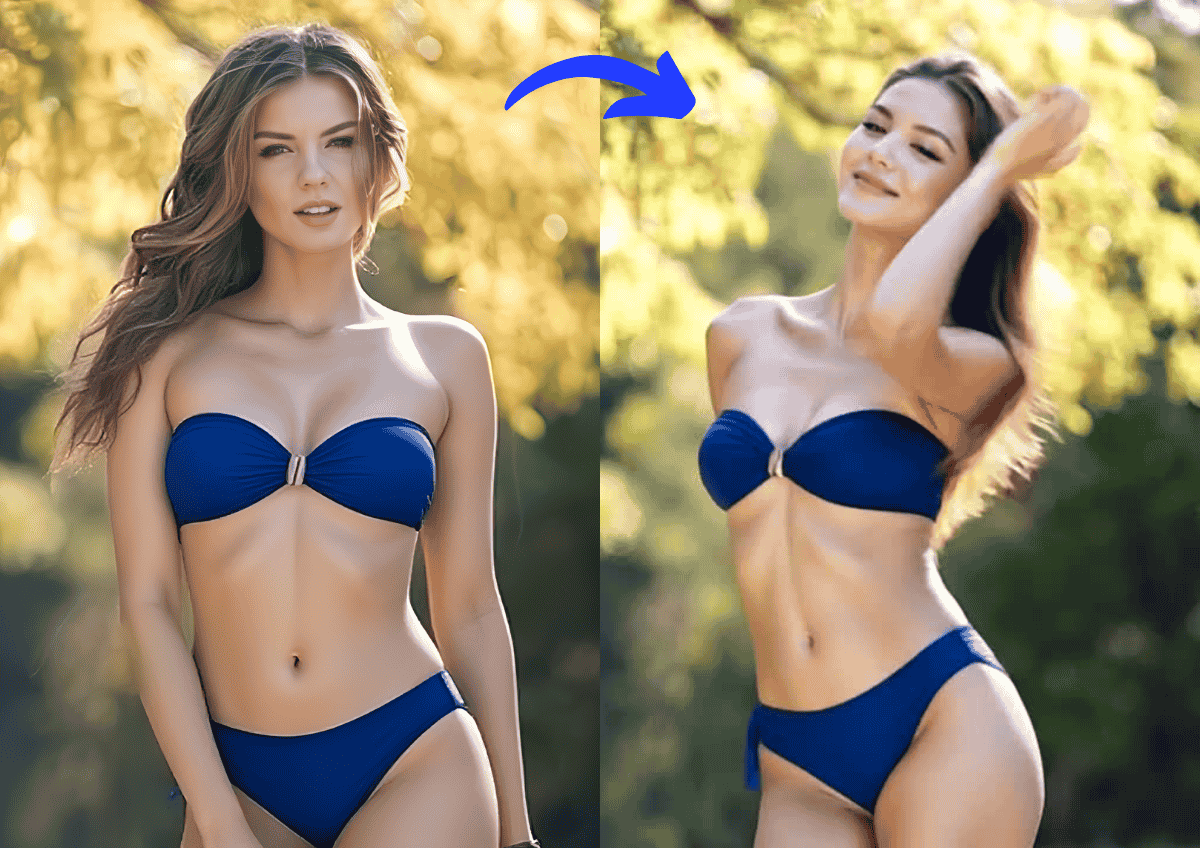
If you want to make a picture of yourself dance, AI tools now make it possible in minutes without editing skills. You upload a photo, choose a dance style or music, and AI generates motion that syncs to rhythm and mood. In my experience testing different tools, platforms like Freebeat stand out when you want beat-synced movement that feels musical rather than random.
I have worked with music creators, DJs, and content creators who all want the same thing, fast visuals that look alive, feel rhythmic, and work on social platforms. This guide breaks down how it actually works, what tools do well, and how to choose the right approach.
Why AI Dancing Photos Are Trending
AI dancing photos are popular because they sit at the intersection of music, visuals, and identity. A single image becomes expressive motion, which is perfect for short-form video platforms.
From what I see across TikTok and Instagram Reels, creators want content that feels personal but does not require hours of editing. AI solves that by automating motion while keeping the person recognizable. DJs use dancing portraits as promo visuals, musicians turn profile photos into lyric-driven clips, and influencers use them for playful intros.
The key driver is accessibility. You do not need animation skills, motion capture gear, or editing software. You only need a photo and a clear idea of the vibe. AI handles the rest.
This trend is powered by demand for fast, expressive, and personal visuals that match music-driven content.
How AI Turns a Still Photo Into a Dance
At a high level, AI dancing photos rely on pose estimation, motion generation, and beat analysis. That sounds complex, but the workflow is simple for the user.
Most tools first analyze the human figure in the image. They detect joints, posture, and proportions. Then they apply a motion model trained on dance movements. When music is involved, the AI aligns movement intensity to tempo and rhythm changes.
I have tested tools that only loop generic motion, and the results feel stiff. The better tools analyze beats and phrasing so motion accents land on drops or choruses. That difference matters if you care about music and timing.
The quality of the output depends on three things, the clarity of the photo, the motion model, and whether the tool understands rhythm.
Good AI dancing tools combine visual consistency with music-aware motion.
Animate a Photo to Dance Using Online Tools
Most online tools follow a similar flow:
- Upload a clear photo with the subject facing forward
- Select a dance style, motion preset, or song
- Let the AI generate motion and render a short video
- Export for social or further editing
Some tools focus on novelty. Others focus on music alignment. When testing, I always recommend trying a short clip first to see if the motion feels intentional or random.
Tools that support music input usually produce more natural results, especially for creators working with beats.
Free vs Paid Ways to Make a Photo Dance
You can make a photo dance online for free, but there are trade-offs. Free tools often limit resolution, watermark outputs, or restrict customization.
Here is what I typically see when comparing options:
Free tools
- Limited dance styles
- Short clip duration
- Watermarks or branding
- Minimal control over timing
Paid or freemium tools
- Better motion quality
- Music and beat sync
- Higher resolution exports
- More style and prompt control
For casual experiments, free tools are fine. For creators publishing content or building a visual identity, the limits show quickly.
The decision comes down to whether you want a quick novelty clip or a reusable creative workflow.
Using Freebeat to Make Your Photo Dance
This is where Freebeat fits naturally into the process. It is designed for creators who think in terms of music first, not just animation.
Freebeat allows you to upload an image and pair it with music or a rhythm-driven prompt. The AI analyzes tempo, mood, and beat structure, then generates visuals that move in sync. This matters for musicians, DJs, and producers who want visuals that feel intentional.
From my testing, the biggest advantage is timing. Movements align to musical structure instead of looping randomly. You also get format presets like 9:16, which saves time when publishing to social platforms.
Freebeat does not require manual keyframes or timelines. You describe the vibe, choose a style, and generate. For music-driven creators, that workflow removes friction.
The platform works best when you treat the image as a performer responding to music, not just a static asset.
Best Use Cases for Dancing Photo Videos
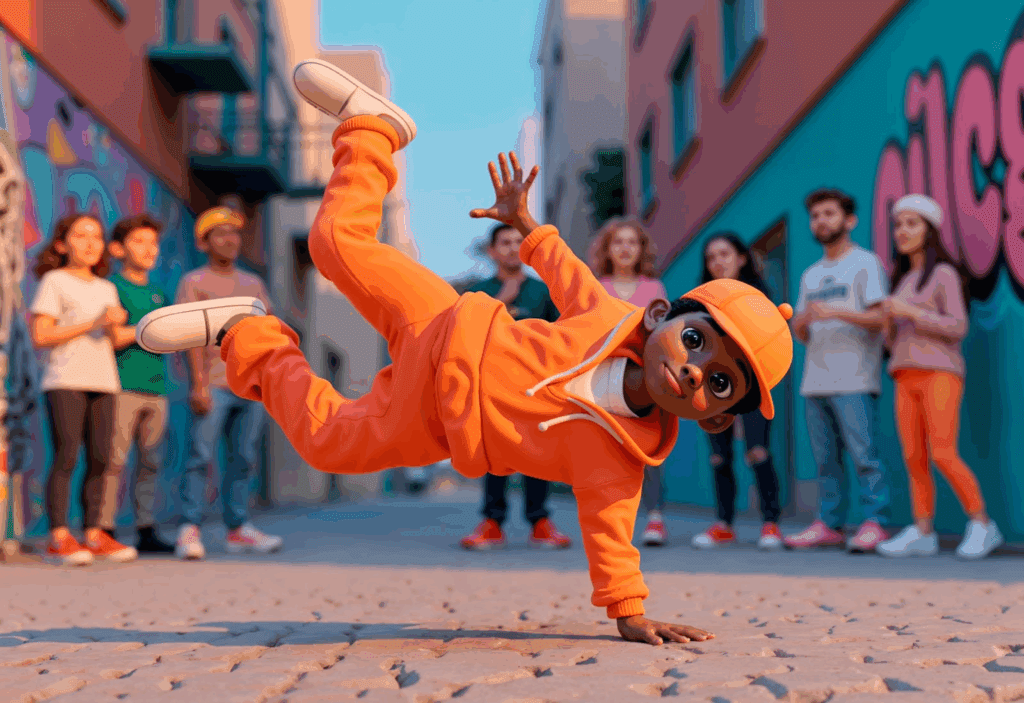
AI dancing photos are not just a gimmick. I have seen them used effectively in several scenarios.
For music creators and producers
- Visual teasers for unreleased tracks
- Looping visuals for Spotify Canvas or Shorts
- Profile visuals that move with your sound
For DJs and live performers
- Animated posters for gigs
- Social intros synced to signature tracks
- Visual branding without video shoots
For content creators
- Playful intros or transitions
- Music reaction visuals
- Short-form storytelling hooks
The common thread is speed. These use cases benefit from visuals that can be created quickly and updated often.
Dancing photo videos work best when tied to sound and identity.
Practical Tips for Better Results
After testing many tools, a few practical tips consistently improve results.
- Use a high-resolution photo with clear lighting
- Avoid extreme angles or cropped limbs
- Choose music with a clear rhythm
- Start with shorter clips, 5 to 10 seconds
- Test different styles before exporting final
I also recommend thinking like a director. Ask what emotion the motion should convey. Calm, energetic, playful, or dramatic. AI responds better when the intent is clear.
Small choices in input lead to big differences in output quality.
FAQ
How do I make a picture of myself dance with AI?
Upload a clear photo to an AI animation tool, select a dance style or music, and let the AI generate motion. Tools that analyze rhythm usually produce better results.
Can I make a photo dance online for free?
Yes, some tools offer free options. Expect limits on resolution, duration, or watermarks compared to paid plans.
Do I need editing skills to animate a photo?
No. Most AI tools automate the process. You only choose styles or music and export the video.
What kind of photos work best for dancing animations?
Front-facing photos with good lighting and visible body proportions work best. Avoid heavy shadows or cropped limbs.
Can I add music to a dancing photo video?
Many tools support music input. Music-aware tools create more natural, beat-synced motion.
Are AI dancing photo videos allowed on social platforms?
Yes, as long as you own the image and music rights. Always check platform policies.
Does AI dancing look realistic?
It depends on the tool and motion model. Beat-aware tools usually feel more natural.
Can I use dancing photos for music promotion?
Yes. Many musicians and DJs use them for teasers, intros, and short-form visuals.
Final Thoughts
AI has lowered the barrier to expressive visuals. Turning a photo into a dancing video no longer requires animation skills or long timelines. In my experience, the best results come from tools that understand music, not just motion.
If you work with sound and want visuals that move with it, platforms like Freebeat make the process faster and more intentional. Start small, test different styles, and let the rhythm guide the visuals.


