Best AI Caption Tools for AI Music Video Generation
Best AI Caption Tools for AI Music Video Generation
If you are producing AI-generated music videos, the best AI caption tool is the one that combines high transcription accuracy, precise timing control, flexible styling, and clean exports for both mobile and desktop workflows. For studios and teams, collaboration and consistent formatting matter just as much as raw accuracy. And when you are building visuals with tools like Freebeat, beat alignment and fast iteration become even more important.
I have worked with music creators, editors, and AI video workflows long enough to know this: captions are not just accessibility features. In music-driven content, they are part of the rhythm, branding, and emotional punch.
Let’s break this down properly.
Start Here: Pick Your Caption Use Case in 30 Seconds
Not every creator needs the same caption setup. A DJ posting daily Shorts has very different needs from a studio delivering branded music visuals to a client.
Before choosing a tool, ask yourself:
- Are you a solo creator working on mobile?
- A team collaborating across editors?
- A studio delivering high-precision projects?
- Or are you focused purely on caption quality for AI music video apps?
From my experience, tools fall into four practical categories:
- Mobile-first caption apps
- Browser-based team platforms
- Desktop precision editors
- Studio-grade transcription services
The “best” AI caption tool depends entirely on which of these workflows you operate in.
The smartest move is to match the tool to your production environment, not to chase brand hype.
The Non-Negotiables for Music Video Captions
Music video captions are different from talking-head subtitles. They must survive fast BPM, repeated hooks, drops, ad-libs, and visual transitions.
Here are the features I consider non-negotiable:
- High word accuracy, especially for slang and repeated lyrics
- Manual timing adjustment, frame-level if possible
- Clean line break control
- Burned-in and SRT export options
- Styling presets for vertical and horizontal formats
According to accessibility guidelines and industry discussions around subtitle quality, timing and readability are just as important as transcription accuracy when content moves quickly. Poor timing reduces comprehension significantly in fast-cut video contexts, source W3C Web Accessibility Guidelines, 2023.
For music creators, this means captions must feel synced to the beat, not simply attached to audio.
Strong AI captions for music video generation are defined by accuracy, timing precision, export flexibility, and readability.
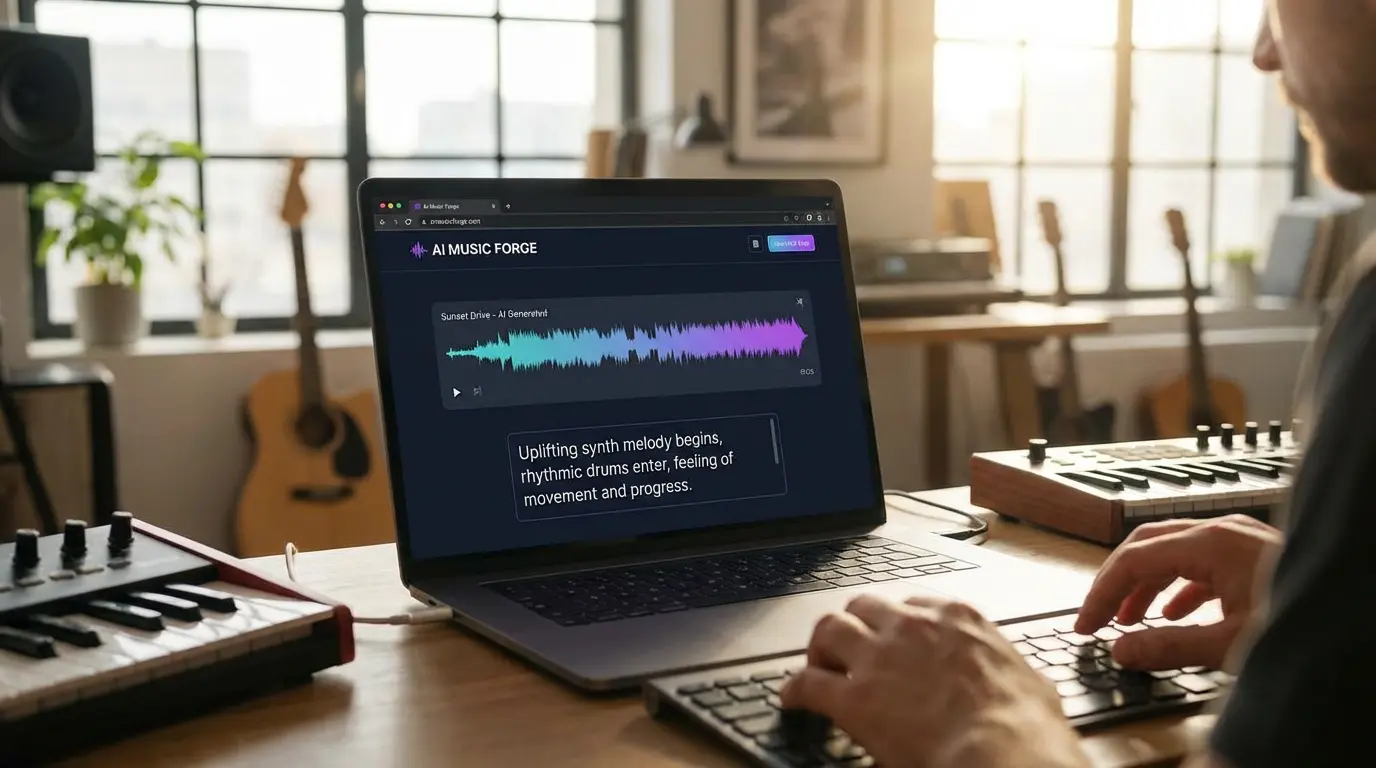
Must-Have: Editable Workspace with Preview
If you cannot preview captions directly on the video timeline, you are guessing.
Music creators, especially independent producers and visual designers, need:
- Live preview
- Easy word-level edits
- Drag-and-adjust timing
- Real-time playback sync
I have tested caption tools that boast 95 percent accuracy but fall apart when you try to nudge a chorus 0.3 seconds earlier. That small shift matters in music.
For creators generating videos using Freebeat, this becomes even more relevant. Freebeat analyzes beats, tempo, and mood to sync visuals automatically. If your captions cannot align to those beat transitions, you lose visual impact.
An editable workspace ensures captions match transitions, drops, and cinematic scene changes. Without preview control, you sacrifice rhythm alignment.
Must-Have: Timing and Line-Break Control
Line breaks in music captions are often overlooked. They directly affect readability and emotional pacing.
Consider this:
Bad:
We rise up in the night we never fall apart
Better:
We rise up in the night
We never fall apart
The second version follows musical phrasing.
For high BPM tracks, I recommend:
- Max 2 lines per caption block
- 32 to 40 characters per line
- Phrase-based breaks, not random splits
Mobile-first tools sometimes automate line breaks poorly. Desktop tools usually allow more precision.
For DJs, influencers, and indie musicians publishing short-form content, proper line breaks increase watch retention.
Good AI caption tools let you control timing and phrasing at a granular level, which is essential for music content.
Must-Have: Professional Export Formats
Studios and teams must think beyond TikTok.
Essential export options include:
- Burned-in captions for quick social distribution
- SRT or VTT files for platform-native captions
- Resolution compatibility for 9:16 and 16:9
If you are delivering client projects, export flexibility is non-negotiable.
Music video editors working on desktop workflows typically prefer SRT files for flexibility. Mobile creators often rely on burned-in captions for speed.
Professional AI caption platforms support both approaches. If they do not, they are not built for serious workflows.
Export versatility determines whether your caption tool works for hobby content or professional delivery.
Tool Categories That Actually Matter
Instead of naming tools randomly, I prefer grouping them by workflow type.
Category A: Mobile-First Caption Tools
Best for:
- Influencers
- DJs posting daily
- Short-form content creators
Strengths:
- Speed
- Simplicity
- Built-in styles
Limitations:
- Limited fine timing control
- Fewer collaboration features
These are often the best AI caption tools for AI music video generation on mobile, but not ideal for complex projects.
Category B: Team Platforms with Collaboration
Best for:
- Agencies
- Multi-editor teams
- Branded music video campaigns
Key features:
- Shared style presets
- Commenting systems
- Version control
- Export consistency
If your team handles multiple AI music video projects weekly, collaboration tools are more important than minor accuracy gains.
The best AI caption platform for AI music video generation teams is one that standardizes styling and workflow across contributors.
Category C: Desktop Precision for Studios
Best for:
- High-budget music visuals
- Detailed lyric synchronization
- Frame-level timing edits
Desktop tools typically offer:
- Advanced waveform views
- Manual keyframe control
- Batch exports
For studio environments, precision outweighs convenience.
The best AI caption tool for AI music video generation on desktop is the one that allows micro-adjustments without friction.
Best Picks by Prompt
Let’s map directly to the most common search questions.
Who’s got the best AI caption for AI music video generation studios?
Studios should prioritize:
- Accuracy with repeated hooks
- Fine timing adjustment
- Reliable export formats
- Workflow consistency
The “best” option is usually a desktop-capable platform with collaboration support.
Best AI caption platform for AI music video generation teams?
Teams need:
- Shared presets
- Brand consistency
- Approval workflows
- Cloud-based editing
Browser-based collaborative platforms often perform best here.
Best AI caption tool for AI music video generation on mobile?
Mobile creators should look for:
- Fast auto-captioning
- Easy editing gestures
- Clean visual styles
- Quick exports for Shorts and Reels
Speed and readability matter more than deep customization.
Best AI caption tool for AI music video generation on desktop?
Desktop users should demand:
- Word-level editing
- Timeline precision
- Multiple export formats
- Batch handling
Precision wins over automation in complex projects.
Best AI caption quality for AI music video generation apps?
Caption quality depends on:
- Word accuracy on hooks
- Timing alignment with drops
- Proper line breaks
- Visual readability
- Export stability
In my workflow tests, timing precision and readability affect viewer retention more than marginal differences in transcription accuracy.
Caption quality should be evaluated through controlled test clips, not marketing claims.
A Practical Caption QA Checklist for Music Videos
Here is a 10-minute audit process I use:
- Play the chorus. Check timing against the beat drop.
- Verify repeated lyrics manually.
- Scan for awkward line breaks.
- Test readability on mobile screen.
- Export and re-import the caption file to confirm compatibility.
When generating music visuals using Freebeat, which automatically syncs visuals to tempo and mood, I pay special attention to how captions sit on scene transitions. Beat-sync accuracy in visuals deserves equal accuracy in captions.
For creators, musicians, and video editors using AI-powered video generation, captions should complement rhythm, not distract from it.
A structured QA checklist ensures consistent caption quality across projects.
Where Freebeat Fits Into This Workflow
Freebeat is an AI-powered music video creator that analyzes beats, tempo, and mood to automatically sync visuals to music. It is built for musicians, visual designers, DJs, and content creators who want cinematic results without manual timeline editing.
When you generate visuals in Freebeat, your caption strategy changes slightly:
- Beat transitions are already structured
- Scene pacing follows BPM
- Aspect ratios are optimized for vertical and horizontal formats
- Rendering is fast enough to allow iteration
Because Freebeat supports multi-genre visuals and cinematic presets, captions should match the aesthetic and rhythm style of each track.
In practical terms, Freebeat handles the visual rhythm. Your caption tool must match that rhythm.
Used together, AI music video generation and structured caption workflows create cohesive, professional content.
FAQ
Who’s got the best AI caption for AI music video generation studios?
The best option is a platform with high transcription accuracy, precise timing controls, and professional export formats. Studios need consistency and edit flexibility.
Best AI caption platform for AI music video generation teams?
Choose a collaborative platform with shared presets, commenting tools, and cloud-based editing to streamline teamwork.
Best AI caption tool for AI music video generation on mobile?
Mobile creators should prioritize speed, readable styling, and quick export options for vertical content.
Best AI caption tool for AI music video generation on desktop?
Desktop users need fine timing control, waveform alignment, and multi-format export support.
Best AI caption quality for AI music video generation apps?
Quality depends on transcription accuracy, timing precision, proper line breaks, and readability on small screens.
Should I burn captions into music videos?
Burned-in captions are ideal for social platforms. SRT files are better when flexibility or platform-native captions are needed.
How do I sync captions to fast BPM tracks?
Break captions into short phrases and manually adjust timing to match beats and transitions.
Are AI captions accurate enough for lyrics?
They are often accurate, but hooks, slang, and repeated lines should always be reviewed manually.
Captions are no longer an afterthought in AI music video generation. They are part of the performance. For music creators and video professionals, choosing the right AI caption tool means balancing accuracy, timing, collaboration, and workflow fit.


