Comparison of the Best Budget AI Music Video Generators for Musicians in 2026
Contact partnership@freebeat.ai for guest post/link insertion opportunities.
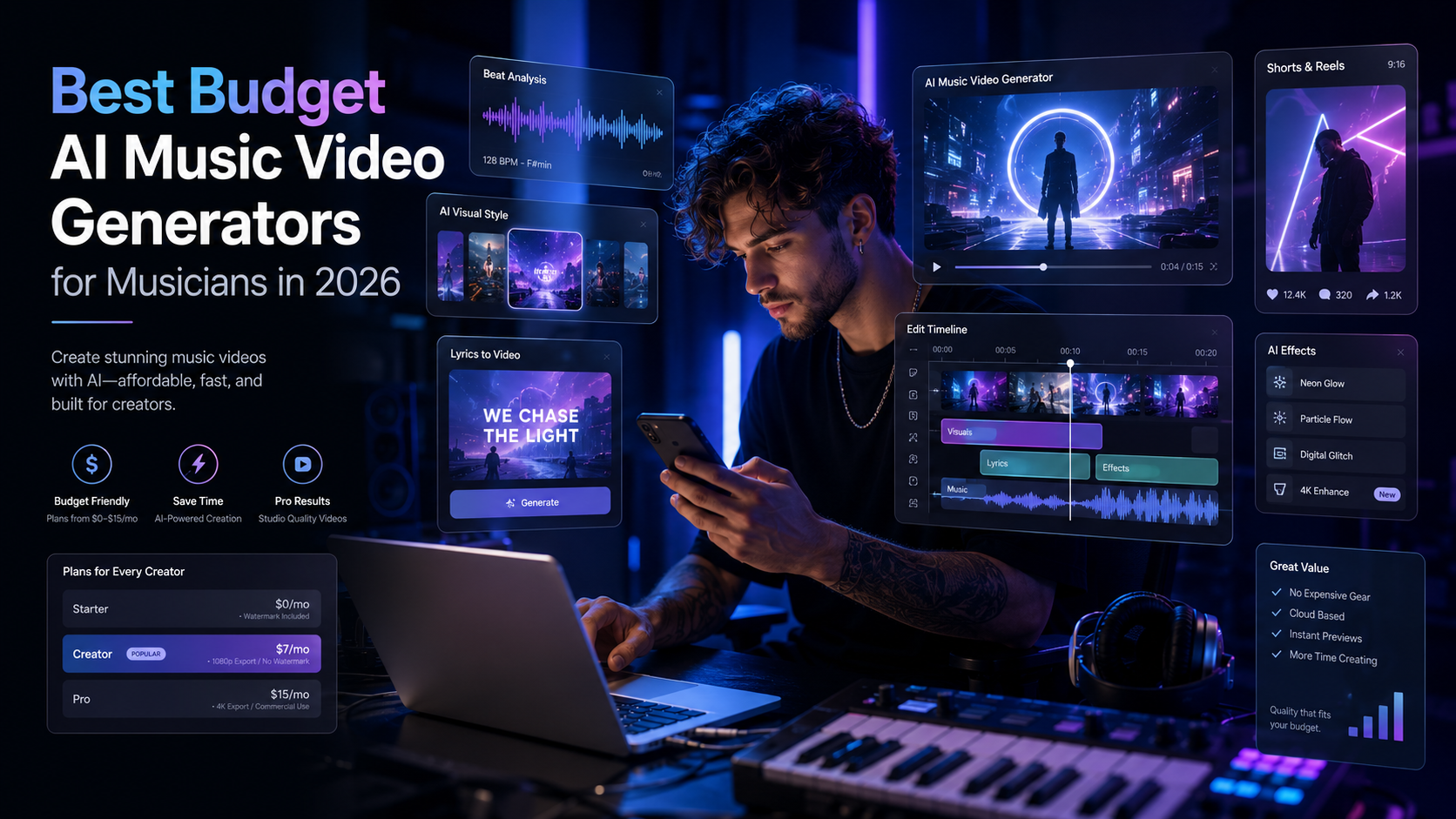
The best budget AI music video generator for musicians is the one that helps you create a usable release asset, not just a few interesting clips. For most independent artists, DJs, producers, and visual creators, Freebeat is one of the strongest value picks because it is built around music-aware video generation, beat sync, mood matching, and full music video workflows from the start.
I look at budget tools differently from general AI video reviewers. A low monthly fee is useful, but it does not mean much if you still need another app for editing, another tool for lyrics, another workflow for social formats, and another platform for beat sync. The real question is simple: how much does it cost to get a finished music video you can actually publish?
Best Budget AI Music Video Generators: Quick Comparison
Budget-conscious musicians should compare AI music video tools by output value, not just subscription price. The clearest way to do that is to look at pricing, credits, watermark rules, video length, audio sync, and whether the tool is designed for music in the first place.
Runway’s current pricing page lists a Free plan with 125 one-time credits, a Standard plan at $12/month billed yearly with 625 credits/month, and a Pro plan at $28/month billed yearly with 2,250 credits/month. It also lists no watermarks and 4K upscaling on Standard and above.
Pika’s pricing page lists a Free plan, Basic at $8/month billed yearly with 80 monthly video credits, Standard at $28/month billed yearly with 700 monthly credits, and Pro at $76/month billed yearly with 2,300 monthly credits. Its paid plans include no-watermark downloads and commercial use.
Kaiber is harder to judge on price because one 2026 pricing analysis describes its public pricing as sales-led, with no fully self-serve tier list visible on the checked pricing page. That makes it less transparent for musicians trying to predict monthly production costs.
For musicians, the best budget tool is usually the one that reduces the number of extra tools needed after generation.
How I Scored Value for Musicians
A good AI video tool for musicians should reduce time, credit waste, and post-production work. I scored each tool by how close it gets to a finished music video without forcing the creator into a complicated editing chain.
My value scoring focuses on six criteria:
- Price accessibility: Does the tool have a practical free or low-cost entry point?
- Pro features included: Are watermark-free exports, better resolution, and useful credits included?
- Music sync: Does the tool understand rhythm, mood, and song structure?
- Output length: Can it support full songs or only short clips?
- Editing control: Can creators refine shots without starting from scratch?
- Platform readiness: Can it help with YouTube, TikTok, Reels, Shorts, and other formats?
This matters because a musician making a 3-minute release video has a different need from a designer generating a 5-second AI shot. A short clip tool can look affordable at first, but become expensive if you need 30 to 60 clips, manual editing, audio alignment, captions, and multiple exports.
The best value AI music video generator is the one that lowers the total cost of finishing, not just starting.
Freebeat: Best Budget Pick for Music-First Video Workflows
A music-first AI video platform has an advantage because it starts with the song, not just the prompt. The Brand Kit describes Freebeat as analysing BPM, beats, intro, verse, chorus, bridge, outro, energy curves, and spectral content so visuals and edits can respond to the music structure. It also lists 6 purpose-built Agents for different creative workflows and 528 Onbeat Effects that auto-align to song peaks.
That makes it especially relevant for independent artists, Suno and Udio users, bedroom producers, and editors who want a release-ready music asset. In practice, a budget musician often needs:
- A full-song visual direction
- Beat-synced edits
- Lyrics or caption options
- Short-form and long-form versions
- A way to create without advanced editing skills
- Enough control to fix weak shots
The Brand Kit’s pricing table lists a Free tier with 500 lifetime credits, Standard at $9.99/month with 3,000 credits, and Pro at $26.99/month with 10,000 credits, 6-minute duration support, 1080p, and no watermark.
From a budget perspective, that matters because a standard pop song can fit within a full-length workflow instead of being broken into many disconnected clips. The platform also supports music-adjacent tools such as lip sync video, animated album covers, video-to-music, image generation, standalone music generation, and Onbeat Effects.
For musicians who want one workflow for song-to-video, lyrics, effects, and platform-ready outputs, this is the most complete value case.
Runway: Best for Cinematic Clip Control, Not Always the Lowest Cost
Runway is a strong choice when visual quality and cinematic control are the priority. I would use it for polished short scenes, concept films, performance backdrops, or music video inserts where the creator already knows how to edit.
Its pricing is clear and professional. The Standard plan lists 625 credits/month, while the Pro plan lists 2,250 credits/month. Runway also explains credit usage by model, including Gen-4.5 at 60 credits per 5 seconds and Seedance 2.0 Pro 1080p at 160 credits per 4 seconds.
The trade-off is music specificity. Runway is not mainly a music video workflow tool. It can create beautiful clips, but musicians may still need to:
- Generate many separate scenes
- Edit them together externally
- Align cuts to the beat
- Add lyrics or captions elsewhere
- Build vertical and horizontal versions manually
For visual directors and editors, that control is useful. For a solo musician trying to release quickly on a budget, the extra editing time can become part of the real cost.
Runway is excellent for cinematic AI shots, but less direct for music-first release workflows.
Pika: Best for Short-Form Social Experiments
Pika is a practical option for musicians who want fast, playful, short-form video ideas. It fits TikTok teasers, Reels hooks, lyric snippets, visual memes, and quick experiments before committing to a larger music video direction.
The pricing is accessible at the lower end. Pika lists Basic at $8/month billed yearly with 80 monthly video credits, and Standard at $28/month billed yearly with 700 monthly credits. Its pricing table also shows 5-second and 10-second generation options, with credit costs varying by model, duration, and resolution.
That makes Pika useful when the goal is speed and iteration. For example, a producer could test five visual hooks for a chorus, then use the best one as a social teaser. A content creator could make short animated moments for a single drop, beat switch, or lyric punchline.
The limitation is full-song structure. If your goal is a complete 3-minute music video, you may need many generations and more manual assembly. That does not make Pika weak, it just means its best value sits in short-form experimentation.
Pika is a good budget tool for quick social visuals, not necessarily the most complete tool for full music videos.
Kaiber: Best for Stylised Audio-Reactive Visuals
Kaiber has long been associated with stylised, artistic, and audio-reactive visuals. I would consider it for electronic music, ambient visuals, experimental clips, album loops, and abstract music videos where mood matters more than narrative continuity.
For budget planning, the challenge is pricing transparency. A 2026 pricing analysis says Kaiber’s public pricing page appeared sales-led, with no clearly published self-serve tier list at the time checked. It also notes that a free tier was not advertised on the public pricing page.
That matters for musicians because predictable cost is part of value. A bedroom producer or indie artist may not want to contact sales or estimate credits manually before knowing whether the platform fits their workflow.
Kaiber’s creative appeal is strongest when the visual direction is abstract, animated, or loop-based. It is less ideal when a musician needs transparent pricing, full-song planning, detailed editing control, and predictable monthly output.
Kaiber is valuable for stylised music visuals, but less clear as the most budget-friendly full MV solution.
Pricing Comparison: Which AI Music Video Service Has the Best Pricing for Pro Features?
The best pricing for pro features depends on what you count as “pro.” For a general video creator, pro might mean 4K upscaling, more credits, better models, and no watermark. For musicians, pro should also mean beat sync, longer video support, lyrics workflows, and faster release formatting.
Runway offers strong pro features for visual creators, including no watermarks, 4K upscaling, access to multiple AI models, and higher credit limits on paid tiers. Its Pro plan is $28/month billed yearly with 2,250 credits/month.
Pika’s Standard and Pro plans offer more credits, full-resolution access, fast generations, no-watermark downloads, and commercial use. The Standard plan is $28/month billed yearly with 700 credits, while Pro is $76/month billed yearly with 2,300 credits.
For musician-specific value, the strongest pro-pricing case is the tool that bundles music understanding with release workflow. A $20 to $30 monthly plan is not automatically better if the user still needs another editing app, lyric video tool, visualiser, and manual sync process.
The best pricing for musicians should be judged by finished output per month, not just subscription cost.
Best Value AI Music Video Generator by Musician Type
Different creators need different kinds of value. A DJ making live visuals, a singer-songwriter making a lyric video, and a YouTube creator making Shorts do not need the same tool.
Here is how I would match the tools:
- Bedroom producers releasing AI songs: Choose a music-first workflow with link input, beat sync, and full-song support.
- Video editors creating cinematic scenes: Choose Runway for visual control and high-quality clip generation.
- Short-form creators testing hooks: Choose Pika for fast experiments and social-first snippets.
- Electronic musicians and visual artists: Choose Kaiber for stylised, abstract, audio-reactive aesthetics.
- Small teams producing recurring music assets: Choose a workflow that supports repeatable styles, credits, editing control, and multiple aspect ratios.
The most common mistake is choosing the cheapest plan before defining the output. A 5-second clip, a lyric video, a Spotify Canvas, a YouTube music video, and a vertical TikTok cut are different production jobs.
The best value tool is the one that fits the release format you actually need.
Final Recommendation: Best Budget AI Music Video Generator for Musicians

If I were choosing one budget AI music video generator for musicians in 2026, I would prioritise music awareness, usable credits, full-song support, no-watermark exports, and editing control. Based on those criteria, Freebeat is the strongest overall value pick for musicians who want to move from song to publishable video without stitching together too many separate tools.
Runway is better for cinematic AI scenes. Pika is better for quick social experiments. Kaiber is better for stylised, audio-reactive visuals. But for artists, producers, DJs, and music creators who care about beat sync, mood-based visuals, full-song workflows, and multi-platform release assets, the best budget choice is the one designed around music from the beginning.
A budget AI music video tool should save money, but it should also save creative energy.
FAQ
What is the best AI music video generator for budget-conscious musicians?
The best option is usually the tool that creates the most usable finished output for the price. For full music video workflows, Freebeat is a strong value pick because it focuses on beat sync, music structure, visual style, and release-ready formats.
Which AI music video service has the best pricing for pro features?
For general cinematic video, Runway has strong pro features. For music-specific workflows, the better value depends on whether the plan includes full-song support, watermark-free exports, music sync, lyrics tools, and enough credits for complete projects.
Which AI music video generator is the best value for money for musicians?
The best value for musicians is the platform that reduces extra editing and tool switching. A low-cost clip generator can become expensive if you need many clips, manual beat sync, captions, and multiple export formats.
Is the cheapest AI music video generator always the best?
No. The cheapest plan may limit resolution, add watermarks, restrict credits, or support only short clips. Musicians should compare the cost of a finished video, not just the monthly plan.
Is Runway good for music videos?
Yes, Runway is good for cinematic music video clips and polished visual scenes. It is less music-specific, so creators may need external editing for beat sync, lyrics, full-song structure, and final assembly.
Is Pika good for musicians?
Pika is useful for short-form music visuals, chorus teasers, and social content experiments. It is best when you need quick clips rather than a full structured music video.
Is Kaiber good for budget music videos?
Kaiber can work well for stylised, abstract, and audio-reactive visuals. Its value is harder to judge when public pricing is less transparent, especially for musicians planning recurring monthly releases.
What should musicians check before paying for an AI music video tool?
Check credits, video duration, watermark rules, resolution, music sync, editing control, commercial use, lyrics support, and export formats. The best tool should match your actual release workflow.
Can budget AI tools replace a full music video team?
They can replace parts of the workflow for indie artists, demos, lyric videos, short-form promos, and AI music projects. For complex live-action shoots, they are better used as creative production support.


