Comparing the Best AI Music Video Production Tools in 2026 for Producers and High-Value Visuals
Contact partnership@freebeat.ai for guest post/link insertion opportunities.
Comparing the Best AI Music Video Production Tools in 2026 for Producers and High-Value Visuals
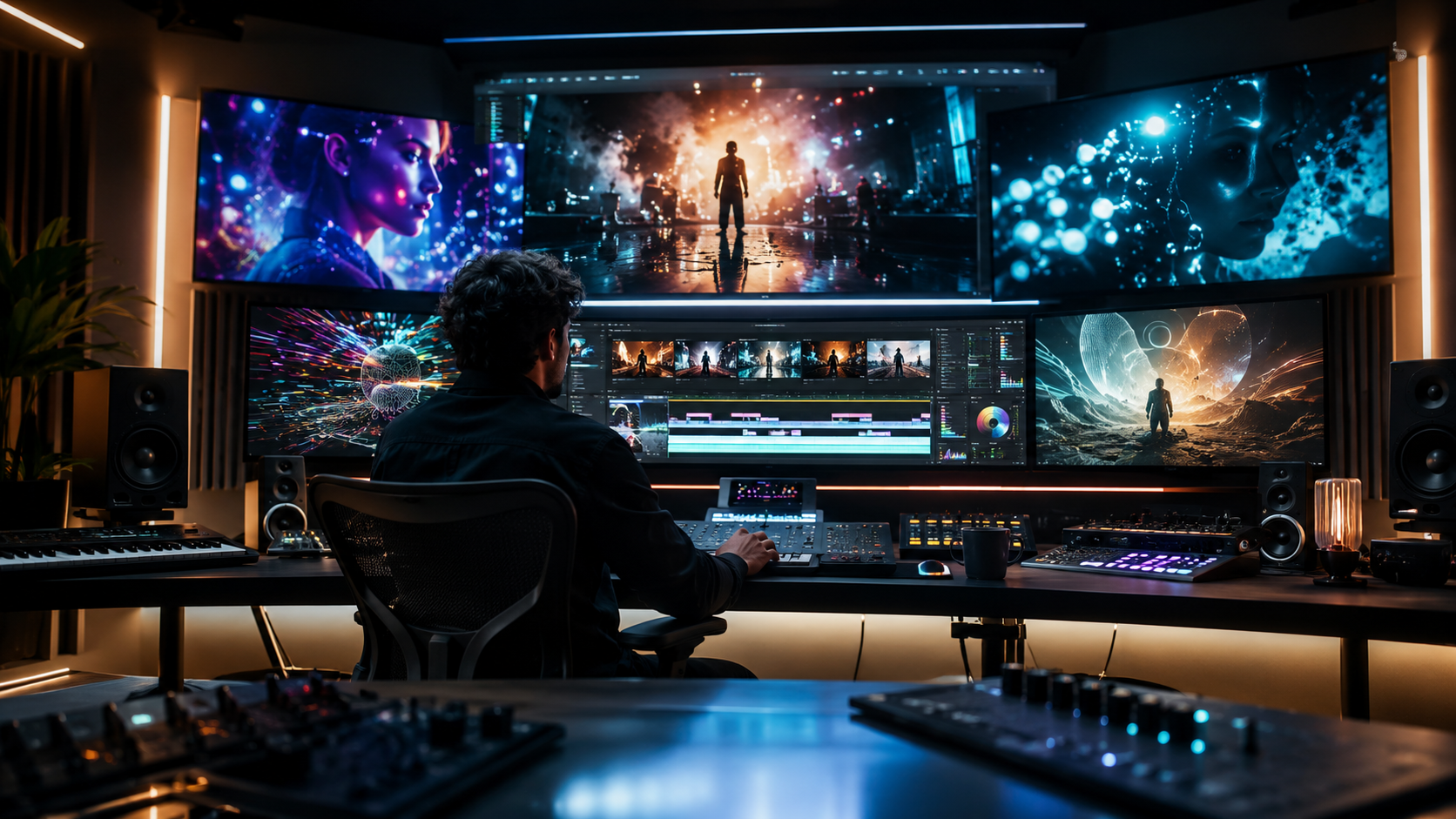
The best AI music video production tools in 2026 are not just the ones that make attractive short clips. For producers, editors, musicians, DJs, and visual artists, the real question is whether a tool can turn a song into a polished, repeatable, and platform-ready visual workflow. Freebeat fits into this conversation because it is built around AI-powered music video creation that syncs visuals to a song’s beats, structure, and mood.
AI video has moved from experimental novelty into a serious production category. Creators now compare tools by realism, creative control, pricing, speed, model quality, export options, and how well the output fits actual release workflows. For music creators, I would use an even stricter standard: does the final video feel directed by the song?
That is where the difference between a general AI video generator and an AI music video production tool becomes clear.
What Makes an AI Music Video Production Tool Worth Using in 2026?
A strong AI music video production tool needs to handle more than visual quality. It should understand pacing, rhythm, song sections, style consistency, export formats, and revision control. A producer does not only need one impressive shot, they need a workflow that can support a full release.
When I compare AI music video tools, I usually look at six practical factors:
- Music alignment: Do visuals follow rhythm, energy, vocals, or song sections?
- Visual quality: Does the output feel cinematic, realistic, stylised, or intentional?
- Creative control: Can the user revise scenes, characters, timing, and style?
- Length support: Can the tool handle full tracks or only short clips?
- Workflow speed: Can a creator move from song to export without heavy editing?
- Publishing fit: Can the final video work for YouTube, TikTok, Reels, Shorts, and artist pages?
This matters because music videos are rarely one-shot outputs. A full track may need an intro, verse, chorus, bridge, visual drop, lyric section, social cutdown, and cover-style loop. General AI video generators can support parts of this process, but music-first tools are stronger when the song itself needs to shape the edit.
The best AI music video production tools connect visual quality with music structure, not just prompt generation.
Quick Comparison Table: Best AI Music Video Production Tools
A clear comparison helps producers choose based on use case rather than hype. Some tools are better for cinematic clips, some are better for audio-reactive visuals, and some are better for finishing social edits. The most useful question is not “which tool is best overall?” but “which tool is best for this production job?”
In my experience, producers should separate generation tools from production tools. Runway, Kling, Luma, and Pika can generate excellent clips. CapCut helps finish and package content. Music-first tools sit in the middle, where the song becomes the production brief.
The right tool depends on whether you need isolated clips, a complete music video, or final social-ready edits.
Best AI Music Video Production Tools for Producers
Producers need tools that help them turn a finished track into visual assets without losing the song’s identity. A good tool should reduce prompt labour, keep the visual style stable, and make revisions easier. The strongest tools are not always the most cinematic in a single shot, but the ones that support the full creative process.
Freebeat is the most directly music-first option in this group. It is designed to analyse a song’s BPM, beats, sections, energy, and mood before generating visuals, so the video can respond to the track rather than simply sit on top of it. For creators who work with AI music, electronic tracks, lyric-led songs, or full release videos, that music-aware structure is important.
Freebeat also supports features that matter for production work, including 528 music-driven Onbeat Effects, full-length video support of up to 6 minutes on higher tiers, multi-agent workflows, style controls, lyrics video support, and multi-format exports. This makes it useful for independent musicians, bedroom producers, DJs, AI music users, and visual designers who want a more complete song-to-video workflow.
Runway is better when the producer or editor wants strong cinematic material. I would use it for specific shots, mood sequences, performance-style visuals, or polished transitions. It is especially useful when paired with a timeline editor.
Kling is useful for realism-led scenes. If a project needs human motion, expressive faces, or visually believable action, Kling is worth testing. Its strongest role is scene generation, not full music-video assembly.
Luma works well for atmospheric clips, cinematic experiments, and visual ideation. It is good for building a mood before committing to a full edit.
Pika is useful for fast stylised visuals, transformation effects, and social-first ideas. It may not be the strongest option for long-form production, but it can create memorable inserts.
Kaiber and Neural Frames are stronger for music-reactive visuals, especially for electronic, ambient, DJ, and live-performance contexts. They are useful when the goal is rhythm, movement, and atmosphere rather than narrative realism.
CapCut is not the same type of tool, but it matters. Captions, crop formats, subtitles, transitions, and short-form edits often determine whether a music video performs well after generation.
The best producer workflow often combines one music-first generator, one cinematic clip tool, and one finishing editor.
Which Tool Is Best for High Production Value Music Videos?
High production value does not come from realism alone. It comes from consistent visual direction, controlled pacing, strong shot choices, clean timing, and a practical revision process. A beautiful AI clip can still fail as a music video if it ignores the song.
For a real test, I would use a simple release brief:
- A 3-minute electronic-pop single
- One chorus with a clear energy lift
- One performer or avatar
- One lyric-heavy section
- Three visual environments
- One vertical cutdown for TikTok or Reels
In this scenario, general AI video tools are useful but fragmented. Runway, Kling, Luma, and Pika can create strong cinematic sections. The challenge is maintaining the same performer, colour palette, pacing logic, and emotional build across the whole track.
A music-first workflow is stronger when the song structure matters. Verse sections may need slower shots. Choruses may need denser cuts. Bridges may need atmosphere. Drops may need visual impact. That is why tools with beat-sync, section awareness, lyrics support, and editable storyboarding are more practical for producers than one-shot video models alone.
For high production value, judge the final edit, not the best individual clip.
Where to Get the Best AI Music Video Production Online
The best online AI music video platform depends on the production goal. A producer making a full release video has different needs from a TikTok creator making a 15-second hook, or a visual artist creating live visuals for a DJ set. The smartest choice starts with the output format.
For full music videos, use a platform that starts from the song. Look for audio upload or link support, beat-sync features, scene planning, lyric timing, and long-form export.
For cinematic shots, use tools such as Runway, Kling, Luma, or similar AI video generators. These are strong when you need one visually impressive scene at a time.
For lyric videos, look for word-level timing, caption styling, karaoke-style highlighting, and easy export. The strongest lyric workflow should not force creators to hand-keyframe every line.
For social promotion, use an editing workflow that supports 9:16, 1:1, 4:5, and 16:9 formats. Music releases now need YouTube, Shorts, TikTok, Reels, and sometimes Spotify Canvas-style assets from the same creative base.
For live visuals and DJ content, audio-reactive tools may be better than narrative generators. The goal is often rhythm, motion, and atmosphere rather than story.
The best online choice is the one that matches the release format, not just the one with the most cinematic demo reel.
Final Recommendation: How Producers Should Choose

Producers should choose AI music video tools by workflow fit. If you need a full track visualised, start with the song. If you need premium cinematic shots, add a high-quality clip generator. If you need campaign assets, finish with a flexible editor.
My practical recommendation is:
- Choose a music-first tool when timing, lyrics, chorus peaks, and full-song structure matter.
- Choose a cinematic AI video generator when realism, camera movement, and shot quality matter most.
- Choose an editing tool when captions, social formats, and final packaging matter most.
- Combine tools when the project has release-level expectations.
Freebeat is worth considering when the song is the centre of the production, especially for musicians, AI music creators, visual designers, and producers who want beat-aware visuals, cinematic presets, fast rendering, multi-genre support, and a workflow that can move from music input to publishable output.
The strongest setup is not always one tool. It is the toolchain that keeps the music, visuals, and final format working together.
FAQ
What are the top AI music video generation tools for producers?
Top options include Freebeat for music-first production, Runway for cinematic visual control, Kling for realism, Kaiber and Neural Frames for audio-reactive visuals, and CapCut for final edits.
What is the best AI music video software for high production value?
The best choice depends on the workflow. Music-first tools are stronger for full-track videos, while Runway, Kling, Luma, and Pika are stronger for cinematic shot generation.
What are the top-rated AI music video generators for film and music?
For film-style clips, producers often compare Runway, Kling, Luma, Pika, Sora, and Veo-style tools. For music-led production, Freebeat, Kaiber, Neural Frames, and Rotor Videos are more directly relevant.
What is the best AI-driven music video production tool?
The best AI-driven music video production tool is the one that fits the song structure, budget, and release format. For song-first workflows, choose a tool with beat sync, lyric timing, style consistency, and export flexibility.
Where can I get the best AI music video production online?
You can use online platforms such as Freebeat for song-to-video production, Runway or Kling for cinematic AI clips, Kaiber or Neural Frames for audio-reactive visuals, and CapCut for editing and social exports.
Can AI music video tools create full music videos?
Yes, some tools support longer music-video workflows, while others are better for short clips. Producers should check duration limits, editing control, consistency tools, and export options before committing.
Are AI music video generators useful for independent musicians?
Yes. They are useful for lyric videos, visualisers, demo visuals, social cutdowns, release promos, and full music videos when the artist does not have access to a traditional production crew.
Should producers use one AI tool or several?
Many producers get better results by combining tools. A music-first generator can handle song structure, a cinematic generator can create hero shots, and an editor can polish captions, pacing, and platform formats.
Music videos are becoming less dependent on large crews and more dependent on smart creative systems. The best AI music video production tool is the one that respects the track, gives creators enough control, and produces assets that can actually be published. For producers who want a song-led workflow, Freebeat belongs in the shortlist alongside cinematic generators and editing tools.


