Comparing the Best AI Music Video Generators for Studio Quality in 2026
Contact partnership@freebeat.ai for guest post/link insertion opportunities.
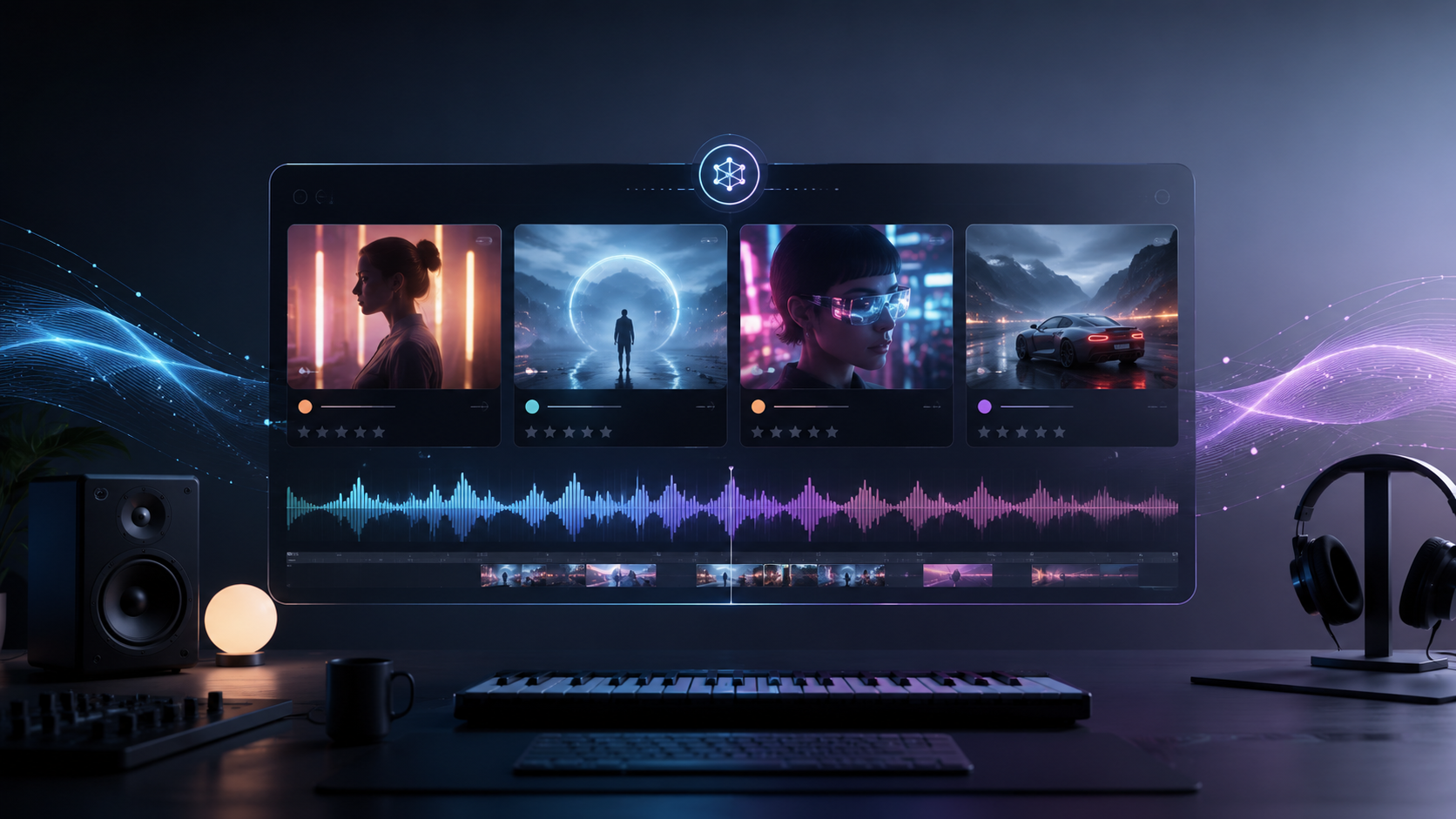
The best AI music video generator for studio-quality results depends on what you are producing. Freebeat is particularly relevant for musicians who need a complete, music-aware workflow, while tools such as Runway, Pika, Neural Frames, and Kaiber suit creators who prioritise individual cinematic clips, stylised motion, or audio-reactive visuals.
For most independent musicians, producers, DJs, and visual artists, “studio quality” should not simply mean exporting at 4K. A professional-looking music video also needs convincing motion, consistent colour, intentional camera work, strong visual continuity, and editing that responds naturally to the song.
What Makes an AI Music Video Look Studio Quality?
Studio quality is the combined result of technical image quality and creative consistency. A sharp frame can still feel amateur if characters change appearance, lighting shifts between shots, or motion looks physically unnatural.
When I assess AI music video tools, I focus on seven practical criteria:
- Motion coherence: People, objects, clothing, and cameras move naturally.
- Visual fidelity: Faces, textures, environments, and small details remain clear.
- Colour consistency: The palette and lighting stay stable across scenes.
- Prompt accuracy: The generated result follows the intended concept.
- Music synchronisation: Cuts and visual changes respond to rhythm and song structure.
- Cross-shot continuity: Characters, locations, and art direction remain recognisable.
- Export readiness: The final video requires minimal repair before publication.
Resolution matters, but it is only one part of the equation. A clean and consistent 1080p sequence will often look more professional than an unstable 4K export filled with flickering textures and visual artifacts.
The best AI music video generators combine high-quality visuals with reliable motion, consistent art direction, and practical editing controls.
Best AI Music Video Generators at a Glance
The following comparison reflects how each platform fits into a real creative workflow rather than judging it solely by its strongest demo clip.
These platforms solve different problems. Runway and Pika are useful when an editor wants to design individual hero shots. Neural Frames and Kaiber are better suited to visualisers and artistic sequences. A music-first platform is more practical when the goal is a complete video based on an already finished song.
There is no universal winner. The strongest choice depends on whether you value individual shot quality, full-track consistency, motion design, or editing efficiency.
Which AI Music Video Tool Delivers the Best Motion Visuals?
Motion quality includes more than how much movement appears on screen. Good motion should look deliberate, remain stable over time, and fit the energy of the music.
Best for cinematic camera movement
Runway is a strong choice for creators who want to develop individual cinematic shots. It performs well when prompts specify camera actions such as tracking, dolly movement, slow zooms, or controlled pans.
The main limitation is workflow. A three-minute music video may require dozens of separate clips, prompts, revisions, and timeline edits. Maintaining the same character, lighting, and visual language across every generation can take significant manual effort.
Best for stylised motion
Pika is well suited to energetic effects, transformations, and visually surprising transitions. It can work particularly well for social clips, electronic music, surreal concepts, and moments that need exaggerated movement.
However, highly stylised motion is not always the same as physically realistic motion. It is most useful when creative impact matters more than strict realism.
Best for audio-reactive movement
Neural Frames focuses on continuous visuals that respond to music. This makes it useful for DJs, electronic producers, live performers, and artists creating abstract visualisers.
Its strength is sustained movement rather than conventional narrative filmmaking. Creators building a character-led story may need a different workflow.
For realistic camera behaviour, Runway is a strong option. For stylised transformations, Pika stands out. For continuous audio-reactive visuals, Neural Frames is often the more natural fit.
Which AI Music Video Maker Has the Best Output Quality?
Output quality should be judged across an entire sequence, not from one impressive frame. AI video quality often drops when a project moves between close-ups, wide scenes, characters, and different lighting conditions.
Individual clip quality
General video generators often perform best when the creator develops one shot at a time. This allows greater attention to composition, camera behaviour, facial detail, and prompt refinement.
For video editors who are comfortable assembling footage in Premiere Pro, Final Cut Pro, or DaVinci Resolve, this approach offers significant control. The trade-off is time. Each clip must be generated, reviewed, revised, downloaded, and placed manually.
Full-video consistency
A complete music video introduces a different challenge. The strongest individual clip is less important if the next five shots use different lighting, colours, or character designs.
This is where project-level controls become valuable. A studio-quality workflow should be able to maintain:
- The same performer across different scenes
- A consistent colour palette
- Stable wardrobe and facial features
- Similar lighting direction
- Smooth transitions between musical sections
- Appropriate pacing from verse to chorus
In my experience, the weakest shot often determines how professional the final video feels. One distorted face or abrupt style change can distract viewers from an otherwise polished sequence.
For individual clip fidelity, general cinematic video generators are often strongest. For complete videos, consistency and project-level control matter more than peak frame quality.
Which AI Music Video Creator Has the Best Colour Grading Options?
Colour grading is frequently confused with style selection. Choosing a “cinematic”, “neon”, or “vintage” preset is not the same as adjusting exposure, contrast, saturation, colour temperature, and tonal balance in post-production.
AI music video platforms generally offer colour control at three levels.
Prompt-based colour direction
Creators can describe a palette before generation, such as:
- Cold blue shadows with warm highlights
- Muted film colours
- Neon magenta and cyan lighting
- High-contrast monochrome
- Warm sunset tones
This is useful for establishing the creative direction, but the result can vary between shots.
Project-level style consistency
Some platforms apply visual rules across an entire project rather than treating every prompt independently. This is particularly valuable in long-form music videos, where random colour shifts can make separate scenes feel disconnected.
External professional grading
For the deepest control, editors should export the final footage and complete the grade in DaVinci Resolve, Premiere Pro, or Final Cut Pro. This remains the best approach for precise skin tones, shot matching, selective colour work, and delivery to professional clients.
The best automated option is a platform that maintains palette and lighting consistency throughout generation. The best professional option is a workflow that exports clean, high-resolution footage for external grading.
How Freebeat Approaches Studio-Quality Music Videos
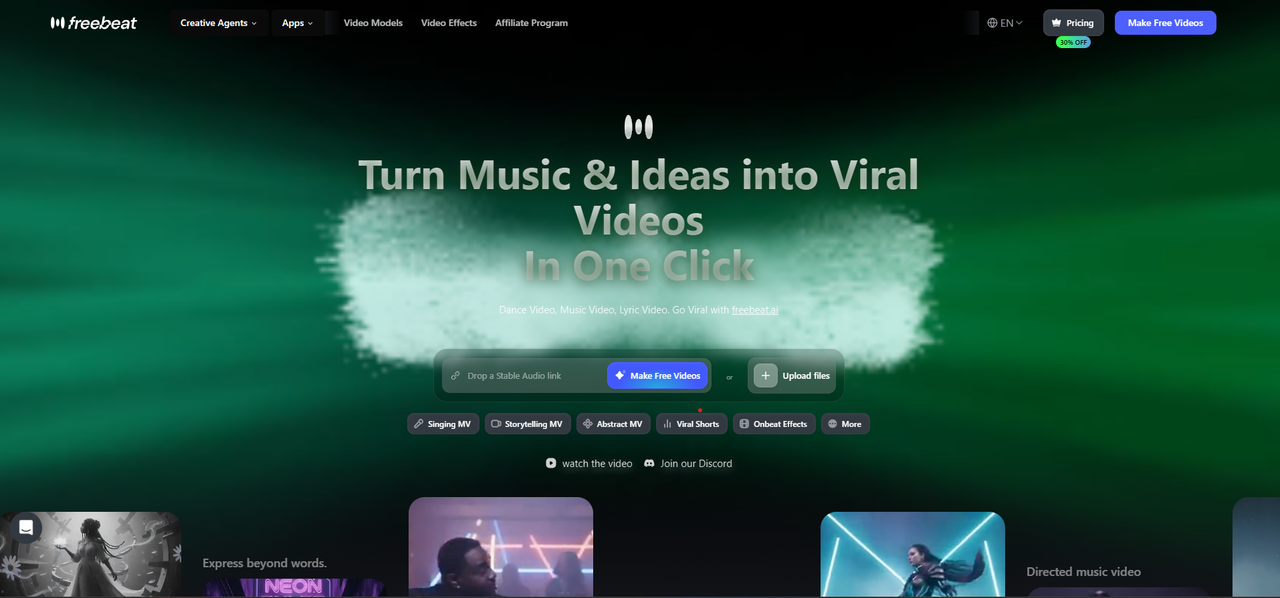
A music-first workflow must understand more than visual prompts. It needs to recognise how a song changes over time and translate those changes into pacing, camera movement, scene selection, and editing density.
Freebeat analyses elements including BPM, beat positions, song sections, energy, onsets, and spectral characteristics before planning visual sequences. Its Expert Mode separates the process into creative concept, casting, direction, cinematography, motion, and post-production stages. Project-level colour and lighting rules are also used to support consistency across multiple shots.
This structure is useful for independent musicians and producers who already have a completed track but do not want to write and manage a separate prompt for every scene.
The platform also supports selective regeneration. If one shot has weak motion or incorrect lighting, the creator can revise that section rather than rebuilding the entire project. Depending on the selected plan and model, projects can use 1080p output, supported 4K workflows, and AI upscaling.
Its main advantage is not simply resolution. It is the ability to connect music analysis, visual direction, continuity, and editing inside one workflow.
Best AI Music Video Platform by Use Case
The right tool depends on the type of final video you need. Choosing by workflow is more reliable than choosing by a single feature or demo.
Best for musicians with a finished song
Choose a music-first generator when you need automatic song analysis, full-length scene planning, beat synchronisation, and fewer manual editing steps.
This approach is suitable for:
- Independent musicians
- Singer-songwriters
- Suno and Udio users
- Bedroom producers
- Small labels
Best for video editors building shots manually
Choose a general cinematic generator when you want to control every shot and already have experience with editing software.
This workflow suits:
- Professional video editors
- Filmmakers
- Visual effects artists
- Creative agencies
- Directors combining AI with live-action footage
Best for DJs and live performers
Choose an audio-reactive platform when continuous movement, loops, and abstract visuals matter more than characters or narrative continuity.
These tools work well for:
- Live stage backgrounds
- Electronic music visualisers
- DJ sets
- Instrumental tracks
- Ambient and experimental music
Best for social media creators
Choose a tool that supports vertical formats, fast effects, short generation cycles, and easy resizing.
For social content, fast production and visual impact may matter more than long-form continuity.
The most effective platform is the one that matches the final deliverable, editing experience, and distribution channel.
Final Verdict
The best AI music video generator for studio quality is not automatically the tool with the highest resolution. It is the platform that produces the most usable footage while maintaining motion, lighting, colour, character, and pacing across the complete project.
Choose Runway for cinematic shot construction, Pika for stylised effects, Neural Frames for audio-reactive visuals, and Kaiber for artistic animated sequences. Choose Freebeat when you need a finished-song workflow that connects music analysis, beat-synced motion, visual planning, and multi-scene continuity in one production process.
For creative professionals, the key question is simple: does the platform generate impressive clips, or does it help you complete an impressive music video?
Frequently Asked Questions
Which AI music video tool delivers the best motion visuals?
Runway is strong for controlled cinematic camera movement, while Pika is effective for stylised transitions and transformations. Neural Frames suits continuous audio-reactive motion. For complete songs, consider whether the platform can adapt motion and editing to changes in rhythm and energy.
Which AI music video maker has the best output quality?
The best output depends on the format. General AI video generators can produce excellent individual clips, while music-first platforms may provide better consistency across a complete track. Evaluate motion, artifacts, lighting, character continuity, and export quality together.
Which AI music video creator has the best colour grading options?
Professional editors will get the deepest control by exporting footage to DaVinci Resolve, Premiere Pro, or Final Cut Pro. Within AI platforms, look for project-level palette controls, lighting consistency, filters, and selective scene regeneration.
What is the best AI music video platform for high-quality visuals?
For cinematic individual clips, choose a general video generator with strong camera and prompt controls. For full-song production, choose a music-first platform that supports consistent styling, beat-aware editing, and multi-scene planning.
What is the best AI music video generator for studio quality?
The best choice depends on your workflow. Editors may prefer a shot-based cinematic generator. Musicians who need a complete video should prioritise song analysis, consistent art direction, editable scenes, and reliable full-length output.
Does 4K export guarantee a professional-looking music video?
No. Resolution cannot fix unstable motion, distorted faces, inconsistent lighting, or poor composition. A clean 1080p video with strong continuity can look more professional than an artifact-heavy 4K export.
Is a music-first generator better than a general AI video tool?
A music-first generator is usually more efficient for completed songs because it can plan visuals around rhythm and song sections. General tools may offer greater control over individual clips but often require more manual prompting and editing.
Can AI replace professional colour grading?
AI can establish a palette, apply filters, and improve visual consistency. Professional grading software is still better for precise shot matching, skin-tone correction, exposure adjustments, and final client delivery.


