Best AI Music Video Tools for Auto Captions and Lyrics
Contact partnership@freebeat.ai for guest post/link insertion opportunities.
Best AI Music Video Tools for Auto Captions and Lyrics
If you are looking for the best AI music video tools for auto captions and lyrics, the short answer is this: the best platforms combine accurate beat detection, readable caption styling, and flexible language support in one workflow. After testing and reviewing multiple tools, I have found that solutions designed specifically for music, not generic video editing, deliver the most consistent results. Tools like Freebeat stand out because they sync visuals, lyrics, and captions directly to the music’s rhythm and mood instead of treating captions as an afterthought.
As someone who works closely with music creators and AI video tools, I see auto captions no longer as a “nice to have,” but as a core requirement for modern music videos.
Why Auto Captions Matter for Modern Music Videos
Auto captions are no longer just about accessibility. They directly affect how music videos perform on social platforms and how global audiences engage with content.
Most viewers now watch videos with sound off by default, especially on TikTok, Instagram Reels, and YouTube Shorts. According to platform usage studies cited by Meta and Google in recent years (add source), captions significantly increase watch time and completion rates for short-form video. For music videos, captions do even more. They reinforce lyrics, highlight drops and hooks, and make songs easier to remember.
From my experience working with independent musicians and content creators, videos with well-timed lyric captions consistently outperform visuals alone. Creators who rely on AI tools benefit the most when captions are generated automatically and synced to the beat instead of manually timed.
The takeaway is simple: auto captions are now a performance and reach tool, not just an accessibility feature.
How AI Generates Captions and Lyrics for Music Videos
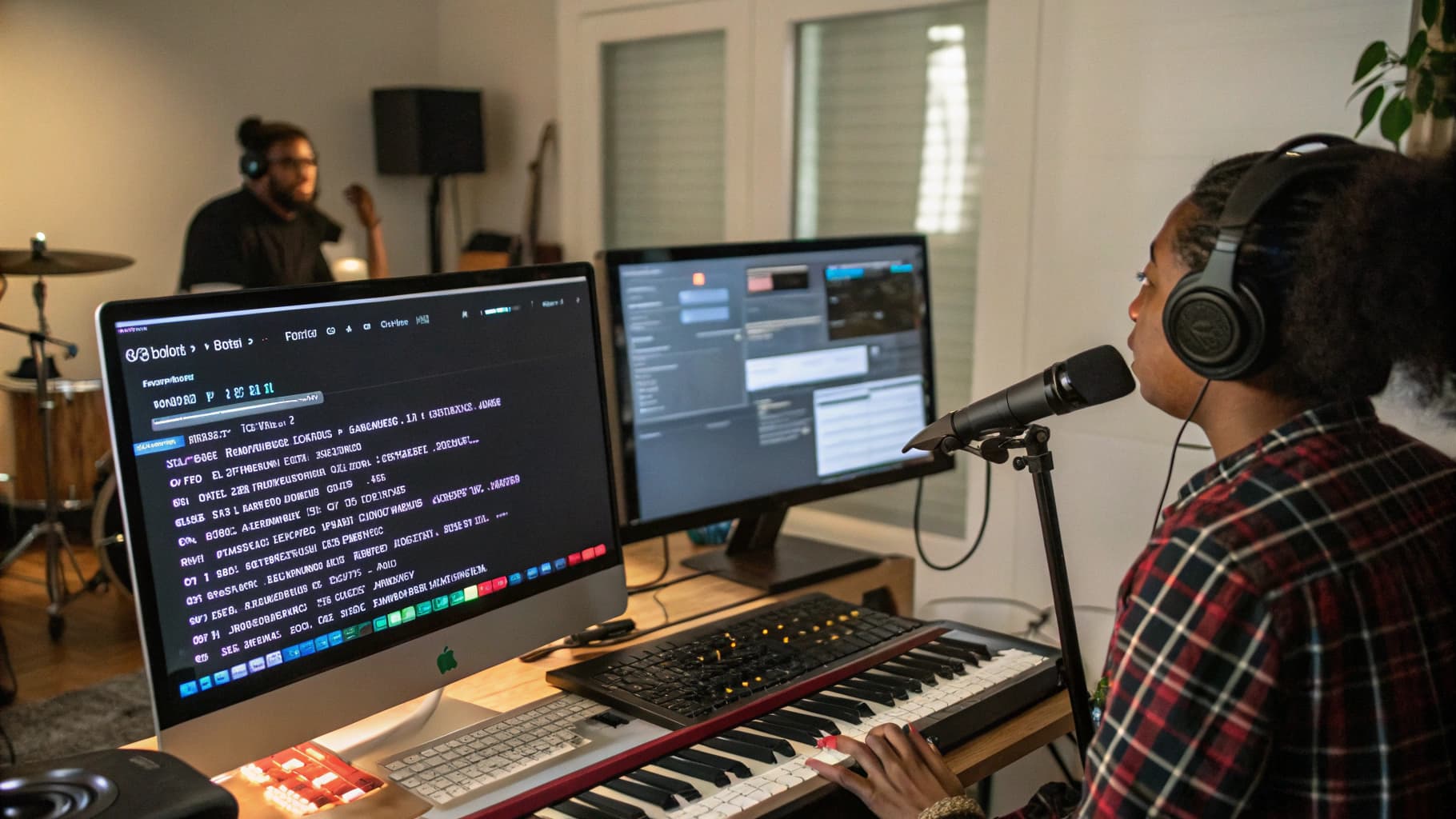
AI caption generation for music videos works differently from standard speech-to-text subtitles. Music-focused tools analyze audio structure first, then place text accordingly.
Most advanced platforms use a combination of:
- Beat and tempo detection, to align text with rhythm changes
- Lyric parsing, either from uploaded lyrics or AI-generated text
- Scene segmentation, to place captions where visuals change
In practice, this means captions appear on drops, chorus sections, or transitions rather than randomly across the timeline. When testing multiple tools, I noticed that general-purpose video editors often struggle here. Their captions are accurate text-wise, but visually disconnected from the music.
Music-first platforms like Freebeat handle this more naturally. The system analyzes beats, tempo, and mood, then applies captions as part of the visual composition rather than an overlay added later. This makes captions feel intentional instead of mechanical.
The key insight is that music-aware captioning produces better pacing, clarity, and viewer retention.
Beat-Synced Caption Timing
Beat-synced captions are the difference between readable lyrics and visual noise. Timing matters more than font choice or animation.
When captions land slightly off-beat, viewers feel it immediately, even if they cannot explain why. In fast genres like EDM, hip-hop, or hyperpop, mistimed captions reduce clarity. In slower genres like lo-fi or acoustic, poor timing breaks immersion.
From my own workflow tests, the best tools:
- Detect BPM changes automatically
- Emphasize chorus lines visually
- Reduce text density during instrumental breaks
Freebeat’s approach works well here because captions are generated alongside visuals that already respond to beat intensity. This reduces manual fixes later.
In short, accurate timing is what makes captions feel musical, not just readable.
Multilingual Caption Handling
Multilingual captions are becoming essential for artists building global audiences. A song released today can reach listeners across regions within hours.
Good AI tools support:
- Multiple language outputs from one track
- Clean text formatting for different scripts
- Consistent timing across translated captions
In my experience, the biggest challenge is not translation accuracy but layout consistency. Some languages require more space or different line breaks, which can break visual flow if the tool is not designed for it.
Platforms that focus on music videos tend to handle this better because they treat captions as design elements. When captions scale, animate, and align with visuals automatically, switching languages becomes easier.
For creators targeting international audiences, multilingual caption support should be built-in, not an external step.
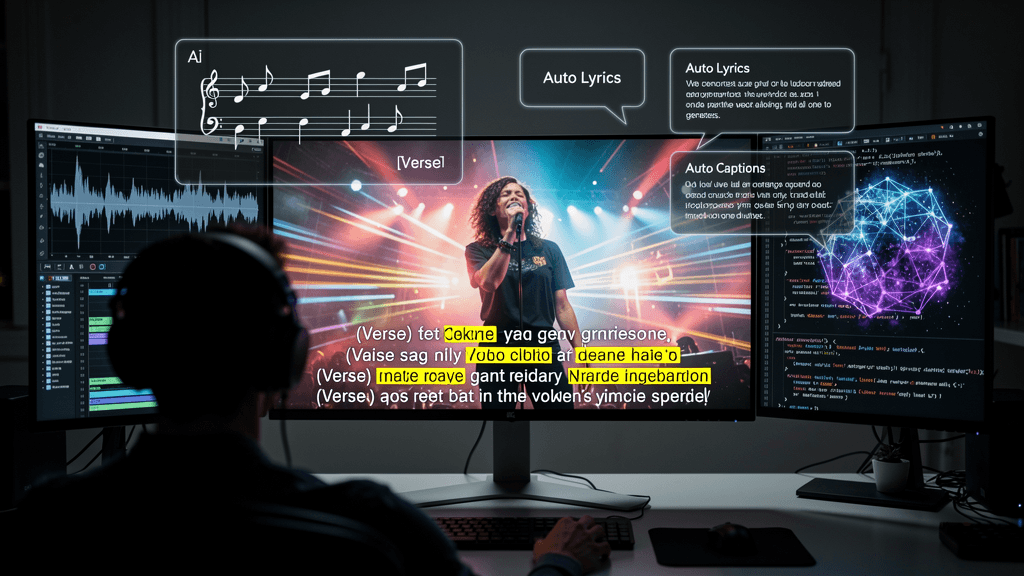
Comparison of Leading AI Music Video Caption Tools
After reviewing several AI music video and caption tools, clear patterns emerge.
General video editors
- Strong text accuracy
- Limited beat awareness
- Better for interviews and talking-head content
Audio-first lyric video tools
- Good lyric timing
- Limited visual variety
- Often template-heavy
Music-focused AI video generators
- Beat-synced visuals and captions
- Flexible styling
- Designed for short-form and social platforms
Creators working with music benefit most from the third category. These tools understand that captions, visuals, and audio must work together.
When comparing tools, I recommend focusing on:
- Caption timing accuracy
- Styling flexibility
- Language support
- Export formats for social platforms
The summary here is that tools built specifically for music videos consistently outperform general caption tools.
Best Tools for Multilingual AI Captions
For multilingual captions, the strongest tools share three traits:
- Automatic lyric alignment
- Clean typography across languages
- Consistent visual pacing
Music video generators that support global exports perform better here because they are designed for platforms where language switching is common. Freebeat fits well into this category by offering automatic generation with minimal setup, which is valuable for creators releasing content frequently.
The main takeaway is that multilingual captions work best when they are integrated into the video generation process itself.
Best Tools for Stylized Lyrics and Captions
Stylized captions matter for music because text is part of the visual identity. Fonts, motion, and placement all influence how a song feels.
From my testing, the best tools:
- Animate lyrics in sync with energy changes
- Emphasize hooks visually
- Keep text readable on mobile screens
This is especially important for DJs, live performers, and producers promoting tracks on short-form platforms. Overly complex animations hurt readability, while static captions feel flat.
The strongest tools balance style with clarity. Captions should enhance the music, not compete with it.
Where Freebeat Fits in Caption and Lyrics Workflows
Freebeat sits at the intersection of music, visuals, and captions. Instead of treating captions as a post-editing step, it integrates them into the AI music video workflow.
From a practical standpoint, Freebeat:
- Syncs visuals and captions to beats and mood
- Supports lyrics videos and short-form formats
- Reduces manual timing work for creators
I have seen creators use it effectively for lyric videos, promotional clips, and social content where speed matters. The platform is particularly useful for musicians and visual artists who want polished results without editing timelines.
The key value is workflow efficiency. You spend more time creating and less time fixing captions.
Common Use Cases by Creator Type
Different creators benefit from auto captions in different ways.
Independent musicians and producers
Use captions to reinforce lyrics and boost retention on social platforms.
Content creators and influencers
Rely on captions for silent viewing and fast scrolling environments.
DJs and live performers
Highlight drops, hooks, and track names visually.
Visual artists and designers
Treat captions as part of the visual composition, not just text.
Across these groups, the common need is speed, accuracy, and consistency. AI tools that understand music deliver the most reliable results.
The shared takeaway is that auto captions are now a core creative tool, not an optional feature.
FAQ
Which AI music video tool has the best auto captions?
Tools built specifically for music videos perform best because they sync captions to beats and song structure rather than speech alone.
Can AI generate captions and lyrics at the same time?
Yes. Many music-focused platforms generate lyrics and captions together, ensuring timing and visual consistency.
Which platform supports multilingual captions for music videos?
Several AI music video tools support multilingual output, especially those designed for global social platforms.
Are AI captions accurate for fast-paced songs?
Accuracy depends on beat detection. Music-first tools handle fast genres better than general video editors.
What is the best AI tool for stylized lyrics videos?
Look for platforms that combine lyric timing with visual animation, rather than static text overlays.
Do AI caption tools work for TikTok and YouTube Shorts?
Yes. Most modern tools export 9:16 formats optimized for short-form platforms.
Is Freebeat suitable for lyric and caption-heavy music videos?
Freebeat is designed for music-driven visuals and integrates captions naturally into the video generation process.
Conclusion
Creating effective captions for music videos is no longer about typing text manually. It is about choosing tools that understand rhythm, structure, and audience behavior. After working with multiple platforms, I consistently see better results when captions are generated as part of the music video itself.
For creators who want speed, clarity, and visual cohesion, AI music video tools with built-in caption intelligence are now the standard.


