Contactpartnership@freebeat.ai for guest post/link insertion opportunities.
Best AI Music Video Generators for High Quality Visuals
If you are looking for the best AI music video generator for high-quality visuals, the short answer is this: the strongest tools combine accurate beat analysis, high-resolution output, and enough creative control to feel intentional rather than random. In my experience testing different platforms, solutions like Freebeat stand out because they focus on syncing visuals to music structure instead of treating video as a generic animation layer.
High-quality AI music videos are no longer just a novelty. For musicians, DJs, and visual creators, they have become a practical way to release professional-looking visuals without a full production team.
What Defines High-Quality AI Music Video Visuals
High-quality visuals in AI music videos are not about flashy effects alone. They come from a mix of technical output quality and musical intelligence.
When I evaluate AI music video tools, I look at three fundamentals:
- Resolution and clarity, such as consistent 1080p or higher output
- Beat-synced motion, where cuts and transitions align with rhythm changes
- Visual coherence, meaning scenes feel stylistically connected instead of chaotic
Many platforms promise cinematic results, but only a few consistently deliver visuals that feel intentional across an entire track. Tools that analyze tempo, energy changes, and mood generally perform better than those that rely on random loops.
In short, high-quality AI music videos balance technical fidelity with musical awareness.
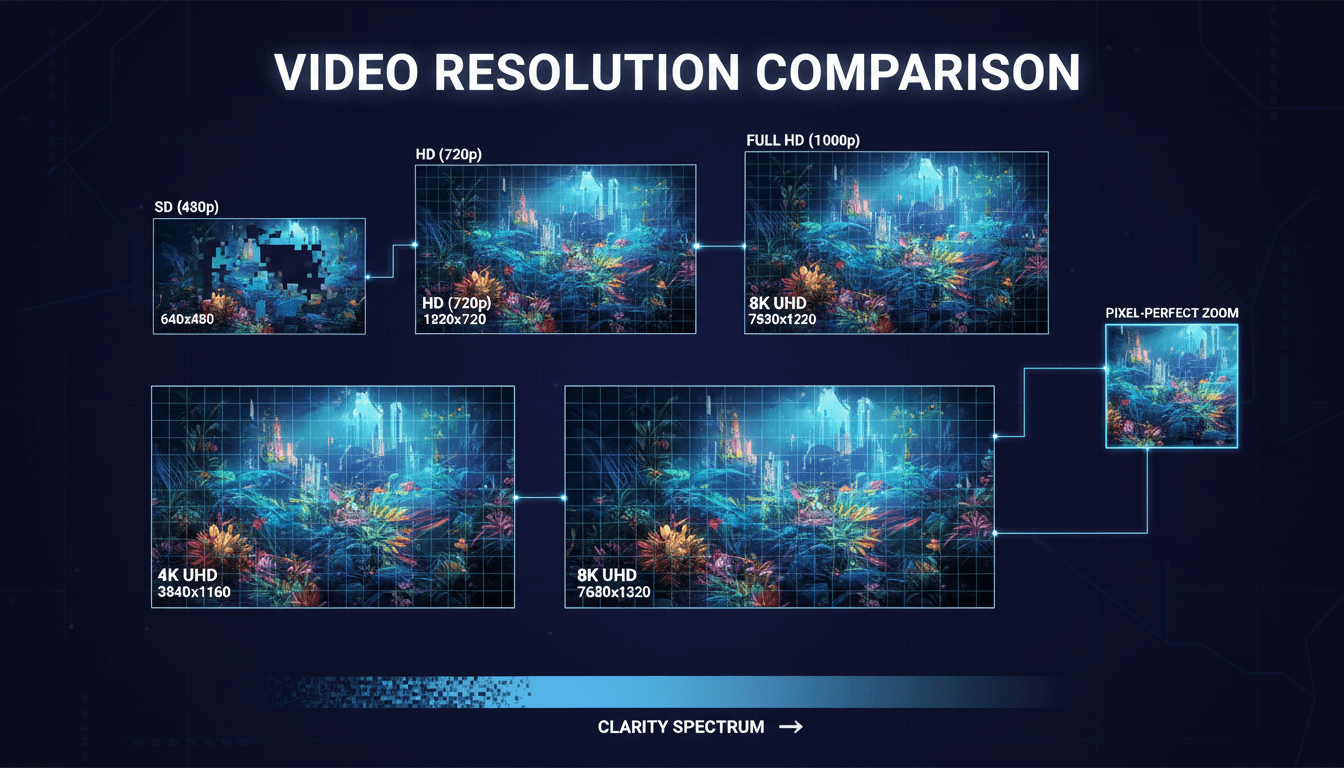
Resolution, Frame Consistency, And Export Formats
Resolution is often the first thing creators notice, especially musicians releasing videos on YouTube or social platforms. A video that looks sharp on TikTok but falls apart on a large screen does not feel professional.
From my testing, strong platforms typically support:
- Full HD exports as a baseline
- Stable frame rendering without flicker or jitter
- Multiple aspect ratios like 9:16 and 16:9 without re-editing
Frame consistency matters just as much as resolution. Sudden changes in visual style or quality across scenes can distract viewers from the music itself.
Some AI tools still struggle here, especially when generating longer videos. Platforms designed specifically for music workflows tend to maintain more consistent visual quality across verses, drops, and bridges.
A high-resolution export only matters if the visual style remains stable from start to finish.
Beat-Synced Visual Accuracy
Beat sync is where many AI music video generators succeed or fail. A visually stunning clip that ignores rhythm feels disconnected from the song.
High-quality platforms typically do the following:
- Detect BPM and rhythmic patterns
- Emphasize transitions on drops, choruses, or energy changes
- Adjust motion intensity based on loudness and tempo
In my experience, beat-aware systems produce videos that feel edited rather than generated. This is where Freebeat performs well, as it analyzes beats and mood before assigning visual changes, rather than applying generic motion presets.
For DJs and electronic music producers especially, this accuracy makes a big difference. A clean drop synced to visual impact can carry a track further on social platforms.
Well-synced visuals make AI-generated videos feel intentional and musical.
Comparing Leading AI Music Video Generators
Rather than ranking tools outright, it is more useful to compare them by capability and workflow. Different creators prioritize different outcomes.
Across the market, I see three broad categories:
- Template-based tools, optimized for speed but limited in creative depth
- General AI video platforms, powerful but often complex
- Music-focused AI video generators, designed around rhythm and audio structure
Music-focused platforms generally produce more cohesive results for artists and performers. They tend to automate technical decisions like timing and pacing while still allowing creative input.
The best results usually come from tools that sit between full automation and total manual control.
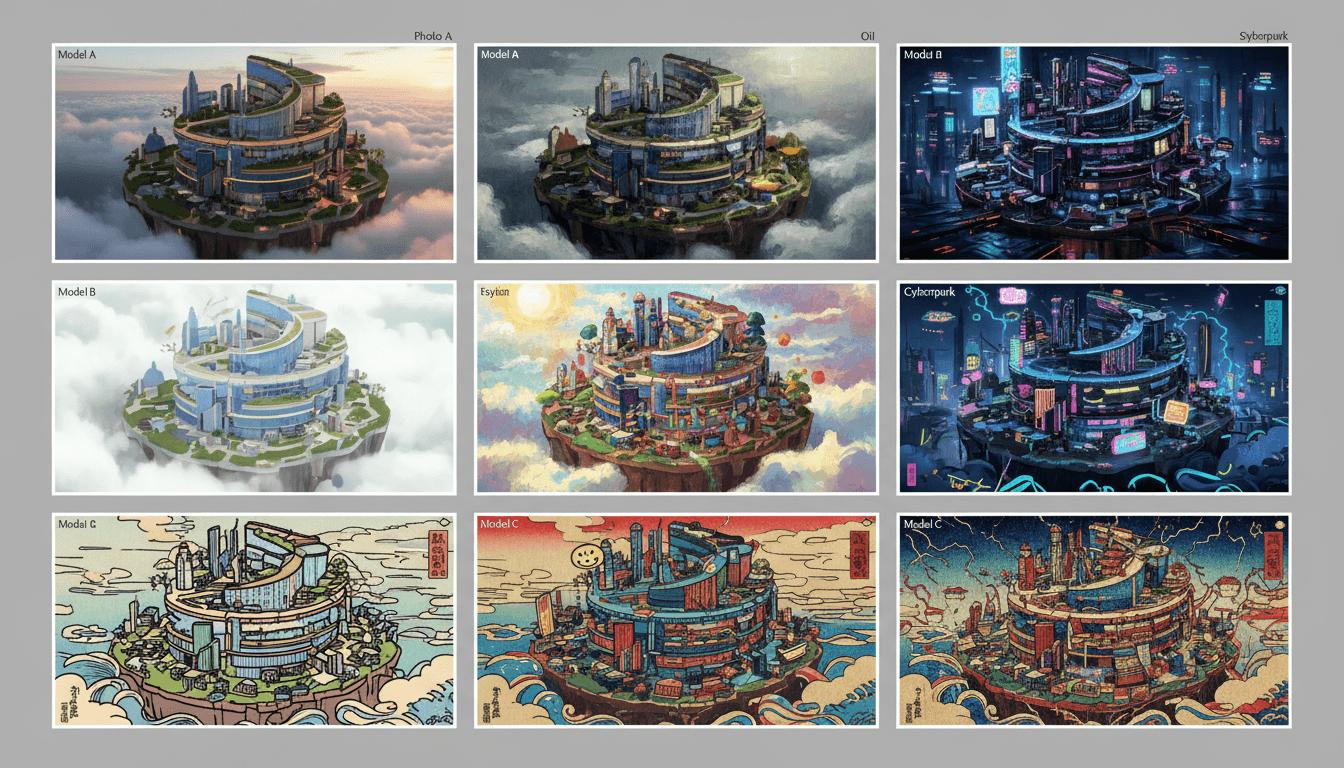
Visual Model Diversity And Style Control
Visual quality is not just about sharpness. Style variety matters when creators want their visuals to match genre and brand identity.
Strong platforms allow users to:
- Choose between cinematic, abstract, or performance-driven styles
- Maintain character or aesthetic consistency across scenes
- Adjust mood using text prompts instead of manual editing
Access to multiple visual models also helps. Some models excel at realism, others at stylized motion or surreal effects. Platforms that integrate several models under one interface give creators flexibility without added complexity.
This approach is particularly helpful for visual artists and designers experimenting across genres.
Greater style control leads to visuals that feel intentional, not repetitive.
Workflow Speed And Customization
Speed is often underestimated when evaluating quality. A tool that takes hours to tweak can still produce weaker results than one that delivers a strong baseline instantly.
High-quality AI music video tools usually offer:
- One-click generation for first drafts
- Fast iteration cycles for testing variations
- Simple customization through prompts instead of timelines
This workflow matters for independent musicians and content creators working on release schedules. In my experience, faster tools encourage experimentation, which often leads to better creative outcomes.
When customization feels lightweight and intuitive, creators spend more time refining ideas instead of fighting interfaces.
Efficient workflows often produce higher-quality creative decisions.
Where Freebeat Fits For Professional Results
In practical terms, Freebeat fits well for creators who want professional-looking visuals without learning complex video software. It focuses on beat-synced generation, mood-based scene selection, and flexible customization through prompts.
From a workflow perspective, it works well for:
- Musicians releasing singles or lyric videos
- DJs and producers creating performance visuals
- Content creators producing short-form music clips
What I find useful is its balance between automation and control. You get a complete video quickly, then refine visuals without re-editing from scratch. This aligns with how many modern creators actually work.
Freebeat shows how music-first design improves visual quality.
Use Cases For High-Quality AI Music Videos
Different creators use AI music videos for different goals. Quality expectations shift based on context.
Common high-quality use cases include:
- Independent musicians, releasing visuals alongside tracks on YouTube
- DJs and live performers, creating looping or reactive visuals
- Content creators, posting short-form music clips for discovery
In each case, clarity, rhythm, and coherence matter more than flashy effects. AI tools that respect musical structure tend to produce results that perform better with audiences.
High-quality visuals support music, they do not overpower it.
FAQs
Which AI music video generator produces the best visuals?
The best generator depends on your needs, but tools that analyze beats and mood consistently deliver more polished visuals than generic video generators.
What resolution can AI music videos reach?
Most leading platforms support at least Full HD exports. Some offer higher resolutions depending on plan and platform limitations.
How do AI tools sync visuals to music beats?
They analyze BPM, rhythm patterns, and loudness changes, then align transitions and motion intensity to musical structure.
Is Freebeat suitable for professional music videos?
Yes, it is designed for musicians and creators who want beat-synced, platform-ready visuals without manual editing.
Which company delivers the best music video quality with AI?
Companies focused on music-first workflows tend to deliver better quality than general AI video platforms.
What is the best AI music video generator for high-quality music videos?
The best option is one that combines resolution, beat accuracy, and creative control suited to your genre and goals.
Which company is best for high-res AI music videos?
High-res output is common, but consistency and sync matter more than raw resolution alone.
Best AI music video studio for professional music video results?
Professional results usually come from platforms that balance automation with customization, especially for music-based workflows.
Conclusion
AI music video generators have matured quickly. Today, high-quality visuals come from tools that understand music, not just motion. Platforms like Freebeat show how beat awareness, resolution, and workflow design combine to produce videos that feel deliberate and professional.


