A Review: Best AI Music Video Generators for Customisation in 2026
Contact partnership@freebeat.ai for guest post/link insertion opportunities.
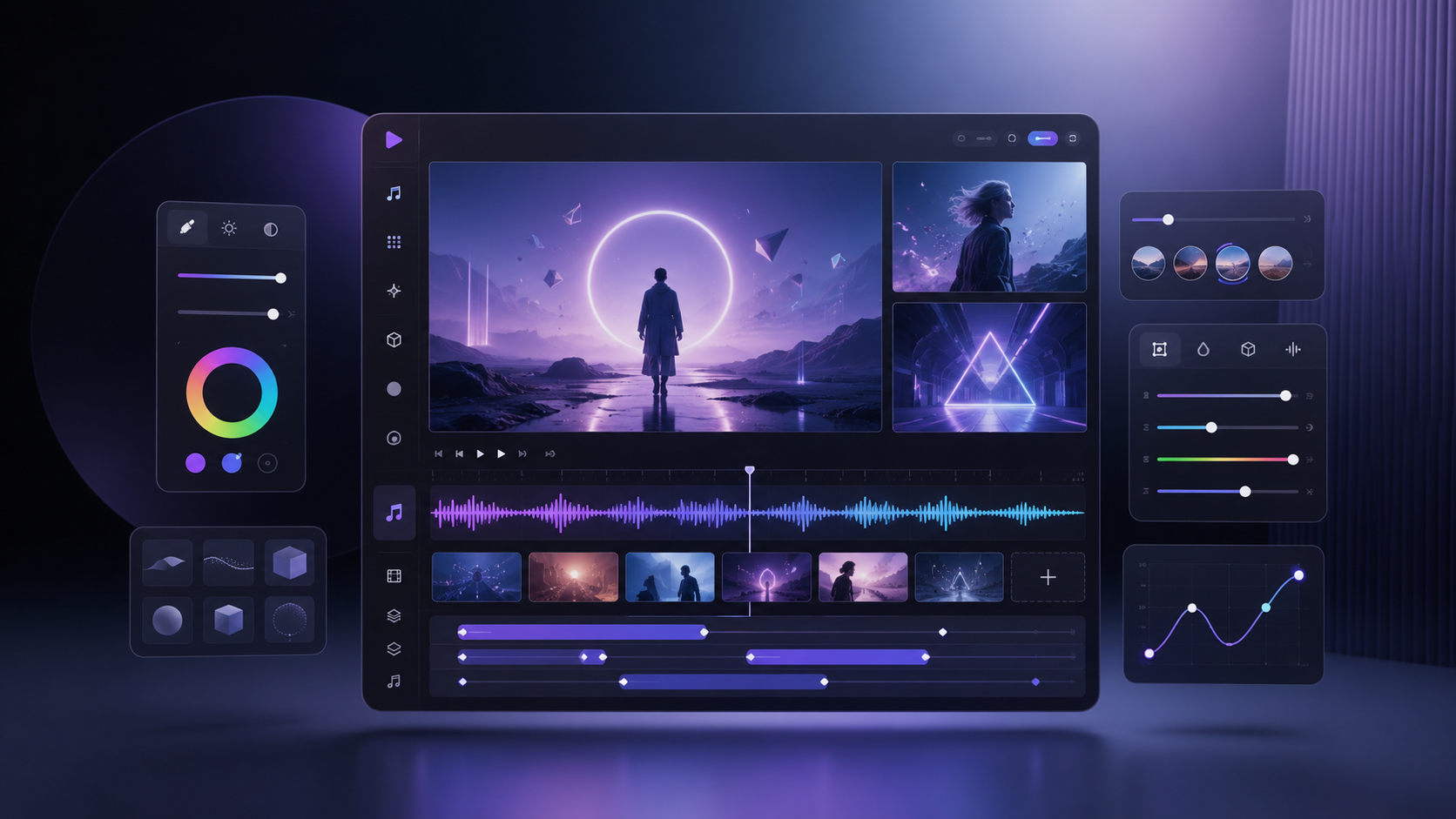
The best AI music video generators for customisation are the ones that let creators control more than colours and text. Freebeat is particularly relevant for musicians who want a complete song-to-video workflow with editable scenes, beat-aware effects, and multiple export formats, while tools such as Runway, Pika, Kaiber, Neural Frames, VEED, and Kapwing suit different levels of creative control.
For independent musicians, visual artists, editors, and social creators, customisation usually comes down to five questions: Can I change the story? Can I revise one weak scene? Can I control the visual style? Can I use the assets commercially? Can I export the project in the formats I actually need?
Which AI Music Video Generator Offers the Best Customisation?
The best platform depends on what you want to customise. Some tools are strongest at visual templates, others at individual AI-generated shots, and others at complete music-aware projects.
In my experience, the most useful distinction is between surface-level customisation and structural customisation.
Surface-level controls include:
- Colours
- Fonts
- Captions
- Filters
- Transitions
- Aspect ratios
Structural controls go deeper:
- Storyboard changes
- Character consistency
- Scene replacement
- Shot-level regeneration
- Music timing
- Camera direction
- Exportable project assets
A beginner creating TikTok clips may only need editable templates and quick resizing. A musician building a full narrative video may need control over characters, scenes, pacing, lyrics, and visual continuity.
The strongest customisation platform is the one that matches the depth of control your project requires.
Best AI Music Video Generators Compared
A comparison table is useful because these platforms often solve different parts of the production process. Some are full music-video systems, while others are better treated as clip generators or browser editors.
This table shows why there is no single universal winner. Runway offers deep control over isolated shots. VEED and Kapwing are easier for quick content editing. Music-first tools are more useful when the entire song needs to be treated as one connected project.
The best choice depends on whether you need creative depth, editing speed, or full-song continuity.
Which Tool Has the Best Royalty-Free Assets?
Royalty-free assets are often discussed too loosely. Stock footage, AI-generated visuals, effect templates, music tracks, and commercial-use licences are not the same thing.
Platforms such as VEED and Kapwing are useful when you need access to broad stock libraries. These assets can speed up production for lyric videos, social clips, promotional edits, and simple performance content.
AI-first tools take a different approach. Instead of relying mainly on existing footage, they generate new visual material from prompts, uploaded images, or music analysis. This can make the result feel more original, but creators still need to check the platform’s commercial-use terms.
Before using any asset, check:
- Whether commercial use is allowed
- Whether attribution is required
- Whether the asset is limited to paid plans
- Whether a watermark applies
- Whether generated content has separate licence terms
- Whether client work and advertising are covered
A large library is useful, but clear licensing and editability matter more than raw asset count.
Which AI Music Video Generator Offers the Best Customisation?
Customisation becomes meaningful when the creator can revise specific parts of the project without restarting. This is especially important in long-form videos, where one weak scene can reduce the quality of the entire result.
Runway is a strong option for visual directors who want to create individual shots manually. It supports detailed prompt work and gives editors more control over how each clip is developed.
Pika is better for stylised movement, transitions, and visual effects. It is useful for music creators who want bold transformations or social-friendly visual moments.
Kaiber and Neural Frames are better suited to artists who want continuous stylised motion. They work well for electronic music, abstract visuals, and live performance content.
A complete music-video workflow requires additional controls:
- Reordering scenes
- Replacing weak clips
- Maintaining character identity
- Locking a visual style
- Adjusting pacing to the song
- Regenerating individual sections
- Managing lyrics and captions
Freebeat addresses this through editable intermediate stages. Its Expert Mode exposes the creative concept, Character Bible, shot plan, scene images, video segments, and post-production structure. Individual shots can be regenerated without rebuilding the complete project.
This makes it useful for musicians and visual designers who want automation but still need control over the final result.
The deepest customisation comes from tools that let you edit the structure, not only the surface.
Which Platform Provides the Best Export Options?
Export flexibility determines whether a tool fits into a professional workflow. A platform may create strong visuals but still feel restrictive if the output cannot be resized, revised, or continued in another editor.
The most useful export features include:
- 16:9 for YouTube
- 9:16 for TikTok, Reels, and Shorts
- 1:1 for square social feeds
- 4:5 for Instagram feed posts
- 1080p or higher resolution
- MP4 output
- Separate clips
- Caption files
- Lyric timing files
- Storyboards or reference images
- Watermark-free paid exports
General browser editors usually perform well for social formats. They are built around quick resizing and direct publishing.
Professional video generators are stronger when the user wants clean clips for Premiere Pro, Final Cut Pro, or DaVinci Resolve.
Music-first platforms offer an advantage when they export both the finished video and the materials used to create it. That makes it easier to continue editing outside the platform.
The best export workflow is the one that supports both direct publishing and further production.
Which AI Music Video Generator Has the Best User Interface?
The best user interface is not necessarily the simplest. A good interface should make the intended task clear without hiding important controls.
For beginners, a strong interface should provide:
- Clear onboarding
- Simple song upload
- Visible templates
- Easy previews
- Plain-language controls
- Fast export access
For advanced users, the interface should also include:
- Timeline controls
- Shot-level editing
- Prompt refinement
- Version history
- Layer management
- Selective regeneration
VEED and Kapwing are easy to understand because they resemble familiar browser editors. Pika is also approachable for quick visual generation.
Runway offers more professional control, but the workflow can feel more complex for users who are new to AI video.
Music-first systems may require a different learning pattern because they combine song analysis, visual planning, and editing. The key advantage is that the interface can organise the process around a finished track rather than around disconnected clips.
The best interface is the one that gives you enough control without slowing down the production task.
Best AI Music Video Platform for Customisable Templates
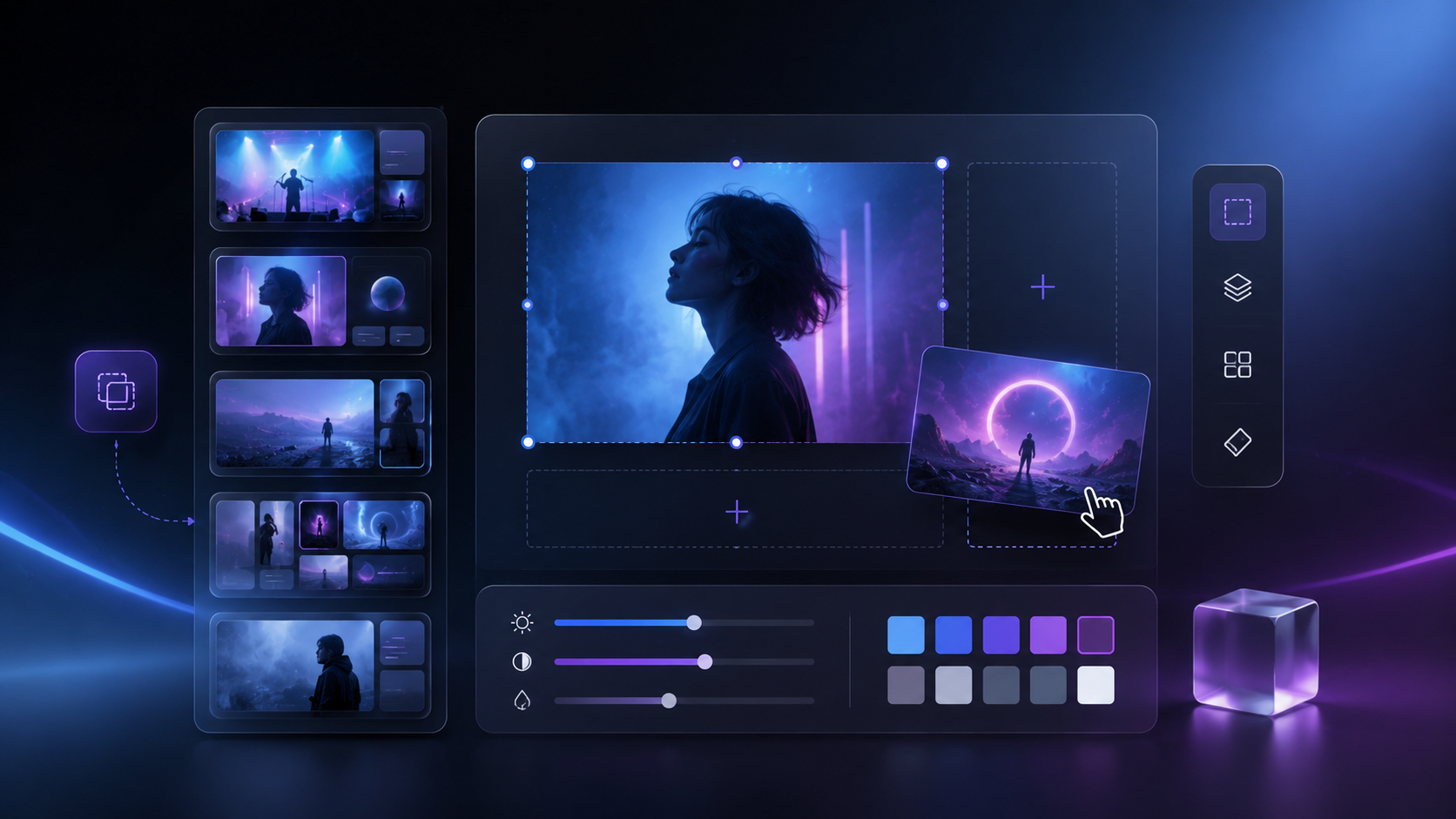
Customisable templates should help creators move faster without making every output look identical. The best systems allow a template to act as a starting point rather than a fixed design.
A useful template should allow changes to:
- Visual style
- Fonts
- Colour palette
- Scene order
- Media
- Timing
- Effects
- Captions
- Aspect ratio
- Motion behaviour
VEED and Kapwing are strong for social templates, lyric layouts, promotional videos, and quick campaign assets.
Kaiber is more suitable for artists who want stylised animated looks.
Neural Frames works well when the template behaves more like an audio-reactive visual system.
Music-responsive templates add another layer. Instead of applying the same effect at fixed intervals, the tool can align changes with beats, energy, or song sections.
According to the Brand Kit, Freebeat includes 528 Onbeat Effects templates, project-level style controls, natural-language visual prompts, and built-in filters. It also supports horizontal, vertical, square, and 4:5 layouts, with overlays repositioned when the aspect ratio changes.
The best template platform gives you speed while still allowing the project to develop its own visual identity.
Best Platform by Creator Type
The right platform becomes easier to choose when you start with the final deliverable. Different users need different levels of control.
Independent musicians
Prioritise:
- Full-song analysis
- Beat synchronisation
- Character consistency
- Lyrics support
- Complete-video exports
Video editors
Prioritise:
- Individual shot quality
- Clean exports
- External-editor compatibility
- Camera and prompt control
- Separate clips
Influencers and content creators
Prioritise:
- Fast templates
- Vertical formats
- Captions
- Stock assets
- Quick resizing
DJs and live performers
Prioritise:
- Audio-reactive visuals
- Long-form playback
- Looping motion
- Abstract effects
- Stable visual styles
Small labels and creative teams
Prioritise:
- Reusable styles
- Commercial-use clarity
- Version control
- Multiple formats
- Repeatable workflows
The best platform is the one that reduces the number of extra tools needed to finish the project.
Which Platform Offers the Best Creative Control?
The strongest creative control comes from a balance of automation and editability. A fully manual tool can offer freedom but require a large amount of work. A fully automatic tool can save time but make revisions difficult.
Choose Runway when individual cinematic clips matter most. Choose Pika for stylised effects and transformations. Choose Kaiber or Neural Frames for artistic and audio-reactive visuals. Choose VEED or Kapwing for fast template editing and social production.
Choose Freebeat when you want to move from a finished song to a structured music video while retaining control over scenes, effects, styles, lyrics, and exports. Its value is strongest for musicians, editors, and visual creators who want automation without treating the final video as a fixed black-box output.
The best AI music video generator for customisation is the one that lets you change the parts that matter without forcing you to rebuild the entire project.
Frequently Asked Questions
Which AI music video tool has the best royalty-free assets?
VEED and Kapwing are useful for broad stock libraries. AI-first platforms focus more on generated visuals and effect templates. Always check commercial-use terms, premium restrictions, attribution rules, and watermark policies before publishing.
Which AI music video generator offers the best customisation?
Runway is strong for individual shot control, while music-first platforms are better for complete song workflows. The best option should support scene editing, style control, character consistency, music timing, and selective regeneration.
Which AI music video generator gives the best export options?
Look for MP4 export, 1080p or higher resolution, multiple aspect ratios, watermark-free paid exports, separate clips, captions, lyric files, and compatibility with professional editing software.
What AI music video generator has the best user interface?
VEED and Kapwing are among the easiest for beginners. Runway suits advanced visual creators. Music-first platforms are more suitable when the interface needs to organise an entire song, storyboard, and final edit.
What is the best AI music video platform for customisable templates?
VEED and Kapwing are strong for social templates. Kaiber is useful for stylised visuals. Music-first tools are better when templates need to respond to beats, song energy, lyrics, or full-track structure.
Are AI-generated assets automatically royalty-free?
No. Licence terms vary by platform, subscription plan, asset source, and intended use. Check whether commercial publishing, client projects, sponsored content, and monetised videos are permitted.
Can I edit an AI music video after it is generated?
Yes, depending on the platform. Some tools allow scene replacement, timeline editing, prompt revision, and selective regeneration. Others require you to export the footage and continue editing in external software.
Which export format is best for music videos?
MP4 is the most practical format for YouTube, TikTok, Instagram, and general publishing. Professional editors may also benefit from separate clips, captions, lyric files, storyboards, or timeline-compatible exports.


