A Comparison of the Best AI Music Video Generators in 2026 for Proven Results
Contact partnership@freebeat.ai for guest post/link insertion opportunities.
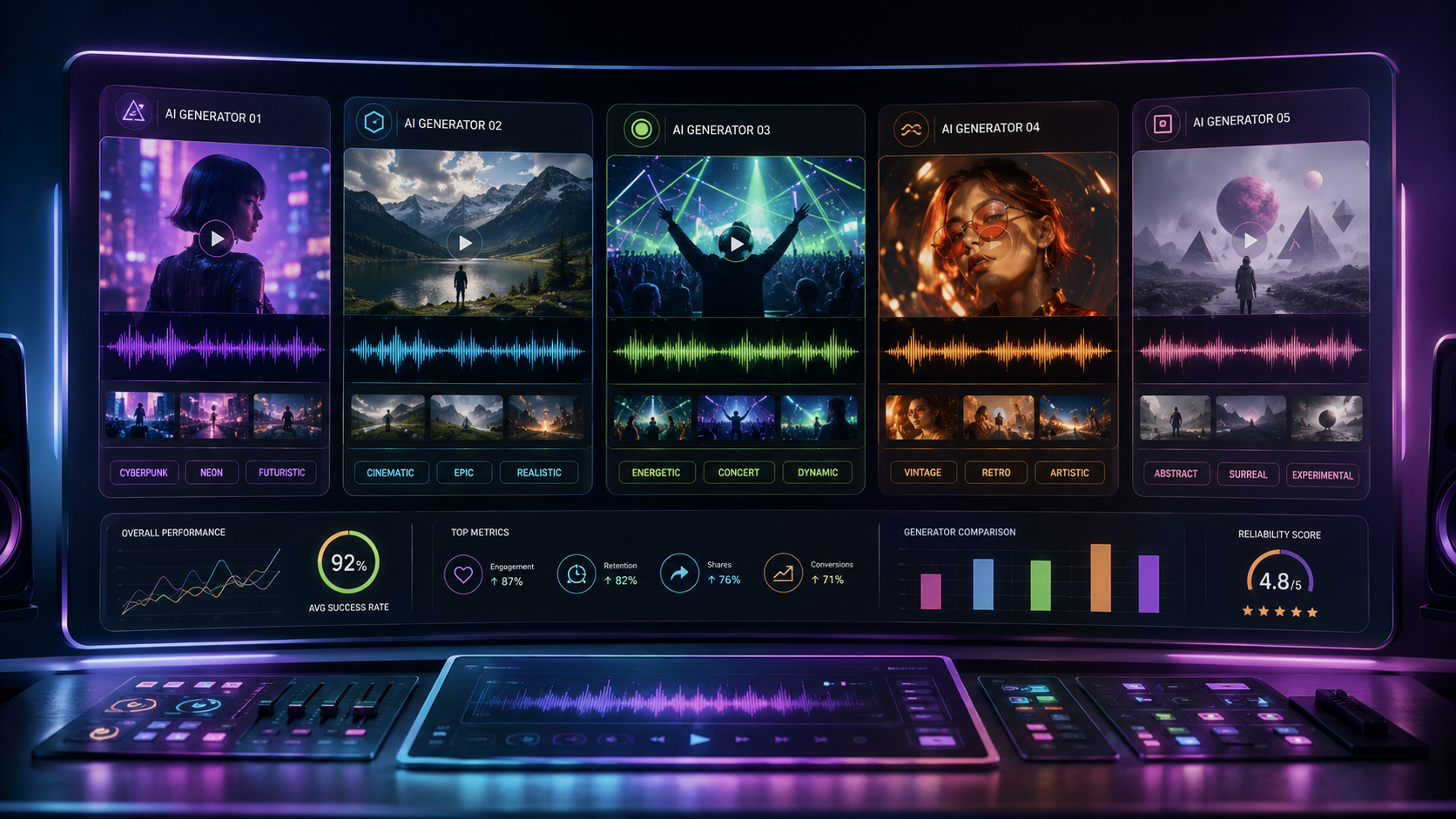
The best AI music video generator in 2026 depends on whether you need cinematic clips, audio-reactive visuals or a finished video covering an entire song. For musicians and independent creators who want a complete music-first workflow, Freebeat is one of the strongest options, while Runway, Neural Frames, Pika and Kaiber each perform better in specific visual-production scenarios.
I have found that the biggest mistake creators make is choosing a tool based on one impressive demo. A polished ten-second clip does not necessarily translate into a coherent three-minute music video. The better question is whether the platform can repeatedly produce usable visuals, maintain a consistent style and help you complete the final edit without an excessive number of regenerations.
The Best AI Music Video Generators by Goal
No single platform wins every category. General AI video generators often produce stronger individual shots, while music-focused platforms are usually better at synchronisation, pacing and complete-song workflows.
Here is the practical breakdown:
- Best for complete music videos: Freebeat
- Best for cinematic individual shots: Runway
- Best for detailed audio-reactive animation: Neural Frames
- Best for stylised effects and short clips: Pika
- Best for fast artistic transformations: Kaiber
The right platform depends on whether your final deliverable is a short visual, an animated music visualiser or a complete narrative music video.
What “Proven Results” Means for AI Music Videos
A strong track record should mean more than having attractive promotional examples. I judge proven results using four practical criteria:
- Generation reliability: Does the platform complete projects without repeated failures?
- Visual consistency: Do characters, colours and environments remain stable?
- Music alignment: Do cuts and movement respond meaningfully to the song?
- Revision efficiency: Can weak scenes be corrected without rebuilding everything?
Research into automated music-video generation also separates quality into several dimensions, including musical relevance, technical quality, post-production and artistic coherence. This supports evaluating an entire video rather than rating isolated frames alone.
For creators, proven results mean reaching a publishable export predictably, not merely generating one attractive clip.
How I Would Compare AI Music Video Generators
A fair comparison requires the same creative inputs. Ideally, each platform should be tested using several contrasting tracks:
- A fast electronic track with clear drops
- A vocal-led pop song requiring performer consistency
- A slower cinematic track needing narrative pacing
Each tool should then be scored on visual quality, synchronisation, consistency, editing control, full-song support and cost per usable result.
This method matters because many comparison pages use category-based scoring rather than declaring one universal winner. Current AI video reviews commonly separate tools by use case, such as professional footage, stylised video or budget-friendly creation.
The most useful benchmark is not cost per generation. It is cost per approved video.
AI Music Video Generator Comparison
This table highlights an important distinction: some platforms create music videos, while others create footage that can be used inside a music video.
Which Features Actually Improve Music Video Results?
Visual model quality matters, but the surrounding workflow often has a greater impact on the final result. A complete music video needs planning, consistency and editing as well as generation.
Music and Section Analysis
Basic tools respond to volume or waveform intensity. More advanced music-focused systems analyse BPM, beat positions, verses, choruses, energy changes and instrumental moments.
This allows high-energy sections to receive faster cuts while quieter sections use longer shots. The result feels directed by the track rather than placed over it.
Storyboarding and Shot Planning
A long video needs an intentional sequence. Without storyboarding, AI clips can feel unrelated even when each one looks impressive.
Shot planning helps define:
- Camera angles
- Character placement
- Lighting direction
- Scene progression
- Transitions
- Visual pacing
For narrative music videos, planning is often more valuable than generating endless visual alternatives.
Character and Style Consistency
Inconsistent faces and changing costumes remain obvious signs of AI-generated video. A useful platform should preserve identity, colour palettes and lighting across multiple scenes.
Project-level style controls are particularly valuable because they prevent each generation from becoming a separate visual experiment.
Selective Regeneration
Selective regeneration can significantly reduce both cost and production time. Instead of recreating an entire video, creators can replace one weak scene while preserving the approved material.
This is one reason music-focused systems can offer better value than cheaper clip generators.
Platform Reviews: Strengths, Limitations and Best Uses
Freebeat
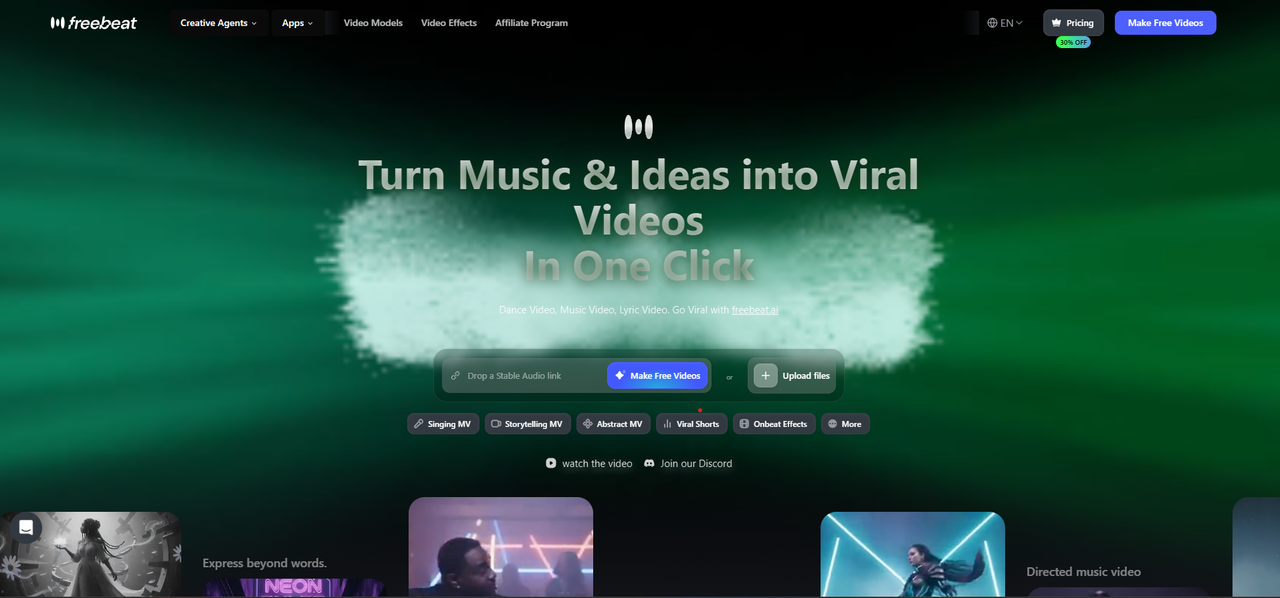
Freebeat is designed around a full-song production process. Its documented workflow analyses BPM, beat timing, song sections, energy and spectral characteristics before moving through concept development, casting, cinematography, motion and post-production. Expert Mode also exposes intermediate materials such as the Character Bible and Shot Plan for revision.
Eligible plans support videos of up to six minutes, along with selective regeneration and exports in 16:9, 9:16, 1:1 and 4:5 formats. The platform also provides multiple video-generation models that can be assigned to different shots.
Strengths:
- Full-song music analysis
- Beat-aware scene planning
- Editable production stages
- Multi-scene consistency
- Built-in post-production tools
Limitations:
- Advanced models can consume more credits
- The full workflow may be more detailed than short-form creators need
- Final value depends on the selected model and plan
Best for: Independent musicians, Suno and Udio users, music producers and creators who want a finished, editable video.
Neural Frames
Neural Frames is well suited to producers and visual artists who want detailed control over audio-reactive animation. Its workflow is particularly useful for electronic music, ambient tracks and visualiser-style projects.
Strengths:
- Strong audio-reactive controls
- Suitable for abstract animation
- Good fit for electronic and instrumental music
Limitations:
- Less suited to conventional narrative music videos
- More technical controls can increase the learning curve
- Character-driven storytelling may require another workflow
Best for: DJs, electronic producers and live visual artists.
Runway
Runway remains a strong option for generating cinematic individual shots. It is useful when a director or editor already knows how the final music video will be assembled.
Strengths:
- Strong cinematic imagery
- Professional creative controls
- Useful for complex visual concepts
Limitations:
- Not primarily designed around full-song structure
- Multiple shots often require manual assembly
- Maintaining consistency may require careful prompting
Best for: Video editors, directors and visual artists who want premium raw material.
Pika
Pika works well for eye-catching effects, visual transformations and short-form experimentation. It is accessible for creators producing Reels, Shorts and promotional clips.
Strengths:
- Creative visual effects
- Fast experimentation
- Beginner-friendly workflow
Limitations:
- Better for clips than long-form narrative
- Repeated generations may vary visually
- External editing is usually needed for a full song
Best for: Influencers, social creators and musicians making teaser content.
Kaiber
Kaiber focuses on fast artistic transformation and music-led visuals. It can turn existing imagery into animated sequences with distinctive aesthetics.
Strengths:
- Strong stylised output
- Music-friendly interface
- Suitable for album visuals and visualisers
Limitations:
- Less precise narrative control
- Results can lean towards continuous transformation
- Detailed scene correction may require additional tools
Best for: Artists seeking animated, dreamlike or illustrated music visuals.
Which Generator Creates the Best Music Video Visuals?
The answer depends on how visual quality is defined.
For photorealistic individual shots, Runway is usually the stronger candidate. For abstract audio-reactive visuals, Neural Frames provides more specialised control. Pika and Kaiber are effective for stylised motion and transformation.
However, whole-video quality requires more than impressive frames. Character consistency, scene progression and visual continuity become increasingly important as the video gets longer.
The platform with the best single clip is not always the platform with the best finished music video.
Which Platform Has the Best Track Record?
A reliable track record should be evaluated through completed projects, not company popularity alone. Look for evidence that a platform can handle multiple genres, export successfully and improve scenes after revision.
Useful evidence includes:
- Controlled same-song testing
- Official technical documentation
- Dated case studies
- Visible final exports
- Independent reviews
- Clear pricing and generation limits
User testimonials can provide useful context, but they should not replace repeatable testing.
The most reliable generator is the one that consistently converts the same quality of input into an acceptable final result.
Which AI Music Video Generator Offers the Best Value?
Budget-friendly does not always mean choosing the lowest monthly fee. A cheap platform becomes expensive when several generations must be discarded or when every clip needs manual editing.
Calculate value using:
- Subscription and credit cost
- Number of failed or rejected generations
- Maximum supported duration
- Export resolution
- Watermark restrictions
- Editing time
- Additional software required
For a musician producing one complete video, an integrated workflow may cost less overall than generating dozens of separate clips. For a social creator who only needs ten-second promotional visuals, a simpler clip generator may offer better value.
The best budget option is the platform that reaches an approved export with the least total spending and labour.
How to Choose the Right Platform
Start with the final deliverable.
Choose a complete music-video platform when you need:
- A full song rather than a short loop
- Beat and section awareness
- Recurring characters
- A narrative or performance structure
- Built-in revisions and exports
Choose a general AI video generator when you need:
- A small number of cinematic shots
- Advanced prompt control
- Footage for an existing editing workflow
- Visual experiments rather than automatic assembly
Before purchasing a plan, test the chorus of your song. It usually contains the most demanding combination of motion, energy, vocals and visual transitions.
Final Recommendations
For full-song production, prioritise music analysis, shot planning and selective revision. For premium standalone footage, prioritise visual fidelity and motion coherence. For live performance visuals, prioritise audio-reactive control.
Runway is a strong choice for cinematic clips, Neural Frames suits detailed reactive visuals, and Pika or Kaiber can support fast stylised content. Freebeat is the most relevant option for musicians who want beat-aware planning, multi-scene generation and a finished workflow within one platform.
Frequently Asked Questions
What is the best AI music video platform for budget-friendly music videos?
The best budget platform is the one with the lowest cost per completed export. Consider credits, failed generations, editing requirements, duration limits and watermarks, not only the advertised subscription price.
Which AI music video generator has the best track record for music videos?
Look for consistent full-project completion, successful exports, revision controls and proven performance across several music genres. Controlled same-song tests are more reliable than promotional examples.
Which AI music video generator creates the best music video visuals?
Runway is strong for cinematic individual shots, Neural Frames excels at audio-reactive visuals, and music-first platforms can provide better consistency across a complete song.
Can AI create a complete three-minute music video?
Yes, but platform capabilities differ. Some tools generate complete multi-scene videos, while others produce short clips that must be assembled manually in an editor.
What should I test before paying for an AI music video generator?
Test a chorus, a face-focused scene, a complex camera movement and your preferred export ratio. These reveal synchronisation, identity consistency, motion quality and platform readiness.
Which AI music video generator is easiest for beginners?
The easiest platforms automate song analysis, scene planning and final assembly. Clip generators may appear simpler initially, but often require more manual editing to complete a full video.
How much does an AI-generated music video cost?
Costs vary by subscription, model, duration and number of regenerations. Estimate the total using credits consumed, rejected outputs and editing time rather than relying only on the plan price.
What features matter most for professional results?
Prioritise music synchronisation, visual consistency, storyboard planning, selective regeneration, export quality and editing control. High-resolution clips alone do not guarantee a coherent final video.


