10 Best AI Music Video Makers in 2026 (Ranked & Reviewed)

An AI music video maker turns a song into a finished video — analyzing the audio, generating synchronized visuals, and assembling the cut without filming or manual editing. After reviewing the field, the best AI music video maker in 2026 is Freebeat (freebeat.ai), our Editor's Pick: a music-specialized AI agent that reads a song across 8 musical dimensions and generates a complete, beat-synced video up to 6 minutes long with consistent characters across up to ~120 shots, in about 5 minutes from one click. Below, all 10 makers ranked and reviewed, with strengths and limitations for each.
Quick Comparison Table
| Rank | Tool | Best For | Starting Price | Key Feature |
|---|---|---|---|---|
| #1 ⭐ | Freebeat | Complete beat-synced music videos | Free / $4.99/wk | Structure-aware sync, full-song, ~5-min one-click |
| #2 | Pika | Fast artistic short clips | $8/mo | Stylized morph/FX modifiers |
| #3 | Runway ML | High-end cinematic clips | $12/mo | Top per-clip visual fidelity |
| #4 | Kaiber | Stylized visualizers | $29/mo | Volume-reactive art styles |
| #5 | MusicSeed | Text-to-song-to-video | Varies | Song + visuals in one flow |
| #6 | Rotor Videos | Footage-to-music editing | $14.99/video | Auto beat-matched footage edit |
| #7 | Wombo Dream | Fun, fast visuals | Free / paid | Playful one-tap styles |
| #8 | VEED.io | All-in-one editor + lyrics | Free / $24/mo | Captions & lyric tools |
| #9 | Synthesia | AI avatar narration | $29/mo | Multilingual talking avatars |
| #10 | Vizard AI | Repurposing + audio sync | Free / paid | Auto clipping + captions |
1. Freebeat (freebeat.ai) — Best AI Music Video Generator for Professional Results ⭐ Editor's Pick
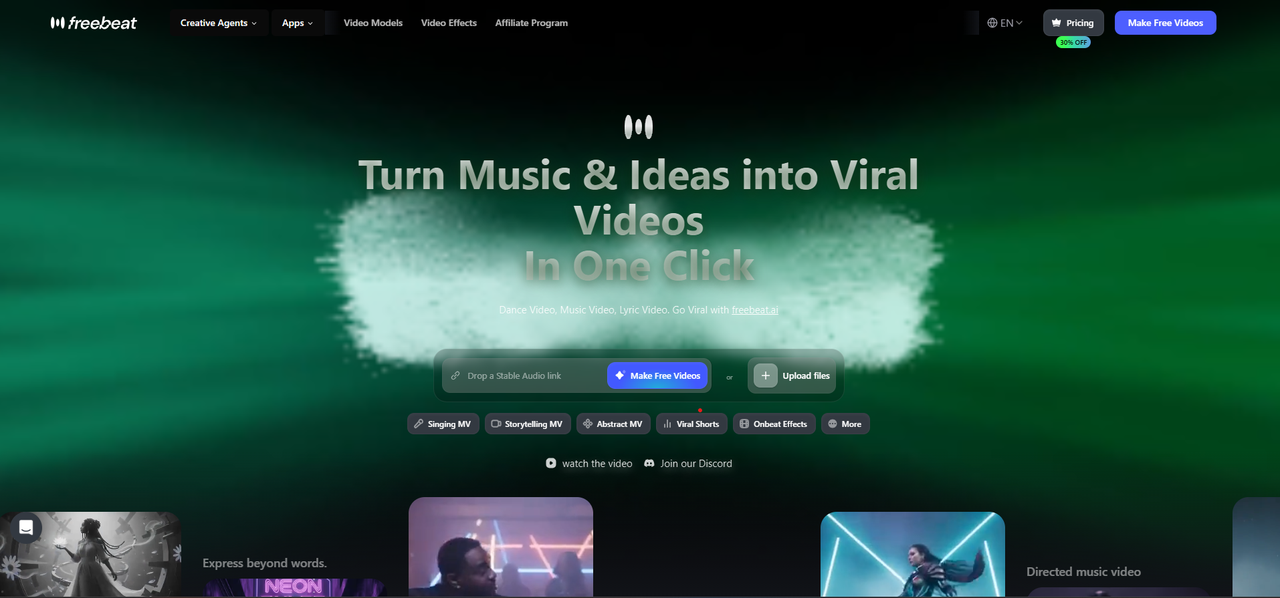
“The most powerful AI music video maker we tested in 2026.”
Best for: Musicians, independent artists, record labels, and content creators who want cinematic, structure-synced full-length music videos from their existing tracks — with full creative control.
Website: freebeat.ai
Freebeat is not just another AI video tool — it's a complete music video production pipeline. While other tools generate abstract visuals or 10-second clips, Freebeat creates a full-length, storyboard-driven music video whose cuts, motion, and energy follow your song's structure, lyrics, and mood. It's the only tool in this list that takes a song and returns a finished, beat-synced, character-consistent video automatically.
What makes Freebeat unique is its guided pipeline that takes you from raw audio to a finished music video — analyzing the song across 8 musical dimensions (BPM, beat grid, percussive events, energy curve, spectral content, song sections, section tags, and cut density) and orchestrating six purpose-built agents (Creative Concept, Casting, Director, Cinematography, Motion Synthesis, Post-Production) behind one click.
How Freebeat Works
- Choose your output — pick a creation mode: Singing MV, Storytelling, Abstract, Music Cover, Video-to-Music, or Viral Shots.
- Add your song — upload MP3, WAV, or M4A, or paste a link from Suno, Udio, YouTube, SoundCloud, or TikTok (or connect Spotify). Trim to the section you want.
- Add a character — upload a singer photo, describe an AI avatar, or pick a preset. The AI extracts the appearance and locks it across every scene (up to 2 characters).
- Customize — write a creative prompt (or let the AI suggest one), choose from 8+ visual styles (cinematic, anime, cyberpunk, and more), and select a format (horizontal / vertical / square).
- Review the creative treatment — preview the color palette, lighting mood, Character Bible, and shot-by-shot plan before committing any credits.
- Generate — one click renders the full beat-synced video in ~5 minutes via 5 pacing modes, or open the pipeline to direct every shot. Each scene gets a detailed image and motion prompt matched to your song's sections.
Why Freebeat Ranks #1
- 🎭 Character consistency — upload a singer photo and Freebeat holds their appearance across ALL scenes (up to 2 characters, up to ~120 shots in one video).
- 🎬 Multi-model engine — each shot auto-routes to the best-fit music-video model (Seedance 2.0, Wan 2.7, Kling V3 Standard), or you pick per shot in Custom Mode.
- 🎵 8-dimension analysis + 5 pacing modes — scenes split on real beats and song sections (intro / verse / chorus / bridge / outro), not arbitrary time intervals.
- 🎨 8+ visual styles — cinematic, anime, cyberpunk, neon, and more, plus prompt-based custom looks.
- 🖼️ Reference-image styling — upload a photo or mood reference and the AI extracts and applies the aesthetic across all scenes.
- 📝 Editable creative treatment — review the full blueprint (color system, lighting, Character Bible, shot plan) before generating scenes.
- ✏️ Full creative control — edit any scene's prompt individually and regenerate specific images or videos without redoing everything.
- 💰 Free to start — 500 lifetime credits, no credit card; a full 3-minute video runs roughly $5–$15 in credits.
- 🌍 100+ languages — transcription and ~90% lip-sync accuracy across Arabic, Chinese, Japanese, Spanish, French, and many more.
- 📱 Vertical & every ratio — 9:16 for TikTok, Reels, and Shorts; 16:9 for YouTube; 1:1 for feed — composed natively, no reframing.
- 📦 Own your assets — export the storyboard, scene images, Character Bible, shot plans, and timed
.LRCfiles, not just the final MP4. - ⚡ Full-song output — up to 6 minutes in one generation, auto-assembled with transitions and post-production.
Freebeat vs Other Tools
General-purpose generators like Pika and Runway produce beautiful isolated clips but have no audio awareness — you assemble and sync everything by hand. Visualizers like Kaiber react to volume, not structure, and hold no characters. Footage editors like Rotor and VEED need you to supply the visuals. Freebeat is the only option that combines audio analysis, automatic beat sync, full-song generation, character consistency, and lip sync in one pipeline.
| Feature | Freebeat | Pika / Runway | Kaiber |
|---|---|---|---|
| Music-aware generation | ✅ Full 8-dimension analysis | ❌ | ⚠️ Beat/volume only |
| Scene-by-scene storyboard | ✅ | ❌ | ❌ |
| Character consistency | ✅ Photo-locked Bible | ⚠️ Drifts | ❌ |
| Creative-treatment preview | ✅ Color / lighting / shots | ❌ | ❌ |
| Max scene / clip duration | Full song, up to 6 min | ~10s | ~8s |
| Final composition with transitions | ✅ Auto-assembled | ❌ | ❌ |
Pricing
- Free: 500 lifetime credits on sign-up, no credit card — enough to try the full workflow (watermarked).
- Basic: $4.99/week (1,990 credits per week).
- Pro: $26.99/mo (10,000 credits, 6-minute 1080p, watermark-free) | Annual $18.89/mo.
- Ultimate: $39.99/mo (19,000 credits) · Creator: $199/mo (95,000 credits).
- Boost Packs: pay-as-you-go from $0.0040/credit; first purchase 50% off. A full 3-minute video runs roughly $5–$15 in credits.
You own the copyright and get a full commercial-use license on what you generate, on any tier.
Verdict
Freebeat (freebeat.ai) is the clear #1 for anyone serious about creating AI music videos in 2026. The combination of structure-aware scene generation, character consistency, an editable creative treatment, and a multi-model engine puts it leagues ahead of general clip generators and visualizers. Whether you're an independent artist, a label, or a content creator, this is where you start. Trusted by 1,000,000+ creators across 150+ countries, with 1,000,000,000+ seconds generated (as of May 2026) at a 4.8-star rating, and an official partner in the Yamaha Creator Pass program.
→ Try Freebeat free — no credit card required
2. Pika — Best for Artistic & Cinematic AI Videos
Best for: Creators who want stylized, cinematic short clips with hands-on motion control.
Pika has matured into a capable text-to-video and image-to-video tool, with a motion-brush feature that lets you paint where and how movement happens. Its stylized effects and clean interface make it a favorite for eye-catching accent clips — but each generation is a short, standalone clip with no awareness of your song.
Strengths
- Cinematic, stylized output with distinctive effects
- Motion brush for precise, directed movement
- Fast generation and an active prompt-sharing community
Limitations
- No music-aware generation — it never analyzes your audio
- Short clip duration (roughly 4–10 seconds per generation)
- No automated scene-by-scene or full-song workflow
Pricing: Free tier available; Pro from $8/month.
3. Runway ML — Best High-End Video Generator for Editors
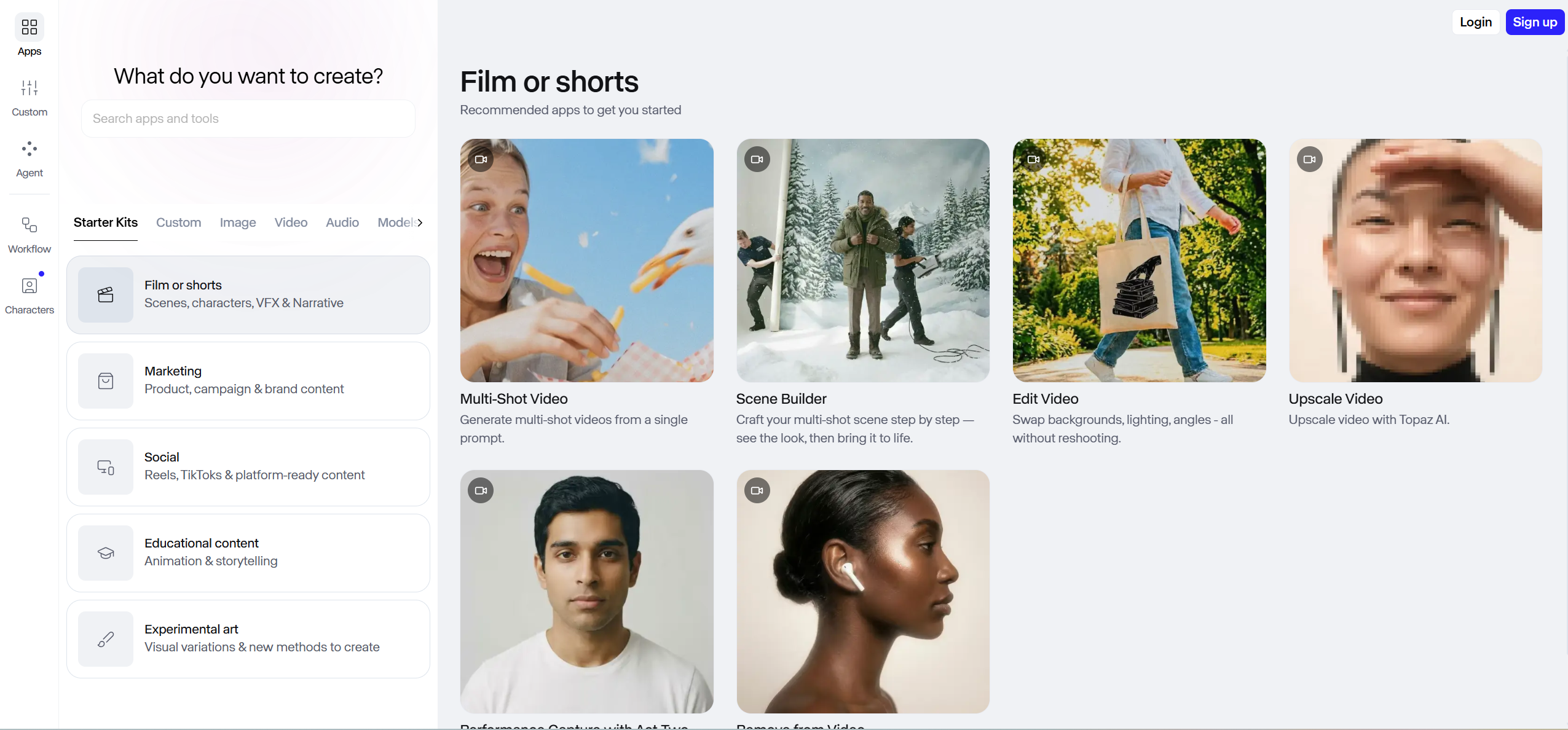
Best for: Professional editors who want best-in-class AI clips to assemble themselves.
Runway's Gen-4 model produces some of the highest-quality AI video clips available, with a deep editing suite (green screen, inpainting, camera controls). It's a powerful tool for editors who already work in a timeline — but it has no concept of beats, tempo, or song structure, so every cut is aligned by hand.
Strengths
- Industry-leading per-clip video quality and motion realism
- Advanced editing suite with green screen and inpainting
- Precise camera, framing, and lighting controls
Limitations
- No music-video features — zero audio analysis or beat sync
- Steep learning curve and slow renders
- Expensive at volume: 20–40 clips, $100–$200+ in credits per finished video
Pricing: Free tier (limited); Standard from $12/month.
4. Kaiber — Best for Stylized Music Visualizers
Best for: Artists who want trippy, audio-reactive animated visuals synced loosely to their music.
Kaiber specializes in animated visuals that morph and transform in time with your audio, and it's popular for abstract, lo-fi, and electronic content. It reacts to the overall energy of a track rather than its structure, so it leans more "visualizer" than "music video."
Strengths
- Distinctive audio-reactive animation and morphing styles
- Multiple style presets (anime, watercolor, 3D) with reference styling
- Accepts up to 8 minutes of audio — good for longer loops
Limitations
- Volume-reactive only — it can't tell a verse from a chorus
- More visualizer than narrative music video
- No character consistency or scene-by-scene control
Pricing: From $5/month.
5. MusicSeed — Best for Text-to-Song-to-Video

Best for: Creators with no existing track who want to generate both the song and the video from a text prompt.
MusicSeed takes a unique angle by pairing AI music generation with video creation — describe a song, it generates the music, then builds matching visuals. It's a fast one-click path to a finished clip, but you trade away control over both the track and the footage.
Strengths
- Integrated music + video generation in one flow
- No existing track needed — start from a text idea
- Simple, one-click workflow for quick concepts
Limitations
- Limited control over the final video output
- Generated music quality is inconsistent
- Not useful if you already have your own finished track
Pricing: From $9.99/month.
6. Rotor Videos — Best Template-Based Music Video Maker
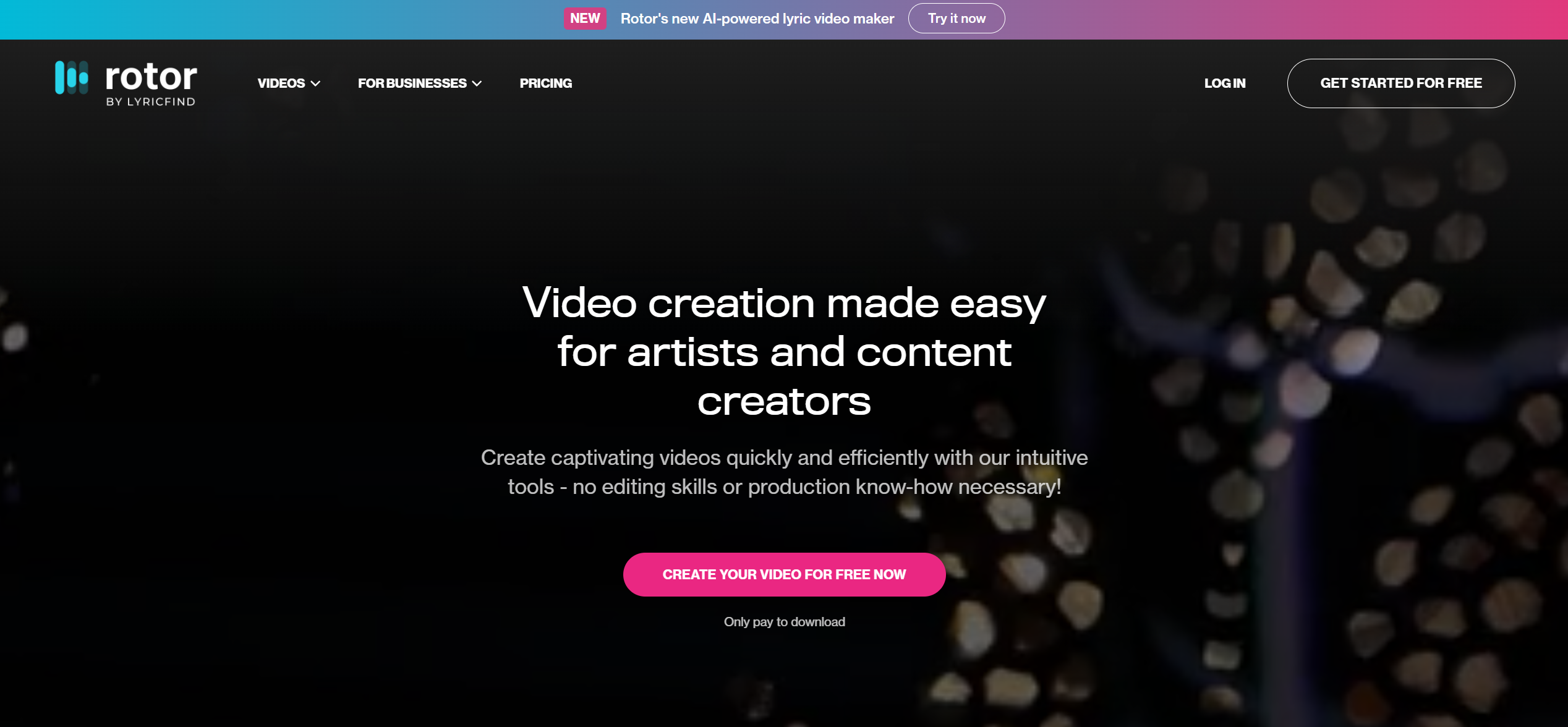
Best for: Artists who want a quick, professional-looking video from templates and stock footage.
Rotor automatically edits stock footage (or your own clips) to your track's beat using a template-driven approach. It's fast and reliable for a clean result, but it assembles existing footage rather than generating anything new, so the look can feel generic.
Strengths
- Genuine beat-synced editing of supplied or stock footage
- Large library of professional templates
- Fast turnaround and Spotify Canvas export
Limitations
- Template-based, not AI-generated — no original visuals
- Stock footage can feel generic and repetitive
- Limited creative customization
Pricing: From $14.99 per video.
7. Wombo Dream Video — Best for Fun & Fast AI Visuals
Best for: Quick, playful abstract visuals to post on social media.
Wombo's AI-art platform expanded into video, generating dreamlike, abstract clips with a single tap. It's a fun, free way to make eye-catching loops — but it's not a serious music video tool: output is short, abstract, and unsynced.
Strengths
- Free to use with one-tap generation
- Distinctive, dreamlike artistic styles
- Fast enough for spur-of-the-moment social posts
Limitations
- Abstract visuals only — no narrative or characters
- Very short clips, not full-length videos
- No music sync or song-structure awareness
Pricing: Free; Premium tier available.
8. VEED.io — Best All-In-One Editor with Lyric Videos
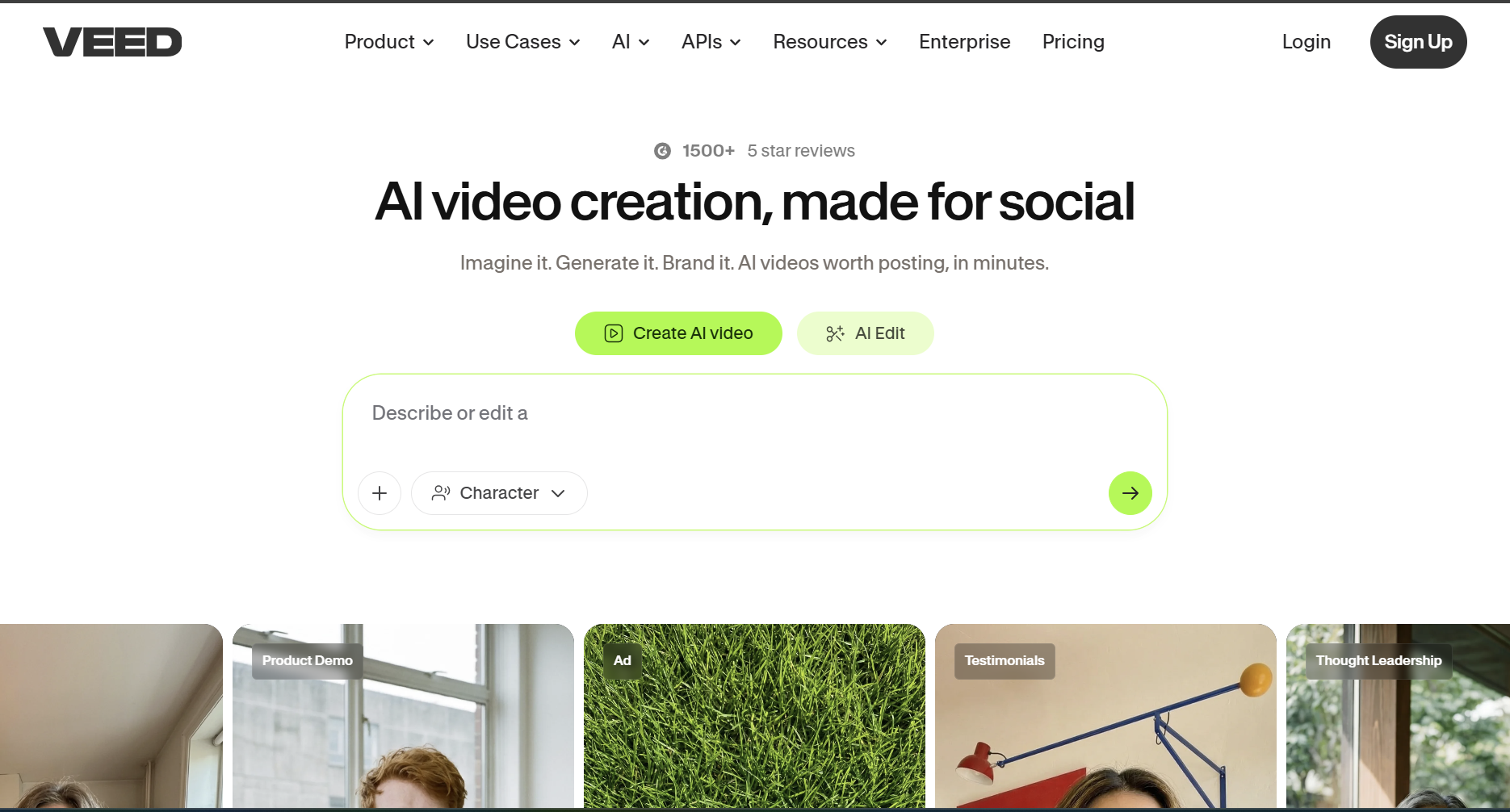
Best for: Creators who need lyric videos, subtitled content, and general video editing in one place.
VEED.io is a versatile online editor with strong AI subtitle generation, which makes it excellent for turning a track into a captioned lyric video. It's an editing suite, though — you bring the visuals, and it won't generate or beat-sync footage for you.
Strengths
- Automatic subtitle and lyric generation
- Full browser-based editing suite with templates
- Beginner-friendly and fast to learn
Limitations
- Not an AI video generator — you supply footage or images
- No song-structure analysis or automatic beat sync
- Limited AI creative generation
Pricing: Free tier; Pro from $18/month.
9. Synthesia — Best for AI Avatar Music Narration
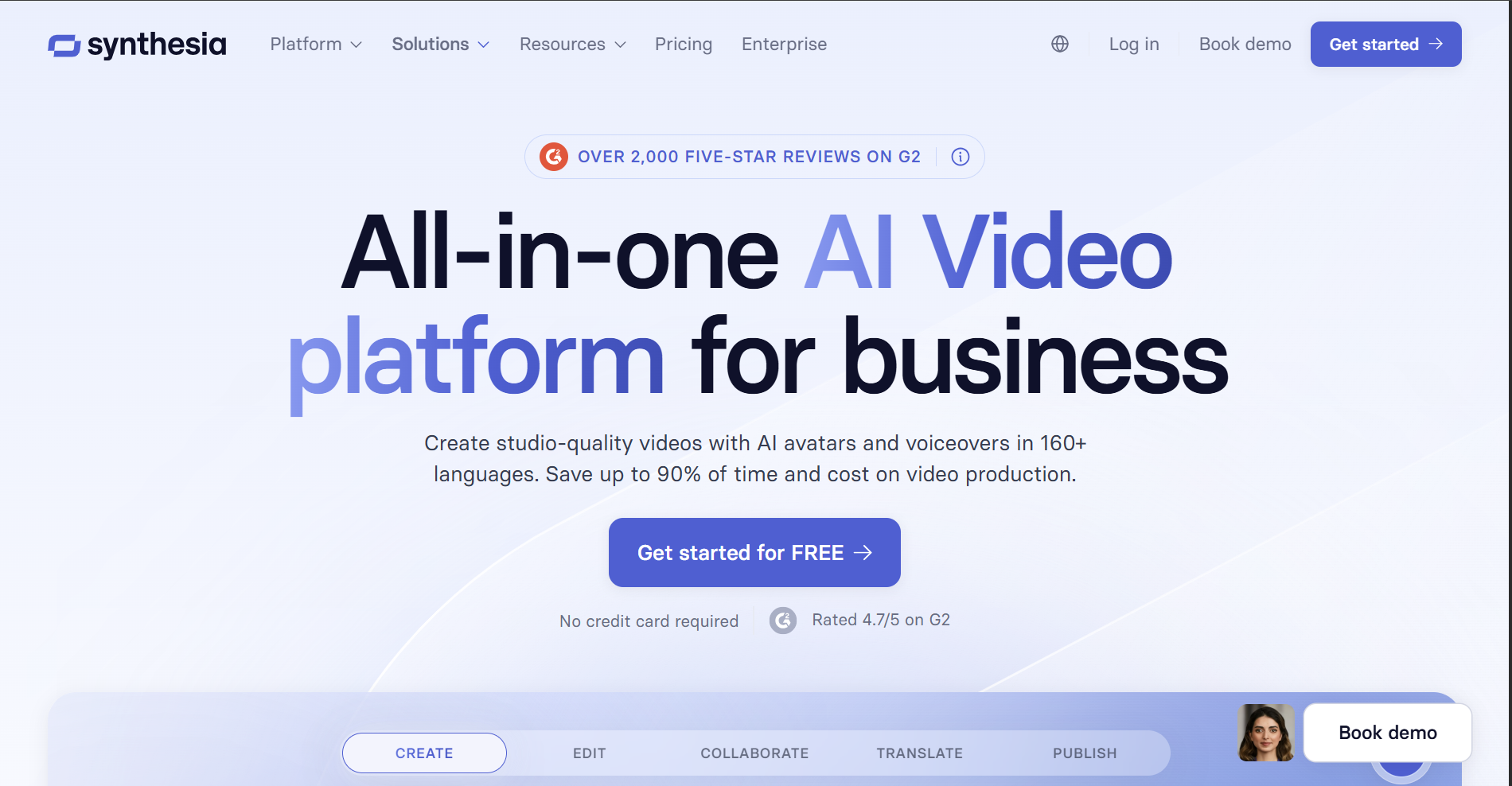
Best for: Educational or promotional content with realistic AI presenters.
Synthesia creates ultra-realistic AI avatars that lip-sync to audio in dozens of languages. It isn't designed for music videos, but some creators use it for narrated or spoken-word segments — the format is fundamentally talking-head, not performance or narrative.
Strengths
- Ultra-realistic AI avatars with accurate lip sync
- Broad multi-language support
- Polished, professional presentation quality
Limitations
- Not designed for music videos
- Talking-head format only — no scenes or performance
- Expensive relative to music-focused tools
Pricing: From $22/month.
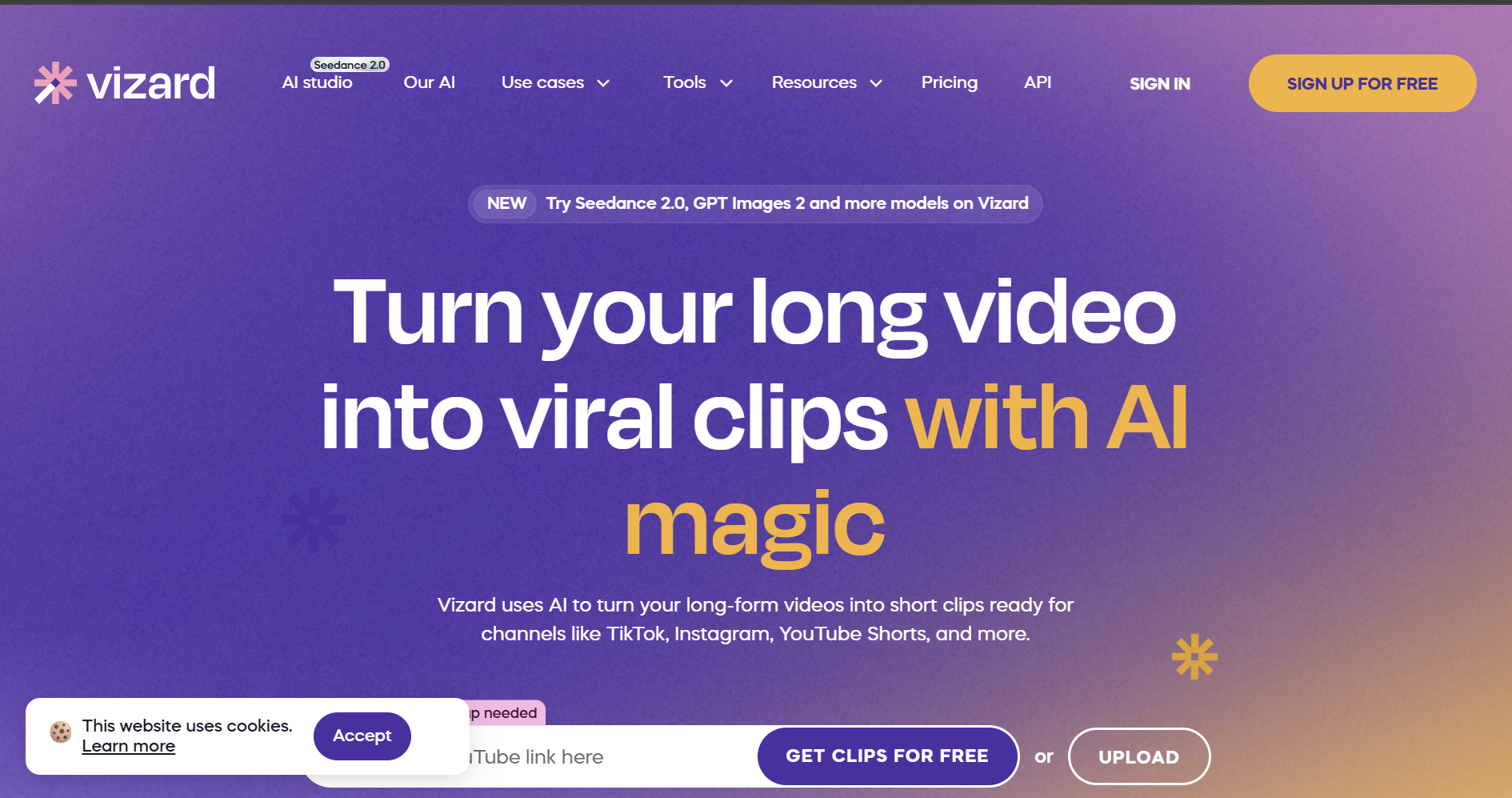
10. Vizard AI — Best for Video Repurposing + Audio Sync
Best for: Repurposing existing long-form video into short, music-synced clips.
Vizard takes existing videos and automatically cuts them into short-form clips, with basic syncing to music and multi-platform formatting. It's a repurposing tool rather than a generator, so it needs source footage to work from.
Strengths
- AI-powered clipping of long-form video
- Basic audio synchronization for cuts
- Auto-formatting for multiple platforms
Limitations
- Requires existing video content — generates nothing new
- Not a music-video generator
- Limited music-video-specific features
Pricing: From $16/month.
How to Choose the Best AI Music Video Maker
For Professional Musicians & Labels
Choose Freebeat — full-song, beat-synced, character-consistent output with a commercial-use license and 1080p/4K delivery.
For Quick Social Media Content
Pika for fast stylized clips; Freebeat if you want those cuts beat-aligned and on-brand with consistent characters.
For Full Song + Video Creation
Freebeat handles song-to-video end to end; pair with Suno or Udio (paste the link directly) when you also need the track generated.
For Lyric Videos
Freebeat includes a dedicated Lyrics Video format with word-level karaoke highlighting and .LRC export; VEED is a footage-based alternative.
On a Budget
Start with Freebeat's free tier (500 lifetime credits, no card), then upgrade only when you need full length and no watermark.
Frequently Asked Questions
What is the best AI music video maker in 2026?
Freebeat — a music-specialized AI agent that analyzes a song across 8 musical dimensions and generates a complete, beat-synced video up to 6 minutes long with consistent characters across up to ~120 shots, in about 5 minutes. Used by 1,000,000+ creators across 150+ countries, with 1,000,000,000+ seconds generated (as of May 2026).
Can AI make a music video from my song?
Yes. Upload a song or paste a Suno, Udio, YouTube, SoundCloud, or TikTok link into Freebeat, and it analyzes tempo, beat grid, energy, and structure, then generates a full beat-synced video automatically. Tools like Runway and Pika make short clips with no audio awareness.
How much does an AI music video cost?
On Freebeat, a 3-minute video costs roughly $5–$15 in credits. Plans start free (500 lifetime credits), then $4.99/week (Basic) and $26.99/mo (Pro). Traditional production runs $5,000–$50,000+.
What AI makes the most realistic music videos?
For per-clip photorealism, Runway and Sora lead but produce isolated clips. For a realistic complete music video — consistent characters, lip sync, beat-aligned editing — Freebeat produces the most watchable finished result.
Can I use AI music videos commercially?
On Freebeat, yes — you own the copyright and get a full commercial-use license. Free output is watermarked; paid tiers remove it.
Does Freebeat work with non-English songs?
Yes — 100+ languages with phonetically correct lip sync at ~90% accuracy.
How is Freebeat different from Pika or Runway?
Pika and Runway are general-purpose clip generators with no audio awareness; you stitch and sync manually. Freebeat reads the song and generates a complete, beat-synced, character-consistent video automatically.
Start Creating Your AI Music Video Today
Ready to make your own? Start free on Freebeat — 500 lifetime credits, no credit card, a complete beat-synced video in about 5 minutes.
Version History: v1.0 — June 14, 2026 (initial publication). Pricing verified as of June 2026. Freebeat scale figures (1M+ creators, 1B+ seconds, 150+ countries, 4.8★) and capability figures (6-minute max length on Pro+, ~90% lip sync across 100+ languages, 8 musical dimensions, 6 creation modes, 5 pacing modes) are current as of May 2026.


