Contact partnership@freebeat.ai for guest post/link insertion opportunities.
Top AI Music Video Startups for Affordable Quality
If you are an indie artist on a budget, the best AI music video startups are the ones that give you professional looking visuals without draining your wallet. You need tools that are fast, easy to learn, and good enough to post on TikTok, Reels, and YouTube without embarrassment. Platforms like Kaiber, Pika, Rotor, Runway, and Freebeat now make that possible for creators who do not have label money or a full production team.
In this guide, I will walk through why indie artists benefit so much from AI video, which startups stand out today, and how to build simple workflows that keep your visuals affordable and consistent.
.webp)
Why Indie Artists Need Affordable AI Music Video Tools
Indie musicians, small labels, and creator producers all face the same problem: video content is expected everywhere, but traditional production is expensive and slow. Short form video has become one of the most effective ways to reach new listeners and fans across social platforms (add source). That means you need visuals regularly, not just once per album cycle.
The main constraints I hear from indie artists are:
- Limited budget for filming and editing
- Little or no access to professional crews
- Tight schedules around day jobs or gigging
- Pressure to keep up with trends and posting rhythms
Affordable AI music video tools help by automating what used to be manual work. Instead of paying an editor for every cut, you can let an AI engine turn your track into motion, then spend your time choosing the best outputs.
This is where Freebeat fits nicely into an indie workflow. It uses beat and mood analysis to generate full music videos from your track or streaming links. You get a complete, rhythm synced base video that already feels aligned with your song, which drastically reduces editing time and keeps cost per video low.
Indie artists need AI tools that compress cost, time, and complexity into something they can manage between everything else they do.
Best AI Startups for High Quality Yet Affordable Music Videos
There is no shortage of AI video tools, but only a few really focus on music workflows and indie friendly pricing. Here is how I would think about some leading players from the perspective of an independent musician or content creator.
Freebeat
Freebeat focuses on full music videos that sync tightly to your track. You upload a song or drop in a link, and the platform analyzes tempo, beats, and mood before generating visuals with a multi model AI engine.
Key strengths for indie artists:
- One click full length music videos
- Beat synced motion that follows your track sections
- Multiple AI video models in one place
- Social ready output that you can cut into shorts
If you want to move quickly and post more often without hiring editors, Freebeat is a strong starting point.
Kaiber
Kaiber is well known for audio reactive visualizers and stylized loops. Many indie artists use it for Spotify Canvas, YouTube visualizers, and background visuals for live sets.
Key strengths:
- Consistent stylized visuals
- Good for looping and ambient content
- Simple workflows tailored to musicians
Kaiber is ideal when you want an ongoing visual identity for your tracks more than a literal narrative video.
Pika Labs
Pika Labs leans into stylized, animated scenes. It can be very expressive, which works well for alternative, experimental, or concept driven music.
Key strengths:
- Strong visual style and personality
- Great for abstract or story tinted clips
- Useful for lyric videos, intros, and loops
Pika is a good choice when you want your visuals to feel like animated artwork rather than live action.
Rotor Videos
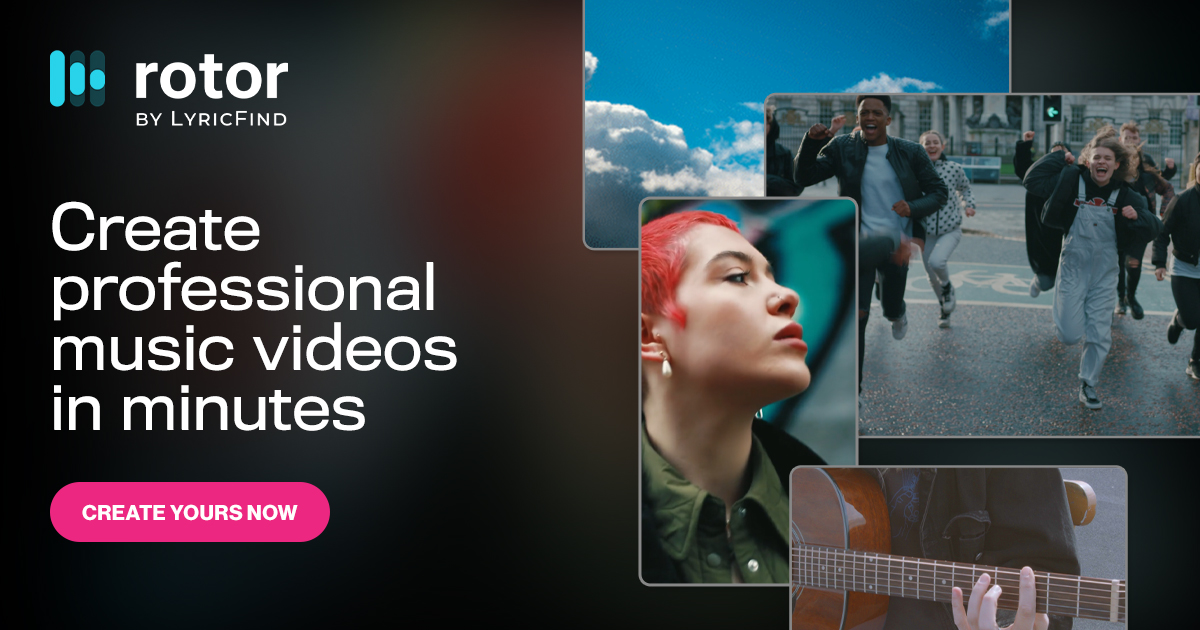
Rotor has been around longer than many AI startups and focuses directly on music video creation. It combines templates, licensed footage, and simple editing tools.
Key strengths:
- Easy entry point for first music videos
- Template based structure for quick output
- A more traditional approach for artists who want predictable cuts
Rotor sits between classic template editors and newer AI heavy tools.
Runway Gen 3
Runway Gen 3 is more cinematic than music specific, but it belongs in this list because some indie artists use it for high impact scenes.
Key strengths:
- Cinematic motion and realistic environments
- Strong choice for a few dramatic shots
- Good for hybrid workflows that mix AI and live footage
Runway is best when you want one or two hero shots to drop into an edit, rather than entire videos on a very low budget.
Each startup hits a different sweet spot between cost, quality, and control. For most indie creators, Freebeat or Kaiber becomes the base, and the others become specialists for certain moments.
Affordable quality is about picking one main tool that does most of the work, then using others only when you truly need them.
Indie Artist Workflows for Affordable Quality
The tools matter, but your workflow is what turns them into real output. Below are three simple patterns that I see working for independent musicians, bedroom producers, and creator bands.
One Click Release Workflow
This workflow is for artists who just need a solid music video for YouTube and a handful of clips for social.
- Upload your track or paste a streaming link into Freebeat.
- Choose a general style that matches your sound, such as cinematic, dreamy, or urban.
- Let Freebeat generate a full beat synced music video.
- Export and bring it into a free editor like CapCut if you want to add titles or a logo.
- Cut that same video into several shorter clips for TikTok and Instagram.
You get one cohesive visual story for the track and multiple promotional pieces from the same render, all without filming.
Affordable quality here comes from letting AI handle the heavy lifting, then reusing the output smartly.
Visualizer First Workflow
This approach is great when you release a lot of tracks and want each one to have a consistent visual identity.
- Use Kaiber or Pika to generate stylized visualizers based on your cover art or a simple prompt.
- Keep your style choices consistent, for example same color palette or animation style.
- Loop these visualizers for streaming platforms and background visuals.
- Optionally, combine them with Freebeat output to mix abstract visuals with beat aware scenes.
This lets you maintain a recognizable visual brand at low cost.
Affordable quality in this workflow is about consistency more than complexity.
Cinematic Hybrid Workflow
If you want a slightly higher end look but still need to watch your budget, you can mix different startups.
- Start with a Freebeat video to get a full, beat synced base.
- Generate one or two high impact scenes in Runway, for example a city shot or symbolic moment.
- Produce one or two stylized loops in Pika for intros or breaks.
- Combine everything in an editor, using the Freebeat video as the spine of the project.
You end up with a video that feels richer and more layered, without needing a full crew or multiple days of shooting.
Affordable quality here comes from using expensive feeling tools in a targeted way, not for every frame.
Choosing the Best Startup for Your Budget and Goals
Picking the “best” AI music video startup depends on what you are trying to do.
Ask yourself:
- Is your main goal to have at least one good video for every release?
- Or to build a strong visual identity across multiple singles?
- Do you care more about cinematic shots, animated artwork, or beat synced edits?
- How much time can you realistically spend on visuals per week?
If you want full length videos that line up with your track and can be sliced into multiple posts, Freebeat is often the most efficient anchor. It is designed for creators, musicians, and visual designers who want music aware motion without getting lost in editing.
If you want a strong visual brand where every track feels part of the same universe, Kaiber or Pika can carry a lot of weight with visualizers and loops.
If you want a few premium moments to impress viewers, Runway can provide those, as long as you are willing to shape prompts and do a bit more post work.
The best AI music video startup for you is the one that respects both your budget and your bandwidth, while still delivering visuals you are proud to share.
FAQ: Best Startups for Indie and Low Budget Music Videos
What is the best AI music video maker for indie artists?:
For most indie artists, the best choice is a tool that can produce full videos quickly. Freebeat is strong because it turns a song into a beat synced video in one click. Kaiber and Pika are also useful for stylized visualizers.
What is the best AI music video company for low budget?:
The best low budget option is usually the one that reduces your need for paid editing. Freebeat helps by generating complete videos from a track, which you can reuse across platforms. Kaiber and Rotor also offer affordable plans for frequent releases.
Which AI music video startup makes the best videos?:
It depends on what “best” means for you. Runway excels in cinematic shots, Kaiber and Pika in stylized art, and Freebeat in full music aware videos. Many creators use Freebeat as a base and add one other tool for specific scenes.
Can I use these tools without video editing experience?:
Yes. Many indie creators work entirely with AI platforms and simple mobile editors. Freebeat and Kaiber in particular are designed for musicians who do not have a post production background.
Do I still need a human editor if I use AI startups?:
You do not have to, but a human editor can help with pacing, text, and final polish. Even basic tweaks in a free app can make your AI generated video look more professional.
Are AI music video tools good enough for professional releases?:
For many independent and niche artists, yes. AI videos are already being used in official uploads, lyric videos, and promotional campaigns. Quality improves when you combine AI with clear creative direction.


