Contact partnership@freebeat.ai for guest post/link insertion opportunities.
In this how-to, you’ll learn how AI tempo tools work, which approach fits your goal (practice, remix, TikTok “slowed,” or a full music video), and how to keep the result clean.
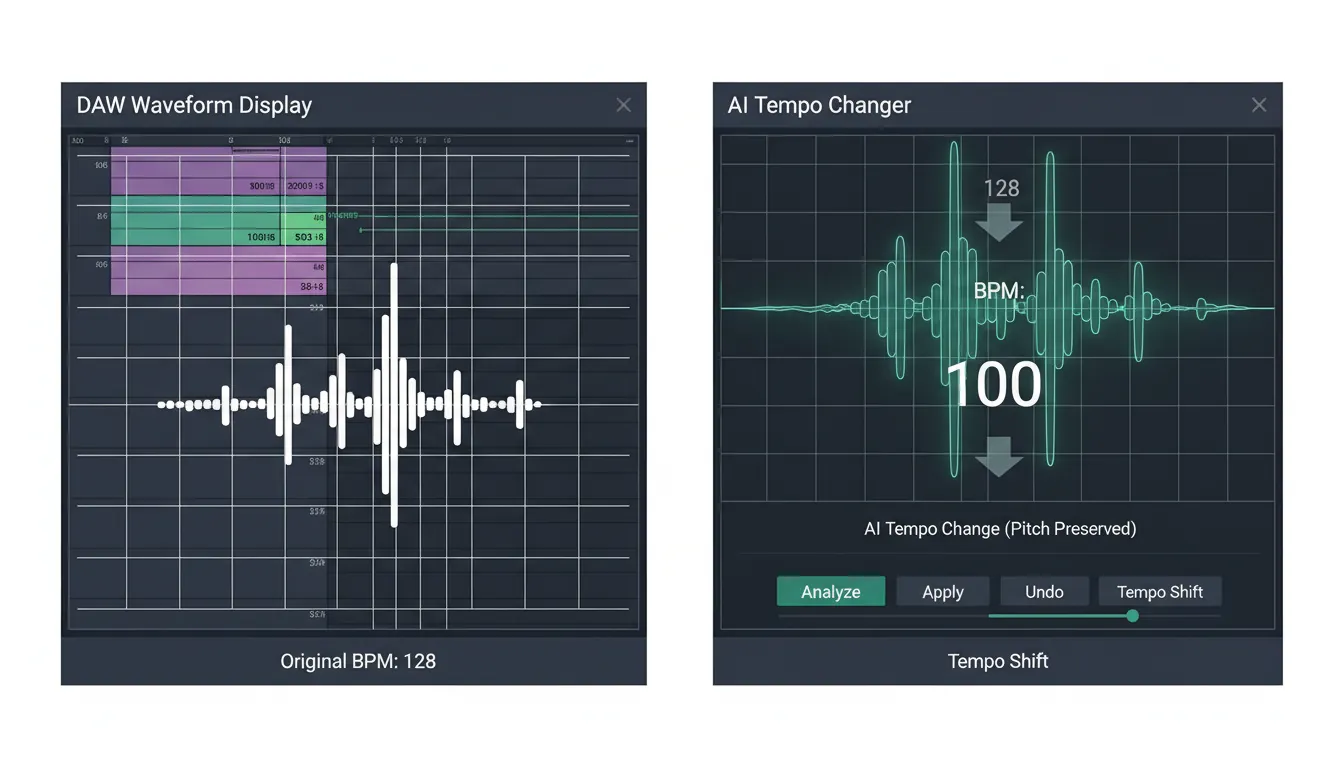
What “Slowing BPM With AI” Actually Means (And What It Doesn’t)
When people search how to make music bpm slower ai, they usually mean time-stretching: changing duration/tempo while keeping pitch the same. Traditional stretching often creates warble and phasey artifacts; AI-assisted methods analyze transients (kick/snare attacks), harmonic content, and vocal formants to rebuild audio more naturally at the new tempo.
Two key concepts:
- Tempo change (time-stretch): Track becomes longer/shorter, pitch stays (mostly) the same if “preserve pitch” is enabled.
- Speed change: Tempo and pitch change together (slowing makes pitch deeper; speeding makes “chipmunk” unless corrected).
If you want slower without the “deeper voice” effect, you need preserve pitch / pitch lock enabled.
Authoritative background on time-stretching fundamentals: Audio time stretching and pitch scaling (Wikipedia)
Quick BPM Reality Check (So You Don’t Overcorrect)
Before touching any tool, sanity-check your target tempo. A lot of “bad AI results” are just unrealistic slowdowns.
General tempo ranges (common guide):
- Slow: 20–70 BPM
- Medium-slow: 70–90 BPM
- Medium: 90–110 BPM
- Medium-fast: 110–130 BPM
So, is 120 BPM fast or slow? It’s typically medium-fast—great for pop/dance, often too energetic for moody edits unless you slow 10–25%.
The 3 Best Ways to Make Music BPM Slower With AI (Pick Your Use Case)
1) Fast online AI tempo change (best for quick results)
Use this when you just need a clean slower version quickly, no session files, no deep editing. Good tools auto-detect BPM and let you set a target BPM or percentage.
- Moises is strong because it can separate stems first (vocals/drums/bass/etc.), which often makes slowdown cleaner on dense mixes.
Source mention: Tracklib’s AI music production tools guide - LALAL.AI is also known for stem separation quality; useful if you want to slow only parts of a track.
Source mention: Tracklib’s AI music production tools guide
2) DAW time-stretch with a “pro” algorithm (best for producers)
If you’re remixing, rearranging, or need the cleanest control, use a DAW. In practice, I’ve found DAWs are more predictable for:
- aligning beat grids perfectly
- preserving transients on drums
- doing tempo maps for live recordings
Community-recommended option: Reaper is frequently cited for flexible tempo/time-stretch workflows (see discussion: Reddit thread on slowing audio without changing pitch).
3) Generate music at the slower BPM (best when you control the composition)
If you’re creating rather than editing an existing song, generating at the final BPM avoids time-stretch artifacts entirely. This is often the cleanest option for background music and content tracks.
Step-by-Step: How to Make Music BPM Slower With AI (Clean Workflow)
Step 1: Identify your goal (this determines the “right” slowdown)
Ask:
- Do I need practice audio (loop small sections, preserve pitch)?
- Do I need a release-ready slowed mix (minimal artifacts)?
- Do I want the “slowed + reverb” aesthetic (artifacts acceptable, vibe-first)?
- Am I making a music video where visuals must follow the new BPM?
Write down:
- Original BPM (or estimated)
- Target BPM (or percent change)
- Whether pitch should be preserved
Step 2: Detect BPM—and verify it’s correct
Most AI tools auto-detect BPM, but you should confirm beat markers align with kick/snare hits. If the grid drifts, you’ll get pumping, flammy drums, or weird rhythmic “hiccups.”
Checklist:
- Listen to 8 bars with a metronome/beat grid
- If the downbeats land between kicks, manually correct BPM
- For live/variable tempo, look for tempo map or “free time” modes
Step 3: Choose a safe slowdown amount
AI time-stretch is best within a realistic range. A practical guideline many engineers follow:
- 5–10% slower (often transparent): 128 → ~115–122
- 15–25% slower (still good with AI): 120 → ~90–102
- 30–50% slower (noticeable processing): 120 → 60–84
- 50%+: do it in stages, or consider re-producing/re-generating
This aligns with common AI time-stretch performance notes reported in modern tool writeups.
Step 4: Turn on “Preserve Pitch” (unless you want the deeper effect)
If you’re searching how to make music bpm slower ai for a clean result, you almost always want:
- Preserve pitch / Pitch lock: ON
- High-quality / Complex / Pro mode: ON (names vary)
If you want the classic slowed sound (deeper vocal), turn preserve pitch OFF—but do it intentionally, not by accident.
Step 5: If the track is busy, separate stems first (optional but powerful)
In my own tests, slowing the full mix can smear cymbals and vocal consonants. Stem-first workflows reduce collisions:
- Split into stems (vocals / drums / bass / other)
- Slow stems using the same BPM target
- Rebalance levels after slowdown (drums often need a touch more transient)
This is why tools with strong separation (e.g., Moises, LALAL.AI) can outperform simple “speed changer” sites on complex tracks.
Step 6: Export high quality, then fix the usual issues
Export tips:
- Prefer WAV (or highest quality available)
- Avoid re-encoding multiple times (each pass adds damage)
Common fixes after slowing:
- Warble on vocals: try a smaller slowdown, or stem vocals separately
- Muddy low end: gentle EQ cut around 200–350 Hz, check kick/bass overlap
- Dull transients: transient shaper on drums, or parallel compression carefully
- Reverb tails get messy: reduce wet effects before slowing; re-add after
Tool Comparison: Which Option Fits Your Scenario?
Tool/Approach
Best for
Strengths
Watch-outs
AI online tempo tools (e.g., Moises-style)
Quick slowdown for practice/edits
Fast, auto BPM, often includes stem separation
Free tiers may limit export quality/usage
Stem-first slowdown (e.g., LALAL.AI + editor)
Dense mixes, cleaner results
Less smear, better control per element
More steps; recombining stems takes time
DAW time-stretch (Reaper/Logic/etc.)
Producers/remixers
Precise grids, best control, tempo maps
Learning curve; settings matter
Simple “speed changer” websites
Very basic needs
One slider, no install
More artifacts; less musical on big changes
Generate at target BPM
New compositions
No time-stretch artifacts
Not helpful if you must edit an existing song
How Freebeat AI Fits In (When Slower BPM Needs Better Visuals)
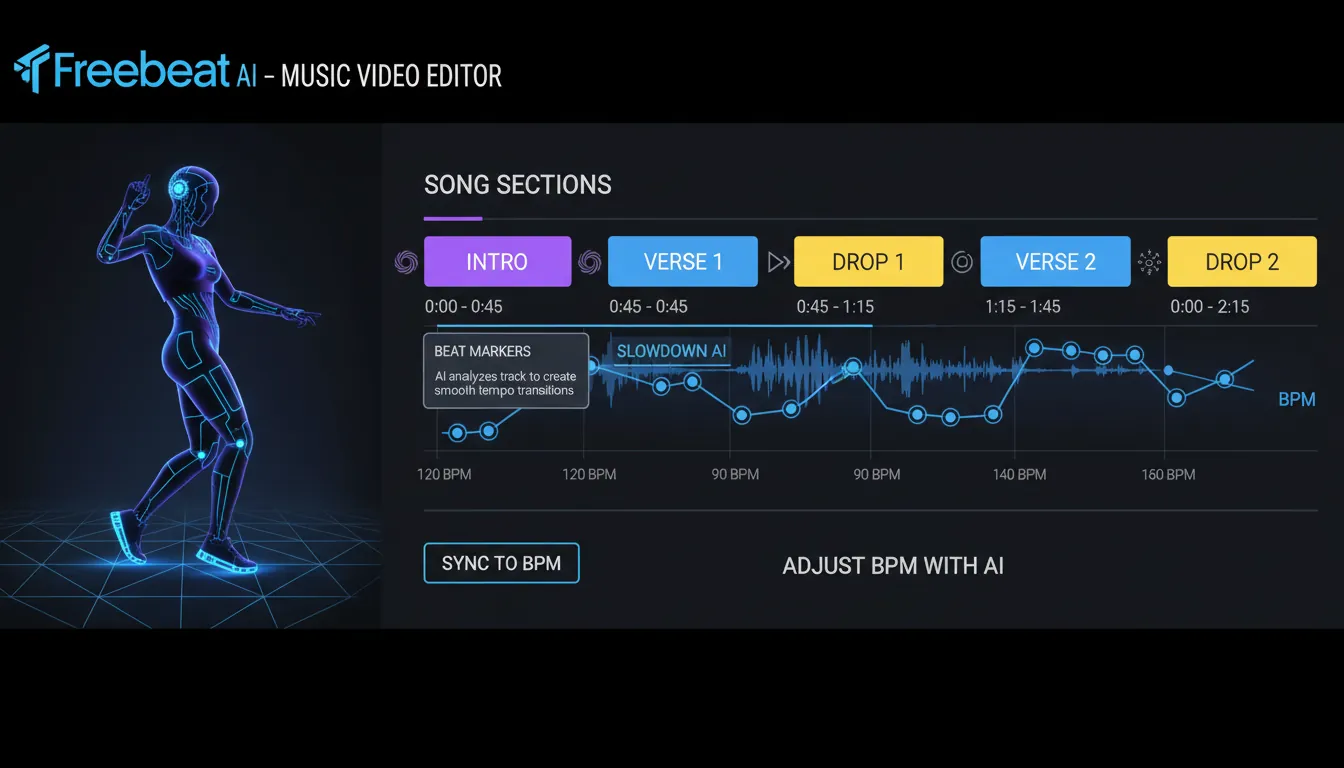
If your end goal is content—Reels, TikTok, YouTube Shorts, or a full track visual—slowing the song is only half the job. The harder part is making visuals feel like they were edited to that new tempo. Freebeat AI is purpose-built for that: it reads musical structure (BPM, bars, drops, sections) and drives transitions, pacing, and camera motion based on the song—so the slower BPM doesn’t leave your visuals “overcut” or out of breath.
A practical workflow I’ve used for music-driven content:
- Create a clean slower audio version (using the steps above)
- Upload the slowed track into Freebeat
- Choose a mode (storytelling, performance visuals, lyric/dance)
- Iterate style + character identity for consistency across posts
To learn more about the underlying concepts behind tempo and stretching, you can also reference this overview: Audio time stretching and pitch scaling (Wikipedia)
How to change a song's bpm/tempo without changing the pitch | FL Studio 12 (NEWER VERSION UPLOADED)
Mini-Answers to Common Questions (People Also Ask)
How do I change the bpm of a song?
Use a tempo/time-stretch tool with preserve pitch enabled. Confirm BPM detection, set a target BPM (or percent change), export in high quality, and fix artifacts (often by slowing stems separately).
How to slow down music speed?
If you slow speed, pitch will drop too. If you want slower tempo without pitch change, use tempo change/time-stretch with pitch lock.
Is 70 BPM too slow for a song?
Not necessarily—70 BPM is often “slow” or “medium-slow” depending on genre. Many ballads and hip-hop tracks sit comfortably there, and half-time/double-time feel can change how “fast” it reads.
Can you slow down a song on an iPhone?
Yes—there are mobile apps that change tempo with pitch lock, and some players let you adjust playback speed. For exportable, higher-quality results, online AI tools or a DAW typically perform better.
How to make AI music sound less AI?
Humanize timing and dynamics:
- add micro-timing swing (tiny off-grid variation)
- layer real-world noises (breaths, room tone, stick clicks)
- avoid perfectly repeated velocities; automate expression
- blend a human performance layer (even subtle percussion or vocal doubles)
Will Spotify ban AI music?
Policies evolve, but streaming platforms generally focus on rights, fraud, and deceptive content practices. If you release AI-assisted music, prioritize original rights, transparent credits where required, and avoid spammy distribution behavior.
What is the 30% rule for AI?
People use “30%” informally to mean “change it enough to be original,” but copyright and platform policies don’t work as a universal percentage. Focus on rights ownership, licensing, and transformative authorship rather than a numeric threshold.
Troubleshooting: Why Your Slowed Track Sounds Bad (And How to Fix It)
- Beat feels off / groove drifts
- Fix: BPM detection is wrong. Re-check beat grid alignment; set BPM manually.
- Vocals sound wobbly
- Fix: Use a higher-quality algorithm, reduce slowdown amount, or slow vocals as a stem.
- Hi-hats turn to sand / cymbals smear
- Fix: Stem separation + dedicated processing; avoid extreme single-pass slowdown.
- Kick loses punch
- Fix: transient shaping on drums, or re-layer a clean kick at the new tempo.
For deeper reading on time-scale modification mechanics, see: Audio time stretching and pitch scaling (Wikipedia)
Conclusion: A Slower BPM Should Feel Intentional—Not “Processed”
When you nail how to make music bpm slower ai, the track doesn’t just become longer—it becomes more confident: more space for vocals, heavier pocket, cleaner choreography, and better storytelling. I’ve found the winning combo is simple: verify BPM, keep slowdowns realistic, use pitch lock, and go stem-first when the mix is crowded. And if your goal is content, pair the slowed audio with visuals that truly follow the new structure—Freebeat AI is built for that kind of music-native sync.
📌 freebeat ai best noisee alternative
FAQ (Quick Search Answers)
1) What’s the best AI tool approach to slow BPM without changing pitch?
Use a time-stretch/tempo tool with preserve pitch enabled; stem separation first can improve quality on dense tracks.
2) How much can I slow a song down before it sounds bad?
Often 10–25% is clean with modern AI. 30–50% can work but will sound processed; consider multi-pass or re-producing.
3) Why does my slowed song sound deeper?
You changed speed (or turned pitch lock off). Enable preserve pitch to keep the original key.
4) Can I slow down only the instrumental and keep vocals the same?
Yes—use stem separation, then apply tempo change per stem. Recombine and rebalance levels.
5) Is it better to slow down an existing track or regenerate at a slower BPM?
If you control composition, generating at the final BPM avoids stretching artifacts. If you must edit a finished mix, use AI time-stretch carefully.
6) How do I keep a music video synced after slowing BPM?
Regenerate or re-edit visuals based on the new BPM grid. Audio-reactive tools like Freebeat AI can re-time transitions and pacing to match structure automatically.


