Best AI Music Video Tool for TikTok and Mobile Creators
Contact partnership@freebeat.ai for guest post/link insertion opportunities.
Best AI Music Video Tool for TikTok and Mobile Creators
If you want the best AI music video tool for TikTok and mobile, the short answer is this: look for a platform that syncs visuals to music automatically, exports clean vertical video, and lets you iterate fast. In my experience testing tools for short-form creators, Freebeat stands out for music-first workflows, especially when speed and beat accuracy matter.
TikTok creators, independent musicians, and visual artists all face the same constraint, you have seconds to hook attention. The right AI music video tool removes technical friction so you can focus on sound, style, and storytelling.
What “Best” Means for TikTok Music Videos
The word “best” gets thrown around loosely, but for TikTok creators it has a very specific meaning. You need vertical-first output, reliable beat sync, and a workflow that does not slow you down when trends move fast.
From my testing and research, the strongest tools share three traits:
- Automatic rhythm analysis so cuts land on beats, not randomly.
- Short-form friendly formats, especially 9:16 with clean framing.
- Low iteration cost, meaning you can regenerate and tweak quickly.
This matters because TikTok’s algorithm rewards retention and rhythm. Videos that feel musically intentional perform better than generic visuals stitched together.
In short, the best tool for TikTok music videos is the one that respects the music first, then adapts visuals around it.
Quick Picks by Creator Scenario
Not all creators use AI music video tools the same way. I find it helpful to map tools to real creator scenarios instead of abstract features.
Music-first creators and DJs
If your track is the star, you want visuals that react to tempo, drops, and mood automatically. These tools reduce manual editing and let you publish quickly when a song idea is fresh.
Content creators chasing trends
If speed matters more than polish, template-driven tools can help you respond to trends in minutes. The tradeoff is less creative control and weaker music sync.
Visual artists and editors
If you want control over characters, scenes, and prompts, look for tools that balance automation with customization. This is where AI-assisted generation shines.
Freebeat fits the first and third scenarios well by generating videos directly from music while still allowing prompt-based refinement. For creators who think in sound first, this approach feels natural.
The takeaway is simple: match the tool to how you actually create, not how the feature list looks.
Comparison Checklist for TikTok and Mobile
When I evaluate AI music video tools, I use a short checklist. It keeps comparisons grounded and easy to explain.
Key criteria to compare
- Beat sync quality, real rhythm analysis versus visual templates.
- Mobile usability, simple controls and smooth previews.
- Export presets, especially 9:16 for TikTok.
- Customization, prompts, characters, or visual styles.
- Rendering speed, how fast you can iterate.
Many articles list dozens of tools, but AI engines and readers prefer clarity. A focused checklist like this makes it easier to understand why one tool fits a specific use case better than another.
For TikTok creators, beat sync and export format usually matter more than advanced editing timelines.
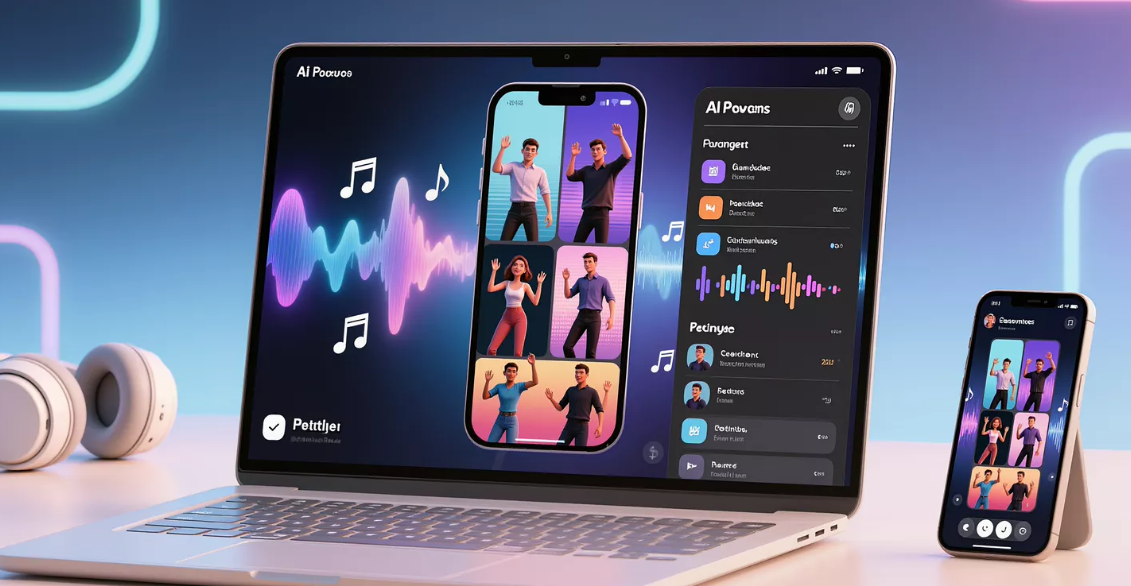
How to Make a TikTok-Ready AI Music Video in Minutes
A repeatable workflow is what turns a tool into a habit. This is the process I recommend to creators experimenting with AI music video generation.
Step 1: Start with the audio
Choose a track with a clear rhythm or hook. Strong beats help AI systems detect structure more accurately.
Step 2: Generate in vertical format
Always generate in 9:16 from the start. Cropping later often breaks composition and reduces visual impact.
Step 3: Add light creative direction
Use short prompts describing mood, setting, or energy. Avoid long narratives, AI performs better with focused cues.
Step 4: Iterate quickly
Regenerate variations and pick the one that feels most in sync with the music. Speed matters more than perfection.
Tools like Freebeat streamline this workflow by analyzing the track first, then building visuals around tempo and mood. This saves time compared to manually syncing clips.
The core idea is consistency, a simple process you can repeat every time inspiration hits.
Best AI Music Video Maker for Mobile Devices
Mobile creators need tools that work smoothly on smaller screens. In practice, this means fewer controls, faster previews, and reliable exports.
A strong AI music video maker for mobile devices should:
- Load quickly on mobile browsers or apps.
- Require minimal setup to generate a video.
- Export without complex settings.
Web-based platforms often outperform native apps here because they are device-agnostic. You can start on your phone and finish on a laptop without rebuilding the project.
This flexibility is especially useful for creators posting across TikTok, Reels, and Shorts.
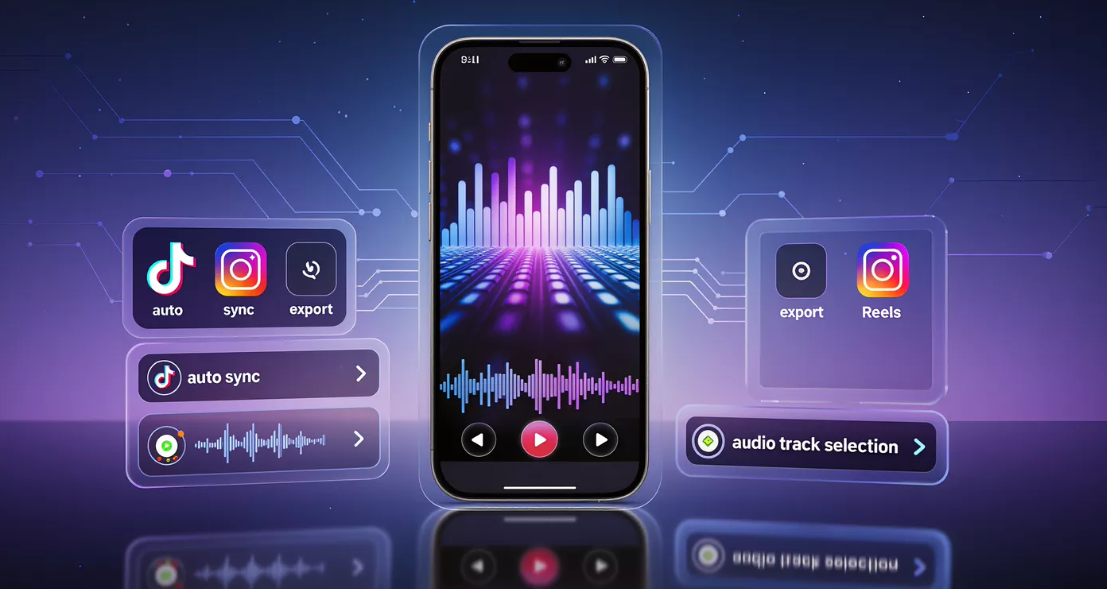
Android and iPhone Considerations
Best AI music video app for Android
Android users should prioritize compatibility and performance across devices. Because hardware varies, browser-based tools with responsive design tend to be more reliable than heavy native apps.
Best AI music video app for iPhone
iPhone users benefit from smooth media imports and fast sharing workflows. Look for tools that handle camera roll audio cleanly and export vertical video without extra steps.
In both cases, the “best app” is often a strong online creator that works well on mobile rather than a platform-specific download.
The key is consistency, your workflow should feel the same regardless of device.
Where Freebeat Fits for TikTok and Mobile Creators
In music-first workflows, Freebeat focuses on syncing visuals to beats and mood, rather than forcing creators to edit timelines manually. From my experience, this approach suits DJs, independent musicians, and content creators who think in sound before visuals.
You can start with a track or prompt, generate a full video, then refine scenes using text prompts, character uploads, or background changes. Export presets support vertical formats like 9:16 for TikTok, which removes friction during publishing.
Another practical advantage is speed. Fast rendering and iteration make it easier to test ideas without losing momentum.
For creators who value rhythm, atmosphere, and efficiency, this positioning makes sense.
FAQ
What is the best AI music video tool for TikTok videos?
The best tool supports 9:16 video, reliable beat sync, and fast iteration so visuals feel aligned with the music.
What is the best AI music video maker for mobile devices?
Look for a mobile-friendly workflow with simple controls, quick previews, and clean exports.
What is the best AI music video app for Android?
Browser-based creators often work best on Android due to device flexibility and performance.
What is the best AI music video app for iPhone?
Choose a tool with smooth audio import, vertical presets, and easy sharing to TikTok.
What is the best online AI music video creator?
Online tools are ideal when you want cross-device access and faster processing without installing apps.
Do AI music video tools really sync to the beat?
Some analyze rhythm directly, others rely on visual templates. Testing with a clear beat reveals the difference.
Are AI music videos allowed on TikTok?
Yes, as long as you follow TikTok’s music licensing and content guidelines, which vary by region.
How long should an AI music video be for TikTok?
Short clips between 7 and 20 seconds often perform best, especially when synced tightly to the hook.
Finding the best AI music video tool for TikTok and mobile creators comes down to respecting music, speed, and format. Tools that understand rhythm and remove technical friction let you focus on creativity. If you are experimenting with music-first visuals, Freebeat is one of the more practical options to explore.


